

 20 September, 2026
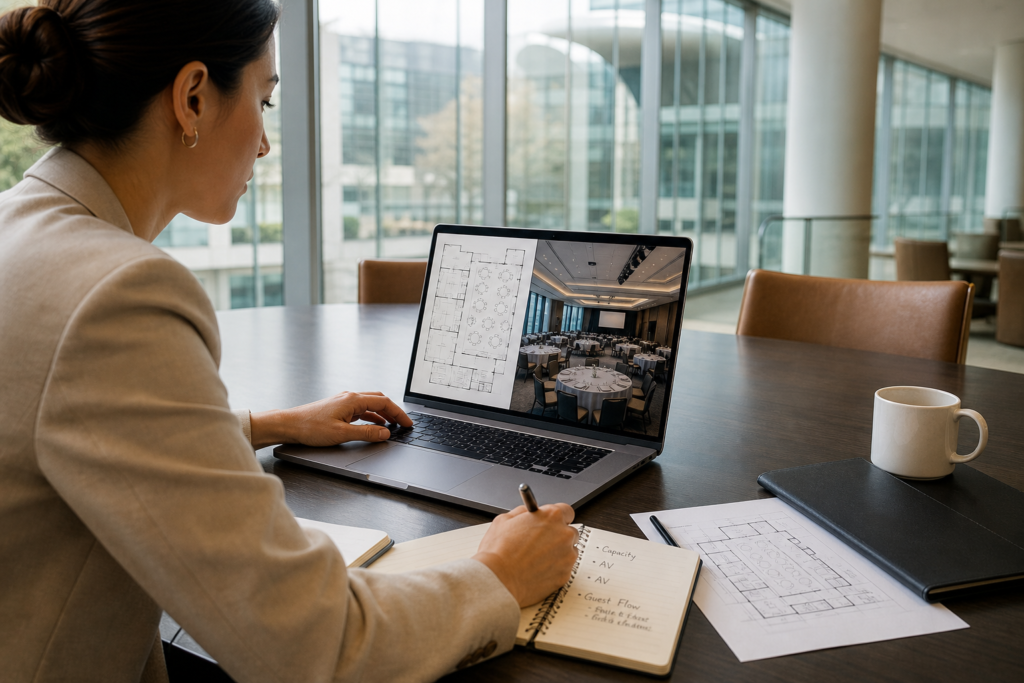
 You’re planning a high-stakes meeting, conference, or gala and the clock is already ticking. A clear, practical corporate event planning checklist keeps every moving part on track—from venue and audiovisual to catering, staffing, and guest experience. This complete guide is built around real-world execution at Mississauga Convention Centre (75 Derry Rd W), so you can turn ideas into a flawless show day.
Quick Summary
- What you’ll get: A comprehensive corporate event planning checklist covering timelines, roles, vendors, run-of-show, and risk controls.
- Why it matters: Tight coordination reduces stress, prevents overlooked details, and elevates audience experience and ROI.
- Who it’s for: Corporate planners, marketers, HR teams, and agencies producing meetings, seminars, conferences, trade shows, and galas across the GTA.
- Local advantage: Actionable examples using Mississauga Convention Centre’s seven halls, modern AV, in-house multicultural catering, 700 free parking spots, and proximity to Toronto Pearson.
Quick Answer
Looking for a corporate event planning checklist? Use this step-by-step guide to map goals, lock venue and AV, finalize menus, and run a tight show. Hosting at 75 Derry Rd W, Mississauga Convention Centre streamlines logistics with on-site technical support, diverse in-house catering, and flexible halls—ideal for conferences near Toronto Pearson.
Table of Contents
- What Is a Corporate Event Planning Checklist?
- Why a Checklist Matters for Corporate Events
- How the Checklist Works: Timeline & Milestones
- Event Types and Approaches
- Buying Guide: Choosing a Corporate Event Venue in the GTA
- Comparison: Venue Formats Side-by-Side
- Best Practices to De-Risk Your Event
- Tools and Resources
- Mini Case Studies and Real Examples
- FAQ
- Conclusion and Next Steps
What Is a Corporate Event Planning Checklist?
A corporate event planning checklist is a structured sequence of decisions and tasks that guide your event from idea to impact. It clarifies scope, assigns owners, sets deadlines, and verifies readiness before guests arrive.
- Core components:
- Objectives, audience profile, and success metrics (attendance, engagement, post-event actions)
- Venue selection, room layouts, and accessibility
- AV, lighting, staging, and live support
- Catering menus, dietary accommodations, and service style
- Agenda, speakers, content assets, and rehearsal plans
- Registration, communications, signage, and wayfinding
- Risk controls, emergency procedures, and insurance documentation
- Why it works: You’ll surface dependencies early—like ceiling rigging needs, wireless mic counts, halal-friendly menus, or traffic flow from plenary to breakouts—so you can solve problems before they become show-stoppers.
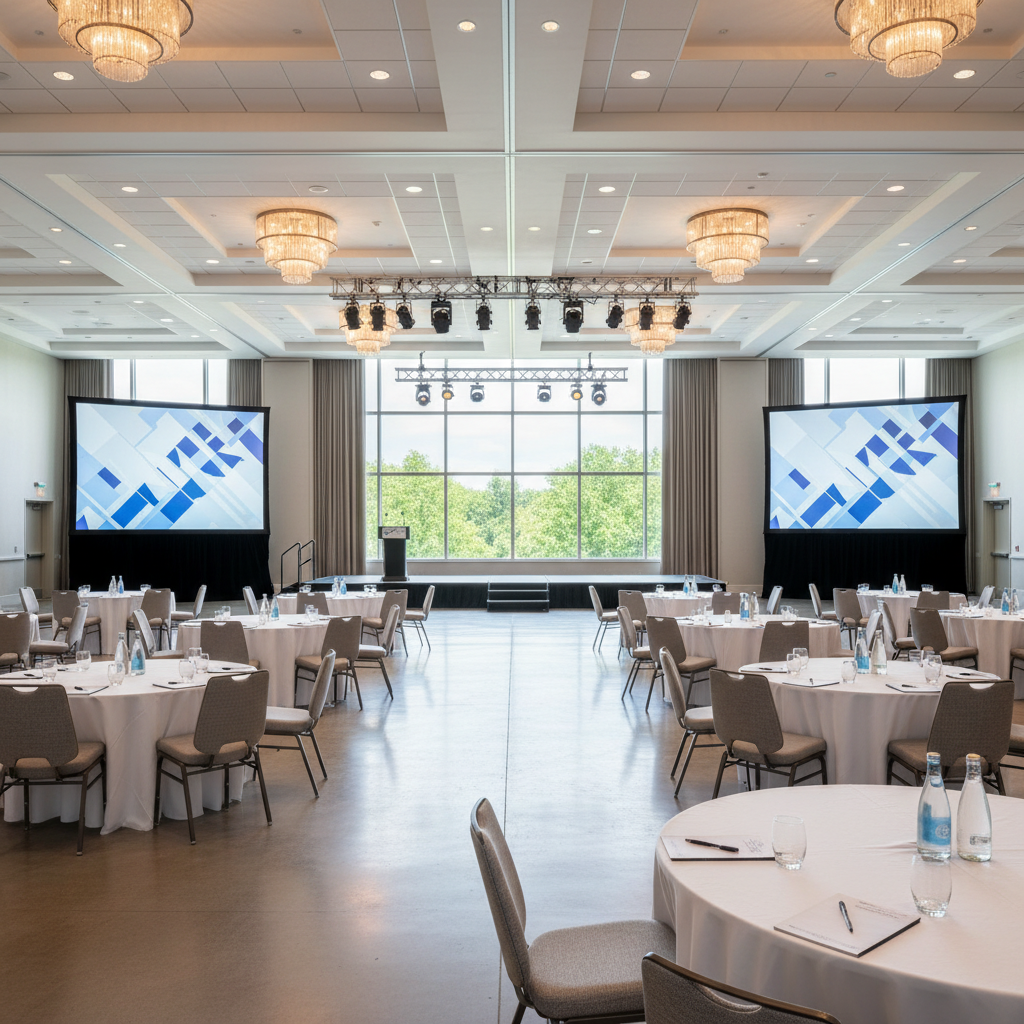
- Local example: At Mississauga Convention Centre, planners often combine a 400-person keynote with parallel breakouts using the seven elegant ~4,250 sq ft halls. A checklist ensures AV technicians, staging, and catering are synchronized to room turns.
Bottom line: a repeatable checklist protects quality under pressure and frees you up to focus on audience experience.
Why a Checklist Matters for Corporate Events
Corporate events have many risk points. A checklist reduces uncertainty and keeps teams aligned.
- Consistency across formats: Whether it’s a leadership offsite, sales kickoff, or investor forum, the core flow—goal → design → execution—stays consistent.
- Fewer vendors, fewer unknowns: Choosing a venue with integrated AV, staging, and in-house catering limits handoffs and last-minute surprises.
- Better stakeholder visibility: Sponsors and executives want proof you’re on track. Checklists provide transparent status.
- Accessibility and inclusivity: Documenting dietary needs (Halal, vegetarian, gluten-free) and mobility considerations supports every guest.
- GTA travel ease: Proximity to Toronto Pearson and major highways makes attendance smoother for regional and international guests.
For example, our team has seen agendas slip when content reviews run late. Adding “final slide deck handoff” and “stage rehearsal complete” to your checklist a week before show day helps presenters shine on time.
How the Checklist Works: Timeline & Milestones
Use this milestone-driven corporate event planning checklist to build momentum and reduce risk. Adjust lead times to fit your program size and complexity.
Phase 1: Define Strategy (10–16 weeks out)
- Clarify purpose: Training, recognition, demand gen, product launch, or thought leadership.
- Profile the audience: Senior leaders, mixed departments, customers, or partners—plus travel mix.
- Set success metrics: Attendance targets, session CSAT, lead capture, demo volume, or meeting conversions.
- Decide format: Plenary with breakouts, expo/trade show, workshop-heavy seminar, or gala dinner.
- Preliminary budget ranges: Allocate proportionally across venue, AV/staging, F&B, decor, content, and staffing (no pricing here—think percentages).
- Shortlist venues: Capacity, multiple rooms, rigging points, tech infrastructure, and convenient access.
Phase 2: Lock Core Infrastructure (8–12 weeks out)
- Secure venue and dates: Confirm room blocks, holds, and load-in/load-out windows.
- Confirm AV & staging: Screens, projectors/LED walls, mics, mixers, lighting, confidence monitors, and technicians.
- Menu direction: Choose service style (buffet, plated, action stations) and dietary accommodations, including Halal.
- Speakers & content: Lock keynote presenters, session owners, and deadlines for slide templates and video assets.
- Registration plan: Decide if you’ll use QR check-in, badge printing, and tiered access.
- Sponsor/exhibitor outreach: Prospectus, floor plan, and booth guidelines if applicable.
Phase 3: Build Experience (5–8 weeks out)
- Finalize agenda: Keynote timing, breakout rotations, meal windows, and networking moments.
- Room layouts: Classroom, theater, rounds, or mixed; ensure sightlines for screens and stages.
- Signage & wayfinding: Branded entry, registration counters, session markers, and clear restroom directions.
- Run-of-show draft: Scene-by-scene cues: walk-on music, mic handoffs, lighting looks, and transitions.
- Accessibility checks: Ramps, seating, quiet rooms, and dietary labeling.
- Staffing plan: Registration leads, ushers, stage manager, green room coordinator, and exhibitor support.
Phase 4: Rehearse and Verify (2–4 weeks out)
- Technical rehearsal: Full AV check—audio levels, playback, lighting looks, and confidence monitor feeds.
- Stage walk-through: Podium height, steps, lectern placement, and marking mic stands and presenter zones.
- Menu tasting: Validate flavor, pacing, and labeling for Halal, vegetarian, vegan, and gluten-free.
- Final vendor confirmations: Delivery times, loading dock instructions, certificates of insurance.
- Emergency plan: Brief staff on medical contacts, evacuation routes, and incident reporting.
Phase 5: Show Day Operations (Event day)
- Call times: Crew, registration, catering, presenters, exhibitors.
- Pre-open checks: Screens live, walk-in playlist, Wi‑Fi test, room temps, and scent/fragrance sensitivity.
- Front-of-house: Smooth check-in, badge support, traffic flow to sessions.
- Back-of-house: Stage manager on comms, AV patch list ready, backup mics and clickers.
- Food & beverage timing: Coffee replenishment, lunch release by zones, dietary table signage.
- Speaker care: Green room stocked, printouts for last-minute notes, mic changeovers managed.
Phase 6: Post-Event (Within 48–72 hours)
- Debrief: What went well, what to change, and immediate fixes for next time.
- Metrics: Registration-to-attendance conversion, session ratings, leads, and booked follow-ups.
- Thank-yous: Speakers, sponsors, VIPs, and internal teams.
- Asset wrap: Collect final recordings, photos, and updated slide decks for re-use.
Event Types and Approaches
Different event formats call for specific layouts, AV, and service models. Here’s how to align design with objectives.
Meetings and Seminars
- Priorities: Clear sightlines, crisp audio, and minimal distractions.
- Recommended layouts: Classroom or theater with aisle spacing for Q&A runners.
- AV/stage: Two projectors or an LED wall plus confidence monitor; 2–4 wireless mics; timer display.
- Example: A 150-person professional development seminar at Mississauga Convention Centre pairs a single keynote with three rotating breakouts across adjacent halls for zero hallway congestion.
Conferences
- Priorities: Main stage impact, breakout variety, strong Wi‑Fi, and efficient food service.
- Recommended layouts: Plenary theater + breakouts in mixed classroom/rounds.
- AV/stage: Multi-cam recording, stage wash lighting, IMAG screens, and stage manager with comms.
- Example: With seven similarly sized halls, you can dedicate one to plenary, four to tracks, one for sponsor lounges, and one for meals—keeping transitions short.
Trade Shows and Exhibitions
- Priorities: Power drops, simple booth rules, wide aisles, and dock access.
- Recommended layouts: Island booths at intersections, theaters for demos near the show floor.
- AV/stage: Paging mics, digital signage, and roaming tech support.
- Example: Exhibitors at Mississauga Convention Centre benefit from large, unobstructed halls and 700 free parking spots, making load-in and peak arrival windows run faster.
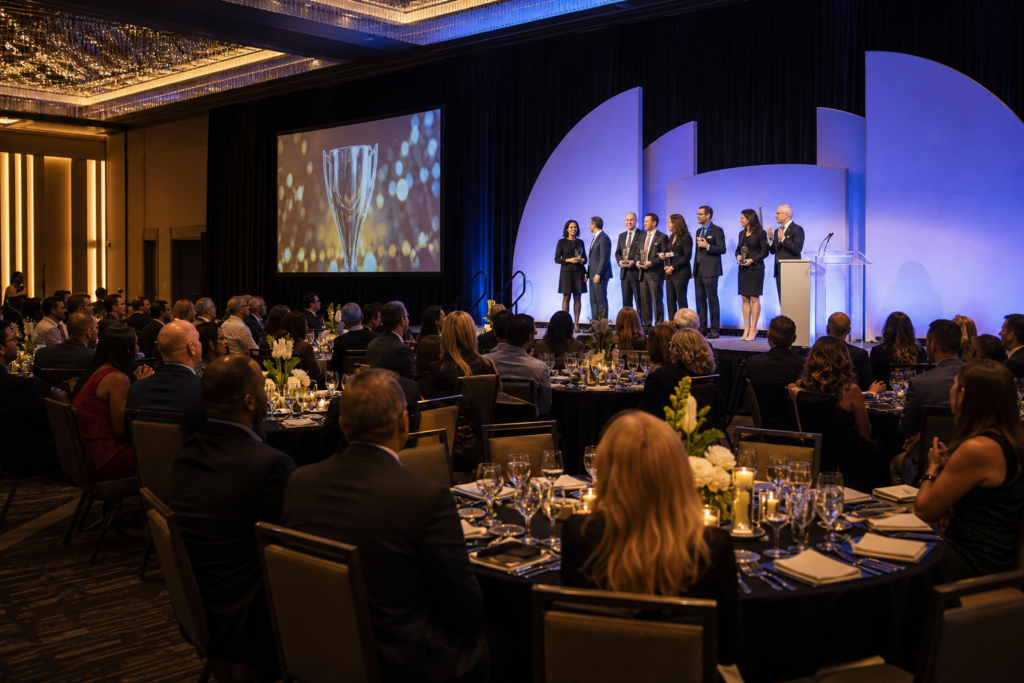
Gala Dinners and Awards
- Priorities: Elevated decor, smooth plated service, and camera-friendly lighting.
- Recommended layouts: Rounds with stage thrust; consider a sponsor lounge.
- AV/stage: Awards walk-up routes marked, side-stage photo area, walk-on stings, and applause lighting looks.
- Example: Multicultural menus—South Asian, Pakistani Halal, Middle Eastern, Sri Lankan, Caribbean, and Continental—allow you to honor guests authentically without outsourcing.
Buying Guide: Choosing a Corporate Event Venue in the GTA
Here’s a practical buyer’s checklist tailored to the Greater Toronto Area. Use it to compare options and ask precise questions during site visits.
- Capacity and flexibility: Ask how many rooms you can run in parallel and how quickly the venue can flip a room between formats.
- Access and parking: Confirm highway proximity, drive times from Toronto Pearson, and on-site parking availability (Mississauga Convention Centre offers approximately 700 free spots).
- AV and technical support: Look for integrated systems and on-site technicians—fewer vendors, stronger accountability.
- Catering depth: Validate in-house menus for your audience—including Halal-friendly and regional cuisines—and how dietary labeling appears on-site.
- Flow and wayfinding: Ask to walk a guest journey from arrival to registration to sessions to meals; check for clear signage locations.
- Outdoor options: If you want fresh-air segments or VIP moments, confirm patio availability and weather contingencies.
- Rehearsal access: Ensure you can run a full tech rehearsal with presenters and cues.
- Operational documents: Request loading dock instructions, service corridors, and emergency procedures in advance.
Pro tip: Choosing a venue with dedicated corporate event infrastructure simplifies coordination and speeds up issue resolution on show day.
Comparison: Venue Formats Side-by-Side
Use this quick table to match venue format to your objectives. It highlights strengths and trade-offs typically seen across the GTA.
| Venue Format | Best For | Key Advantages | Common Trade-offs |
|---|---|---|---|
| Dedicated Convention/Conference Center | Conferences, multi-track seminars, trade shows | Multiple large halls, integrated AV, load-in/out, on-site techs | Requires precise scheduling for parallel room turns |
| Hotel Ballroom | Smaller conferences, board meetings, VIP dinners | Guest rooms on-site, concierge services | Ballroom availability and rigging points may be limited |
| Museum/Unique Venue | Brand experiences, launches, creative showcases | Memorable setting, built-in ambiance | Restricted load-in windows, external AV/catering complexity |
| University/Academic Hall | Educational seminars, research symposia | Lecture-style seating, existing A/V in some rooms | Availability tied to academic calendar, limited F&B |
When you need scale, parallel rooms, and in-house support, a dedicated facility like Mississauga Convention Centre provides a balanced mix of capacity, control, and convenience.
Best Practices to De-Risk Your Event
These practices come from running thousands of programs. Apply them to protect your timeline and guest experience.
Design for Smooth People Flow
- Plan choke points: Place registration well ahead of main doors; use stanchions and floor arrows.
- Stagger movement: Release lunch by zones/rows to prevent buffet backups.
- Use clear signage: Large directional signs at intersections and near elevators.
- Local fit: At 75 Derry Rd W, leverage the grand entries and multiple halls to split arrivals and reduce lines.
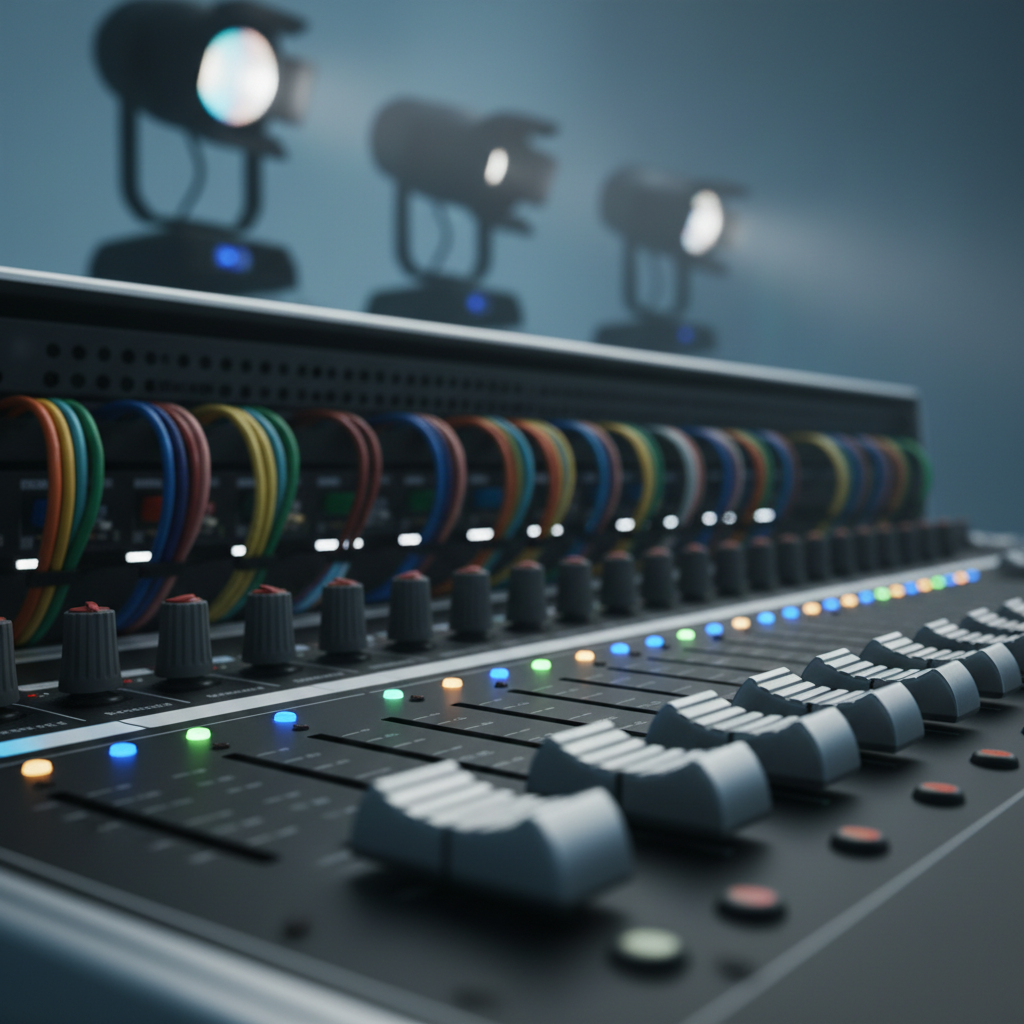
Engineer Reliable AV
- Redundancy: Backup laptops, extra wireless mics, and two clickers at minimum.
- Playback tests: Open every deck and video in the live environment before doors.
- Stage comms: Give the stage manager comms to cue lighting, audio, and walk-ons.
- On-site techs: Choose venues with modern AV systems and technicians who know the rooms intimately.
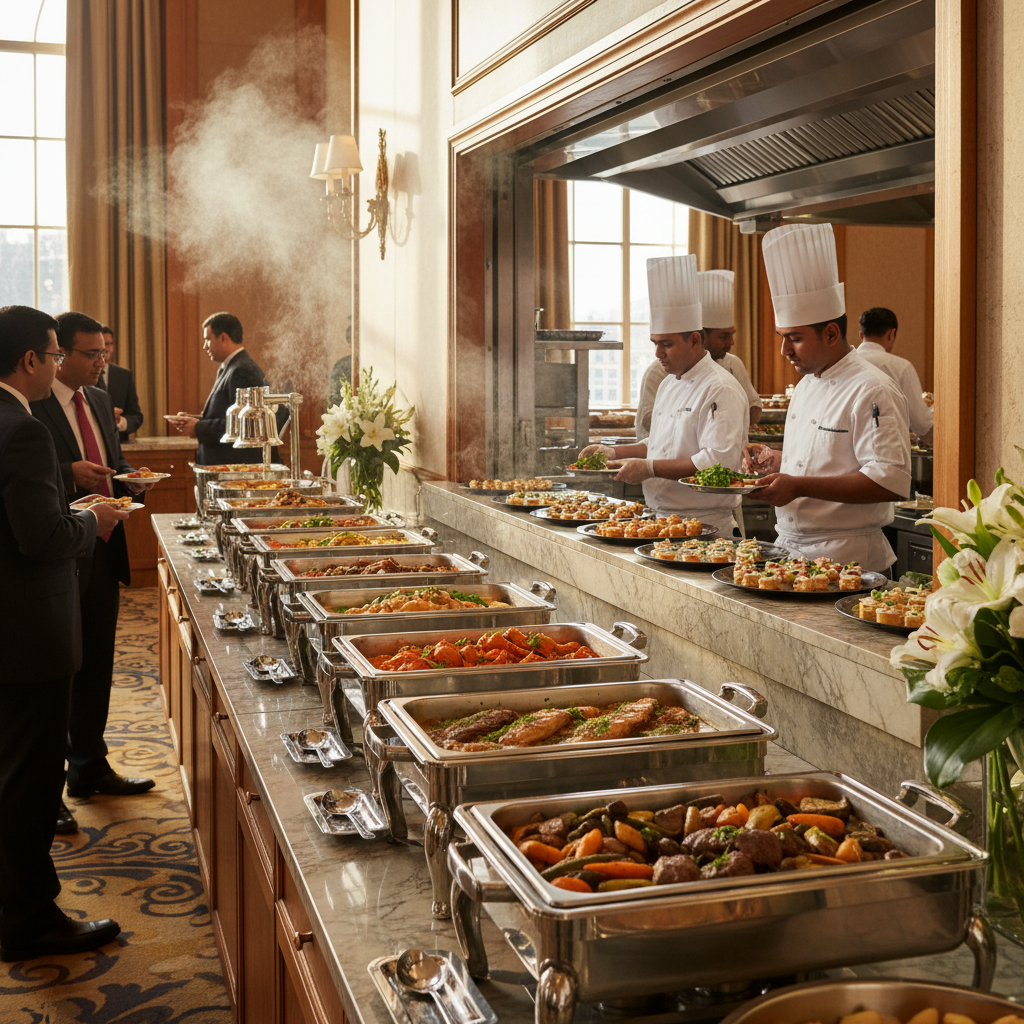
Respect Dietary and Cultural Needs
- Menu balance: Offer diverse options—South Asian, Pakistani Halal, Middle Eastern, Sri Lankan, Caribbean, and Continental—without sacrificing service speed.
- Dietary labeling: Place clear markers at buffets and on plated menus for Halal, vegetarian, vegan, and gluten-free.
- Break timing: For prayer and cultural observances, add a quiet space and note timing windows in agendas.
Write a Strong Run-of-Show
- Minute-by-minute cues: Include walk-in music, mic assignments, and lighting transitions.
- Contingency actions: Define Plan B for late speakers, power issues, or Wi‑Fi hiccups.
- Version control: Freeze decks 48 hours out; use a single show folder with locked naming.
Close the Loop on Safety
- Brief your team: Emergency exits, first-aid stations, and evacuation roles.
- Incident channel: One private hotline or app group for rapid reporting.
- Weather-ready: In the GTA, plan winter coat checks and salted walkways; have rideshare pickup points marked.
Need a venue partner?
Explore our corporate packages designed to simplify AV, staging, and catering in one place. The seven elegant halls at 75 Derry Rd W scale from focused seminars to multi-track conferences and gala dinners—minutes from Toronto Pearson.
Tools and Resources
Organize work, track approvals, and keep everyone in sync with proven tools.
- Project management: Asana, Trello, or Monday for tasks, dependencies, and deadlines.
- Run-of-show: Google Sheets or Airtable with timestamps, cue owners, and backup scenarios.
- Registration: Eventbrite-style forms or your CRM’s event module; QR check-in for speed.
- Speaker ops: Shared folders for decks, template slides, and video assets; one approver.
- Comms: One Slack/Teams channel per workstream plus a locked “war room” channel.
- Wayfinding: Digital signage playlists pre-built with room names and time slots.
Industry comparison examples can also help when you’re shaping internal standards; many venues publish corporate program details—for reference, see an example of corporate package outlines from a GTA venue (used here strictly as a benchmark, not an endorsement).
Mini Case Studies and Real Examples
Here are anonymized, real-world scenarios that mirror common corporate needs in the GTA.
1) Leadership Summit with Parallel Training
- Challenge: A regional company needed a 300-person keynote plus four skill tracks without long breaks.
- Approach: One hall for plenary, four for breakouts; pre-staged rooms with identical AV and signage.
- Mississauga Convention Centre fit: Seven similarly sized halls allowed quick transitions, while in-house techs mirrored AV looks room-to-room.
- Outcome: On-time rotations, consistent audio quality, and high session ratings.
2) Product Launch + Media Demo Zone
- Challenge: Build a high-impact reveal with press interviews and demo kiosks.
- Approach: Stage thrust, intelligent lighting, and a dedicated media lounge; separate green room for executives.
- Mississauga Convention Centre fit: Modern lighting and staging plus load-in access simplified custom scenic installs.
- Outcome: Smooth press schedule, clean audio for recordings, and strong post-launch buzz.
3) Annual Awards Gala with Multicultural Menu
- Challenge: Honor a diverse workforce with an elevated dining experience.
- Approach: Plated dinner with South Asian, Pakistani Halal, and Continental selections; carefully sequenced awards program.
- Mississauga Convention Centre fit: In-house multicultural catering handled dietary variety without separate vendors; AV team set flattering stage looks for photography.
- Outcome: High satisfaction scores and repeat attendance commitments.
4) Expo with Theater Demos
- Challenge: Balance exhibitor ROI with crowd comfort and safety.
- Approach: Wide aisles, short demo theaters on the floor, and clear load-in/out schedules.
- Mississauga Convention Centre fit: Large, open halls and 700 free parking spaces eased peak traffic and exhibitor timelines.
- Outcome: Better dwell time and strong lead capture.
5) Hybrid Board Meeting
- Challenge: In-room discussion with remote directors requiring secure, stable connections.
- Approach: Hardline connections for stability, dual screens for gallery and content, and echo-free mic setup.
- Mississauga Convention Centre fit: On-site technicians optimized audio routing and stage lighting for cameras.
- Outcome: Seamless participation across locations.
FAQ
-
How do I structure a corporate event planning checklist?
Group tasks by phases: strategy, infrastructure, experience build, rehearsal, show day, and post-event. Assign owners and due dates. Include AV, catering, signage, run-of-show, and safety checks. -
What should I ask during a venue tour?
Confirm capacity across multiple rooms, AV integration and on-site technicians, catering depth (including Halal-friendly options), load-in logistics, parking, and rehearsal access. Walk the guest journey end-to-end. -
Is a convention center better than a hotel ballroom?
It depends on objectives. Dedicated centers excel at parallel rooms, staging, and load-in/out. Hotels simplify lodging logistics. Use our comparison table to match format to goals. -
When should I lock AV and menus?
Typically 8–12 weeks out for AV/staging direction and 2–4 weeks out for final technical rehearsals and menu tastings. Earlier locks reduce last-minute changes. -
Can Mississauga Convention Centre support multicultural and Halal menus?
Yes. The in-house culinary team offers South Asian, Pakistani Halal, Middle Eastern, Sri Lankan, Caribbean, and Continental options—plus labeled dietary accommodations.
Local Tips
- Tip 1: For morning conferences near 75 Derry Rd W, schedule arrivals before highway rush peaks around the 401/410/407 interchanges. Use on-site 700-spot parking and clear door assignments.
- Tip 2: In winter, add a coat check and pad pre-function time for safe arrivals; in December, book early around corporate holiday events.
- Tip 3: If your audience includes international travelers via Toronto Pearson, time your agenda to accommodate late flights and consider a quiet room for calls between sessions.
IMPORTANT: These tips reflect how corporate programs actually flow at Mississauga Convention Centre and the surrounding routes.
Conclusion and Next Steps
- Start with strategy: Clarify goals, audience, and success metrics.
- Lock infrastructure early: Secure venue, AV/staging, and menu direction.
- Design the experience: Layouts, wayfinding, content, and a strong run-of-show.
- Rehearse and verify: Technical checks, menu tasting, and emergency briefings.
- Measure impact: Capture attendance, session feedback, and follow-up actions.
Ready to translate your plan into a seamless production? Explore our event possibilities at Mississauga Convention Centre and review corporate packages tailored for meetings, conferences, trade shows, and galas at 75 Derry Rd W.
Appendix: Printable Corporate Event Planning Checklist
Use the list below as your working template. Copy it into your PM tool and assign owners/dates.
- Strategy
- Define purpose, audience, and success metrics
- Select format and preliminary agenda
- Draft proportional budget allocations
- Shortlist venues and availability
- Infrastructure
- Book venue, confirm room blocks and load-in/out
- Scope AV: screens, mics, lighting, staging, recording
- Choose menus and dietary accommodations
- Open registration and define check-in flow
- Experience
- Finalize agenda and room layouts
- Design signage and wayfinding plan
- Create run-of-show with cues and contingencies
- Confirm staffing roles and comms channels
- Rehearsal
- Full technical rehearsal and stage walk-through
- Menu tasting and final dietary labeling review
- Finalize deliveries, docks, and insurance docs
- Distribute emergency plan to staff
- Show Day
- Call times and pre-open checks
- Registration and FOH operations
- Stage management and AV comms
- Meal service timing and speaker care
- Post-Event
- Team debrief and metrics report
- Stakeholder thank-yous and asset wrap
- Next-event improvements logged
For more planning insights, see how we host corporate events in Mississauga and use third-party examples like corporate gallery references to benchmark staging styles.