

 20 September, 2026
 Your conference room AV systems shouldn’t be the wildcard in your agenda. For planners across the Greater Toronto Area, a single echo, frozen screen share, or dead microphone can derail momentum and erode confidence. This complete guide translates technical jargon into practical moves you can apply today—whether you’re equipping a 10-person boardroom or staging a hybrid keynote for 1,000+ attendees at a modern conference venue minutes from the airport.
- Get a working grasp of the building blocks (audio, video, control, and platforms).
- Map recommended setups to room sizes and meeting formats.
- Engineer hybrid equity so remote and in-room participants feel equally included.
- Eliminate common glitches with checklists, presets, and simple redundancy.
- Apply venue-specific tips for smoother load-ins near 75 Derry Rd W in Mississauga.
Quick Summary
- Goal: Deliver clear audio first, then reliable video, intuitive controls, and tight run-of-show.
- Core stack: Microphones, DSP (audio brain), speakers, cameras, displays, switching/control, and a conferencing platform.
- Hybrid must-haves: Beamforming or ceiling mics, PTZ camera presets, dual-screen logic, and a short tech check with remote speakers.
- Reliability levers: Labeling, presets, power conditioning/UPS, spare cables, and documented cue sheets.
- Venue advantage: In-house AV, lighting, staging, and on-site technicians reduce risk and compress timelines.
Quick Answer
Conference room AV systems integrate microphones, speakers, displays, cameras, control, and platforms like Zoom or Microsoft Teams to create dependable meetings. At 75 Derry Rd W in Mississauga, integrated in-house AV and on-site technicians streamline hybrid conferences, town halls, and trainings so presenters focus on content—not cables.
Local Tips
- Tip 1: Schedule large equipment load-ins outside Derry Rd and Hurontario St rush periods; proximity to Highways 401/410/407 and Toronto Pearson helps crews hit call times when you avoid peak traffic.
- Tip 2: In winter, allow gear to acclimate after unloading; temperature swings can fog lenses and drain batteries faster. Build 15–20 minutes into your schedule for mics and cameras to stabilize.
- Tip 3: For executive keynotes, rehearse with confidence monitors and stage lighting alongside a dedicated operator—hybrid programs in this region run smoother with one person calling cues for the platform.
IMPORTANT: These tips reference real logistics near 75 Derry Rd W and common needs for corporate meetings, conferences, and galas hosted in the GTA.
Table of Contents
- What Is a Conference Room AV System?
- Why Conference Room AV Systems Matter
- How Conference Room AV Systems Work
- Types of AV Setups (BYOD, Native Rooms, Stage-First, Portable)
- Best Practices that Prevent 90% of Glitches
- Tools and Resources You’ll Actually Use
- Room Types vs. Recommended Gear (Comparison)
- Planning Checklists (Pre-Event, Show Day, Debrief)
- Case Studies and Real-World Examples
- FAQ
- Key Takeaways
- Conclusion & Next Steps
What Is a Conference Room AV System?
Think of it as a chain: capture sound and video, process signals, show and share content, and let people in the room and online interact naturally. If any link fails, the experience suffers.
- Audio capture: Boundary/table mics for small rooms; beamforming ceiling arrays for medium to large spaces; handhelds and lapel (lavalier) mics for presenters.
- Audio processing (DSP): The “audio brain” that mixes sources, handles acoustic echo cancellation (AEC), gating, and equalization for intelligibility.
- Sound reinforcement: Ceiling or wall speakers placed for even coverage without hot spots or dead zones.
- Video capture: PTZ (pan-tilt-zoom) cameras with recallable presets for the speaker, panel, audience Q&A, and room-wide shots.
- Video display: 4K projectors with adequate brightness or large LED/LCD displays sized to sightlines and seating distance.
- Content sharing: Wired (HDMI/USB‑C) plus wireless (AirPlay/Miracast) for quick BYOD presentations.
- Control: Touch panels or simple wall keypads for source selection, volume, and lighting scenes.
- Platform: Certified integrations for Zoom, Microsoft Teams, or Google Meet to bridge room systems with remote attendees.
- Infrastructure: Power, network, cabling, mounts, and racks that keep systems stable, labeled, and maintainable.
In large ballrooms, the same principles scale with more microphones, distributed speakers, brighter projection, and dedicated operators. For exhibitions and trade shows, portability and fast changeovers matter most—rolling racks, stage boxes, and preconfigured scenes keep timelines safe.
Why Conference Room AV Systems Matter
Meetings do more than share information—they shape decisions and brand perception. Great AV accelerates both.
- Attention and comprehension: Clear speech is the #1 driver of meeting success; people forgive average video, but not muddy audio.
- Hybrid equity: Proper mic pickup and camera framing prevent remote participants from feeling like bystanders.
- Speaker confidence: Rock-solid monitors, stage lighting, and intuitive clickers keep presenters in flow.
- Operational efficiency: Fewer vendors and on-site support reduce risk and compress troubleshooting when minutes matter.
- Accessibility and inclusion: Assistive listening, captioning workflows, and sightline-aware seating help everyone engage.
If you’re planning a gala, keynote, or training day, lighting design directly impacts camera performance and audience focus. For practical ideas that pair beautifully with strong audio, see our guidance on professional event lighting design—a natural companion to dependable sound and video.
How Conference Room AV Systems Work (Signal Flow Made Simple)
Here’s a practical way to visualize the chain so you can diagnose issues quickly and keep your program on time.
- Source layer: Laptops, media players, document cameras, and microphones generate signals.
- Processing layer: DSPs and video switchers route and optimize audio/video; echo cancellation, mixing, and auto-switching happen here.
- Output layer: Speakers and displays/projectors render sound and visuals; confidence monitors mirror timers or presenter notes.
- Control layer: Touch panels, remotes, or wall controllers recall presets for “Presentation,” “Panel,” “Q&A,” or “Hybrid.”
- Platform layer: Zoom, Teams, or Meet bridges in-room signals to remote participants—device selection and a short tech check are vital.
- Support layer: On-site technicians monitor meters, camera presets, and platform status; they also coordinate cues with stage managers.
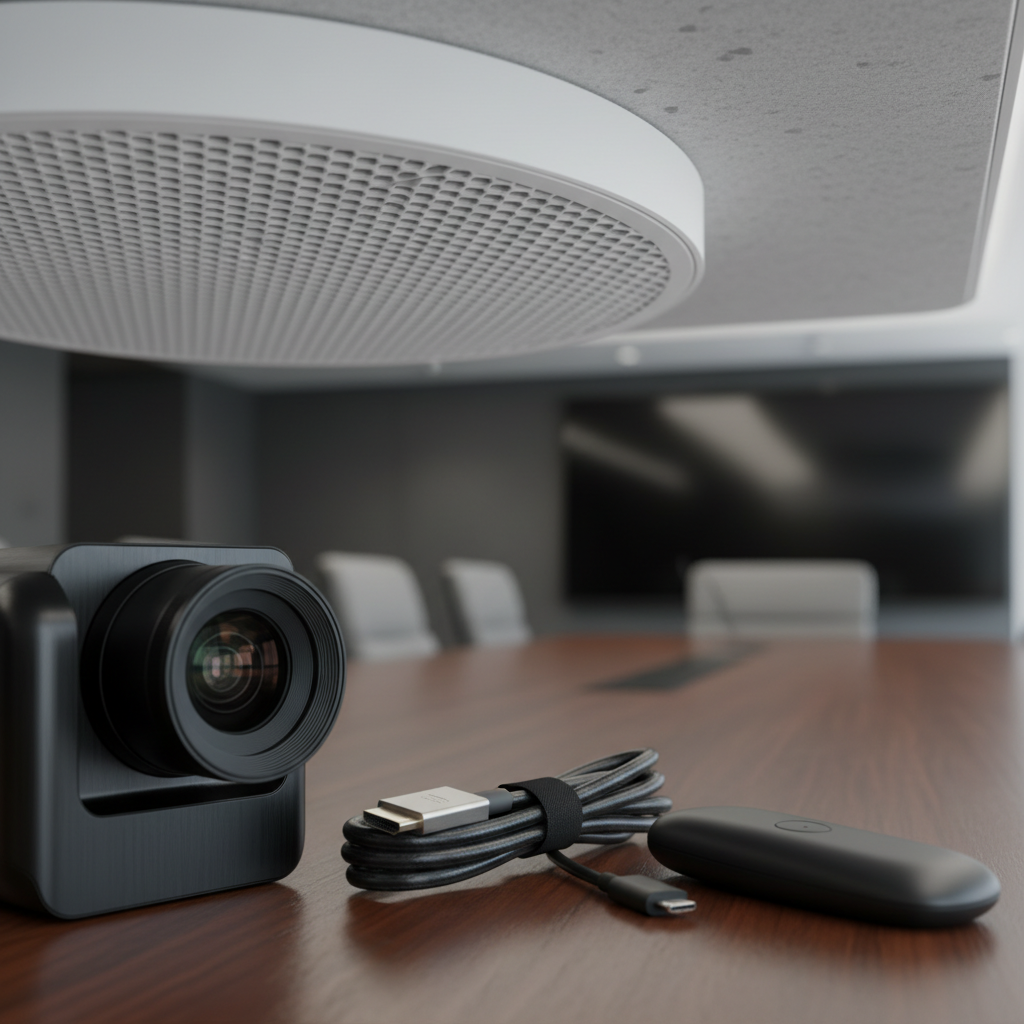
Room Sizes and Reference Layouts
- Huddle (4–8 people): All-in-one soundbar with built-in mic/camera, single display, simple one-touch join.
- Boardroom (10–20): Ceiling mic array, dual displays, PTZ camera with presets, wired and wireless content sharing.
- Breakout (20–60): Distributed ceiling speakers, multiple mics, floor box I/O for presenter and panel.
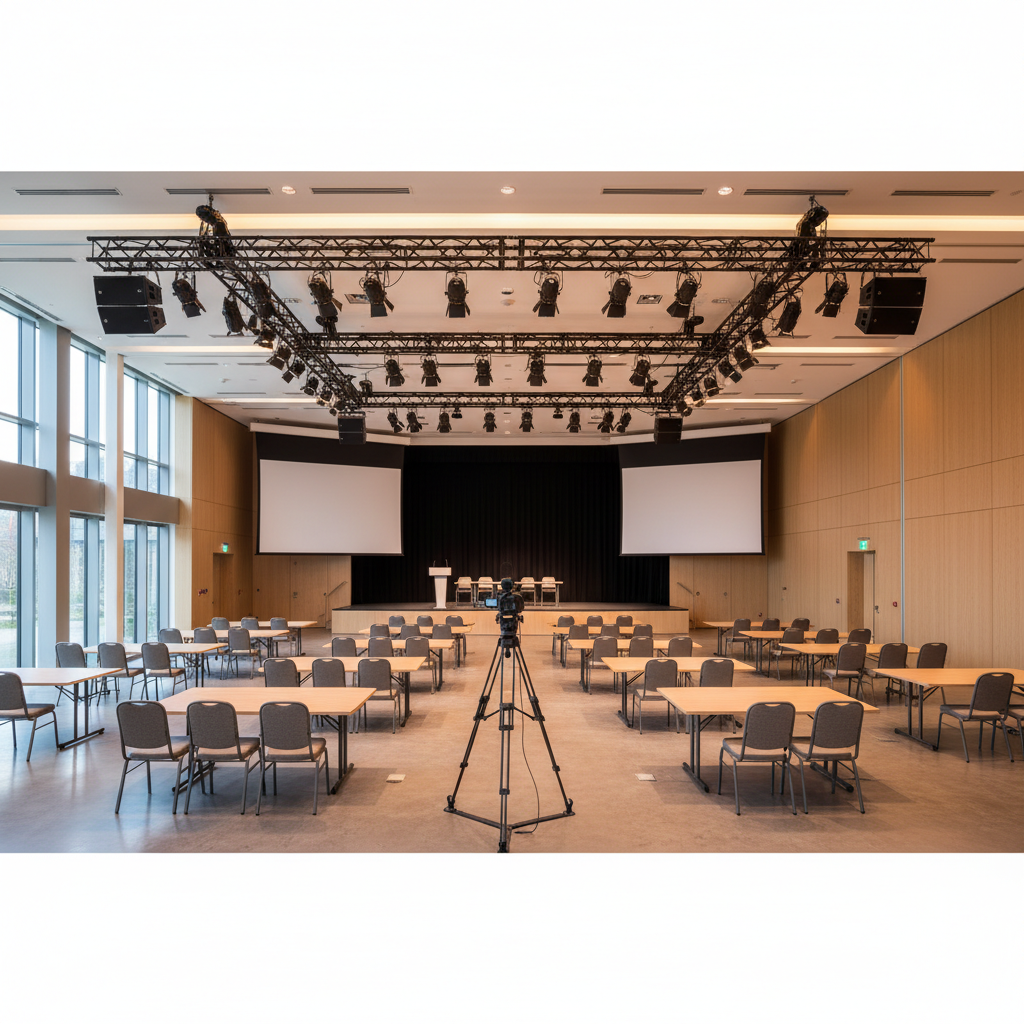
- Ballroom (100–1,200+): Line-array or distributed speakers, multiple camera angles, stage lighting, large-format projection.
As rooms grow, increase your pre-event line check, document the signal map, and assign a dedicated operator. Those three steps alone often separate a smooth keynote from a stressful scramble.
Types of Conference Room AV Setups
BYOD-Centric (Bring Your Own Device)
- When it shines: Agile teams, external guests, frequent rotating presenters.
- Core gear: USB‑C/HDMI inputs, wireless sharing, USB hub for camera/mic access, labeled adapters.
- Watch-outs: Driver conflicts and OS permissions; include a laminated quick-start card at the table.
- Action tip: Keep spare cables and a second laptop with the deck cached locally.
Native Platform Rooms (Teams/Zoom Rooms)
- When it shines: One-touch join, calendar integration, consistent user experience across rooms.
- Core gear: Certified compute/appliance, touch controller, paired camera, mics, and speakers.
- Watch-outs: Keep firmware and apps current; test external guest workflows well before doors.
- Action tip: Standardize presets (“Panel,” “Hybrid,” “Q&A”) and label cables by function and destination.
Presentation-First (Stage + Audience)
- When it shines: Keynotes, award galas, product launches, school ceremonies.
- Core gear: Stage lighting, confidence monitors, switched video outputs to dual side screens.
- Watch-outs: Rehearse cue timing; mark stage positions for camera focus; verify lectern mic and back-up handheld.
- Action tip: Pair a stage manager with an AV operator to keep transitions tight.
Portable/Show‑Ready Racks
- When it shines: Rapid room flips, exhibitions, trade show floors, overflow rooms.
- Core gear: Rolling racks with mixers, wireless mic receivers, I/O panels, color-coded cabling.
- Watch-outs: Label everything, protect connectors, and carry backup adapters and batteries.
- Action tip: Prebuild “breakout kits” with identical labeling so staff can swap rooms without relearning controls.
Best Practices (That Prevent 90% of Meeting Glitches)
Audio First
- Prioritize intelligibility: Choose cardioid/lobar pickup patterns to minimize room noise; use automatic gain control sparingly.
- Mic etiquette: One person per mic for panels; share only with clear handoffs to avoid handling noise and dropouts.
- Speaker coverage: Aim for even SPL across seating; avoid placing mics directly under speakers to reduce feedback risk.
- DSP presets: Create “Presentation,” “Panel,” and “Audience Q&A” scenes to switch quickly during live segments.
- Action tip: Do a short “intelligibility walk” during rehearsal—stand in several seating zones to confirm clarity.
Camera Framing and Sightlines
- Eye-level angles: Keep the primary PTZ slightly above eye line; avoid steep ceiling shots that feel distant.
- Recallable presets: Save 3–5 go-to shots: presenter, panel, audience left/right, and a wide room view.
- Lighting: Front-fill faces; balance stage and ambient light to avoid projector washout and squinting speakers.
- Action tip: Add a small piece of painter’s tape at the lectern to mark best-light position.
Displays and Content Legibility
- Sizing rule of thumb: Plan screen width to room depth around 1:4 to 1:6; farthest viewers should comfortably read key lines.
- Dual-screen logic: Put slides on one screen; use the other for remote gallery, timer, or notes.
- Color and contrast: High-contrast themes reduce eye strain in bright rooms; avoid thin, low-contrast fonts.
- Action tip: Export slide decks to a presentation-safe format and keep local video files offline-ready.
Network, Power, and Redundancy
- Network: Put AV on its own VLAN when possible; disable power-saving on conferencing PCs to prevent sleep mid-session.
- Power: Use conditioned power and UPS for racks, DSPs, and switches; label circuits and test for hum.
- Redundancy: Keep spare HDMI/USB‑C cables, a backup wireless mic kit, and a second laptop with the deck cached locally.
- Action tip: Print a one-page “Plan B” showing how to bypass the switcher if it fails.
Room Acoustics and Noise
- Treat early reflections: Soft finishes, carpets, and wall panels tame slapback and flutter echoes.
- Mechanical noise: Check HVAC during rehearsals; mask or damp rattles near microphones.
- Traffic control: Stagger entries; use quiet-close hardware near the stage; assign door managers during key segments.
- Action tip: Place a floor mat at each podium to damp footfall noise captured by boundary mics.
Run-of-Show Discipline
- Single source of truth: Distribute a cue sheet with timestamps, transitions, and contingencies.
- Full rehearsal: Test every mic, slide advance, and video roll-in; include a platform test for remote speakers.
- Change control: Lock deck changes 60 minutes before doors; late changes route through a single operator.
- Action tip: Keep gaffer’s tape, alcohol wipes, and spare batteries in a labeled kit at front-of-house.
Tools and Resources You’ll Actually Use
- Platform practices: Assign host/co-host roles, enable waiting room, and pre-assign panelists to reduce delays.
- Room readiness: Labeled kit: spare clicker, AAA/9V batteries, HDMI/USB‑C adapters, gaffer’s tape, alcohol wipes, and a small flashlight.
- Virtual planning aids: Use a virtual tour or shared floor plan to review layouts with stakeholders before site visits.
- Standards and references: Follow established AV guidelines for sightlines, intelligibility, and safety—then adapt to your exact room dimensions.
- Action tip: Keep a laminated “Join Guide” at the table with the platform workflow and contact for the on-site tech.
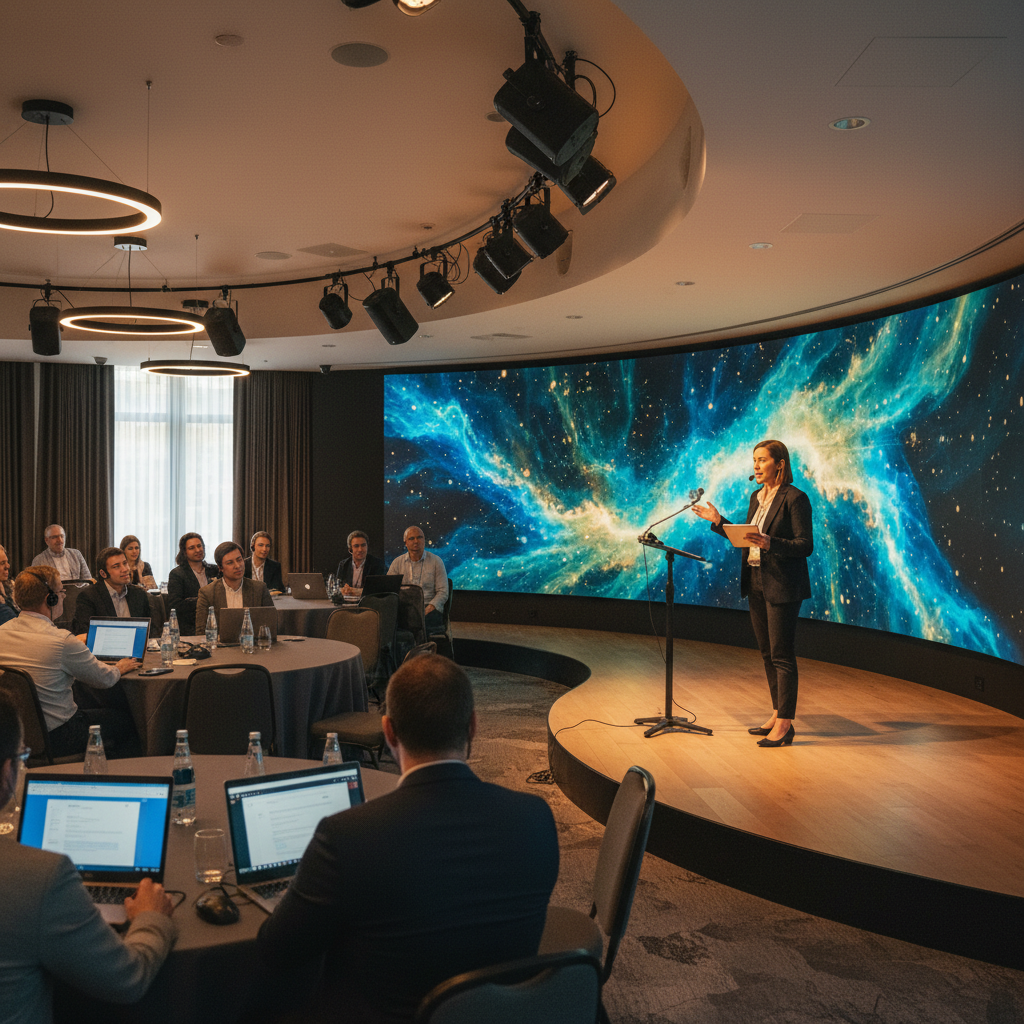
Room Types vs. Recommended Gear (Comparison)
| Room Type | Audio | Video | Displays | Control | Notes |
|---|---|---|---|---|---|
| Huddle (4–8) | All-in-one soundbar; optional table mic | Integrated camera or small PTZ | Single 65–85″ display | Simple remote or touch pad | Fast start; ideal for quick stand-ups |
| Boardroom (10–20) | Ceiling mic array + DSP | PTZ with presets | Dual 75–98″ displays | Touch panel with presets | Mix wired + wireless sharing |
| Breakout (20–60) | Distributed ceiling speakers; 2–4 mics | PTZ + backup angle | Projector or 98″ display | Scene recall via wall pad | Floor boxes near stage/panel |
| Ballroom (100–1,200+) | Line-array or distributed system; multiple wireless | Multiple PTZs + operator | Dual large screens or LED wall | FOH console + stage manager | Dedicated rehearsal required |
Planning Checklists (Pre-Event, Show Day, Debrief)
Pre-Event (1–2 Weeks Out)
- Confirm agenda, speakers, and hybrid requirements; identify remote presenters and platforms.
- Lock the floor plan with seating, stage, screen sizes, and camera positions.
- Program DSP and control presets; label cables by function and destination.
- Pull gear and update firmware; print cue sheets and contact lists.
- Share your draft with stakeholders; for broader planning guidance, see our corporate event planning checklist.
Show Day (Before Doors)
- Run a full line check: every input and output, including backup mics and playback devices.
- Test camera presets and lighting scenes; verify presenter focus marks on stage.
- Do a platform rehearsal with remote speakers; verify device selection and audio routing.
- Cache slide decks locally on the show laptop; keep a second laptop mirrored and ready.
- Place a laminated quick-start at the lectern; stage spare batteries and clicker.
Post-Event Debrief (Within 48 Hours)
- Review recordings and chat transcripts; capture Q&A highlights for internal notes.
- Document any issues and how you solved them; update your playbook.
- Archive final decks and cue sheets; tag assets by event name and date.
- Note venue-specific wins (load-in timing, room acoustics, camera sightlines) to reuse next time.
Case Studies and Real-World Examples
Executive Town Hall (1,000+ in-room, nationwide remote)
- Challenge: Ensure every voice is heard in-room and online without feedback or lag.
- Approach: Distributed ceiling speakers for even coverage, beamforming mic arrays, dual PTZ cameras (stage and audience) with recallable presets, and a dedicated platform operator.
- Outcome: Crisp Q&A, remote participants feel included, and same-day recording ready for internal portals.
- Mississauga context: Near Pearson, guest executives and vendors arrived on time; 700 on-site parking spots eased logistics.
Product Launch with Live Demos
- Challenge: Switch quickly between slides, camera close-ups, and demo devices without confusing the audience.
- Approach: Video switcher with labeled inputs, confidence monitors for presenters, stage wash lighting to keep cameras consistent.
- Outcome: Snappy transitions and clear visuals; media teams captured clean feeds for social recap.
- Mississauga context: Load-in via wide access points and off-peak windows cut setup stress before doors.
Academic Symposium with Breakouts
- Challenge: Parallel sessions, frequent presenter changes, and a hybrid keynote.
- Approach: Standardized breakout kits, laminated quick-start cards, rolling racks, and a central help desk.
- Outcome: On-time starts across rooms; remote speakers joined reliably with preset camera framing.
- Mississauga context: Being minutes from major highways simplified attendee access across the GTA.
Award Gala with Live Entertainment
- Challenge: Balance speeches, walk-up music, and a live band without muddying dialogue.
- Approach: Separate mixes for stage vocals and band, stage monitors for talent, and a clear cue sheet for awards pacing.
- Outcome: Energetic program with intelligible speeches and smooth segment transitions.
- Mississauga context: In-house lighting and staging kept changeovers tight between segments.
FAQ
How do I choose microphones for a mixed panel and audience Q&A?
Use table or ceiling arrays for panelists and one to two handheld wireless mics for roaming Q&A. Save camera presets for panel and audience shots, and rehearse mic handoffs during your tech run.
What’s the best way to support hybrid presenters?
Schedule a 15-minute tech check, confirm platform device settings, and offer a hardwired Ethernet option. On show day, route slides from a local backup machine in case remote screen share stalls.
How can I prevent echo and feedback in a large room?
Keep mics outside speaker coverage zones, use DSP with acoustic echo cancellation, and aim stage monitors at talent. Treat reflective surfaces if the room is overly live.
Do I need dual screens?
Dual screens help when you want slides on one and the remote gallery, timer, or notes on the other. In ballrooms, dual screens also improve sightlines for side seating.
What checklists should my team use before doors?
Run a line check (every input/output), verify camera presets, test clickers and videos, and do a full platform rehearsal. For broader guidance, our how to choose an event venue primer pairs well with these AV steps.
Key Takeaways
- Prioritize audio clarity; audiences forgive imperfect video but not unintelligible speech.
- Define room presets and label everything; speed under pressure comes from muscle memory.
- Rehearse on the exact gear you’ll use; test hybrid workflows end-to-end with remote speakers.
- Bundle AV, lighting, staging, and catering to reduce variables and handoffs.
- Debrief after every show; turn lessons learned into repeatable checklists.
Conclusion & Next Steps
Great meetings aren’t accidental—they’re engineered. With a thoughtful plan, the right conference room AV systems, and on-site expertise, your agenda runs on time, your speakers shine, and remote participants feel included. If you’re hosting in the GTA, pick a venue near major highways and Pearson with integrated AV, lighting, staging, and diverse in-house catering to simplify planning and execution.
- Audit your current rooms against the comparison table above.
- Standardize presets and labeling across every space you manage.
- Schedule a rehearsal block and a short platform tech check with all remote presenters.
- Document the run-of-show and designate a single operator for late changes.
Ready to plan a high-stakes meeting, gala, or hybrid conference in Mississauga? Book a discovery session at 75 Derry Rd W to align room layouts, lighting cues, and on-site technician support for a seamless experience.
Related Articles
- Designing hybrid town halls your execs will love
- How to build a bulletproof show-day cue sheet
- Acoustics 101 for large ballrooms and breakout rooms