

 20 September, 2026
 Event venue accessibility requirements are the legal and practical standards that ensure every guest—regardless of ability—can enter, move through, participate in, and exit an event safely and with dignity. For planners, meeting these requirements means mapping inclusive routes, seating, services, communications, and emergency plans across the entire guest journey.
By Mississauga Convention Centre • Last updated: April 18, 2026
Above the Fold: Why This Guide Matters + Contents
This guide shows you exactly how to meet event venue accessibility requirements, with step-by-step checklists, a buying guide, and a side-by-side comparison of major standards. It’s tailored for corporate, social, school, and multicultural events hosted across the Greater Toronto Area.
- What counts as accessible for venues in 2026 and why it matters
- How to audit entrances, travel paths, seating, stages, restrooms, parking, and AV
- What AODA, ADA, WCAG, and building/fire codes expect—compared
- Buying guide: questions, measurements, and documentation to request
- 13 real examples spanning conferences, weddings, trade shows, and school events
- Advanced tips for sensory inclusion, interpreters, and hybrid streaming
Quick Summary
Accessible events require barrier-free entry, continuous travel paths, integrated wheelchair and companion seating, assistive listening where sound is amplified, accessible restrooms and parking, and inclusive food service and communications. Test the full guest journey—from curb to seat to stage to exit—before doors open.
- Primary focus: entrances, routes, seating, stages, restrooms, parking, signage, communications, emergencies.
- Standards to know: AODA (Ontario), ADA (U.S.), WCAG 2.2 (web), and local building/fire codes.
- What we provide: seven flexible halls, step-free routes, in-house AV support, diverse Halal-friendly catering, and approximately 700 free parking spots at 75 Derry Rd W.
Quick Answer
Event venue accessibility requirements cover barrier-free entry, continuous routes, accessible seating and restrooms, assistive listening, and clear emergency procedures. At 75 Derry Rd W, our step-free halls, on-site AV team, and ~700 parking spots help corporate, wedding, and school planners meet these standards across the full guest journey.
Local Tips
- Tip 1: When routing motorcoaches from Toronto Pearson, use HWY 401/410 to Derry Rd W; confirm curbside drop-off space and the nearest step-free entrance for guests using mobility aids.
- Tip 2: Winter events? Build in extra time for snow clearance of accessible parking, curb cuts, and patio entries; verify mats are secure and non-slip.
- Tip 3: For multilingual audiences, coordinate AV caption feeds and signage in advance; our in-house technicians can align screens, lighting, and stage ramps for seamless flow.
IMPORTANT: These tips reflect our Mississauga location and the services we provide to corporate, social, and school planners across the GTA.
What Are Event Venue Accessibility Requirements?
Event venue accessibility requirements are standards that remove physical, sensory, and communication barriers so all guests can attend and participate fully. They span architecture, operations, technology, and staffing—from parking and doors to stages, restrooms, signage, and emergency procedures.
- Scope: The entire journey: arrival, registration, seating, programming, dining, networking, and departure. Barriers at any point undermine the whole plan.
- Dimensions: Physical access, sensory access (lighting and sound), communication access (captioning and ASL), and digital access (registration sites, apps).
- Standards: AODA (Ontario), ADA (U.S.), WCAG 2.2 for digital interfaces, plus local building and fire codes that govern egress and alarms.
- Measurement-driven: Clear widths, slopes, reach ranges, tactile cues, and signage contrast guide planning and verification; guessing invites risk.
Self-contained insight: A practical definition for planners is this—if a first-time guest using a wheelchair or a white cane can independently travel from accessible parking to registration, be seated with companions, use a restroom, engage with content (audio/visual), and exit safely, your plan meets the intent of accessibility. That definition keeps your focus on the guest experience, not only the code checklist.
Why Accessibility Matters in 2026
Accessibility expands your audience, reduces risk, and lifts satisfaction. One inclusive improvement—like step-free routes—often benefits everyone, from wheelchair users to staff moving carts. Inclusive venues consistently earn higher satisfaction scores and repeat bookings.
- Reach more guests: The CDC reports about 1 in 4 U.S. adults has a disability; Statistics Canada reports roughly 1 in 4 Canadians (15+) as of 2023. Designing for inclusion isn’t niche—it’s mainstream.
- Reduce risk: Accessible routes, visible alarms, and trained teams improve life safety for all attendees, not just those with disabilities.
- Boost satisfaction: Clear sightlines, captioned content, and quiet rooms help neurodivergent guests and non-native speakers follow along comfortably.
- Brand reputation: Demonstrable inclusion aligns with ESG commitments and HR values; we’ve seen corporate planners call it a must-have, not a nice-to-have.
Self-contained insight: In our experience hosting conferences, galas, and multicultural weddings near Toronto Pearson, guest satisfaction jumps when planners announce accommodations in advance (assistive listening, captioning, service animal policies) and provide a staffed help point on arrival. The combination reduces uncertainty and helps everyone get oriented fast.
How Accessibility Works On-Site
Build a continuous, step-free travel path from arrival to programming to departure. Then validate seating, staging, food service, and restrooms. Finally, layer in communications (captioning, ASL) and emergency procedures that account for all abilities.
- Arrival and entry: Signed accessible parking, curb cuts, weather-protected routes, and automatic doors. Confirm the shortest step-free path from drop-off to registration.
- Circulation: 36 in. minimum clear routes; ramps at 1:12 slope; elevators where needed; no protruding hazards between 27–80 in. above floor level.
- Seating: Integrated wheelchair locations with adjacent companion seating; place clusters across the room with clear sightlines to screens and stages.
- Stages and platforms: Ramp or lift access; handrails; non-slip finishes; guardrails at edges; adjustable-height lecterns and interpreters’ sightlines.
- Restrooms: Accessible stalls, turning radius (~60 in.), grab bars (33–36 in. high), lever hardware, and reachable dispensers.
- AV and communications: Captioning and assistive listening in amplified rooms; readable slides; clear wayfinding; interpreter lighting and camera framing.
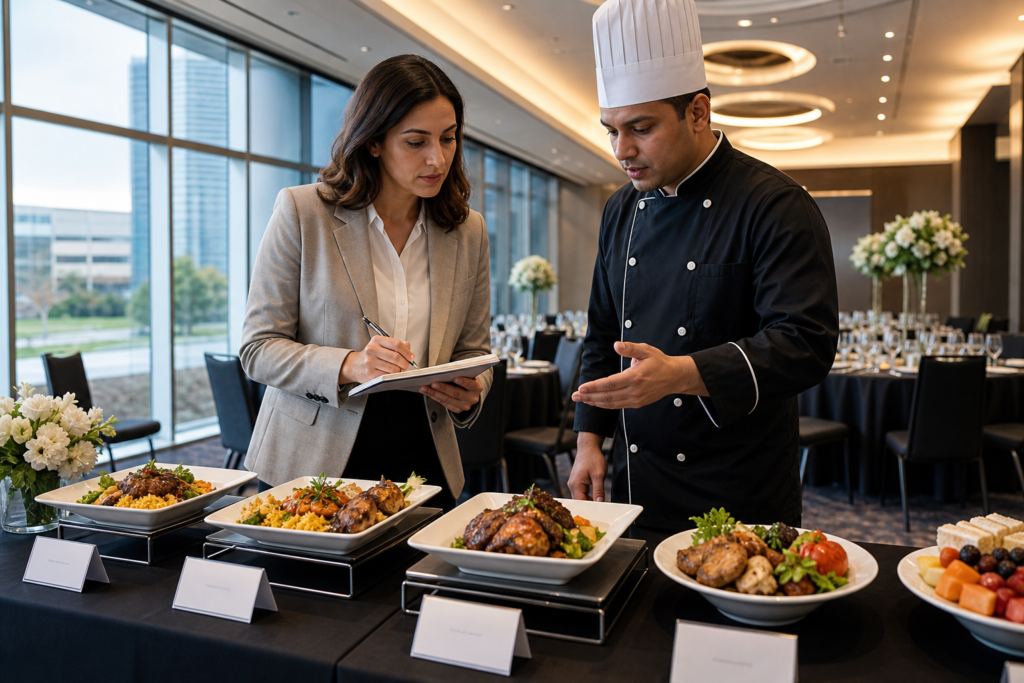
- Food and beverage: Route clearance, reachable buffet heights, allergen and Halal labeling, and seated service options on request.
- Emergency egress: Marked Areas of Refuge, trained staff, and procedures for mobility and sensory needs (audible and visible alarms).
Self-contained insight: We recommend walking the route twice—once empty, once during rehearsal with furniture, décor, and AV in place. A route that feels generous in an empty hall can tighten quickly once bars, buffets, floral hedges, and camera platforms appear. Adjustments are cheaper before load-in day.
Types of Accessibility: Architectural, Operational, Digital, Cultural
Four dimensions matter: architectural access (built environment), operational access (staffing and process), digital access (web, apps, registration), and cultural access (policies and attitudes). Strong events cover all four consistently from planning to teardown.
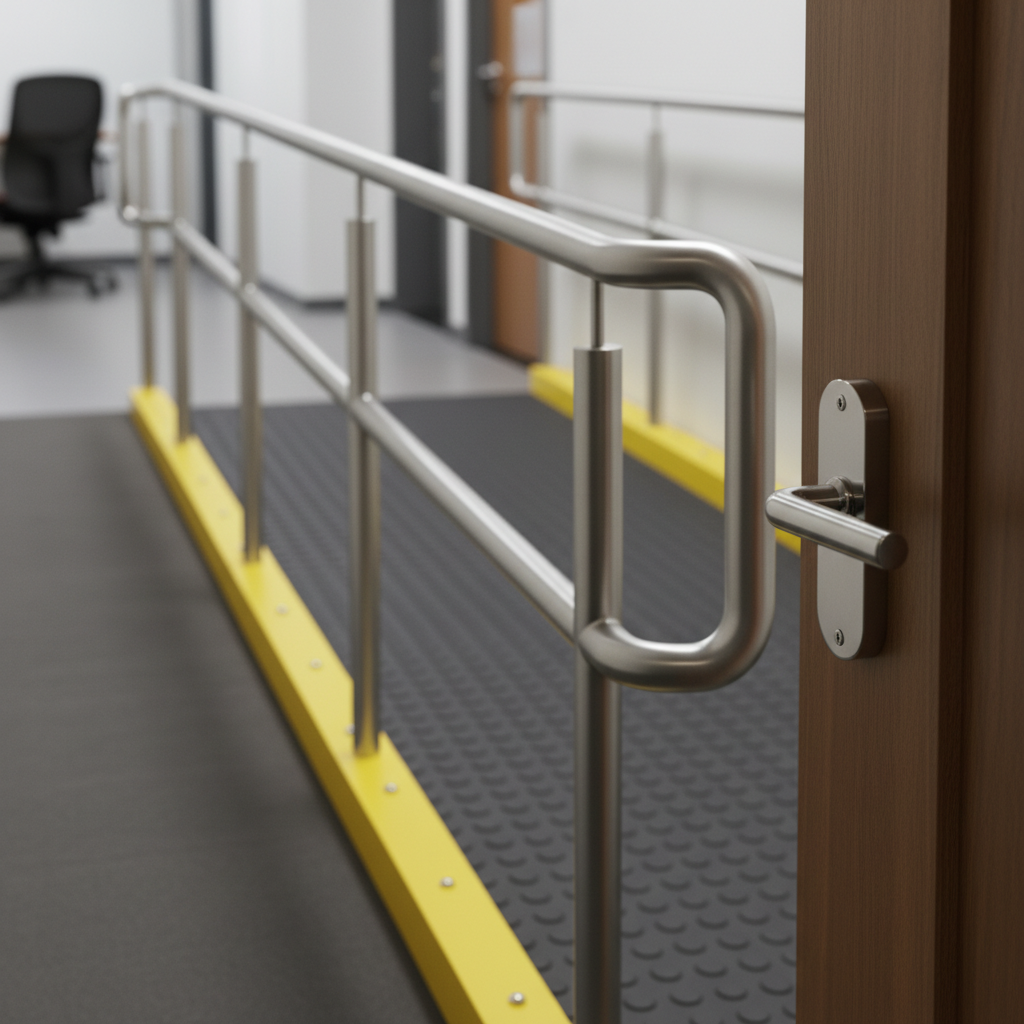
- Architectural: Entrances, doors, ramps (1:12 slope), elevators, stages, restrooms, parking, patios, and canopy-covered drop-offs.
- Operational: Trained staff and ushers, service animal policies, quiet rooms, flexible seating changes, and a day-of decision path for escalations.
- Digital: Accessible registration and event apps; alt text on maps; keyboard navigation; captions/transcripts for livestreams; WCAG 2.2 conformance.
- Cultural: Plain-language communications; ask for accommodations early; include inclusion notes in scripts; celebrate diversity across menus and observances.
Self-contained insight: If one dimension lags, the whole experience suffers. A perfect ramp won’t help if slides are unreadable or if staff can’t re-seat a guest near an interpreter. That’s why we brief AV, catering, and front-of-house together.
Best Practices: The Measurements and Moves That Work
Use measurable standards: 36 in. routes, 32 in. door clear width (min), 60 in. turning circles, 1:12 ramps, 33–36 in. grab bars, and high-contrast signage. Reserve wheelchair and companion seating with clear sightlines and provide assistive listening in amplified rooms.
- Routes and doors
- Route clear width: 36 in. minimum; 60 in. passing spaces every ~200 ft for narrow segments.
- Door clear width: 32 in. minimum; lever handles; 18 in. pull-side clearance next to latch.
- Thresholds: beveled, ≤ 1/2 in. rise; mats secured to prevent trips (critical in winter).
- Ramps and slopes
- Max slope: 1:12 (1 in. rise per 12 in. run); landings at top/bottom; handrails both sides.
- Edge protection at drop-offs; non-slip surfacing; visual contrast at edges for low vision.
- Elevators and lifts
- Buttons within 15–48 in. reach range; audible and visible floor indicators.
- Stage/platform lifts where ramps are impractical; trained operators on duty.
- Seating and stages
- Wheelchair locations integrated throughout; at least one per seating section plus a companion seat.
- Stage access by ramp/lift; guardrails; toe boards if elevated; adjustable-height lecterns.
- Interpreter placement with visible lighting that does not blind speakers or guests.
- Restrooms
- Turning space ~60 in. diameter; grab bars at 33–36 in.; sinks with knee clearance.
- Dispensers/dryers within reach; tactile/braille signage at doors; stall doors that swing out.
- Parking and drop-off
- Accessible spaces with adjacent access aisles; shortest route to the entrance; snow/ice plan.
- Wayfinding from lot to door; canopy or weather cover at loading zones where possible.
- AV and communications
- Assistive listening in amplified rooms; CART or captions for keynotes; readable slides (high contrast, 18+ pt fonts).
- Printed schedules in large print; QR codes pointing to accessible agendas and maps.
- Food service
- Buffet heights within reach; attendants available; labeled allergens and Halal/Kosher/Vegetarian/Vegan indicators.
- Seated service on request; clear routes around beverage stations and dessert tables.
Self-contained insight: According to widely adopted accessibility standards, consistent contrasts and readable typography dramatically improve comprehension for large audiences. We’ve found slides with dark text on a light matte background and minimal animation perform best for mixed in-person and hybrid audiences.
Tools and Resources (Venue + Official)
Combine venue-provided assets—floor plans, virtual tours, and AV support—with official accessibility guidance. This mix lets you pre-plan routes and signage, then verify compliance using measurable checklists and standards.
- Venue assets: dimensioned floor plans, loading diagrams, power and rigging points, and a virtual walkthrough to visualize step-free routes.
- Checklists: arrival-to-exit walkthrough templates; seating charts with companion seats; restroom and F&B verification lists.
- Guidance: provincial accessibility laws, web accessibility standards, and local code summaries for alarms and egress.
- People: in-house technicians, ushers, and coordinators briefed on accommodations and emergency roles.
Self-contained insight: Before your site visit, review our venue basics in this event venue checklist. It helps you frame the right questions about routes, seating, and AV support so your walkthrough time is well spent.
Buying Guide: How to Vet a Venue’s Accessibility
Ask for measurements, walk the full route, and test the show flow. Verify entrances, travel paths, seating, stages, restrooms, parking, signage, and AV support. Request written policies, service animal guidance, and emergency procedures.
- Request documentation
- Dimensioned floor plans; maximum room capacities; egress routes; restroom locations and counts; Areas of Refuge.
- Parking maps showing accessible stalls, curb cuts, and snow/ice plan if winter dates apply.
- Walk the route
- From curb/drop-off to registration, exhibits, seating, restrooms, and stage; confirm step-free continuity.
- Measure tight points: doorways, turns, and any pinch points near bars, buffets, or booths.
- Stage and AV checks
- Confirm ramp/lift to stage; lectern height; camera sightlines that include wheelchair seating.
- Test assistive listening; coordinate captioning; review lighting levels for lip-reading.
- Restrooms and F&B
- Verify accessible stalls and sink clearance; check for family/universal restrooms if needed.
- Confirm buffet heights and circulation; ensure labeling for allergens and Halal options.
- Emergency procedures
- Ask about Areas of Refuge, evacuation devices, and staff training cadence.
- Review PA system audibility and visible alarms.
- Policy and training
- Service animals, companion seating policy, ticketing/RSVP accommodation fields.
- Day-of escalation path and who owns decisions for seating moves or schedule adjustments.
Self-contained insight: Planners who align their run-of-show with documented accessibility roles (who escorts, who re-seats, who manages devices) close most day-of gaps. We can co-create that playbook during your site visit and rehearsal.
Comparison Table: Standards and What They Cover
| Area | AODA / Ontario Code | ADA (U.S.) | WCAG 2.2 (Digital) | What to Verify On-Site |
|---|---|---|---|---|
| Routes | Barrier-free path; tactile indicators where required | 36 in. clear min; 1:12 ramps | N/A | Measure pinch points; confirm step-free continuity |
| Entrances/Doors | Power door operators common in assembly uses | 32 in. clear width; maneuvering clearance | N/A | Check operators, hardware, and threshold bevels |
| Seating | Integrated locations + companions | Scattered wheelchair spaces + companions | N/A | Viewlines to stage/screens from all accessible seats |
| Stages | Barrier-free access to platforms | Ramp or lift to stage/platforms | N/A | Confirm slope, rails, and non-slip finish |
| Restrooms | Barrier-free stalls and signage | Turning radius; grab bars; reach ranges | N/A | Verify clearances and fixtures’ reachability |
| Parking | Signed stalls, access aisles | Ratios by lot size; van-accessible aisles | N/A | Snow/ice plan; route from stalls to door |
| AV/Audio | Communication supports on request | Assistive listening in assembly spaces | Captions, transcripts for media | Test devices; plan for CART/captions |
| Digital | Accessible customer service & info | Public accommodation websites vary | Perceivable, Operable, Understandable, Robust | Audit registration and agenda pages |
Accessibility Audit: 10-Step Walkthrough for Planners
Use a structured, time-boxed audit to verify access from curb to seat to stage to exit. Document measurements, photos, and decisions so your team can replicate the plan consistently during setup, show hours, and teardown.
- Pre-visit prep (20 minutes): Review run-of-show; mark program elements that require stage access, captions, or extra space.
- Arrival/parking (20): Check signed stalls, access aisles, curb cuts, and weather coverage; note the shortest step-free route.
- Entrance (15): Verify automatic doors, beveled thresholds (≤ 1/2 in.), and maneuvering clearances.
- Registration (15): Ensure a low-height surface or staff assistance; keep queuing lanes at 36 in. min with turning space.
- Circulation (30): Walk primary and secondary routes at full room setup; flag pinch points around bars/buffets.
- Seating (30): Place wheelchair/companion clusters with sightlines; mark them on the plan and protect until doors.
- Stage (20): Confirm ramp/lift, handrails, non-slip finish, interpreter position, and camera framing.
- Restrooms (15): Verify turning space, grab bars, reach ranges; add wayfinding from the room.
- AV/Comms (25): Test assistive listening; book CART/captions; check slide readability and mic handoffs.
- Emergency (15): Review alarms, Areas of Refuge, and staff roles; mark accessible exits on guest maps.
| Step | Owner | Deliverable |
|---|---|---|
| Route & seating | Planner + Venue | Marked floor plan with wheelchair/companion clusters |
| Stage & AV | AV Lead | Ramp/lift sign-off; assistive listening + caption plan |
| Restrooms/egress | Ops + Venue | Wayfinding notes; emergency roles and brief |
Self-contained insight: To keep arrivals smooth, align your drop-off plan with our lots and curb space. See our parking logistics guide for coach routing and guest wayfinding best practices.
Advanced Considerations: Sensory, Interpreters, and Cultural Inclusion
Design for sensory comfort, clear communication, and cultural needs. Provide quiet spaces, interpreter sightlines, and labeled menus. Announce accommodations early so guests know how to request support.
- Sensory comfort: Offer a quiet room near programming; publish strobe or haze cues; manage volume and bass spill into foyers.
- Interpreter logistics: Position interpreters with line-of-sight, a dedicated light, and camera framing that includes both interpreter and speaker.
- Menus and observances: Label allergens and Halal/Kosher/Vegetarian/Vegan options; provide prayer space and privacy cues where appropriate.
- Communication: Use plain language; publish accommodation contact info on invites and on-site signage.
Self-contained insight: For South Asian, Middle Eastern, and Caribbean menus, we coordinate labeled buffet lines, service attendants, and seated service where guests request it. Communicating options pre-event sets the tone for hospitality and respect.
Exhibitors, Vendors, and Production: Coordinating Accessibility Back-of-House
Accessibility extends behind the curtain. Coordinate exhibitor booth heights, aisle widths, and turning spaces; keep cables covered and routes clear; brief security and stagehands on accommodations and emergency roles.
- Trade show aisles: 12 ft mains with 6 ft cross-aisles are common for large expos; add turning spaces at corners.
- Booth design: Include at least one low-height surface and reachable literature racks; avoid blocking aisles with furniture.
- Cable management: Low-profile cable ramps; no raised edges across primary accessible routes.
- Backstage: Step-free honoree route; monitor placement; headset cues for escort teams.
Self-contained insight: We ask production vendors to walk the accessible path before lock-in. Moving a truss base or camera riser six inches on rehearsal day can reopen a blocked route and save minutes during live cues.
Digital Accessibility: Registration, Apps, and Hybrid Streaming
Make your digital touchpoints accessible too. Use readable forms, keyboard-friendly navigation, alt text on images, and captioned media. Publish an accommodations contact and response time so guests know how to ask for support.
- Registration: Labels tied to fields; error messages in text; logical tab order; language toggle if needed.
- Event apps: High-contrast color themes; large text options; alt text on maps; captions in embedded videos.
- Hybrid media: Captions and transcripts for recorded sessions; ASL windows composed into the stream; readable lower-thirds.
- Wayfinding PDFs: Real text (not images of text); bookmarks; alt text for floor plan callouts.
Self-contained insight: According to widely cited WCAG principles, content should be perceivable, operable, understandable, and robust. In practice, that means every guest should be able to find schedules, maps, and help info without relying on a mouse or perfect vision.
Measuring Success: KPIs and Feedback Loops
Measure what matters: satisfaction, issue resolution time, device utilization, and repeat attendance. Use feedback to tune routes, signage, and staff roles for your next program.
- Guest satisfaction: Short post-event survey with two targeted questions about wayfinding and seating comfort.
- Resolution time: Track how long it takes to fulfill accommodation requests on show days.
- Device usage: Checkouts of assistive listening devices and return compliance; caption view metrics for hybrid sessions.
- Repeat bookings: Many corporate teams renew at venues where inclusion is effortless; it becomes part of their brand standard.
Self-contained insight: We’ve found that a 10-minute end-of-day huddle between planner, AV, catering, and venue ops surfaces small frictions fast—like a bar cart placed too close to an aisle or signage that needs a larger arrow. Fixes compound over multi-day programs.
Case Studies and Real-World Examples
Design your event around inclusive routes and roles. These scenarios show how accessibility decisions translate into smoother guest flow, better engagement, and stronger safety outcomes across corporate, social, and school formats.
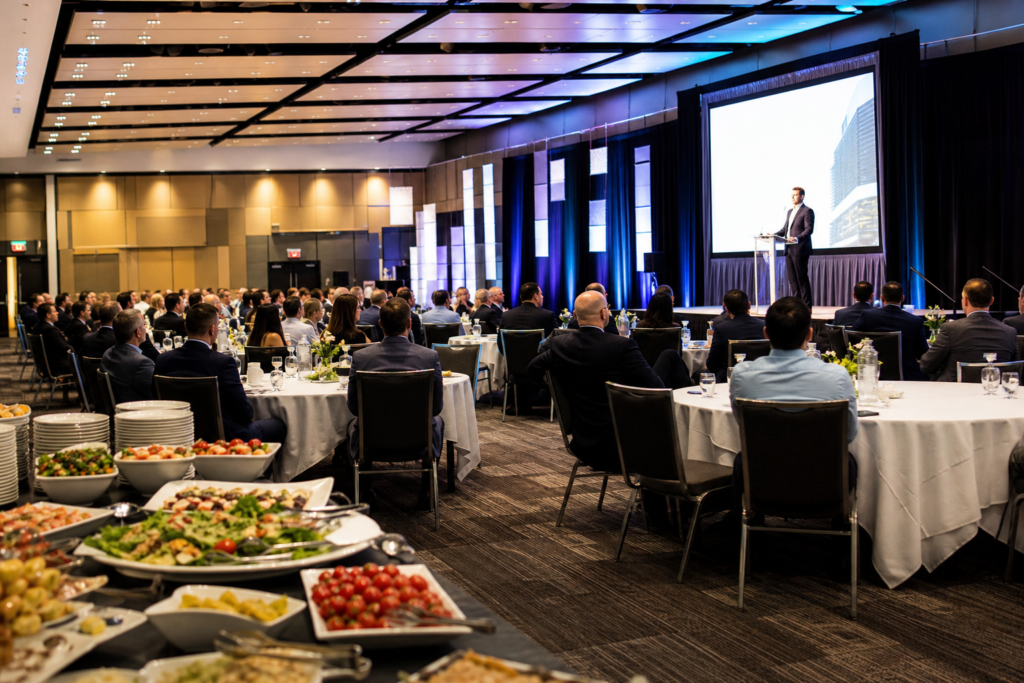
- 1) 900-person conference: Step-free registration; multiple wheelchair seating clusters with power outlets; assistive listening and CART for keynotes; interpreters front-left with dedicated lighting.
- 2) South Asian wedding: Step-free mandap approach; reserved front-row wheelchair/companion spaces; labeled Halal buffet lines with attendants; quiet room for elders.
- 3) Trade show: 12 ft main aisles and 6 ft cross-aisles; turning spaces at corners; select low-height showcase tables; cable ramps across secondary, not primary, routes.
- 4) School prom: Quiet room near ballroom; strobe-free lighting cue sheet; sensory-friendly wristbands for ushers; labeled mocktails to avoid confusion.
- 5) Gala dinner: Low-height registration counters; wide aisles between rounds; non-slip dance floor edges with visual contrast; photo op staged off the main route.
- 6) Seminar series: Reserved front seating for hard-of-hearing; captioned pre-roll videos; printed large-type agendas at check-in.
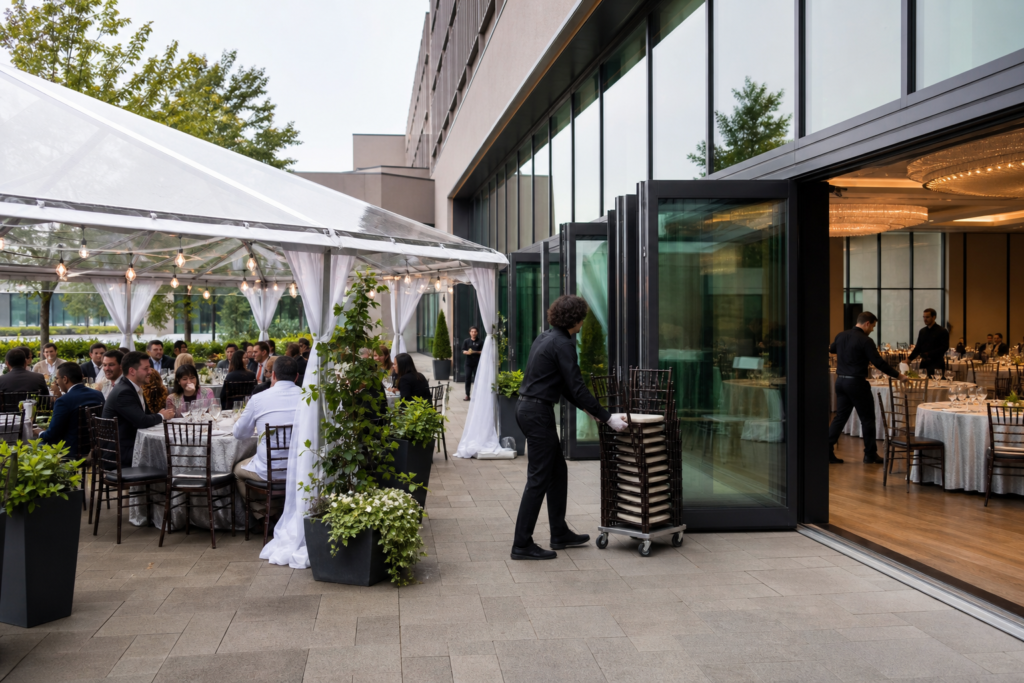
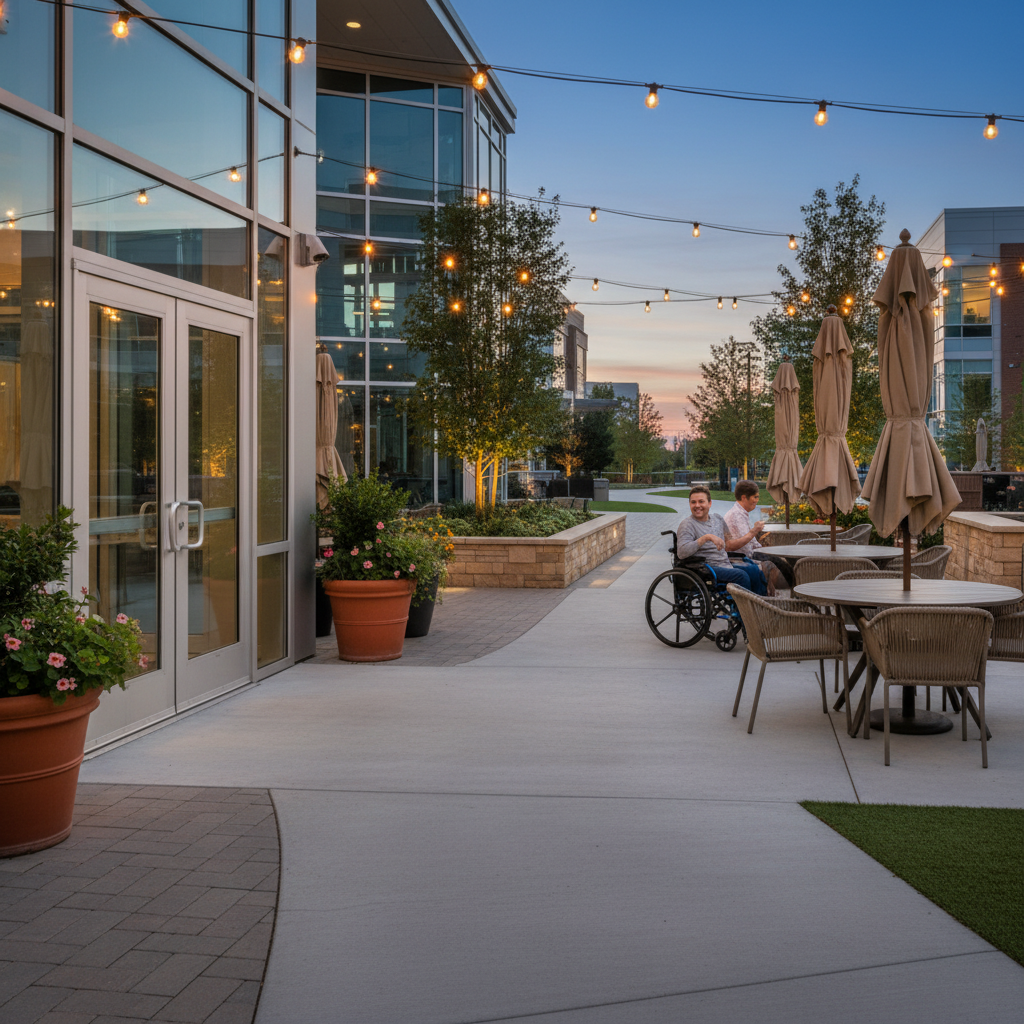
- 7) Cultural celebration: Outdoor patio with level entry; prayer space with signage; multilingual wayfinding to accessible restrooms.
- 8) Board meeting: U-shape with end clearance for wheelchairs; adjustable-height lectern; table mics routed to assistive listening.
- 9) Graduation: Stage ramp for diploma pickup; reserved family companion pods; overflow screens with captions; wayfinding marshals at doors.
- 10) Product launch: Camera platforms positioned without blocking wheelchair rows; interpreter lighting plot checked during rehearsal.
- 11) Awards night: Backstage step-free route for honorees; seating map includes aisle-side positions for easy stage access.
- 12) Multiday expo: Daily floor sweep for trip hazards; charging stations near wheelchair seating; shuttle drop-off marked with signage.
- 13) Hybrid meeting: Livestream captions and transcripts; chat moderation for accommodation requests; accessible slide decks shared post-event.
Self-contained insight: If you’re planning a large corporate program, see how our corporate event venue rental supports up to 2,200 guests with scalable halls, integrated AV, and barrier-free routes. For checklists tailored to planners, review our planner’s guide.
FAQ: Event Venue Accessibility Requirements
Plan for barrier-free routes, integrated wheelchair seating, accessible restrooms, assistive listening, and clear signage. Ask for dimensioned floor plans, test the guest journey, and confirm written emergency procedures that include mobility and sensory needs.
- How do I confirm an entrance is accessible?
- Look for step-free entry with automatic doors, beveled thresholds, and maneuvering clearance. Measure door clear width (32 in. min) and check weather mats are secured. Follow the path to registration to ensure the route stays barrier-free.
- What’s required for accessible seating?
- Provide integrated wheelchair locations with adjacent companion seats and clear sightlines to stages/screens. Distribute locations across the room, not just the back. Mark them on the seating plan and reserve until doors open.
- Do I need assistive listening?
- If audio is amplified, yes—plan for assistive listening devices. For keynotes and plenaries, add real-time captions (CART). Test devices during rehearsal and brief staff on distribution and returns.
- How should restrooms be verified?
- Confirm turning space (~60 in.), grab bar heights (roughly 33–36 in.), knee clearance at sinks, reachable dispensers, and tactile/braille signage. Note the nearest restrooms on floor plans and wayfinding.
- What about emergencies?
- Map Areas of Refuge, ensure visible alarms where required, and train staff for mobility, hearing, and vision accommodations. Practice how to escort guests along accessible routes to exits and reunification points.
Conclusion and Next Steps
Start with the route, then validate seating, stages, restrooms, and communications. Confirm emergency procedures and staff roles. Document everything on your plans so day-of teams can deliver a seamless, inclusive experience.
- Key Takeaways
- Measure routes, doors, ramps, and turning spaces—don’t assume.
- Integrate wheelchair and companion seating with strong sightlines.
- Plan assistive listening and captioning in amplified rooms.
- Verify accessible restrooms, parking, and wayfinding throughout.
- Write procedures and train teams; rehearse the show flow.
- Action Steps
- Ask for floor plans and a guided walkthrough.
- Run the buying-guide checklist against your program.
- Book AV captioning and assistive listening early.
- Publish accommodation contact info on invites and registration.
Need expert support?
Our in-house coordination and AV teams can help you map barrier-free routes, design inclusive seating, and plan captioning and assistive listening for your program.
Ready to plan? Schedule a visit to 75 Derry Rd W and walk your entire route—from curb to stage to exit—with our team at Mississauga Convention Centre.
Related Topics We Cover
- Corporate meetings and conferences
- Trade shows and exhibitions
- Weddings, receptions, and cultural celebrations
- School proms and graduations
- In-house catering across diverse cuisines