

 20 September, 2026
Last updated: October 2026
By Mississauga Convention Centre
Event staging and production tips are practical decisions that turn a room into a safe, legible, and dependable live environment. They cover stage geometry, audiovisual staging, lighting, sound, video, power, cueing, crew movement, accessibility, and the process of building and removing the show. A polished result is rarely the product of one impressive effect; it comes from many small decisions being agreed, labelled, tested, and communicated before guests arrive.
At Mississauga Convention Centre, 75 Derry Rd W, planners can coordinate professional audiovisual systems, lighting, staging, and technical support across seven halls of approximately 4,250 square feet each. The Centre serves corporate meetings, conferences, seminars, exhibitions, school events, weddings, galas, and cultural celebrations, with capacity for more than 2,200 guests and approximately 700 on-site parking spaces.
What should an event staging plan include?
A useful staging plan connects the audience experience to specific technical and operational choices. Before anyone orders equipment, document the event format, audience size, room arrangement, stage dimensions, presentation content, microphone requirements, lighting looks, video outputs, power needs, accessibility provisions, load-in sequence, rehearsal time, and responsible owner for each decision.
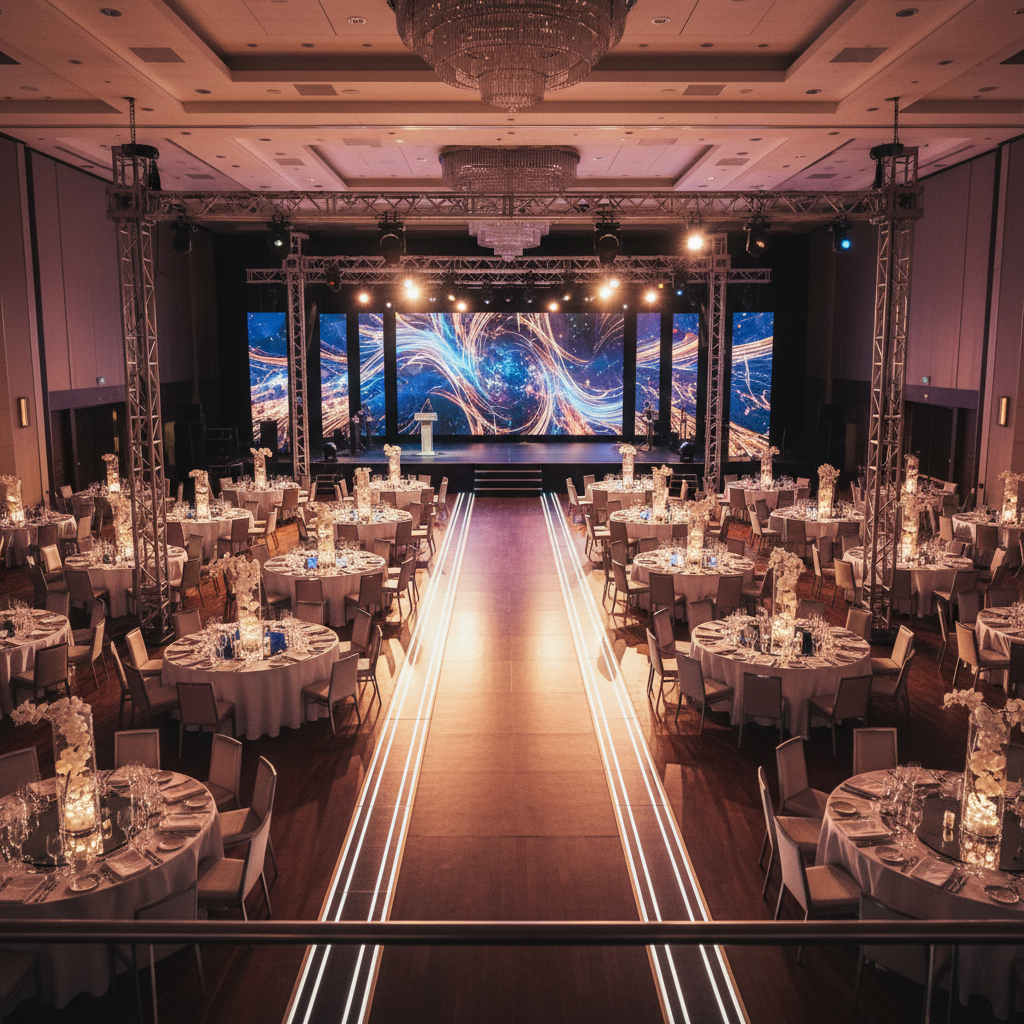
The three documents that anchor most productions are a scaled floor plan, a timestamped run of show, and a technical checklist. The floor plan shows where people and equipment go. The run of show explains what happens and when. The checklist proves that the system works before doors open.
- Floor plan: Show the stage, seating, aisles, ramps, camera positions, front-of-house control, backstage lanes, cable paths, green room, storage, and emergency routes.
- Run of show: Assign a duration, cue, owner, presenter, media file, microphone, and transition note to every significant segment.
- Technical checklist: Confirm audio, lighting, video, power, communications, accessibility, backups, and safety conditions after setup and before the audience enters.
- Contact sheet: List the planner, venue captain, stage manager, showcaller, audio operator, lighting operator, video operator, presenters, and emergency contacts.
For planners comparing spaces, the event venue selection framework for Mississauga is a useful companion because room dimensions, access, parking, service levels, and technical support affect production decisions long before show day.
What is event staging and production?
Event staging and production is the coordinated design and operation of the physical and technical systems that deliver a live program. Staging creates the performance surface and audience sightlines; production connects sound, lighting, video, power, communications, crew, presenters, and cues into one working system.
The scope changes with the event, but most productions involve the following components:
- Stage and scenic design: Riser size, height, stairs, ramps, lecterns, furniture, drape, branding, décor, and backstage access.
- Audio: Main speakers, fills where needed, monitors, lavalier and handheld microphones, wired backups, playback, recording, and communications.
- Lighting: Front light for faces, backlight for separation, scenic washes, room looks, lectern light, stage-edge visibility, and transitions between program segments.
- Video: LED wall or projection, playback, switcher, confidence monitors, presentation computers, cameras, image magnification, and content backups.
- Power and signal: Distribution, cable protection, dedicated circuits where required, labelled connections, network paths, and safe routes for people and equipment.
- Show operations: Stage management, cueing, intercom, presenter checks, changeover timing, audience movement, and a controlled strike.
Good audiovisual staging is not simply a collection of equipment. It is a design response to the room, program, audience, and risk profile. A panel needs different microphones and camera positions from a product launch. A wedding procession needs different access and cueing from a trade-show keynote. Define the experience first, then choose the equipment that supports it.
Why do production details matter?
Production details matter because live events have little tolerance for ambiguity. A missing cable, unclear microphone handoff, blocked sightline, unreadable confidence monitor, or untested media file can interrupt a program in front of the audience. Planning does not remove every variable, but it gives the team a repeatable way to identify, test, and recover from problems.
Audience experience
Guests should be able to see the presenter, understand the message, move safely, and know where to focus. Stage height, screen position, speaker coverage, front light, seating geometry, and house-light levels all contribute to that experience. In a large room, a technically acceptable signal at the front is not enough; the team should check the back and sides as well.
Presenter confidence
Presenters perform better when they know where to stand, what microphone they will use, how to advance slides, where to look, and how much time remains. A short speaker check can confirm pronunciation, walk marks, clicker operation, confidence-monitor content, video playback, and the handoff between speakers.
Operational control
A clear owner for each cue prevents the common problem of several people assuming someone else is acting. The showcaller or stage manager should have one authoritative run of show, while operators receive the information relevant to their stations. Changes should be dated, announced, and reflected in the working copy.
Safety and accessibility
Safety must be considered during erection, use, and dismantling, not added after the room is built. Ontario guidance for temporary performance and event structures recommends an early risk assessment by a competent person, covering access, egress, evacuation, hazards, and changing production conditions. The Ontario safety guidance for temporary event structures should be reviewed alongside the venue’s requirements and the plans of the competent production team.
How does event staging and production work on-site?
The most dependable workflow moves from goals to design, from design to setup, and from setup to tested execution. The exact schedule depends on event complexity, but the sequence below gives planners a practical starting point.
1. Confirm goals and constraints
Start by recording the audience size, event format, program length, room assignment, content type, branding needs, entertainment, food service, photography, accessibility requirements, and desired atmosphere. Ask what must be visible, what must be heard, which transitions are time-sensitive, and which moments cannot be repeated.
Also identify constraints early: ceiling or rigging limitations, delivery access, dock timing, storage, noise restrictions, outdoor transitions, simultaneous room use, and the time available for rehearsal. A venue walk with the production lead is more valuable when these questions are prepared in advance.
2. Draw the scaled floor plan
Place the stage and screens first, then add seating, aisles, accessible routes, camera lanes, control positions, speaker locations, backstage paths, and cable routes. Check that doors, service areas, exits, and fire routes remain usable. Mark the distance between the stage and audience so audio coverage and screen readability can be evaluated rather than guessed.
For a conference, compare theatre, classroom, banquet, and cabaret layouts against the event goal. Theatre seating maximizes audience capacity and sightlines toward a stage. Classroom seating supports note-taking but uses more floor area. Banquet layouts prioritize dining and conversation, so screen placement and delay timing may need additional attention.
3. Build the production schedule
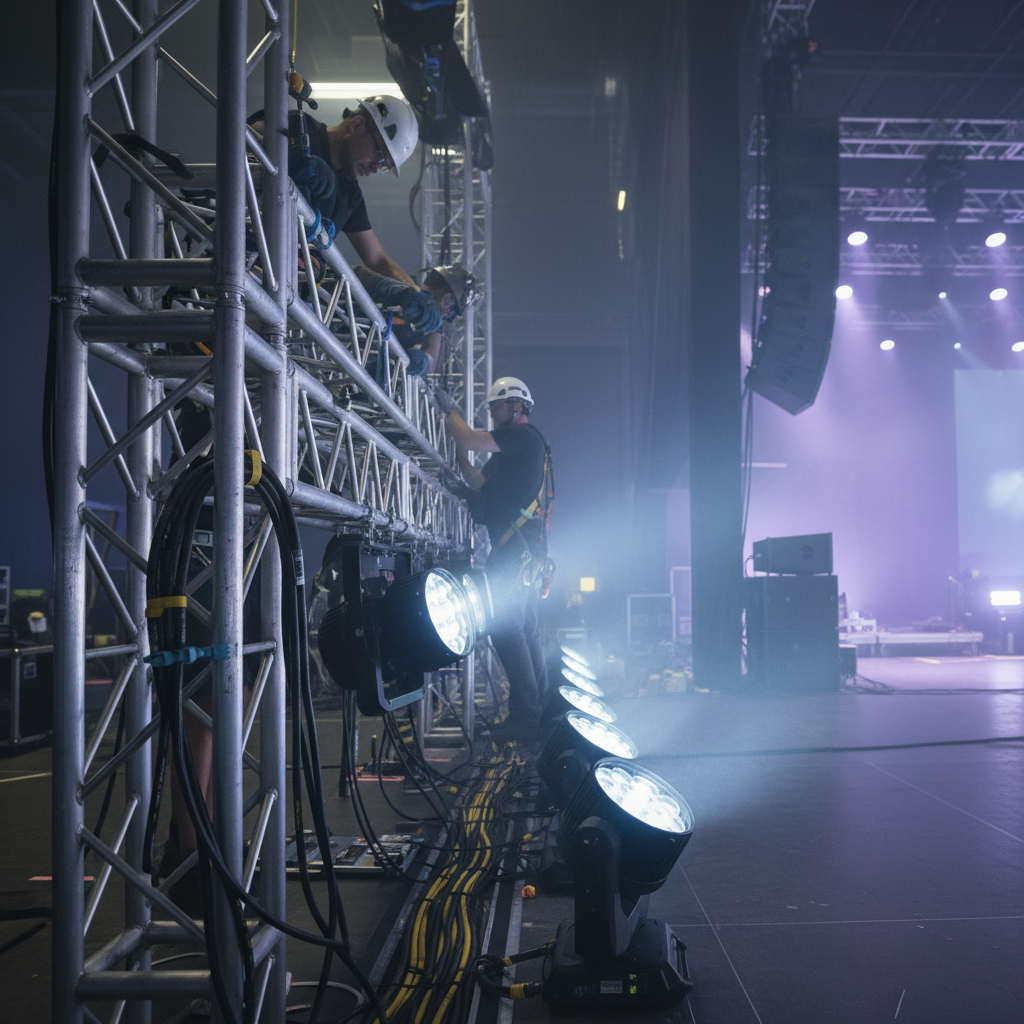
Use a load-in order that avoids rework. A common sequence is staging and scenic elements, approved rigging or support structures, power distribution, audio, lighting, video, décor, and final cable dressing. Confirm the order with the venue and technical team because access, equipment, and room conditions vary.
Give each setup phase an owner and completion check. The production manager should be able to answer whether the stage is level, whether cable paths are protected, whether the audio system is patched, whether the video sources display correctly, and whether every operator has the current show file and content.
4. Rehearse under show conditions
A rehearsal should include the actual microphones, presentation computer, clicker, confidence monitors, lighting looks, comms, playback files, presenter entrances, and important transitions. Run the longest or riskiest sections rather than only checking that individual devices turn on. If the room will be full, consider how people, seating, and ambient sound could change the experience.
Ask presenters to rehearse the first and last lines of their segment, not just the slides. Confirm how a late speaker, missing media file, or shortened segment will be handled. A pre-agreed fallback is faster than inventing one during the show.
5. Call the show
The showcaller or stage manager should call cues clearly and consistently. A typical cue includes the action, destination, timing, and confirmation when needed: for example, a video roll, a lighting change, a microphone handoff, or a house-light adjustment. Keep routine communication concise so urgent information remains easy to hear.
6. Strike methodically
Strike in a controlled order, beginning with content and system shutdowns before disconnecting equipment. Keep guest and crew paths separate where possible, power down equipment according to the operator’s procedure, and return cases, cables, and accessories to labelled zones. Complete a venue walk for cable ramps, tape, fixtures, damage, and forgotten personal items.
Recommended planning timeline
| Timing | Primary owner | Decision or deliverable |
|---|---|---|
| Three weeks out | Planner and venue | Goals, format, room, audience, access, and preliminary equipment needs |
| Two weeks out | Production lead | Scaled floor plan, stage concept, seating, power approach, and accessibility routes |
| Seven to ten days out | Stage manager | Run of show, cue list, microphone plot, content inventory, and crew contacts |
| One to two days out | Planner and venue | Final files, site walk, delivery plan, storage, green room, and change log |
| Show day | Entire production team | Load-in, technical rehearsal, presenter checks, show execution, and documented strike |
| Within 48 hours | Planner and production lead | Debrief, asset archive, incident notes, and improvements for the next event |
How should safety and accessibility shape the build?
Safety and accessibility are design requirements, not visual details to solve after staging is complete. Keep routes to entrances, exits, washrooms, seating, and the stage clear. Protect cables that cross paths, secure loose décor, control access to technical areas, and brief crew members on emergency procedures and who has authority to stop work.
Ontario’s accessible-events guidance recommends keeping electrical wires out of travel paths or using wheelchair-accessible cable protectors in bright or contrasting colours. It also recommends considering a ramp for stage access by people who use mobility devices, while noting that additional requirements may apply under the Ontario Building Code or municipal rules. Review the Ontario guide to accessible events with the venue and qualified professionals when designing the event.
Practical accessibility checks
- Confirm an unobstructed route from the entrance to accessible seating and the stage-access solution.
- Do not use an aisle, exit route, or turning area for cable cases, décor, camera tripods, or spare chairs.
- Use high-contrast cable protection and check it under the actual room lighting.
- Provide a stable, appropriate stage-access route and brief presenters and crew on its location.
- Check that captions, readable slides, hearing-support arrangements, or other requested accommodations are included in the production plan.
- Keep the audience capacity and egress plan aligned with venue and applicable code requirements.
Crowd and power planning
Audience movement should be planned around doors, meal service, registration, coat check, breaks, photography, and high-interest moments such as awards or celebrity appearances. A crowd-management plan should reflect the venue, event type, crowd size, and other conditions; the crowd-management guidance from the Canadian Centre for Occupational Health and Safety is a useful planning reference for organizers.
Do not assume that a convenient outlet solves the power plan. List the equipment that will be energized, identify temporary-power needs, and confirm requirements with the venue and qualified electrical professionals. The production team should also distinguish power from signal paths, protect connections from traffic, and avoid unapproved daisy chains.
Which staging approach fits the event format?
There is no universal best stage. The right build depends on what the audience needs to see and hear, how often the program changes, how much floor space is required for dining or networking, and whether the event includes performances or processionals.
Keynotes and product launches
Use a wide, uncluttered stage with a clear lectern position, strong front light, a readable content surface, and confidence monitors angled toward presenters. Product demonstrations benefit from a rehearsal area where playback, lighting focus, camera framing, and transitions can be tested. Keep critical media on a primary system and a separate, clearly labelled backup.
Panels and town halls
Panels need balanced speech coverage and simple microphone handoffs. Lavaliers can keep hands free, while handhelds make audience questions easier to manage. Place chairs so faces remain visible to the audience and cameras, leave space for a moderator to move, and prepare a second microphone path for Q&A.
Galas, awards, and fundraisers
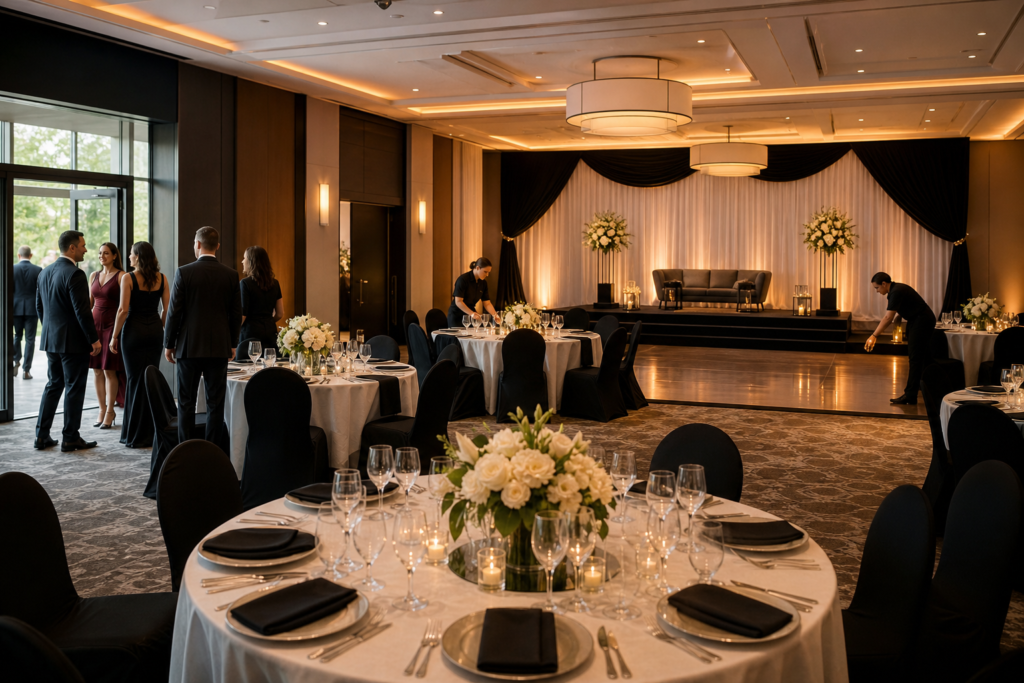
These programs often alternate between dinner, speeches, entertainment, and award presentations. Create separate lighting looks for dining and stage focus, pre-stage trophies or certificates, confirm name pronunciation, and rehearse the path from the audience to the stage. A visible stage edge and well-lit steps help presenters in formal clothing move confidently.
Weddings and cultural celebrations
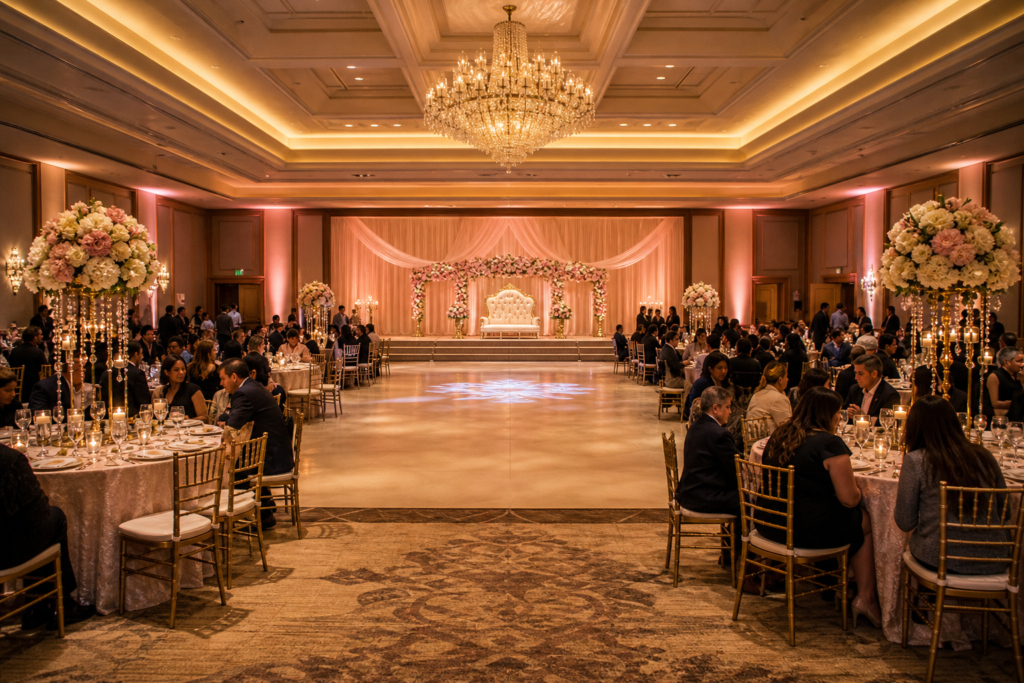
Ask about ceremonies, processions, performances, speeches, décor, family photography, and culturally significant moments before drawing the final plan. Flexible risers, expanded microphone plots, warm scenic lighting, and protected transition time can support a complex program without rushing it. At Mississauga Convention Centre, catering options include South Asian, Pakistani Halal, Middle Eastern, Sri Lankan, Caribbean, and Continental cuisines, which can be coordinated with the event schedule.
Trade shows and exhibitions
Separate presentation sound from noisy traffic where possible, provide clear power and signal routes for booths, and use schedules or signage that remain readable from the main approach. Colour-coded floor plans and exhibitor load-in windows reduce congestion. If sessions run beside an exhibition floor, consider directional audio or silent-session systems based on the room and audience needs.
What should the technical checklist cover?
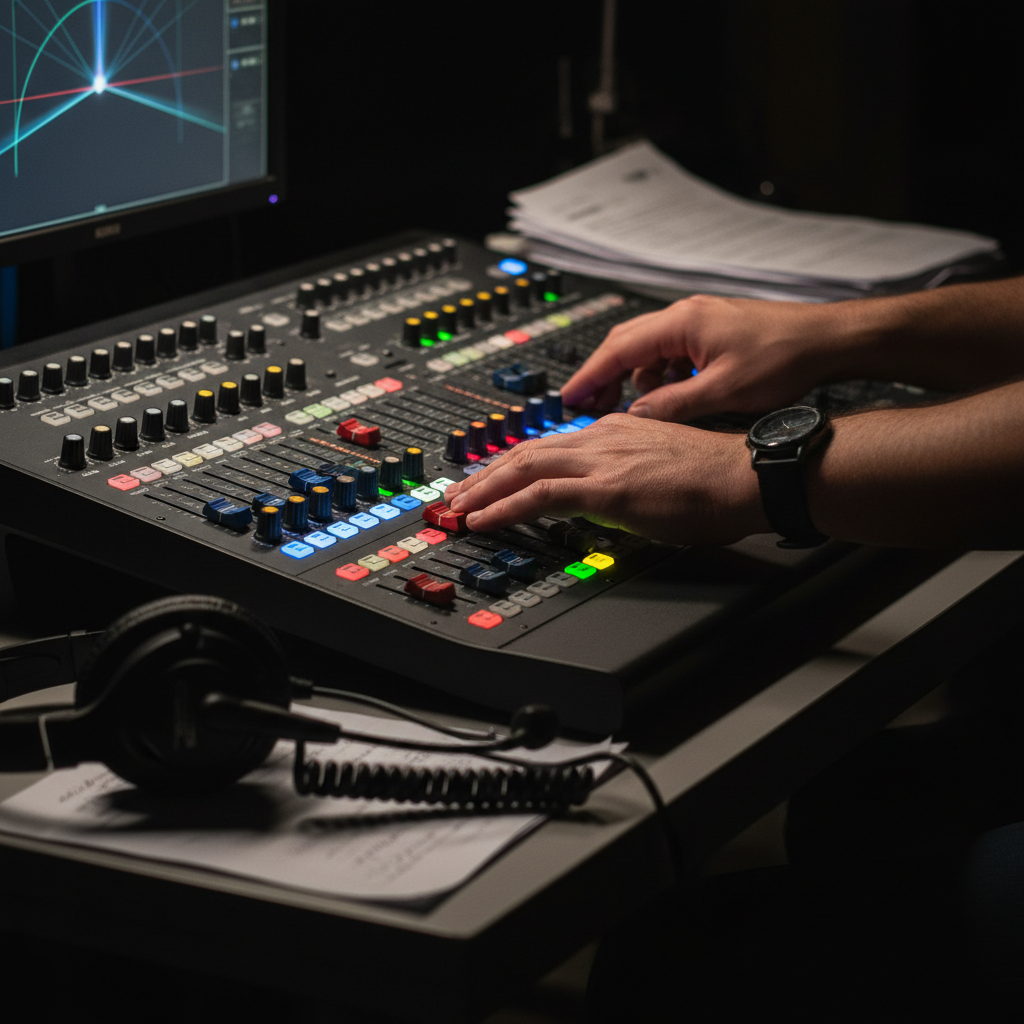
Audio
- Walk the room and listen from the front, middle, rear, and side seating areas.
- Check every microphone for level, clarity, battery, labelling, and assigned presenter.
- Keep a wired or otherwise approved fallback for critical speaking positions.
- Test playback, walk-in music, stingers, remote callers, and recording feeds separately.
- Confirm that speakers, monitors, and control positions do not obstruct audience routes.
Lighting
- Set a consistent front wash so faces remain clear across lectern, panel, and walk-on positions.
- Check glasses, reflective screens, glossy décor, and camera exposure for glare.
- Program practical looks for walk-in, keynote, panel, awards, entertainment, dinner, and closing.
- Light stairs, ramps, lecterns, and transitions without creating distracting shadows.
- Save and back up the final show file using a clear naming convention.
Video and presentations
- Collect final presentation files and verify aspect ratio, fonts, audio, video codecs, and links.
- Test every source at the intended output resolution and confirm screen switching.
- Show notes, timers, and slide previews on confidence monitors where appropriate.
- Prepare a backup computer or drive and identify which operator controls the fallback.
- Confirm camera positions, image-magnification framing, lower thirds, and recording expectations.
Communications and cueing
- Issue comms to the stage manager, showcaller, audio, lighting, video, and venue lead.
- Use a concise cue vocabulary and agree on an emergency communication method.
- Print or distribute the current run of show, cue sheet, contact list, and change log.
- Assign one person to approve last-minute content or timing changes.
Equipment and room readiness
- Label cases, cables, transmitters, power legs, presentation computers, and spare equipment.
- Keep walkways, exits, accessible routes, and service areas clear throughout setup.
- Confirm stage stability, handrails, ramps, cable protection, drape, and scenic anchoring.
- Photograph the completed setup if the production team needs a repeatable reference.
Which tools make production planning easier?
The best tools create a shared source of truth rather than more documents that disagree. A scaled drawing application can show room geometry, equipment, routes, and seating. A collaborative run-of-show document can track cues, owners, durations, and revisions. A content folder with clear file names and version dates reduces the risk of an operator using an outdated presentation.
Useful planning templates
- One-page floor plan: Include a legend for stage, seating, power, audio, video, cameras, accessible routes, and cable protection.
- Run of show: Use columns for time, duration, segment, presenter, cue, operator, media, microphone, and contingency.
- Mic plot: List microphone type, user, channel, frequency or identifier where applicable, handoff, battery status, and backup.
- Content register: Record file name, owner, version, aspect ratio, playback device, and approval status.
- Strike checklist: Divide equipment by room or zone and record the responsible crew member.
Keep the working documents simple enough to use during a busy setup. A beautifully designed plan that cannot be read at the control position is less useful than a clear, labelled page. Archive the final plan, cue list, show files, and debrief so the next production begins with evidence rather than memory.
How do these tips apply to real event formats?
Corporate launch for approximately 600 guests
Prioritize a wide presentation surface, consistent front light, strong speech coverage, confidence monitors, and tested demo playback. Build the launch around a short technical rehearsal that includes the product video and the presenter’s movement, then use a separate networking look so the room can change energy without a long reset.
Gala for approximately 800 guests
Plan the relationship between dinner service and stage focus. Pre-stage awards, rehearse name pronunciation and winner routes, and give the lighting operator clear looks for meal service, speeches, awards, and entertainment. The run of show should include realistic time for presenters to reach the stage.
School prom or formal
Separate dance-floor energy from announcement clarity. A dedicated handheld at the control position, a simple reset plan, visible stage edges, and a clear procedure for unscheduled announcements help the DJ, supervisors, and production team work together. Confirm access control and crowd movement with the venue and organizers.
Multicultural wedding weekend
Start with the cultural schedule, not only the reception start time. Map processions, performances, speeches, photography, décor changes, and meal service, then protect buffers around moments that cannot be repeated. A flexible stage, additional microphone channels, and clear communication with family representatives can reduce pressure during transitions.
Conference and exhibition in parallel rooms
Use room separation, colour-coded maps, and a master schedule to prevent sound and audience-flow conflicts. Confirm which sessions require recording or image magnification, give exhibitors defined delivery windows, and keep the keynote audience route separate from booth replenishment wherever possible.
Frequently asked questions
How early should event staging be planned?
Begin the room and production conversation as soon as the format, audience, and program are known. A practical minimum is to confirm the scaled plan roughly two weeks before the event, finalize the run of show and content seven to ten days before, and reserve enough show-day time for a full technical rehearsal. More complex events, multi-room programs, rigging, performances, or significant décor require earlier coordination.
How do I choose between an LED wall and projection?
Choose based on room brightness, content, viewing distance, available depth, screen size, and budget confirmed by the production team. LED is often useful for bright rooms or motion-heavy content, while projection can suit static presentations when the room can be controlled and the throw distance is available. Test the actual content and viewing positions rather than deciding from equipment names alone.
What microphones should a mixed event have?
A mixed program commonly benefits from lavaliers for presenters who need free hands, handheld microphones for audience questions and awards, and a wired or otherwise approved fallback for critical announcements. The exact quantity depends on the speaker count, simultaneous segments, entertainment, and venue system. Label every microphone and confirm the handoff procedure during rehearsal.
What is the fastest way to reduce production risk?
Lock one current floor plan and run of show, assign an owner to every cue, rehearse with the actual content and communications system, and prepare backups for critical microphones and media. Add realistic time for room changes, meals, processions, and presenter movement. Clear fallback decisions are more useful than a long list of equipment that no one has tested.
How can a venue support audiovisual staging?
A venue with in-house audiovisual systems, lighting, staging, and technical support can reduce handoffs between suppliers and make site coordination more direct. The planner should still confirm the equipment package, room constraints, access schedule, content requirements, accessibility provisions, and responsibility for each technical task. At Mississauga Convention Centre, those conversations can be coordinated across the venue’s halls and event formats.
Conclusion
Reliable event staging and production begins with outcomes and ends with disciplined execution. Draw the room, define the cues, protect routes, test the complete system, and give every important action an owner. Stage size, audiovisual staging, lighting, sound, video, accessibility, power, and crew movement should support the program rather than compete with it.
For events at Mississauga Convention Centre, planners can combine in-house staging, lighting, technical support, and varied catering with seven approximately 4,250-square-foot halls, more than 2,200 guests of total capacity, and approximately 700 on-site parking spaces. The next practical step is a site discussion that turns your agenda into a scaled plan, production schedule, and rehearsal checklist.
Plan your next production with Mississauga Convention Centre
Discuss your event format, room layout, staging, audiovisual requirements, accessibility needs, and technical rehearsal with the Mississauga Convention Centre team. Contact Mississauga Convention Centre to begin planning at 75 Derry Rd W in Mississauga.