

 27 September, 2026
 “AV required” is not a sufficient brief for a conference venue. Before comparing quotes or signing a contract, translate your event format into specific needs for audio, presentation displays, lighting, staging, room layout, connectivity, and technical support.
This process helps you compare venues fairly and prevents important services from being assumed rather than confirmed. The goal is a written AV brief showing what your event must accomplish, what the venue will provide, what your team will supply, and what must be tested before guests arrive.
Key Takeaways
- Clearly define your event’s goals and specific AV needs before requesting quotes.
- Document all technical requirements, including audio, displays, lighting, and connectivity.
- Request written confirmation from the venue on all AV equipment and services included in your package.
- Schedule a comprehensive technical test to ensure everything works as planned before the event.
- Understand the responsibilities of the venue, organizers, and external teams to avoid miscommunication.
Quick summary

- Start with the agenda, audience, room format, presenter count, and remote-participation needs.
- Document audio, displays, presentation connections, lighting, staging, power, cable routes, and connectivity separately.
- Ask the venue to confirm equipment, setup, operators, testing, technical support, inclusions, exclusions, and fees in writing.
- Do not assume general AV capability includes streaming, recording, hybrid production, bandwidth, or dedicated technicians.
- Schedule a complete technical test that follows the real run of show, not only a room walk-through.
Step 1: Define what the event must accomplish
AV requirements depend on the event, not simply the number of attendees. A keynote, training seminar, panel discussion, trade show, gala, and multi-room conference can use the same venue but need very different technical plans.
Record the expected attendance, presenter count, event format, number of presentation areas, types of content, presenter-device expectations, remote participation, and the timing for setup, rehearsal, doors open, program start, and teardown.
- Will speakers use their own laptops or a shared presentation system?
- Will the program include video, music, live questions, awards cues, or demonstrations?
- Are remote speakers, online attendees, streaming, recording, or post-event content required?
- Will breakout rooms, exhibitions, stages, or simultaneous sessions need separate AV plans?
Stop point: Do not request a final AV quote until you can describe the event program and room use. Attendance alone does not define the right setup.
Step 2: Build the AV requirements brief

Organize the request by technical category so the venue and any external production partner can identify equipment, labour, setup needs, and gaps. These corporate meeting AV specifications provide a useful model for turning a general request into a written brief.
| Requirement | Document | Ask the venue to confirm |
|---|---|---|
| Audio | Speakers, panels, questions, playback, music, remote voices | Sound system, microphones, mixing, setup, operators, testing |
| Displays | Visibility, content, confidence monitoring, video playback | Display options, placement, compatibility, switching |
| Connections | Presenter devices, inputs, adapters, backups | Supported connections, cable runs, adapters, switching responsibility |
| Lighting | Speaker visibility, stage, audience, branding, cameras | Available lighting, control, programming, technical responsibility |
| Staging | Lectern, panels, risers, branding, access | Staging elements, layout limits, installation, teardown |
| Connectivity | Online platform, presenter access, exhibitor devices | Available connectivity, limitations, responsible party |
| Support | Setup, rehearsal, live operation, troubleshooting | Staffing, access windows, response process, fees |
Keep confirmed facts separate from assumptions. A venue may provide professional audiovisual systems, lighting, staging, and technical support while still needing to review your specific room, program, equipment combination, and hybrid requirements.
Audio requirements: voices, panels, questions, and playback
Audio is usually the first requirement to define because an unclear microphone plan can affect presenters, panelists, audience participation, video playback, and remote attendees simultaneously.
List how many people may speak at once, whether speakers will move around, whether a moderator will manage questions, and whether audience questions must be heard by remote participants. Note panel, awards, music, walk-on, video, and translation cues in the run of show.
Document the preferred microphone approach without assuming a specific model or quantity. Ask which options suit the format, where speakers will stand, who will manage levels, and when the complete sound check will occur. These conference room setup tips can help you plan microphone positioning, room acoustics, cable routes, and pre-event testing.
Confirm in writing: microphones, playback, sound reinforcement, mixing, setup, operation, rehearsal, audience questions, remote audio, exclusions, and additional charges.
Displays and presentation connections
Do not describe the requirement only as “a screen.” Explain what attendees must see, where presenters will stand, and whether content must be visible from the back or sides of the room.
Document presentation sources, expected file types, video playback, presenter confidence needs, slide aspect ratio, branding content, and switching between presenters. If presenters bring their own devices, record expected connection types and identify who supplies adapters or backup devices.
Ask who receives and loads presentation files, who changes sources, and whether a technician will be present during transitions. Confirm whether a backup input or duplicate presentation device is recommended.
Stop point: Request a written list of supported connections and the agreed presentation workflow before distributing instructions to speakers.
Lighting, staging, and room layout
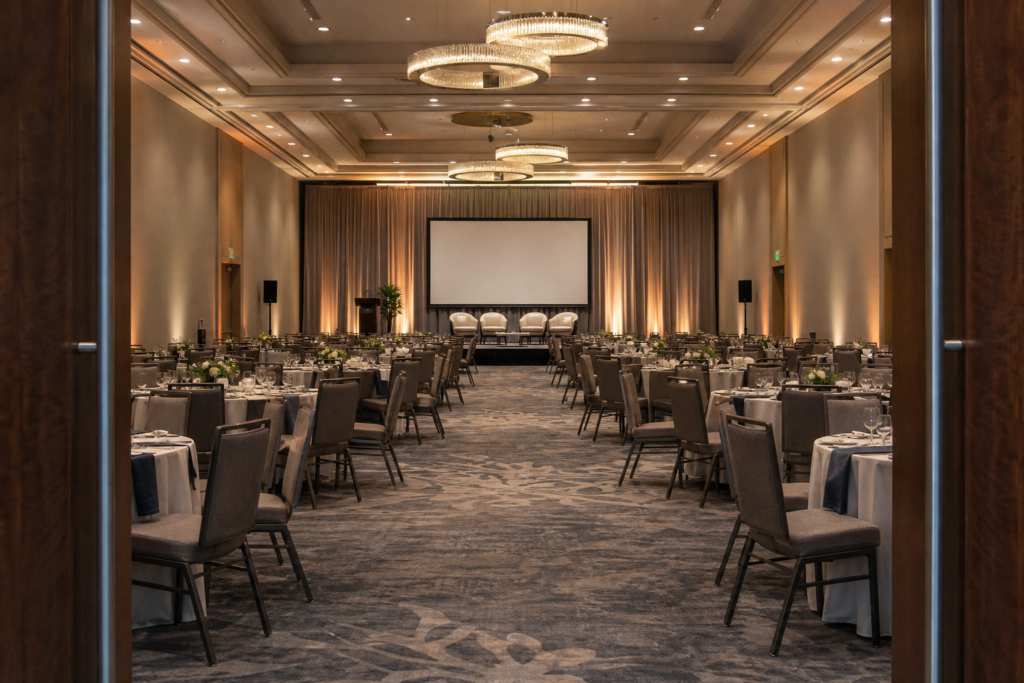
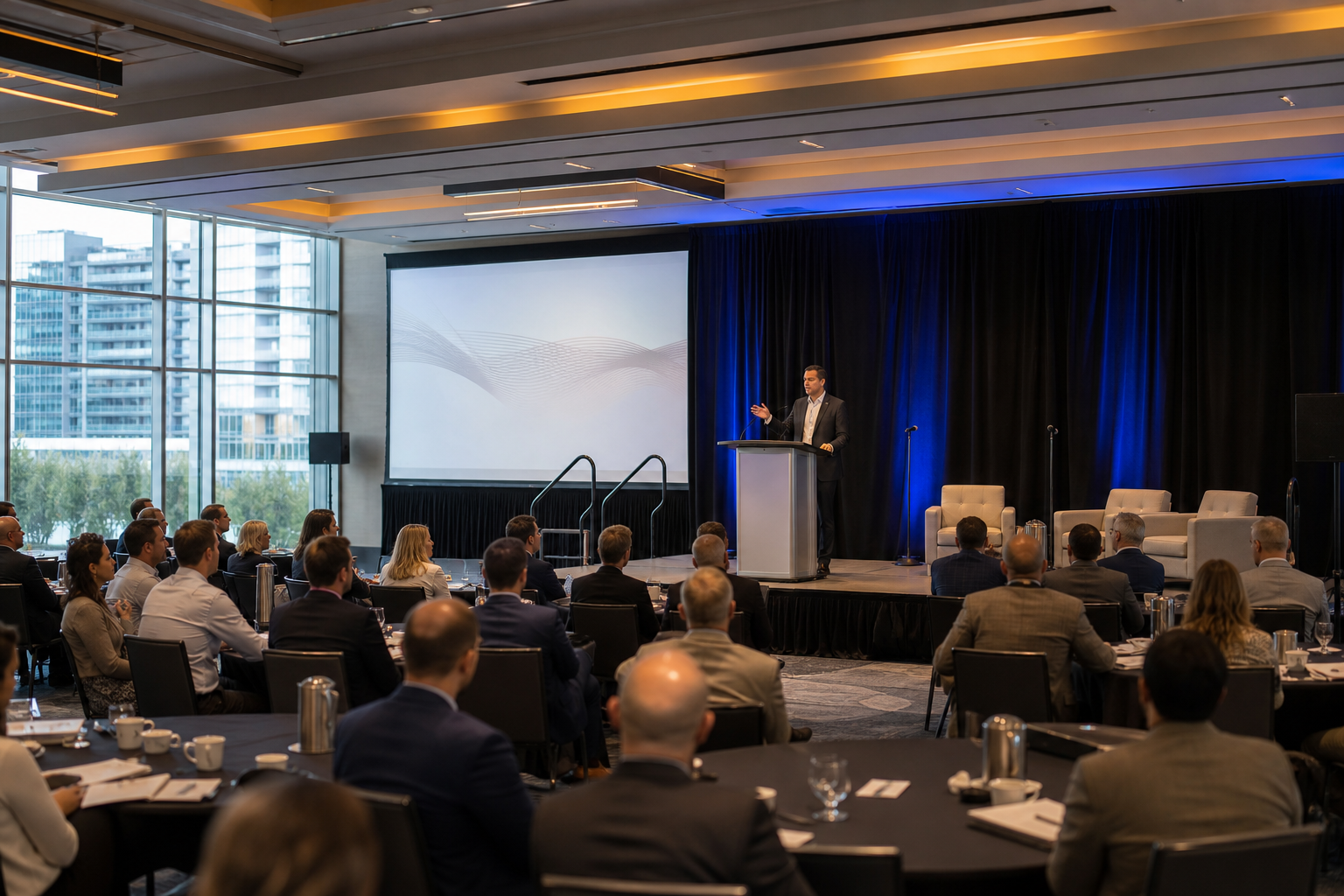
Lighting, staging, and seating should be planned together. A lectern, panel, screen, audience, camera, and confidence display all compete for space and sightlines.
Record the preferred room layout, stage or presentation position, panel arrangement, lectern location, screen position, registration area, catering stations, and audience aisles. Consider how people enter, move during breaks, ask questions, and leave the room. For trade shows, include booth positions, demonstrations, exhibitor devices, and presentation zones.
Ask what lighting can be adjusted and who controls it during the program. A virtual tour can help visualize room proportions and traffic flow, but it cannot replace event-specific confirmation of configuration, sightlines, staging, connections, testing, and support.
Confirm in writing: the proposed floor plan, sightline assumptions, stage and screen locations, lighting scope, furniture or staging elements, installation responsibilities, and access limitations.
Power, cable routes, and connectivity
Include presenter tables, registration, staging, confidence displays, control positions, exhibitor equipment, charging areas, and demonstrations in the power review.
Ask where cables will run and how they will be secured away from guest paths. Identify who supplies extension leads, cable covers, distribution equipment, and device-specific power. Do not assume an outlet is available at every planned position.
For internet-dependent events, describe the actual need rather than asking generally whether Wi-Fi is available. State whether presenters need online access, an event platform must connect, exhibitors require connectivity, or remote participants must join a live session. Ask about options, limitations, testing, and responsibility.
Hybrid participation: specify the service instead of assuming it
Hybrid events require more than placing a camera in the room. A complete brief may include remote speakers, audience interaction, presentation feeds, room audio for online participants, remote questions, recording, streaming, platform management, monitoring, and technical operation.
Separate what must happen from how you expect it to happen. “Remote panelists must hear the moderator and see the shared presentation” is a useful outcome. The venue and production team can then explain the equipment, connections, operators, and platform arrangements required.
Ask whether streaming, recording, bandwidth, platform accounts, camera operation, remote-speaker support, and post-event files are available, included, tested, or assigned to another party. The supplied venue information confirms professional AV, lighting, staging, and technical support, but it does not confirm every hybrid service or connectivity arrangement.
Stop point: Never treat “hybrid available” as a final specification. Obtain a responsibility split for cameras, microphones, presentation feeds, platform management, recording, streaming, monitoring, and troubleshooting.
Step 3: Assign technical responsibilities before requesting a quote
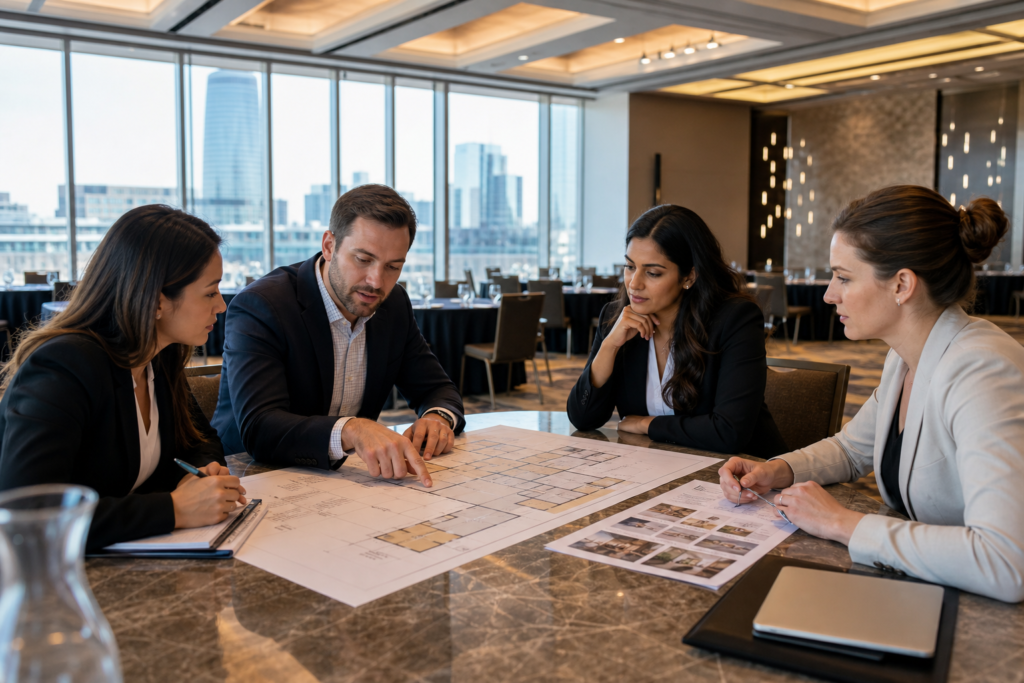
Create a responsibility matrix before comparing proposals. Name one owner for each task and show whether it is included, quoted separately, or unresolved.
- Venue: Venue-provided systems, room preparation, staging, lighting, technical support, and operating services.
- Organizer: Agenda, presentation files, speaker instructions, branding, platform decisions, and approval contacts.
- External production team: Third-party cameras, recording, streaming, translation, specialty equipment, or operators.
- Presenters: Device requirements, arrival times, content deadlines, and rehearsal participation.
Use the brief to ask what is included and what is not. This matters when package-based services are offered, because a package may not cover every event-specific technical need.
Step 4: Match the brief to the conference centre
Mississauga Convention Centre hosts corporate meetings, conferences, seminars, exhibitions, trade shows, and gala events. Its supplied venue information confirms professional audiovisual systems, lighting, staging, and technical support.
The Centre is located at 75 Derry Road West in Mississauga, near major highways and Toronto Pearson International Airport. It offers seven halls of approximately 4,250 square feet each, total capacity for more than 2,200 guests, and approximately 700 on-site parking spaces.
These details help with early room and arrival planning, particularly for larger GTA programs. They do not confirm a specific room assignment, equipment list, hybrid setup, operator arrangement, or final AV price. Match your brief to the proposed room and request event-specific confirmation.
Step 5: Request written confirmation before signing
Send the AV brief with your request for proposal and ask the venue to respond against each requirement. Confirm:
- Proposed room, layout, stage, screens, and sightlines.
- Audio equipment, microphone plan, playback, and sound-check arrangements.
- Presentation inputs, adapters, switching, confidence displays, and backups.
- Lighting, staging, furniture, branding, and installation responsibilities.
- Power access, cable routes, registration needs, exhibitor needs, and connectivity.
- Hybrid, streaming, recording, remote-speaker, and platform responsibilities.
- Setup access, rehearsal timing, live support, teardown, and technician coverage.
- Included services, exclusions, additional fees, supplied items, and change procedures.
Stop point: Do not treat “AV available” as approval of the plan. Resolve every open item or label it as an organizer decision before signing.
Step 6: Schedule a complete pre-event test
A room walk-through confirms the space. A technical rehearsal confirms the event. Test the setup in the actual layout and follow the real run of show.
Check every microphone position, presentation source, video clip, playback level, input change, slide transition, lighting cue, stage position, screen sightline, camera frame, remote voice, and audience-question process. Walk the cable routes and verify that registration, presenters, exhibitors, and technicians can reach their positions without disrupting attendees.
Decide who changes to a backup presentation source, communicates with a remote speaker, handles a failed connection, and approves changes during the program. A test is most useful when those handoffs are clear before event day.
Final AV brief checklist for a Mississauga conference venue
- Event: Purpose, dates, program, attendance, presenters, and room requirements.
- Audio: Speakers, panels, questions, playback, music, remote voices, and sound check.
- Displays: Screens, sightlines, content types, confidence monitoring, and video.
- Connections: Presenter devices, inputs, adapters, switching, backups, and file handoff.
- Lighting and staging: Stage, lectern, panel, branding, camera views, and lighting cues.
- Layout: Seating, aisles, registration, catering, exhibitors, cameras, and control position.
- Power and connectivity: Outlets, cable routes, devices, network needs, and responsible parties.
- Hybrid services: Platform, remote speakers, streaming, recording, monitoring, and support.
- Confirmation: Equipment, operators, setup, testing, inclusions, exclusions, fees, and sign-off.
Frequently asked questions
Is saying “AV required” enough when requesting a conference venue quote?
No. It does not explain the event format, presentation sources, audio needs, room layout, hybrid services, support, or testing. Use a written brief so the venue can respond to specific requirements.
What should I ask a Mississauga conference centre about hybrid event AV?
Ask about cameras, microphones, presentation feeds, remote-speaker audio, streaming, recording, platform management, connectivity, monitoring, operators, testing, and responsibility for each service.
When should the venue confirm AV equipment, operators, testing, and technical support?
Request confirmation with the proposal and resolve open items before signing. Reconfirm the plan when the room layout, agenda, presenter list, or remote participation changes, then test the final setup before the event.
Can a virtual venue tour replace an in-person AV and sightline check?
No. A virtual tour can help you understand the space, but it cannot replace an event-specific review of configuration, sightlines, staging, connections, cable routes, testing, and technical support.
Conclusion: secure the AV plan before you secure the venue
The strongest conference AV plan starts with the event outcome, not a list of equipment. Define the program, translate it into audio, display, lighting, staging, layout, power, connectivity, and hybrid requirements, then assign responsibility for every task.
Before booking, obtain written confirmation of what is supplied, included, provided by your team or an external partner, and tested. For planners evaluating a conference centre in Mississauga, Mississauga Convention Centre offers professional audiovisual systems, lighting, staging, and technical support alongside flexible halls for corporate events, conferences, seminars, exhibitions, trade shows, and gala events.