

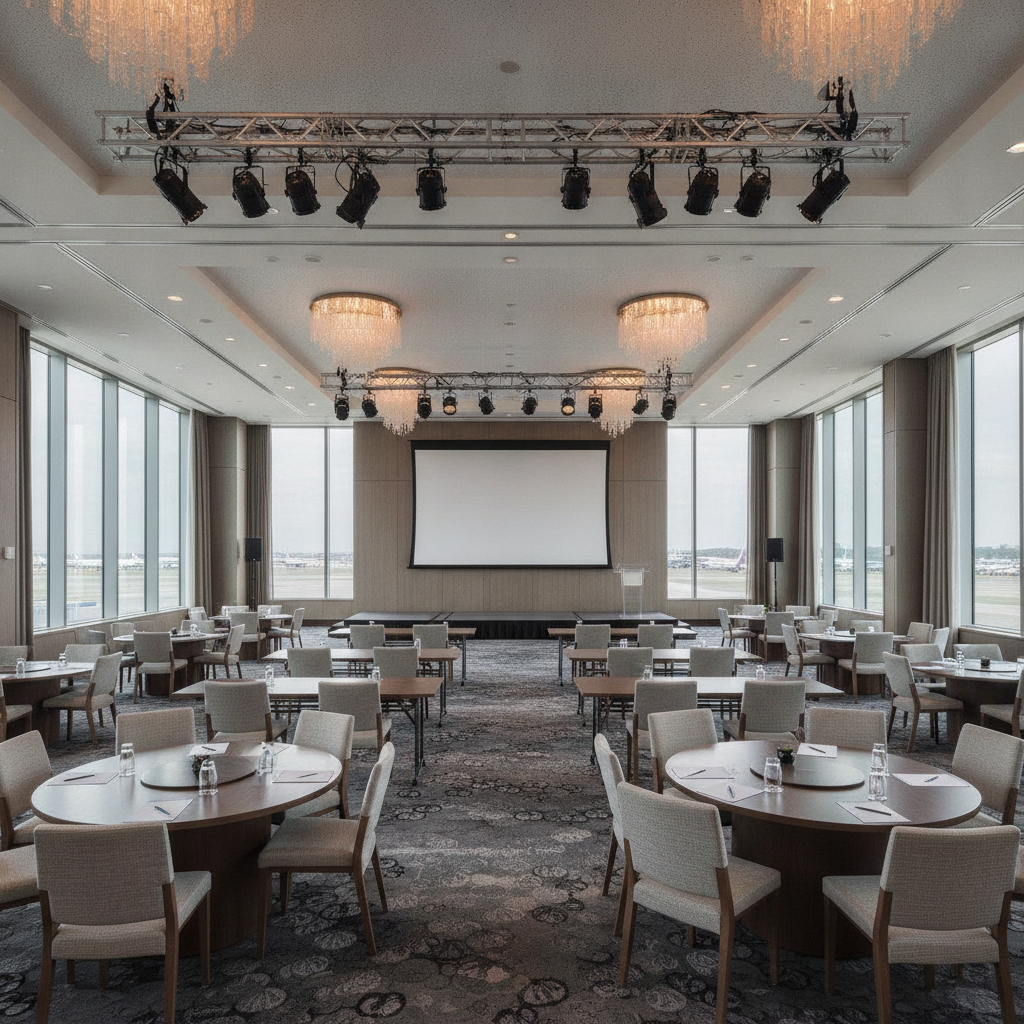
 20 September, 2026
 A conference room booking checklist is a structured, step-by-step list that ensures you reserve the right space, technology, and services for a successful meeting. It reduces errors, speeds up approvals, and keeps attendees focused. For teams meeting near 75 Derry Rd W, a clear checklist streamlines logistics from parking to AV support.
By Preet Dass — Mississauga Convention Centre
Last updated: July 1, 2026
Summary
Use a conference room booking checklist to confirm goals, headcount, layout, AV, hybrid needs, catering, access, signage, and on-site support. Lock timelines, assign owners, and run a final day-before test. This reduces no-shows, tech issues, and last-minute changes.
This complete guide blends a practical checklist with on-the-ground insights from our coordinators, AV techs, and culinary team. You’ll learn how to plan smarter, prevent surprises, and keep your meeting on time—whether you’re hosting a 12-person board session or a 400-person training block.
- Understand objectives, attendee profiles, and accessibility needs
- Match room size, layout, and acoustics to your agenda
- Lock in AV, hybrid streaming, and reliable connectivity
- Coordinate catering, wayfinding, and registration flow
- Run rehearsals, document roles, and build redundancy
Above-Fold Section
Book conference rooms faster by confirming objectives, attendee count, layout, AV, hybrid access, catering, arrival flow, and support. Then schedule a pre-event walkthrough and a day-before tech test. This simple rhythm prevents delays and creates a consistent, repeatable process.
Here’s the framework we use in our seven flexible halls for board meetings, trainings, and summits. It scales from 10-person huddles to 500-person plenaries without adding planning stress, and it respects tight corporate timelines.
- Define the outcome, agenda blocks, and presenters
- Estimate headcount with a 10–15% buffer for growth
- Reserve space, AV, staging, and green room needs
- Plan food, signage, registration, and accessibility
- Run a final 24–48 hour tech rehearsal
What Is a Conference Room Booking Checklist?
A conference room booking checklist is a standardized list of confirmations used to reserve space, technology, and services. It documents goals, capacity, layout, AV, hybrid access, catering, and support so meetings start on time and run smoothly across multiple teams.
Think of it as your meeting’s preflight. It stabilizes planning across departments, reduces email back-and-forth, and speeds approvals. Our coordinators rely on it for corporate trainings, multi-track seminars, press briefings, and investor updates—especially when multiple presenters or remote speakers are involved.
- Purpose: prevent oversights and accelerate decisions
- Scope: room, layout, AV, connectivity, catering, access
- Timing: capture early choices; verify 24–48 hours before
- Owner: a single coordinator with vendor contacts
Used consistently, the checklist becomes tribal knowledge your team trusts. It also creates a historical record so repeat events get easier, faster, and more predictable each quarter.
Why a Booking Checklist Matters
Checklists reduce missed steps, shorten setup time, and improve attendee satisfaction. They also align stakeholders on layout, flow, and AV choices that influence engagement as much as keynote content. The result is fewer delays and smoother shows.
Missed items compound under time pressure. A forgotten HDMI adapter can delay a keynote by 5 minutes. Unclear signage can add 10 minutes to registration queues. A shared conference room booking checklist keeps presenters, caterers, and tech on the same page and protects your run-of-show.
- Fewer delays: open doors 15 minutes early for seating and mic tests
- Better focus: logistics fade; presenters deliver their best
- Consistency: repeatable wins across quarterly meetings
- Speed: single source of truth cuts approval cycles
In our experience turning rooms between back-to-back sessions, documented run sheets shave minutes off turnovers—adding up to an extra session or extended Q&A by day’s end.
How a Conference Room Booking Checklist Works
Start with goals and headcount, choose layout and acoustics, confirm AV and hybrid needs, add catering and access, then schedule a rehearsal. Track owners and deadlines in one sheet and verify everything 24–48 hours pre-event for confidence.
We group tasks into five buckets you can drag onto any agenda: Goals, Space, Tech, People, and Run-of-Show. Assign owners and due dates so nothing slips, and share updates in a single, live document—no version sprawl.
- Goals: outcomes, agenda blocks, speakers, Q&A timing
- Space: room, layout, staging, stage wash, green room
- Tech: screens, audio, cameras, connectivity, recording
- People: registration, wayfinding, accessibility, security
- Run-of-Show: rehearsal, cue sheets, contingencies
Once captured, share the checklist with vendors and presenters. Version control matters—use one live source of truth so updates propagate instantly to everyone.
Types/Methods: Room, Layout, and Hybrid Options
Choose the right format by mapping outcomes to layouts and AV. Classroom suits training, theater fits keynotes, U-shape boosts discussion, and banquet helps networking. Hybrid adds a remote layer. Correct pairings cut setup time and lift engagement metrics.
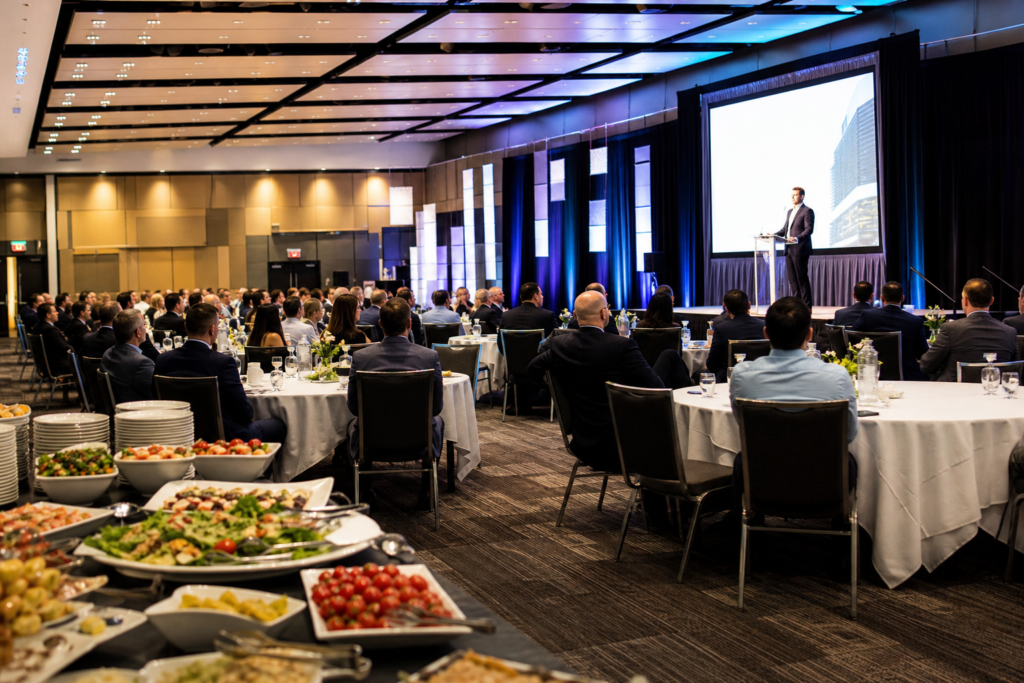
Picking a layout isn’t about style; it’s about outcomes. A 200-seat theater maximizes capacity and sightlines for keynotes. Classroom rows with tables support laptops and note-taking for half-day workshops. U-shape encourages quick consensus and eye contact in executive sessions. Banquet and cabaret formats create natural groupings around 6–10 guests for working lunches.
- Theater: keynotes and all-hands; highest capacity, clean sightlines
- Classroom: trainings; tables for laptops, handouts, and water
- U-shape/Boardroom: collaboration, leadership reviews, interviews
- Banquet/Cabaret: working lunches, team building, networking
- Hybrid: in-room AV + high-bandwidth uplink for remote joiners
We often combine a main plenary with adjacent breakouts for hands-on work—keeping foot traffic short and signage simple. For inspiration on layouts and stage placement, see our conference room setup ideas and a practical conference room setup guide used by many corporate teams on-site.
Step-by-Step: The Conference Room Booking Checklist
Use this 18-point conference room booking checklist to move from idea to locked booking: confirm goals and headcount, choose layout, reserve room and AV, define hybrid access, plan food and signage, assign owners, and run a day-before rehearsal.
- Clarify purpose and 2–3 success metrics (e.g., decisions made, demos completed)
- Confirm headcount and seating style with a 10–15% buffer
- Pick date/time with buffers for setup and teardown (30–60 minutes)
- Shortlist rooms for acoustics, lighting control, and ceiling height
- Reserve displays or projection sized for back-row readability
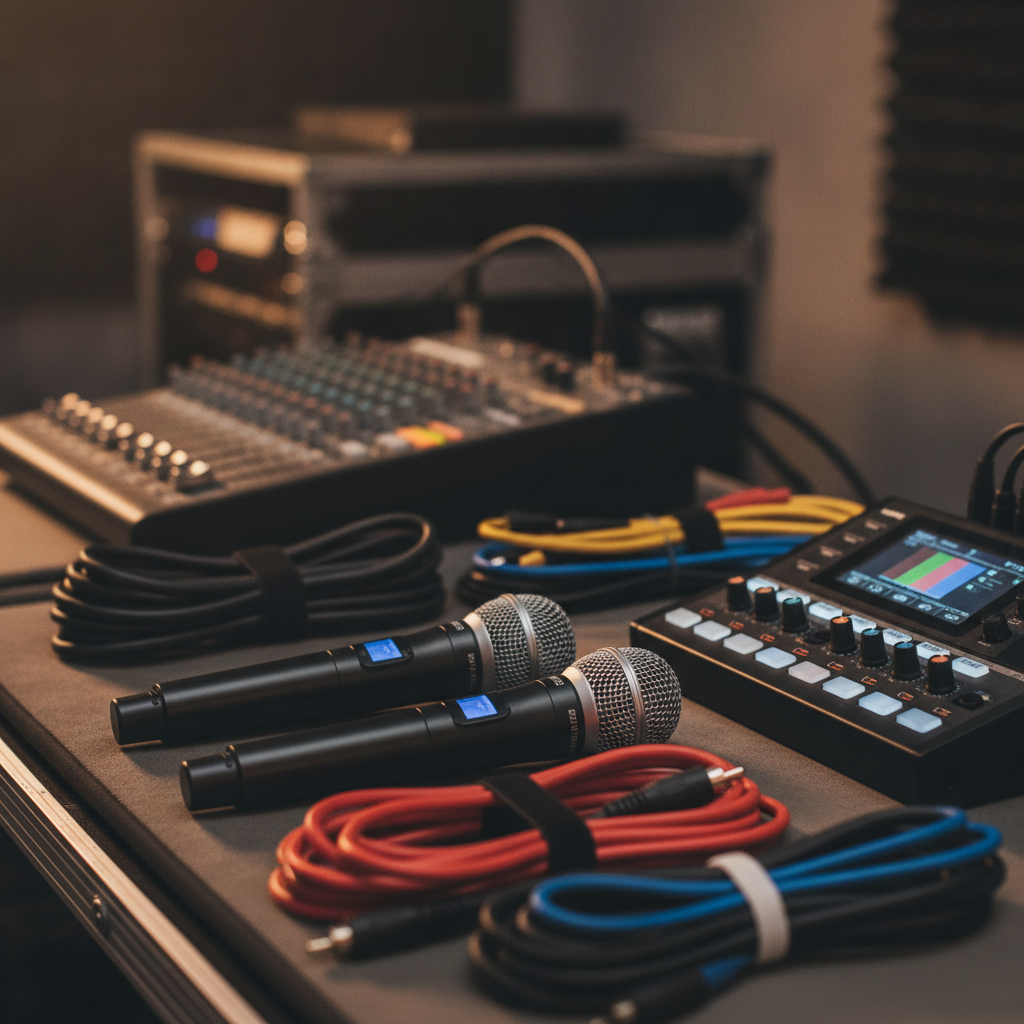
- Book microphones (handheld, lavalier, or boundary) per speaker and Q&A
- Specify hybrid platform, camera angles, and audio feed routing
- Lock Wi‑Fi credentials and a wired fallback for streaming
- Plan charging, power drops, and safe cable runs with tape
- Schedule a tech walkthrough with presenters (15–30 minutes each)
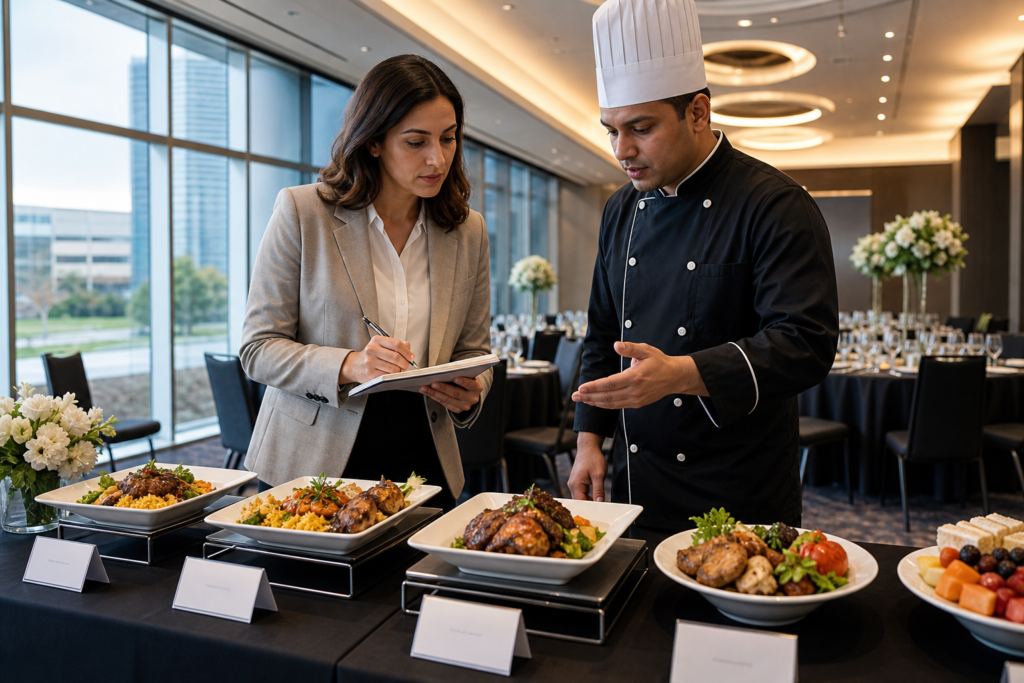
- Choose catering windows aligned to energy dips (90–120 minutes apart)
- Map registration, wayfinding, and door signage
- Note accessibility (ramps, sightlines, assisted listening, dietary)
- Arrange green room or speaker prep area with water and power
- Collect slide decks and media 24 hours in advance
- Share run-of-show with cues, contacts, and phone numbers
- Do a final 24–48 hour verification with all vendors
- Open doors 15 minutes early; greet, mic-check, and test screens
Save this list as a reusable template so your team books in minutes, not days. For broader event context, our corporate event planning checklist shows how this micro-plan fits the full program.
Buying Guide: Selecting Rooms, AV, and Services
Match business outcomes to room features and services. Prioritize acoustics, sightlines, bandwidth, and on-site support. For hybrid or recording, confirm camera placement, audio capture, and an operator during critical moments like keynotes or product demos.
Here’s a fast buyer’s lens we use with corporate planners every week. It turns abstract needs into concrete specs that venues can quote clearly.
Capacity and acoustics
- Room fit: choose capacity with a 10–15% buffer; avoid over-tight seating
- Acoustics: carpeted floors and treated ceilings tame echo; avoid bare, reflective surfaces
- Noise control: ask about adjacent rooms and hallway traffic patterns
AV and hybrid essentials
- Displays: ensure readable fonts from the back row; dual screens help wide rooms
- Audio: lavalier mics for presenters; handhelds for roaming Q&A
- Connectivity: tested Wi‑Fi plus a wired uplink for hybrid reliability
- Operator: dedicated tech for switching slides, cameras, and audio levels
Wayfinding, accessibility, and service
- Registration: place check-in near the natural entrance flow
- Signage: confirm exterior wayfinding and room labels
- Accessibility: seating sightlines, ramps, and assisted listening as needed
- Support: stagehand help, lighting control, and quick-response techs
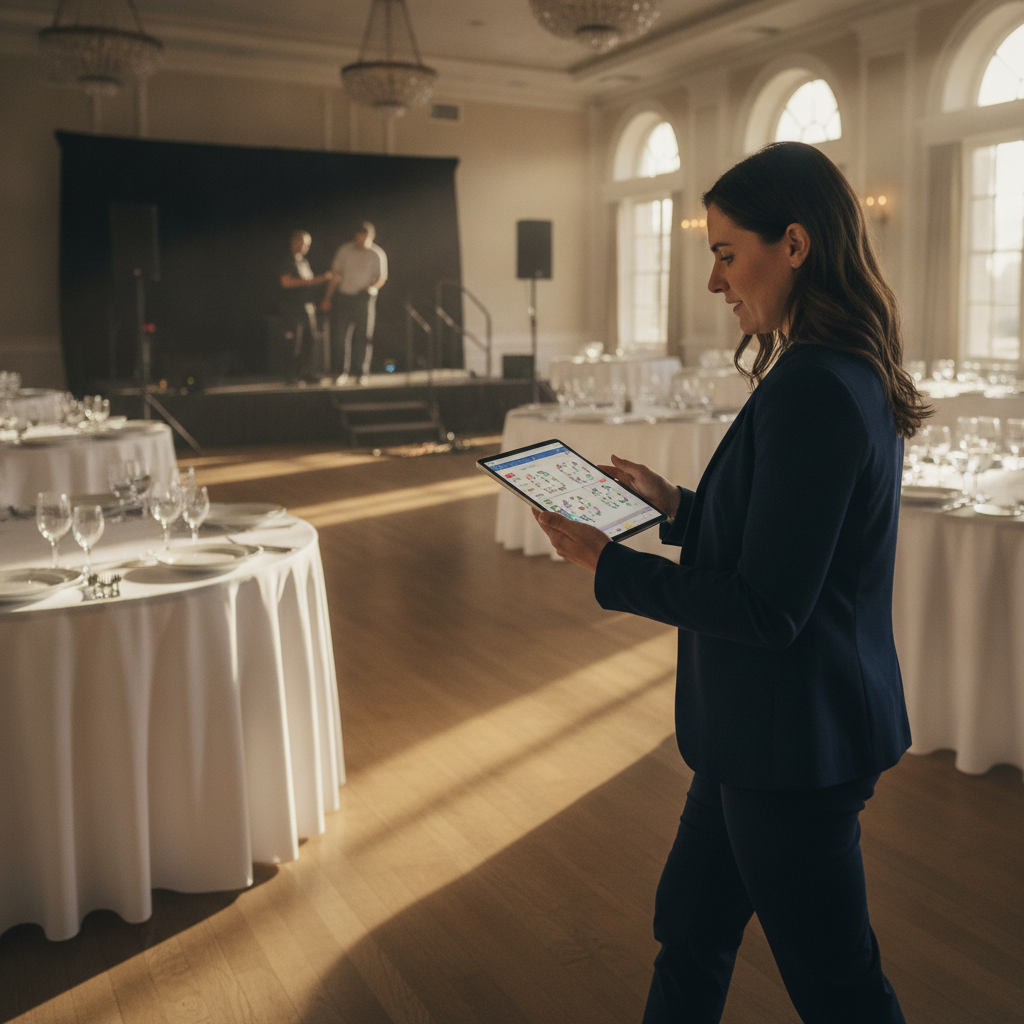
Ask providers for a quick floor plan mockup. Visuals make trade-offs obvious before event day. For more layout thought-starters, our meeting space checklist distills the must-haves into a one-page view.
Comparison: Booking Models and When to Use Them
Choose a full-service venue for complex agendas, book in-house rooms for short stand-ups, or blend hybrid for remote stakeholders. The right model depends on stakes, tech needs, and attendee mix—opt for redundancy when stakes are high.
| Model | Best For | Strengths | Watch Outs |
|---|---|---|---|
| Full-Service Venue | Keynotes, trainings, multi-room agendas | Integrated AV, on-site techs, signage, catering | Align timelines early to secure rooms and gear |
| In-House Office | Short stand-ups, internal briefings | Familiar space, quick access | Limited AV, distractions, variable acoustics |
| Hybrid Mix | Distributed teams, client reviews | Remote reach, recordings, transcription | Bandwidth, camera angles, audio clarity |
When stakes are high, redundancy (backup mics, adapters, and wired internet) is non-negotiable. For AV depth, reference our event AV checklist and room-specific conference room AV systems overview.
Best Practices That Prevent Last-Minute Chaos
Protect your agenda by locking a single source of truth, labeling cables, and preloading slides. Confirm arrival flow, assign mic runners, and keep spares ready. A 10-minute daily huddle eliminates assumptions and keeps everyone aligned.
Great meetings look effortless because the basics are ironclad. Apply these habits and you’ll feel the difference within the first 15 minutes of doors opening.
- One live checklist: avoid version sprawl; one link for all updates
- Label power and signal paths: color-code drops and tape cable runs
- Preload media: collect decks 24 hours early; keep adapters and spare batteries
- Front-of-house brief: accessibility, wayfinding, and speaker arrival flow
- Mic check window: complete tests before the first attendee enters
- Operator on cue: camera and audio adjustments during Q&A
If you’re also planning end-of-year celebrations, these same practices translate to a holiday party venue run-of-show—smooth arrivals, clear signage, and thoughtful room flow. For venue context, see our Mississauga venue guide with neighborhood access notes and parking insights.
Tools and Resources
Pair a simple planning sheet with venue floor plans, AV specs, and a quick virtual tour. Keep all files in one shared folder with naming rules. That discipline speeds onboarding, reduces email churn, and helps new stakeholders ramp up quickly.
Start with a single folder that includes the six files you’ll use most. Keep names short and date-stamp versions so the newest file rises to the top naturally.
- Reusable booking checklist and run-of-show template
- Room capacities and floor plan PDFs
- AV inventory with mic counts and screen sizes
- Hybrid/streaming quick-start notes and wired fallback
- Dietary and catering guide with timing blocks
- Contact sheet with mobile numbers and arrival windows
Want a head start? Our team can walk you through layouts over a five-minute screenshare. You can also browse a third-party planning perspective like this corporate event planning overview or a short checklist from a Canadian planner when benchmarking formats. For conference-specific list-making, this sample conference planning checklist offers another viewpoint you can adapt.
Case Studies: Real-World Booking Wins
Tight timelines demand clarity. These mini-scenarios show how a firm checklist prevented delays—from last-minute keynotes to hybrid trainings with remote executives—using the same core process scaled to each event’s stakes.
Quarterly sales kickoff (multi-room)
We paired a 300-seat plenary with two breakouts steps away. Shared run-of-show timing enabled 10-minute turnovers, and a wired uplink ensured the leadership broadcast recorded cleanly for regional teams. Mic runners handled 8–10 audience questions per segment without delays.
Product workshop (hands-on)
Classroom layout with power strips per row made laptop-based exercises smooth. Whiteboards and flip charts were pre-staged. Presenters rehearsed camera handoffs in 20-minute blocks, so remote participants saw both speaker and close-up demos without lag.
Hybrid investor briefing (C-suite)
Dual cameras captured the speaker and audience reactions. A backup handheld mic and spare batteries sat stage-left. A moderator monitored remote Q&A, and a 15-minute pre-brief aligned hand signals and cues so the 45-minute session started exactly on time.
Each scenario used the same 18-point checklist, adjusted to headcount and agenda. This is why a conference room booking checklist scales so well across formats.
Local considerations for 75 Derry Rd W
- Plan arrival windows around traffic near Hurontario St At Derry Rd to keep registration lines moving and doors opening on time.
- For all-day trainings, note timing near HWY 407 Park and Ride so speakers arrive reliably for morning mic checks.
- Use clear exterior signage for first-time attendees and pair it with your pre-event map and interior door labels.
Frequently Asked Questions
The essentials: confirm goals, headcount, layout, AV, hybrid needs, catering, and access. Rehearse 24–48 hours prior, then open doors 15 minutes early. Below are quick answers to common booking questions.
How far in advance should I book a conference room?
Book as early as your agenda allows to secure the right room and AV. For larger meetings or hybrid setups, aim for several weeks of lead time so you can schedule a walkthrough and a day-before tech test without rushing.
What layout is best for trainings versus keynotes?
Trainings benefit from classroom seating for laptops and note-taking. Keynotes favor theater for maximum capacity and sightlines. For workshops or decision meetings, U-shape or boardroom formats support discussion and quick consensus.
How do I avoid tech issues during hybrid meetings?
Use a wired internet uplink for streaming reliability, test camera angles and audio in advance, and assign an operator to monitor remote Q&A. Keep spare adapters, fresh batteries, and a backup microphone on hand.
What should be included in a run-of-show?
List timestamps for doors open, mic check, session starts, breaks, and wrap. Include presenter contacts, AV cues, and a contingency plan. Share it with all vendors and keep updates in one shared folder to avoid version mix-ups.
Conclusion and Next Steps
A lean, repeatable conference room booking checklist prevents delays, protects your agenda, and makes hybrid dependable. Start with goals, space, and tech; rehearse the day before; open doors early. That rhythm keeps meetings on time and stress-free.
Adopt the 18-point checklist, request floor plans, and set your rehearsal window now. Then confirm signage and arrival flow so guests land in the right place the first time.
Key Takeaways
- Right layout and acoustics matter as much as content
- Hybrid reliability starts with wiring, mic choice, and an operator
- One shared checklist eliminates version sprawl and delays
Ready to plan? Book a discovery session near 75 Derry Rd W and we’ll tailor the checklist to your agenda, attendee mix, and technology needs.