 20 September, 2026
Last updated: October 2026
By Preet Dass
What does an event AV checklist include?
An event AV checklist is a control plan for every technical stage of an event, from the first venue visit through load-in, rehearsal, show operation, and strike. It records what the audience must see and hear, what equipment is required, who owns each task, when content is due, and what happens if a critical component fails.
The checklist should be specific to the event rather than a generic equipment inventory. A keynote, wedding reception, trade show, school graduation, and multi-room conference have different sightlines, microphones, playback needs, lighting looks, staffing, and turnover pressures. The same framework can support all of them, but the decisions and acceptance tests must change with the programme.
Core sections to document
- Event brief: date, room or rooms, audience size, programme format, doors time, show time, end time, and strike deadline.
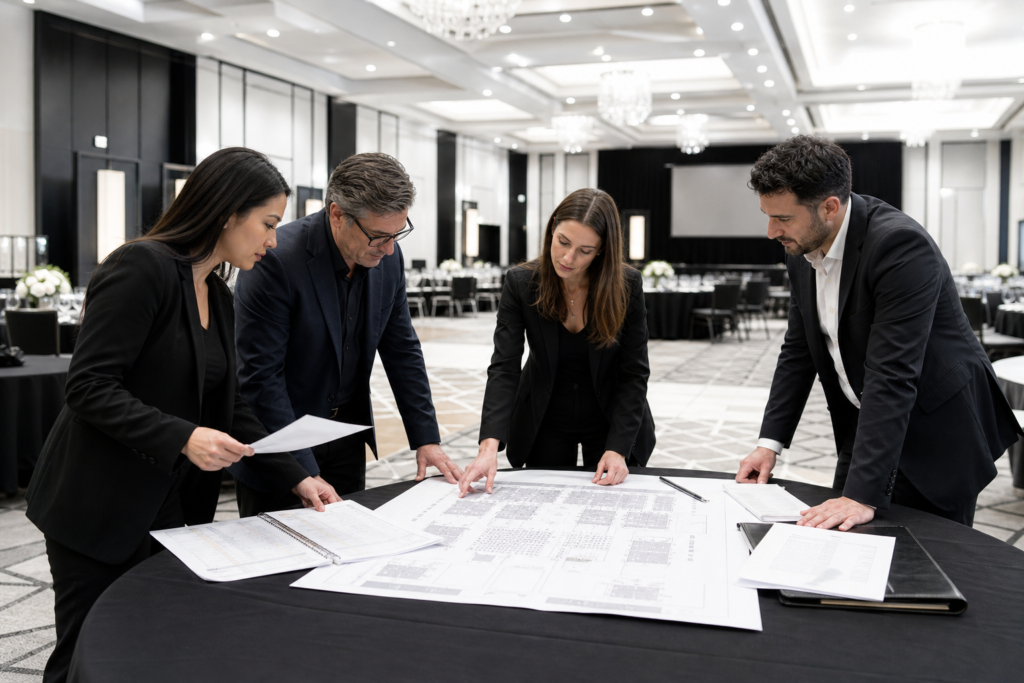
- Room plan: stage position, seating, screens, lectern, confidence monitors, cameras, control position, cable routes, exits, and accessible viewing areas.
- Input and output list: microphones, playback devices, instruments, presenters, screens, record feeds, streaming feeds, and distribution points.
- Run of show: timestamps, cues, presenters, music, lighting states, video playback, operator responsibilities, and contingency instructions.
- Operations plan: crew call, room access, content deadline, soundcheck, rehearsal, doors, intermission, show, recording, and strike.
- Risk and backup plan: spare microphones, batteries, playback devices, adapters, cables, show files, power protection, and escalation contacts.
- Accessibility plan: captions, interpretation, assistive listening, clear sightlines, accessible stage access, and audience communication.
A useful checklist has an owner and a completion point for every item. “Check video” is too vague; “AV lead confirms the final 16:9 keynote deck plays on the primary and backup playback systems by 2 p.m. on rehearsal day” is testable.
Quick event AV checklist for show day
Use this condensed list during the final advance and again before doors. It is not a substitute for the full design and production plan, but it helps a planner identify gaps before guests arrive.
- Confirm the room: Verify the final seating, stage, screen, lectern, camera, control, catering, and décor positions against the approved floor plan.
- Confirm power: Check circuits, distribution, cable protection, critical equipment, and the planned separation of audio, lighting, and other loads.
- Check signal paths: Test every microphone, playback source, screen, confidence monitor, camera, recording feed, and streaming connection that the programme uses.
- Load final content: Open presentations and videos on the actual playback systems. Check fonts, aspect ratio, audio, codecs, embedded media, and file naming.
- Stage backups: Put spare microphones, batteries, adapters, cables, playback equipment, and duplicate show files where the operators can reach them quickly.
- Run the programme: Rehearse entrances, presenter handoffs, music, videos, lighting changes, camera transitions, awards, and any interaction with catering or room staff.
- Inspect the audience path: Tape or ramp floor cables, preserve exits, confirm accessible routes, remove trip hazards, and check that screens and interpreters are visible.
- Brief the team: Confirm the show caller, department leads, venue contact, emergency process, communication channel, break coverage, and who can approve a change.
- Complete the go/no-go check: Record the status of power, audio, video, lighting, recording, communications, accessibility, and safety before doors open.
Keep one controlled version of the checklist at front of house and one with the show caller. If a late change is approved, update both copies and announce the new cue, file, or responsibility to the affected operators.
How to plan event AV step by step
A dependable event AV plan develops in stages. Discovery establishes the experience; design turns it into a technical system; advancing resolves logistics; rehearsal proves the plan; execution manages changes; and strike closes the loop. Skipping a stage usually moves risk into a more expensive and time-sensitive part of the event.
1. Define the audience experience
Begin with the programme rather than the equipment. Ask what must be heard clearly, what must be seen from the back of the room, whether the event is recorded or streamed, how presenters enter and leave, and which moments require music, lighting, video, or a scenic reveal.
Record the audience profile and room configuration. A panel may need several lavalier microphones, confidence monitors, and a moderator’s handheld; a wedding may prioritise speeches, dance-floor coverage, band monitoring, and attractive lighting; a trade show may need multiple small systems, distributed power, and short demonstrations that repeat throughout the day.
2. Survey the venue and design the system
Confirm room dimensions, ceiling conditions, installed infrastructure, access routes, loading restrictions, power locations, rigging points, ambient light, acoustics, internet requirements, and the position of control desks. Mark the stage, audience, screens, speakers, cable paths, cameras, accessible seating, and emergency exits on a room diagram.
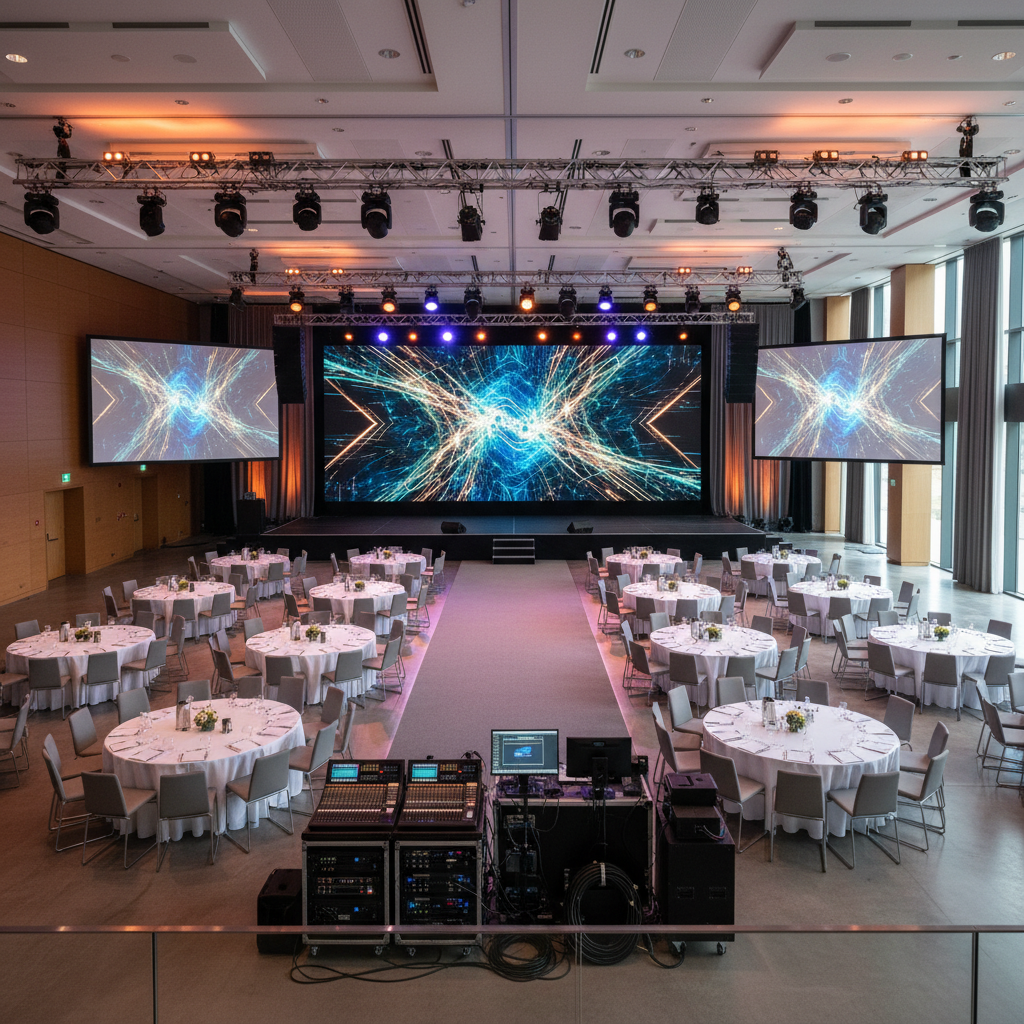
Then create the technical design. Audio decisions include coverage, microphone types, monitors, playback, recording, and speech intelligibility. Video decisions include screen technology, viewing distance, aspect ratio, confidence displays, switching, playback, cameras, and content delivery. Lighting decisions include key light for speakers, stage wash, audience light, scenic colour, dance-floor effects, and camera exposure.
For an event venue in Mississauga, an integrated room and technical plan can reduce handoffs between venue operations, staging, catering, décor, and AV. At Mississauga Convention Centre, the planning conversation can account for seven halls, shared foyer areas, event capacity, and the movement required between general sessions, breakouts, receptions, and exhibits.
3. Advance people, content, and logistics
Assign a planner, venue contact, AV lead, show caller, audio operator, video operator, lighting operator, stage manager, presenter contact, and recording or streaming lead as appropriate. One person may hold several roles on a small event, but the responsibilities still need to be explicit.
Set deadlines for the stage plot, input list, room diagram, presenter information, slide deck, videos, music, branding, captions, interpretation, and final run of show. Confirm crew call, load-in, setup, soundcheck, technical rehearsal, presenter rehearsal, doors, programme, breaks, and strike. Also identify who can approve a change after the content deadline.
4. Rehearse the real programme
A line check proves that equipment is connected. A technical rehearsal proves that the event works. Run the actual sequence wherever possible: walk-in music, opening video, presenter entrances, microphone handoffs, slides, videos, lighting changes, audience questions, awards, intermission, closing remarks, and recording cues.
Time transitions and write the result into the run of show. Test the contingency path as well: what happens if a presenter’s deck does not open, a microphone fails, a video loses audio, a camera drops, or a speaker is delayed? A short, rehearsed fallback is more useful than an untested ideal plan.
5. Operate and strike deliberately
Before doors, confirm that show files, backups, comms, batteries, recording, power, and cue sheets are ready. During the show, the show caller should use one authoritative run of show while operators log changes, unexpected issues, and any content that needs to be corrected later.
Strike in a planned order. Save recordings, export required files, power down correctly, remove production elements safely, protect venue surfaces, clear cable routes, inspect equipment, record damage or missing items, and leave the room ready for its next use. Ontario guidance for temporary performance and event structures treats installation and dismantling as parts of the event plan, not as informal tasks after the audience leaves: review the Ontario safety guidance for temporary event structures.
Audio, video, lighting, staging, and power checks
Technical departments interact, so the checklist should test the complete path rather than each item in isolation. A perfect microphone cannot compensate for poor speaker coverage, and a bright screen cannot solve a presentation that uses the wrong format.
Audio checklist
- List every speaker, microphone, playback source, instrument, monitor, recording feed, and communications channel.
- Match microphone type to the speaker and movement required. Label handhelds, lavaliers, podium microphones, spares, and assigned presenters.
- Check gain structure, feedback risk, coverage, speech intelligibility, panel positions, audience questions, and music playback.
- Stage fresh batteries and a tested spare for mission-critical wireless microphones.
- Verify that recorded and streamed mixes are intelligible rather than simply copying the room mix.
Video and content checklist
- Confirm the required aspect ratio, resolution, screen brightness, viewing distance, and confidence-monitor layout.
- Open every presentation and video on the show system. Test embedded fonts, audio, subtitles, transitions, links, and media playback.
- Keep a duplicate copy of the final show files on a separate device and retain an earlier known-good version.
- Check presenter clickers, timers, preview monitors, camera framing, switching, recording, and any remote contribution.
- Give presenters a clear delivery rule: file format, naming convention, deadline, contact, and process for approved late edits.
Lighting and staging checklist
- Provide even, flattering key light for speakers and sufficient light for notes, interpreters, and camera images.
- Programme walk-in, keynote, panel, award, dinner, dance, reveal, and closing looks where the event requires them.
- Confirm stage height, risers, lectern, furniture, monitors, banners, décor, ramps, stairs, and presenter sightlines.
- Check that scenic elements do not block screens, speakers, cameras, exits, or accessible routes.
- Inspect rigging, overhead equipment, and temporary structures through the responsible qualified team and venue process.
Power and cable checklist
- Map equipment to circuits and allow practical headroom rather than planning to the limit.
- Identify critical devices that need protected or uninterrupted power and confirm the backup process.
- Separate noisy or high-load equipment where the design requires it, and keep power and signal paths organised.
- Use suitable cable ramps or secure taping in guest areas. Keep aisles, exits, doorways, and accessible routes clear.
- Label both ends of important cables and document patch points so faults can be isolated quickly.

Accessibility and safety checks
Accessibility belongs in the first event brief, not in a last-minute addendum. Ask what attendees need to participate fully and communicate the available services before registration closes. Possible provisions include captions, CART, sign-language interpretation, translation, assistive listening, accessible stage access, reserved viewing positions, transcripts, and clear visual information.
For virtual or hybrid elements, captions and transcripts should be tested before distribution, and remote presenters should receive practical technical instructions. The Government of Canada’s accessible virtual events best-practices guidance is a useful reference for planning services and communicating them to attendees.
Accessibility acceptance tests
- Can a seated attendee see the stage, screens, captions, and interpreter without an avoidable obstruction?
- Can an attendee using the accessible route reach the audience area, stage, registration point, and other required spaces?
- Are spoken words supported by accurate captions or interpretation where promised?
- Can presenters access the stage, lectern, microphone, confidence monitor, and timer as planned?
- Have staff been briefed on how to direct attendees without moving accessible seating or blocking routes?
Safety acceptance tests
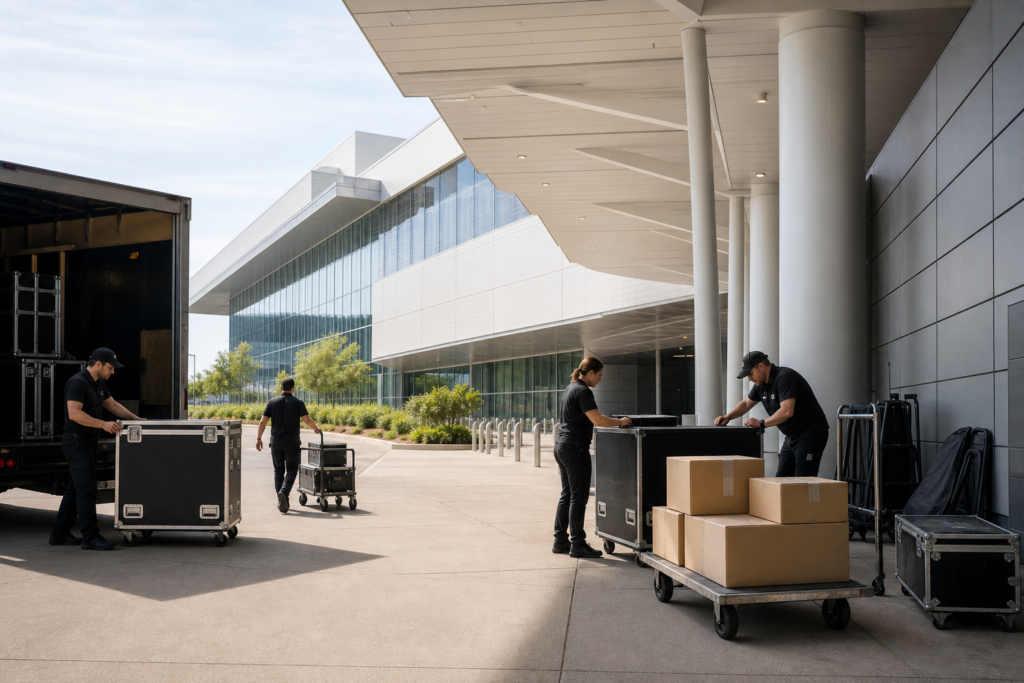
Inspect cable routes, floor coverings, ramps, overhead equipment, stage edges, stairs, power distribution, exits, fire equipment, and working areas before guests enter. Keep production cases and loose equipment out of public paths, maintain a clean separation between crew work and guest movement, and stop work when a condition is unsafe.
Record who inspected temporary structures and rigging, what was approved, and what must be rechecked after a room change. The checklist should also identify emergency contacts, first-aid arrangements, evacuation communication, and the person authorised to pause the show if safety is compromised.
Seven common event AV mistakes
Most show failures are planning or handoff failures rather than dramatic equipment failures. These seven mistakes are avoidable when the checklist has clear owners and deadlines.
- Content arrives too late. Set a final delivery window, standardise the aspect ratio, and reserve time to test every file on the actual playback system.
- There is no critical backup. Duplicate show files and provide spares for microphones, batteries, playback devices, adapters, cables, and recording paths.
- No one owns the cue. Name the show caller and department operators. A run of show should show who acts, not merely what happens.
- The system is designed for the room on paper only. Survey sightlines, acoustics, ambient light, power, access, and audience movement before finalising equipment.
- Screen formats and content do not match. Give presenters a template and test 16:9 content, videos, fonts, and embedded media in advance.
- Safety is treated as a finishing touch. Plan cable protection, exits, accessible paths, rigging review, work zones, and strike procedures before load-in.
- The event is never rehearsed. Run the actual sequence and practise the fallback for each high-impact failure.
Should you choose house AV, an external vendor, or a hybrid?
The right audiovisual services event venue model depends on the programme, room, timeline, equipment requirements, and accountability you need. Compare the options before content and floor plans are final, because late changes can affect access, power, labour, rigging, and rehearsal time.
| Decision factor | House AV | External vendor | Hybrid |
|---|---|---|---|
| Venue integration | Usually straightforward because the team knows the rooms and infrastructure. | Requires coordination with venue operations and installed systems. | Uses venue infrastructure while adding selected specialist equipment. |
| Specialty requirements | Depends on the venue’s available inventory and technical scope. | Can bring a preferred console, LED system, broadcast package, or specialist crew. | Targets specialist equipment only where it changes the audience experience. |
| Setup speed | Often efficient in known rooms with established access and patching. | May need additional advance time for delivery, approval, and integration. | Moderate; the division of responsibilities must be documented. |
| Accountability | One venue-aligned team can simplify escalation. | Planner, vendor, and venue must agree on interfaces and decisions. | Requires a clear responsibility matrix and escalation path. |
| Best fit | Conferences, galas, weddings, and events that value integrated support. | Highly specialised productions or a client-mandated technical package. | Events needing a venue base plus one or two signature technical elements. |
Ask any provider to identify what is included in pre-production, equipment, labour, rehearsal, show coverage, recording, streaming, power, rigging, content management, and strike. Confirm exclusions in writing. A lower line-item price may not represent lower total risk if it leaves coordination, backups, or rehearsal responsibility unclear.
Event AV timeline and deliverables
Use the following as a planning framework, then adjust it for programme complexity, room count, content volume, and access restrictions. Multi-room events and productions with custom staging need more advance time than a short single-room meeting.
| Stage | Key decisions | Documents or outputs |
|---|---|---|
| Initial brief | Purpose, audience, format, rooms, dates, outcomes, accessibility, and budget priorities. | Event brief, contact list, preliminary schedule, room requirements. |
| Site and system design | Stage, seating, sound coverage, screens, lighting, cameras, power, access, and network needs. | Room diagram, stage plot, equipment plan, signal flow, risk register. |
| Advance | Content deadlines, crew, access, deliveries, rigging, catering interfaces, and rehearsal windows. | Input list, patch sheet, power map, load-in plan, run of show draft. |
| Content and rehearsal | Final files, captions, presenter order, cues, transitions, backups, and contingencies. | Final show files, cue sheet, rehearsal notes, go/no-go checklist. |
| Show operation | Doors, cues, communications, changes, recording, streaming, breaks, and incident response. | Controlled run of show, operator logs, recording confirmation. |
| Strike and review | Safe removal, equipment return, damage review, file handoff, and lessons learned. | Strike checklist, inventory or damage log, post-event notes. |
Planning an event AV checklist in Mississauga
Local venue planning is about more than adding a city name to a generic checklist. Confirm the actual address, loading process, room assignment, parking and guest arrival pattern, access hours, service corridors, and the timing of other activities in adjacent spaces. These details affect load-in, sound isolation, room turnover, and crew movement.
Mississauga Convention Centre is located at 75 Derry Road West and serves events across Mississauga, Toronto, Brampton, and the wider GTA. Its seven halls, shared event areas, capacity for more than 2,200 guests, and on-site parking support different event formats, but the AV plan still needs to match the selected room, programme, guest count, and contract inclusions.
Graduations, weddings, galas, conferences, and trade shows can create seasonal demand and compressed changeovers. Ask early about available AV support, lighting, staging, technical labour, rehearsal access, late-night strike arrangements, and how the venue coordinates catering, décor, and multiple halls. For broader venue decisions, use this Mississauga event venue selection guide alongside the technical checklist.

Frequently asked questions about event AV checklists
How far in advance should event AV planning begin?
Begin when the venue, event format, and room requirements are being discussed. A simple programme may need a shorter advance, while multi-room conferences, custom staging, streaming, interpretation, or complex content need more time for design, approvals, equipment planning, and rehearsal. Set the final content deadline separately from the technical design deadline.
What should be backed up for an event?
Back up anything that can stop or materially disrupt the show: final presentations, videos, playback systems, wireless microphones, batteries, adapters, important cables, recording paths, and critical power. Keep the backup accessible, tested, and assigned to an operator rather than stored somewhere no one can reach during a cue.
What is the difference between house AV and an external AV vendor?
House AV is delivered through the venue’s technical team and infrastructure, which can simplify room integration, access, and accountability. An external vendor may provide a preferred brand, specialist equipment, or a larger production package but needs coordination with the venue. A hybrid approach uses the venue for core infrastructure and an external specialist for defined additions.
How can an event AV checklist improve accessibility?
It turns accessibility from a request into a planned, tested part of the event. Include captions or interpretation, assistive listening, accessible stage and audience routes, clear sightlines, presenter support, attendee communications, and a named person responsible for confirming each service before doors.
What should be checked immediately before guests enter?
Confirm power, signal paths, microphones, playback, screens, lighting, communications, recordings, backups, captions, accessible routes, cable protection, exits, and the final run of show. Then brief the team on the show caller, emergency contacts, approved changes, and the fallback plan for the most important cues.
Build your event AV plan with the venue team
Bring your programme, room preferences, audience size, content needs, accessibility requirements, and timing to the first technical conversation. The Mississauga Convention Centre team can help align in-house audiovisual services, staging, lighting, room flow, and event operations so your checklist reflects the actual venue rather than an abstract equipment list. Discuss your event with Mississauga Convention Centre.