

 20 September, 2026
Last updated: October 2026
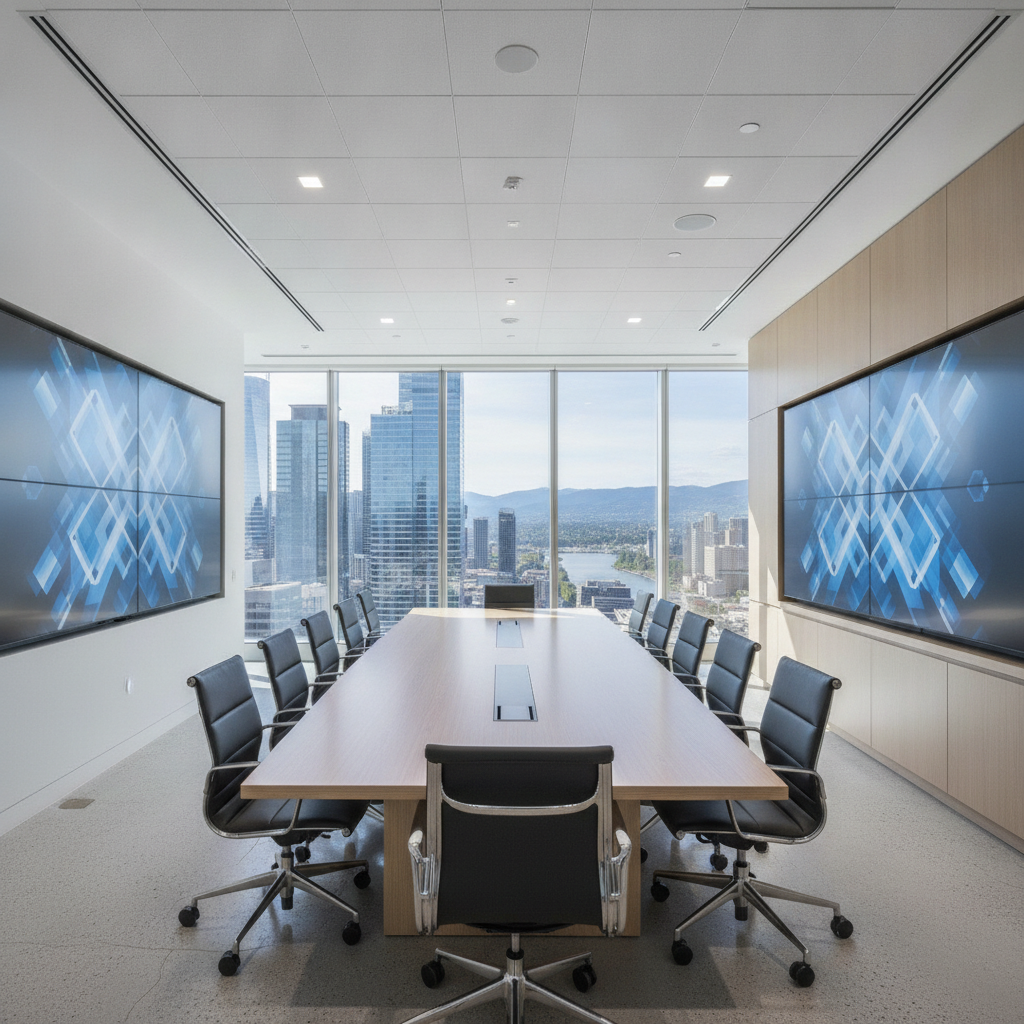
Boardroom rental is useful when an office, home workspace, or informal café cannot provide the privacy, presentation quality, or technical reliability your meeting requires. A purpose-built room can support leadership discussions, client presentations, interviews, training sessions, planning days, and hybrid meetings without asking your team to coordinate every table, screen, cable, and refreshment separately.
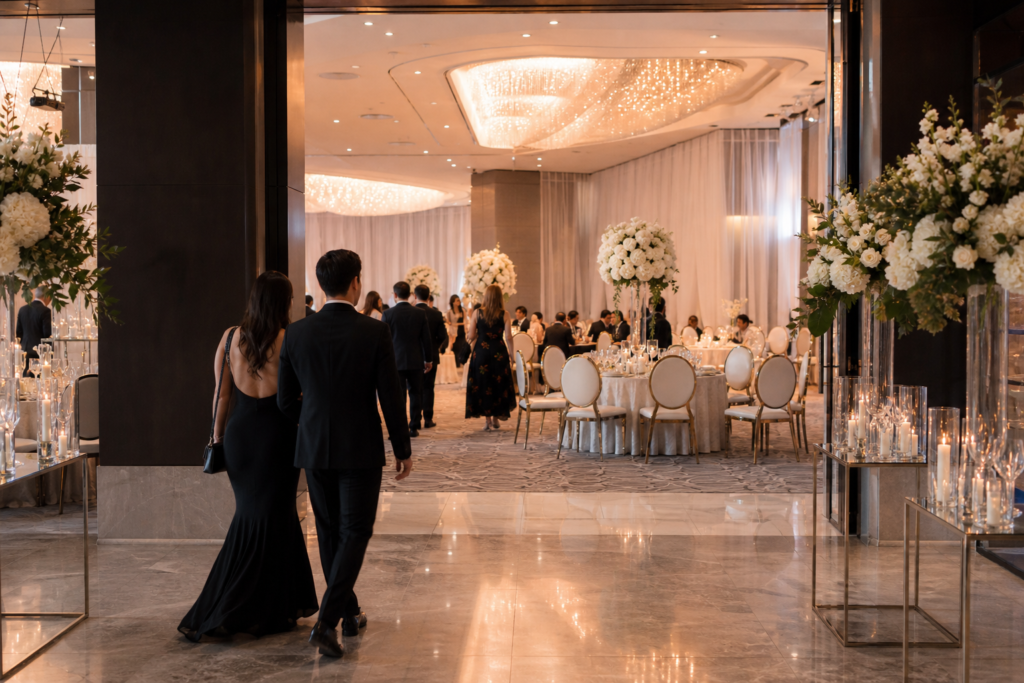
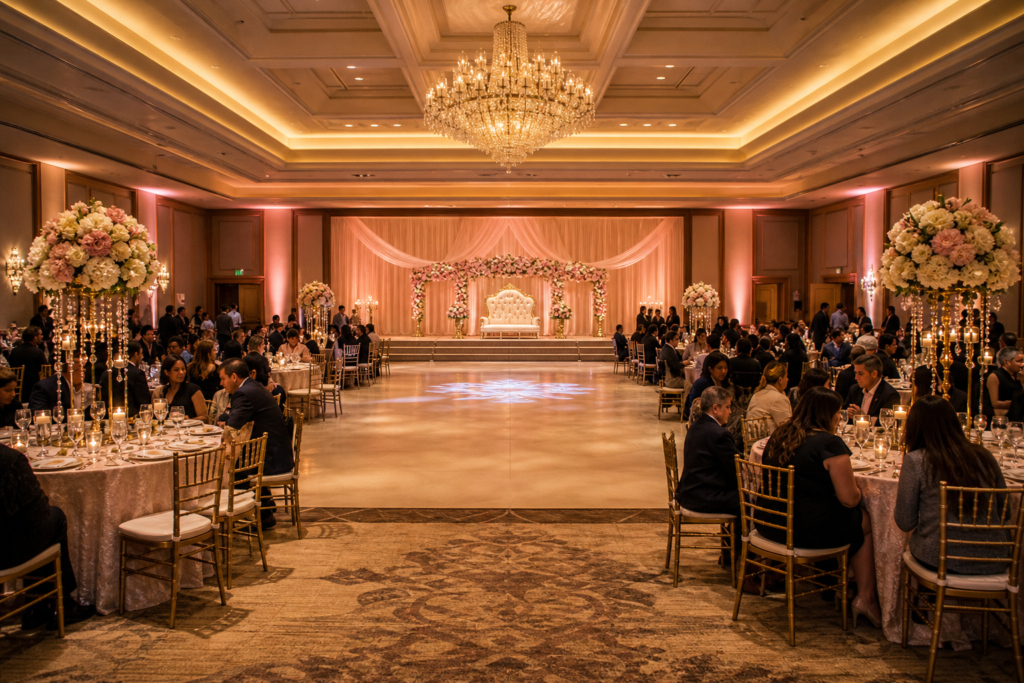
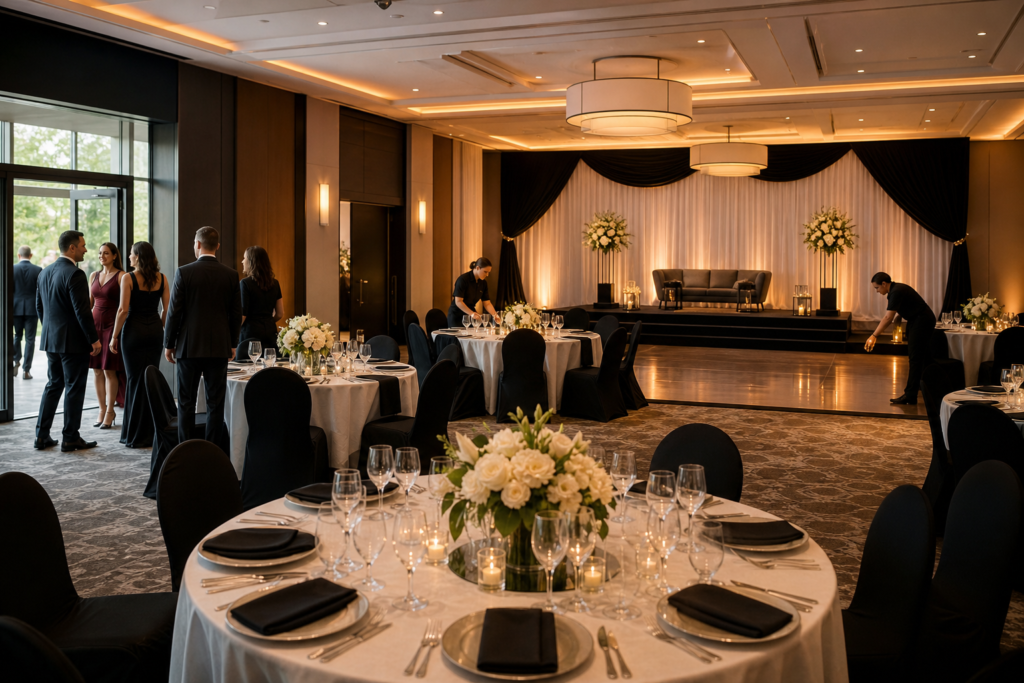
Mississauga Convention Centre is located at 75 Derry Road West, near major highways and Toronto Pearson International Airport. The venue offers seven halls of approximately 4,250 square feet each, more than 2,200 guests of total capacity across the facility, and approximately 700 on-site parking spaces. Those details may suit a larger corporate programme, while the right room and setup still depend on your headcount and agenda.
By Preet Dass • Last updated: October 29, 2026
What does boardroom rental include?
A boardroom rental normally means reserving a private meeting room by the hour, half-day, full day, or another agreed period. The booking may include a boardroom table, executive chairs, display or projection equipment, internet access, room setup, and basic venue assistance. The exact inclusions vary, so request a written outline before confirming.
For a productive meeting, the room itself is only one part of the decision. Ask whether the booking includes setup and strike time, a technician, microphones, cameras, screen sharing, whiteboards, power access, cleaning, signage, and refreshments. A lower room rate may not represent better value if you must source separate equipment or staff.
When a rented boardroom makes sense
- Executive meetings: provide privacy, comfortable seating, and a polished setting for decisions or approvals.
- Client presentations: create a consistent professional environment with clear sightlines and dependable displays.
- Interviews and assessments: use a quiet room with controlled access and nearby space for waiting or debriefing.
- Training sessions: select a flexible layout, presentation screen, writing surfaces, and food service that does not disrupt teaching.
- Hybrid meetings: combine room cameras, microphones, speakers, displays, and a tested online platform.
For a larger programme, a boardroom can also serve as an executive room, speaker briefing area, interview suite, or planning room alongside a conference or exhibition. That flexibility is particularly useful when the venue can coordinate rooms, staging, audiovisual services, and catering through one team.
How should you choose a boardroom rental?
Start with the meeting outcome rather than the room’s appearance. Write down the number of people attending in person, the number joining remotely, the activities on the agenda, the equipment presenters will bring, and any confidentiality or accessibility requirements.
1. Match the room to the headcount
Do not select a room solely by its maximum capacity. A room filled to every available seat can restrict movement, make sightlines uncomfortable, and leave no practical space for bags, catering, cameras, or accessibility needs. As a planning rule, choose a setup that uses roughly 70–80% of the stated maximum where possible.
Allow additional space for presenters, interpreters, photography, product samples, or a camera tripod. If the agenda includes small-group exercises, ask whether adjacent breakout rooms are available rather than trying to create separate groups around one central table.
2. Match the layout to the work
| Layout | Best for | Planning consideration |
|---|---|---|
| Boardroom | Leadership discussions, negotiations, interviews, and presentations | Encourages direct conversation but gives less room for group activities. |
| U-shape | Training, facilitated discussion, and demonstrations | Provides a clear presenter position and central circulation area. |
| Hollow square | Cross-functional discussion and collaborative planning | Gives participants balanced sightlines across the table. |
| Classroom | Instruction, onboarding, and note-heavy sessions | Supports writing surfaces but can reduce informal interaction. |
| Pods or cabaret | Workshops, design sprints, and tabletop exercises | Supports teamwork while requiring enough space between groups. |
Confirm whether the venue can change the layout before arrival and how much setup time is available. The conference room setup ideas can help you compare arrangements before sending a diagram to the venue team.
What technology does a hybrid boardroom need?
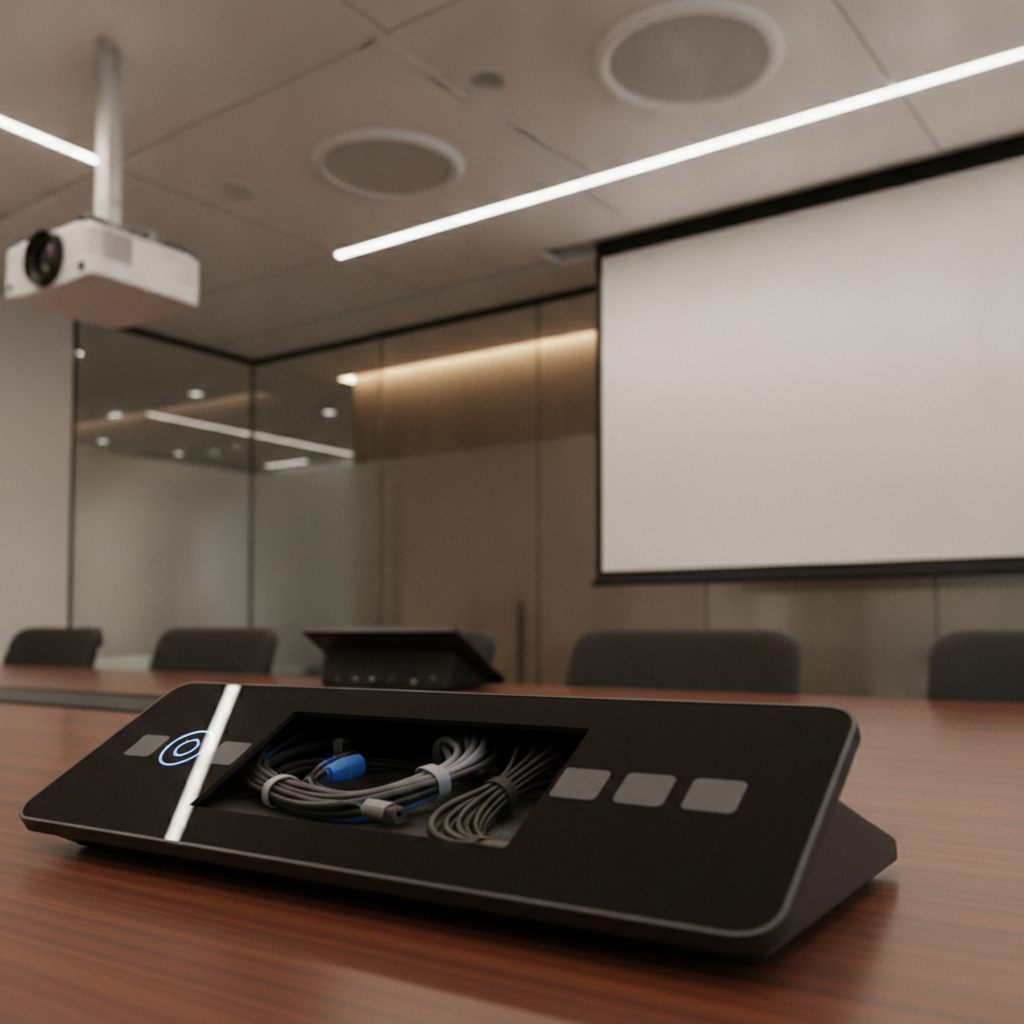
A hybrid boardroom needs more than a large screen and a laptop connection. Remote participants must be able to see the room, hear each speaker, view shared content, and contribute without creating echo or feedback. Confirm the complete signal path before booking: laptop input, display, camera, microphones, room speakers, internet connection, platform, and recording destination.
Use this AV checklist
- Display: confirm screen size, resolution, presentation inputs, and whether a second display is useful for remote attendees.
- Audio: check microphone coverage at the table and the room’s echo control, speakers, and mute controls.
- Camera: ask whether the camera can frame the presenter, full table, audience, and whiteboard.
- Connectivity: verify reliable Wi-Fi and ask whether a wired connection is available for the host computer.
- Platform: test the version of Zoom, Microsoft Teams, Google Meet, or another platform your organisation uses.
- Power: identify outlet locations and bring appropriate adapters without blocking walkways.
- Support: confirm who is available if a microphone, display, or connection fails during the meeting.
Arrange a short technical rehearsal with the main presenter and at least one remote participant. Share the presentation file in advance, test any videos with sound, set camera presets, and decide who will monitor chat and questions. A venue’s conference room AV systems information can help you prepare better questions about inputs, microphones, displays, and technical support.
What is the boardroom-rental booking process?
Good bookings begin with a concise brief. Send the venue your preferred date, arrival and departure times, expected attendance, preferred layout, agenda, hybrid requirements, catering needs, accessibility requests, and billing contact. Ask for the room’s included services and any extra charges in the same conversation.
- Define the purpose: identify whether the meeting is a discussion, presentation, workshop, interview, or training session.
- Set the numbers: separate in-person attendees, remote participants, presenters, staff, and guests.
- Choose the setup: select boardroom, U-shape, hollow-square, classroom, or pods based on the agenda.
- Confirm equipment: list displays, microphones, cameras, presentation inputs, recording, and internet requirements.
- Plan hospitality: specify coffee, water, snacks, lunch, service times, allergies, and dietary preferences.
- Review access: confirm parking, public-transit directions, loading needs, accessible routes, and signage.
- Rehearse: schedule an AV check and share the run-of-show, slides, speaker names, and escalation contacts.
Keep one person responsible for the venue relationship on the day. That contact can approve small changes, direct late arrivals, answer presenter questions, and prevent the facilitator from leaving the meeting to solve logistics.
What should Mississauga planners consider?
Location affects punctuality and attendee experience. Mississauga Convention Centre at 75 Derry Road West is near major highways and Toronto Pearson International Airport, which can help regional teams, visiting clients, and speakers plan their journeys. Send the complete address and arrival instructions with the calendar invitation rather than assuming every guest knows the area.
Approximately 700 on-site parking spaces can simplify arrival for drivers, but tell guests where to park and which entrance to use. Build extra time into the schedule during winter weather, heavy traffic, or an unfamiliar event programme. If some attendees are travelling from Toronto, Brampton, the airport area, or elsewhere in the GTA, ask them to allow time for traffic and check-in.
For a programme with multiple rooms, clear door signs and a simple floor plan reduce interruptions. The corporate breakout room ideas resource is useful when you need to combine a main boardroom with interview rooms, workshop spaces, or private discussion areas.
How do catering and comfort affect the meeting?
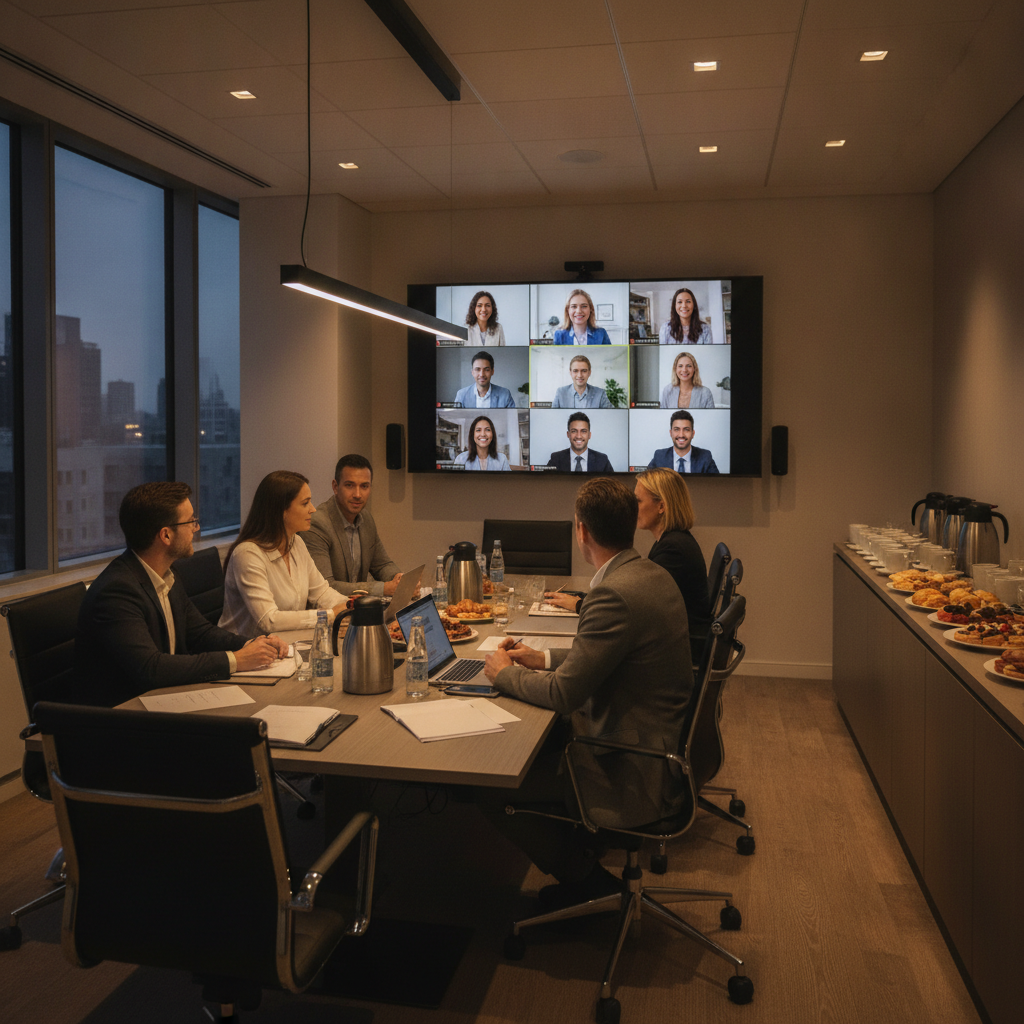
Food service should support the agenda rather than compete with it. For a short meeting, water, coffee, tea, and a modest snack may be enough. A full-day session may need a morning break, lunch, and an afternoon refreshment break, with service scheduled outside the most important discussion.
Share dietary requirements and allergen information in advance. Mississauga Convention Centre offers in-house catering across South Asian, Pakistani Halal, Middle Eastern, Sri Lankan, Caribbean, and Continental cuisines. Confirm the menu, service style, timing, and labelling directly with the venue so the plan reflects your attendees rather than assumptions.
Comfort also includes lighting, temperature, acoustics, chair support, sightlines, and access to washrooms. Schedule brief pauses during long sessions; a short reset every 60–90 minutes can help participants return ready to contribute. Keep water within reach and avoid placing service equipment beside the presenter or camera position.
How does boardroom rental compare with other meeting spaces?
A dedicated boardroom is one option among several meeting rooms in Mississauga. A hotel may be convenient for guests who need accommodation. A coworking room can suit a small, short-notice meeting. A municipal or educational facility may work for a cost-conscious group or a specific community programme.
| Option | Potential advantage | Question to ask |
|---|---|---|
| Full-service venue boardroom | Integrated room setup, AV, catering, and event support | Which services and setup hours are included? |
| Hotel meeting room | Convenience when attendees are staying overnight | Can the room support your required layout and hybrid AV? |
| Coworking meeting room | Flexible short bookings for smaller groups | How private is the room, and who handles technical problems? |
| Municipal or educational room | May suit community, training, or budget-led requirements | What equipment, access times, and booking restrictions apply? |
Use the guide to choosing an event venue to weigh access, room flexibility, technical infrastructure, service coordination, and the overall experience. The best choice is the one that supports the meeting’s actual work, not simply the lowest advertised room rate.
What affects boardroom rental pricing?
Boardroom rental pricing is provider-specific, so request a current quote for your date and requirements. The main factors usually include booking duration, day of week, room size, layout changes, audiovisual equipment, technical staffing, catering, furniture, branding, and access outside the meeting period.
Questions to include in a quote request
- Is the quote for a meeting room only or a complete setup?
- Are setup, rehearsal, teardown, cleaning, and overtime included?
- Which displays, microphones, cameras, cables, and adapters are supplied?
- Is an on-site technician included, and during which hours?
- Are Wi-Fi, wired internet, parking, water, coffee, or catering separate charges?
- What are the cancellation, rescheduling, payment, and minimum-booking terms?
Comparing complete proposals makes decisions fairer than comparing headline hourly rates. A room that includes the equipment and support your agenda requires may reduce coordination risk even when another provider lists a lower base price.
Boardroom rental day-of checklist
Use this checklist during the final 48 hours and again when you arrive:
- Confirm the final headcount, seating plan, dietary requirements, and arrival time.
- Send the final presentation, videos, speaker order, and run-of-show to the venue contact.
- Test every laptop, adapter, microphone, camera angle, video clip, and online meeting link.
- Place name cards, notepads, pens, water, signage, and printed agendas before guests enter.
- Confirm accessible routes, reserved seating, quiet areas, and any assistive requirements.
- Identify the technician, venue contact, emergency contact, and person responsible for timekeeping.
- Build transition time between presentations, breaks, meals, and room changes.
If your meeting grows into a seminar, conference, or multi-room programme, review the seminar venue rental guide before finalising the schedule. It can help you think through larger room flows without losing the focus and privacy of the boardroom.
Frequently Asked Questions
What is included in a boardroom rental?
Inclusions vary, but a booking may cover the private room, furniture, basic room setup, display equipment, internet access, and venue support. Ask for a written list of included audiovisual equipment, setup time, staffing, catering, parking, and any additional charges before you book.
How far in advance should I book a meeting room in Mississauga?
Book as early as practical when you need a specific date, layout, technical package, catering plan, or multiple rooms. Earlier planning gives the venue time to confirm availability, arrange equipment, review accessibility needs, and schedule a rehearsal. For a smaller meeting, availability may be more flexible, but it should still be confirmed directly.
What size boardroom should I choose?
Choose a room that leaves comfortable circulation rather than filling every seat. Planning for roughly 70–80% of maximum capacity often allows space for presenters, cameras, catering, and accessibility. Add room or adjacent breakout space if the agenda includes group exercises or private conversations.
How do I prepare for a hybrid boardroom meeting?
Confirm the platform, internet connection, camera coverage, microphone placement, speakers, displays, and recording requirements. Test the setup with a remote participant before guests arrive, share presentation files in advance, and assign a moderator to manage chat and questions while the presenter leads the room.
Plan your Mississauga boardroom rental
A successful boardroom rental starts with a clear purpose, a suitable layout, tested AV, and a venue team that understands the agenda. Prepare your headcount, preferred date, room setup, technology needs, catering requirements, and arrival plan before requesting a proposal from Mississauga Convention Centre.
Contact Mississauga Convention Centre to discuss your meeting space and setup.