

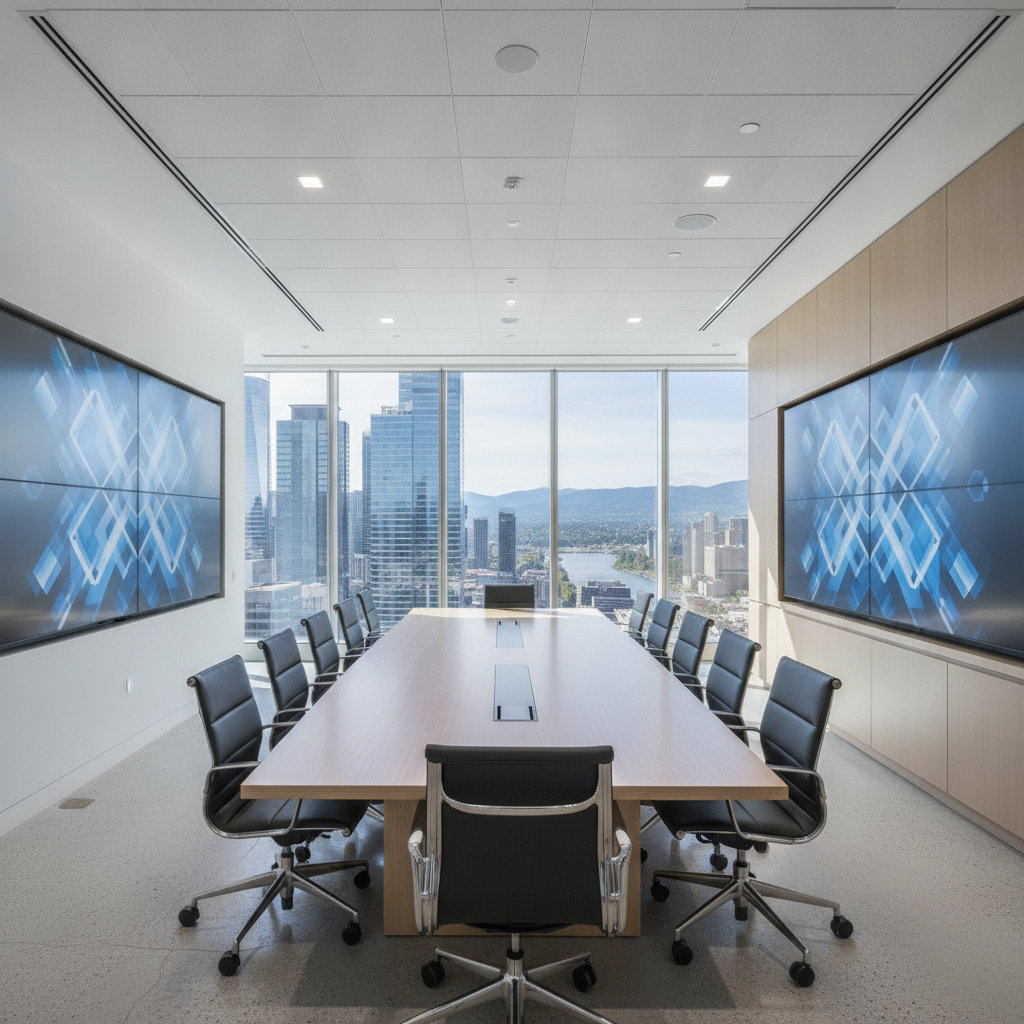
Boardroom rental is the short-term booking of a professional meeting room equipped with tables, chairs, and collaboration technology. It gives teams a private, reliable space for decision-making, training, and hybrid meetings. In Mississauga near 75 Derry Rd W, flexible rentals help planners avoid office constraints while accessing turnkey AV and in-house support.
By Preet Dass • Last updated: 2026-06-27
Above the Fold: Why Boardroom Rental Works
Renting a boardroom accelerates planning, elevates professionalism, and reduces friction. You get purpose-built space, enterprise-grade AV, and on-site technical help—without managing vendors. For teams meeting in Mississauga, proximity to highways and the airport means easier commutes, on-time agendas, and higher attendance.
When time matters, a dedicated meeting room beats forcing a workshop into the corner of your office. You walk into a room that’s already staged, tested, and supported. At Mississauga Convention Centre, we pair flexible rooms with integrated AV so your day runs on rails—no last-minute adapter hunts or tech surprises.
- Definition and core benefits of boardroom rental
- How rentals work end-to-end: scope, setup, support
- Layouts, technology, hybrid readiness, and checklists
- Local considerations near 75 Derry Rd W
- Best practices, tools, and real Mississauga examples
Quick Summary for Planners
Choose a boardroom rental when you need reliability, privacy, and hybrid-ready AV without juggling multiple vendors. Lock your agenda, right-size the room, pretest technology, and plan light catering. Near 75 Derry Rd W, easy access and free on-site parking support punctual starts and higher engagement.
In our experience hosting corporate meetings, seminars, and executive sessions, momentum improves when the space is purpose-built. Seven elegant halls (about 4,250 square feet each) and approximately 700 free parking spots keep arrivals smooth and sessions on schedule. Your speakers focus on content, not logistics.
What Is Boardroom Rental?
Boardroom rental is booking a private, fully equipped meeting room by the hour or day. It includes professional seating, presentation displays, collaboration tools, and support. Teams choose rentals to ensure reliability, confidentiality, and a polished experience without using their own office space.
A rental boardroom is a turnkey environment: furniture set, AV tested, and hospitality within steps. The goal is consistency. When we host strategy sessions or interviews, confidentiality and control matter as much as comfort. Doors close, acoustics stay tight, and technology just works—so decisions do, too.
- Confidential setting: ideal for HR reviews, M&A discussions, and client diligence.
- Professional look: executive tables, ergonomic chairs, and refined lighting.
- Integrated tech: large displays, quality audio, and easy content sharing.
- Hospitality options: coffee breaks, working lunches, and dietary accommodations.
At Mississauga Convention Centre, boardroom-style spaces slot into a larger ecosystem—breakout rooms across the hall, staging nearby, and a culinary team versed in South Asian, Pakistani Halal, Middle Eastern, Sri Lankan, Caribbean, and Continental menus. That breadth supports focused mornings and celebratory wrap-ups.
Why Boardroom Rental Matters for Teams
It removes friction from planning and raises the bar on outcomes. With dependable AV, onsite support, and accessible parking, discussions stay focused and on time. In Mississauga, airport and highway access also improves attendance for regional teams and clients.
Space shapes behavior. Comfortable seating, proper sightlines, and reliable sound reduce fatigue and keep dialogue crisp. We’ve found that executive off-sites stay on schedule because AV is pretested, catering arrives warm, and the room layout fits the agenda. Less scrambling equals more substance.
- Focus and flow: fewer interruptions and smoother speaker handoffs.
- Credibility: polished backdrops for investor and client meetings.
- Hybrid inclusion: cameras, mics, and screens integrate remote voices.
- Operational ease: one venue team coordinates staging, lighting, and AV.
Physical access matters, too. Near 75 Derry Rd W, being minutes from major highways and Toronto Pearson International Airport keeps arrivals predictable. Approximately 700 free on-site parking spots reduce bottlenecks and put attendees in the room, on time, with energy to contribute.
How Boardroom Rental Works (End-to-End)
Define your agenda and headcount, choose a room style, confirm AV and catering, then arrive to a tested setup. Onsite technicians support connectivity, audio, and lighting so presenters focus on content—not cables.
Here’s the typical flow we guide planners through. These steps work for leadership huddles, client pitch days, workshops, and onboarding cohorts.
- Scope the session: goals, agenda blocks, hybrid needs, and security requirements.
- Pick a layout: classic boardroom, hollow-square, U-shape, classroom, or pods.
- Confirm tech: displays, cameras, mics, playback, recording, and backups.
- Plan hospitality: beverages, snacks, working lunch, and allergen labeling.
- Finalize logistics: arrival routes, wayfinding, name cards, Wi‑Fi codes.
- Day-of support: AV check, platform test, presenter brief, on-time start.
For deeper setup tips, see our conference room setup guide and this AV systems checklist. Both resources help you choose the right inputs, test mics, and lock in a smooth run-of-show.
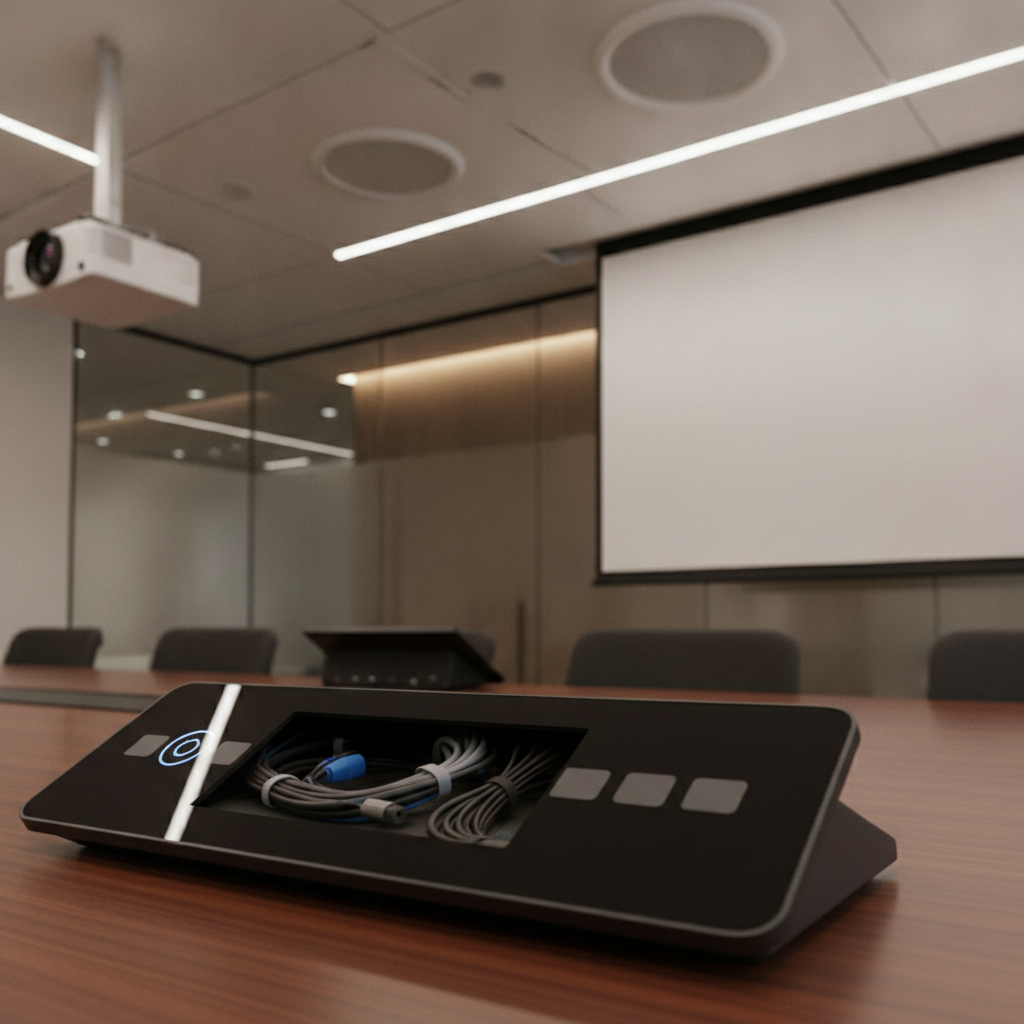
Local considerations for 75 Derry Rd W
- Plan arrivals near Hurontario St At Derry Rd for clear wayfinding and transit connections.
- In winter, add 10 minutes for parking and foot traffic; warm beverages at arrival keep energy steady.
- For cultural briefings or community sessions, nearby Mississauga’s Ram Mandir can orient guests new to the area.
Room Types, Layouts, and When to Use Each
Match the layout to your agenda: boardroom for executive decisions, U-shape for training, hollow-square for cross-talk, and classroom for note-heavy sessions. The best rental providers can reconfigure quickly to support breakout work.
Layout dictates eye contact, engagement, and the pace of conversation. Choosing intentionally raises the quality of decisions and participation. Within our seven similarly sized halls (~4,250 sq ft each), we customize flow with staging, lighting looks, and modular furniture.
Common layouts
- Classic boardroom: single, central table. Best for leadership, pitches, signatures.
- U-shape: facilitation and training with sightlines to a main display or whiteboard.
- Hollow-square: balanced dialogue among multiple teams or departments.
- Classroom: instruction, onboarding, and certification with note-taking space.
- Cabaret/Pods: collaborative workshops and design sprints with materials at hand.
Breakouts and flows
- Reserve adjacent rooms for simultaneous interviews and candidate debriefs.
- Use pods near the main boardroom for role-play or tabletop exercises.
- Stage a private lounge for VIPs or media to manage embargoed assets.
For inspiration on sequencing rooms, skim our breakout room ideas. If your meeting extends into a larger conference, this Mississauga conference center guide outlines how to move from boardroom to ballroom without losing momentum.
Technology Essentials and Hybrid Readiness
Prioritize dependable displays, ceiling or table mics, room cameras, and easy screen sharing. For hybrid meetings, verify hardwired internet, platform compatibility, and onsite technicians who can troubleshoot fast.
Modern meetings are mixed by default. That means fewer adapters and more platform-agnostic solutions. We recommend dual displays for panel talks, distributed speakers for even coverage, and front-of-room cameras with presets for the presenter, audience, and whiteboard.
- Displays and projection: dual screens reduce slide toggling for panel talks.
- Audio: distributed speakers and echo control for clear dialogue.
- Cameras: front-of-room framing with presets for speakers and whiteboards.
- Connectivity: hardline internet plus robust Wi‑Fi for guests.
- Platform support: Zoom, Teams, or Meet—pretest and have adapters ready.
- Recording/streaming: capture training for later cohorts and compliance.
For practical selection tips, review our meeting space checklist. For more ideas across formats, see this curated meeting spaces tag collection for layout and facilitation cues.
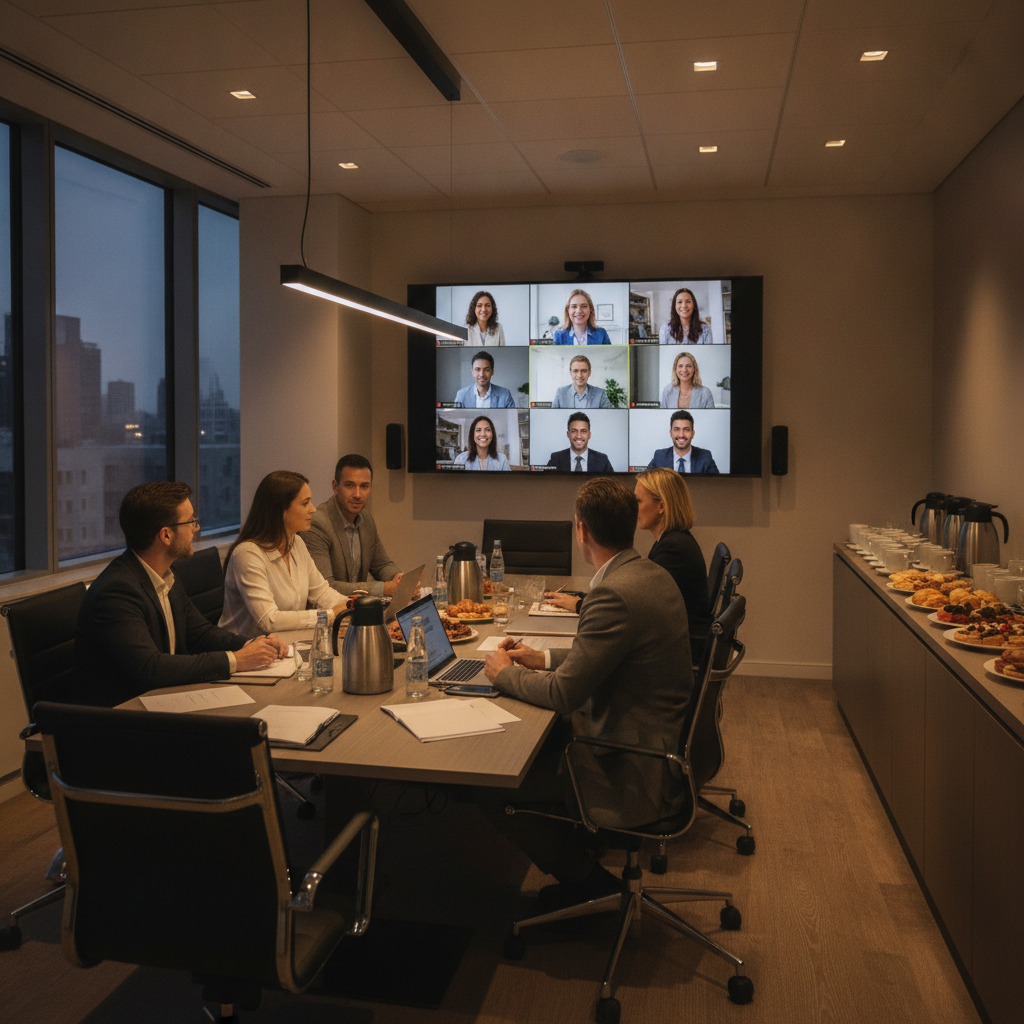
Best Practices for a Smooth, Productive Day
Lock the agenda, right-size the room, and pretest AV with presenters. Build short breaks every 60–90 minutes, keep food accessible, and assign one point of contact to coordinate with the venue.
Great meetings feel effortless because the prep was thorough. The small things—labeling allergens, staging markers and notepads, placing extra HDMI cables—avoid stalls. Our clients often schedule 10-minute micro-breaks every 75 minutes to reset attention without losing flow.
- Agenda clarity: timebox sections and define success metrics upfront.
- Presenter prep: shared deck folder, naming conventions, and backup HDMI.
- Room sizing: pick capacity at 70–80% of max for comfort and circulation.
- Signage: floor decals and door cards reduce late arrivals.
- Nutrition: light protein and fruit keep attention steady; label allergens.
- Accessibility: confirm wheelchair access, ramps, and assistive listening.
Need a deeper dive on staging and flow? Our corporate event venue guide maps pre-event checklists to onsite execution so your team can focus on content instead of coordination.
Plan a seamless boardroom day
Hosting a leadership huddle, pitch day, or training near 75 Derry Rd W? Explore availability and layouts, or walk the space via a virtual tour.
Boardroom Rental vs. Other Meeting Options
Dedicated boardrooms deliver reliability, privacy, and integrated AV. Hotel rooms add lodging proximity but vary in tech. Coworking spaces can be flexible but often limit customization and onsite support.
Different spaces solve different problems. If your meeting stakes are high—investors, clients, or executive decisions—prioritize control and support. That typically points to a purpose-built boardroom inside a full-service venue where the AV backbone and staffing are already in place.
| Option | Strengths | Trade-offs |
|---|---|---|
| Boardroom rental (venue) | Purpose-built AV, onsite techs, catering, flexible layouts | Requires advance booking for peak dates |
| Hotel meeting room | Onsite lodging, national brands, central locations | Variable AV quality; less layout flexibility |
| Coworking room | Short-notice booking, casual vibe | Limited customization; shared noise and privacy |
For choosing criteria beyond room size, this overview of how to choose a venue highlights location, access, technical infrastructure, and vendor coordination—factors that have outsized impact on meeting outcomes.
Pricing Factors to Consider (No Numbers)
Expect quotes to reflect duration, day of week, room size, AV complexity, staffing, and catering. Value rises when AV is integrated and technicians are onsite—reducing risk, delays, and vendor coordination.
While we don’t publish blanket rates—every meeting has its own scope—you can predict which inputs influence a quote. The biggest drivers usually tie to time, technology, service level, and hospitality. Choosing integrated AV and in-house catering simplifies planning and reduces multi-vendor risk.
- Duration and timing: half-day vs. full-day; weekday vs. weekend.
- Room and layout: capacity, reconfigurations, special staging.
- AV package: displays, mics, cameras, recording, streaming.
- Support level: dedicated technician, stagehand, or runner.
- Catering: coffee breaks, boxed meals, or plated service.
- Enhancements: décor, lighting looks, branded wayfinding.
If food is a central part of your day, explore creative approaches—from working breakfasts to patio tastings. For menu inspiration across corporate formats, this practical catering guide shares planning angles and service ideas.
Tools, Checklists, and Helpful Resources
Use a preflight checklist, a run-of-show template, and an AV input map. Confirm dietary counts, arrival routes, and Wi‑Fi codes 48 hours out. On event day, keep a printed run sheet and escalation contacts at the lectern.
We encourage teams to keep planning artifacts simple and visible. A one-page agenda, a seating diagram, and a laminated AV map solve 90% of surprises before they happen. The last 10% resolves quickly when roles and contacts are clear.
- Room preflight: seating diagram, display test, mic check, camera framing.
- Run-of-show: start times, speakers, transitions, and media cues.
- AV map: laptop inputs, adapters, clicker, audio playback, backups.
- Hospitality plan: beverage refresh cadence and dietary labeling.
- Wayfinding: directional signs at lobby and corridor intersections.
For more configuration ideas, scan our setup ideas overview. If your meeting ladders into a larger seminar or conference, this seminar venue guide helps scale content without losing intimacy.
Case Studies: Real Scenarios from Mississauga
Well-planned rentals shorten setup time and improve outcomes. With onsite technicians, hybrid platforms, and nearby breakouts, teams keep momentum—from product approvals to onboarding cohorts.
Executive pitch day
A tech company hosted a 14-person investor pitch. We staged a classic boardroom with dual displays and table mics, reserved a quiet lounge as a greenroom, and scheduled a quick-turn working lunch. The outcome: on-time sessions and a final-round commitment the same week.
Hybrid training cohort
An HR team delivered a certification course using a U-shape layout. Camera presets framed the instructor, audience, and whiteboard; recording captured content for remote learners. Breakout pods supported scenario practice, letting cohorts rotate every 30 minutes.
Product workshop + showcase
A consumer brand combined a hollow-square decision room with adjacent cabaret pods for prototyping. A live demo area had hardwired internet and safety clearance. They ended with a reception-style tasting on the patio—team alignment plus stakeholder buy-in in a single day.
Frequently Asked Questions
Planners ask about capacity, hybrid tech, setup timing, and food service. The short answers: right-size your room, pretest your platform, build a 30-minute AV check, and plan simple, energizing menus.
What size boardroom should I book?
Choose a room that seats 70–80% of its maximum capacity. This leaves circulation space, improves sightlines, and reduces noise. If breakouts are planned, reserve adjacent rooms to keep transitions tight.
How do I run a successful hybrid meeting?
Verify platform compatibility, hardwired internet, and mic coverage. Pretest with remote speakers, set camera presets, and assign a moderator to watch chat and Q&A while the presenter focuses on content.
What should I confirm 48 hours before the meeting?
Finalize headcount, dietary needs, arrival routes, Wi‑Fi codes, seating chart, AV inputs, and the run-of-show. Share presenter slides with the technician and print name cards to speed up seating.
Can I record the session for people who can’t attend?
Yes—confirm recording or streaming during planning. Identify who needs access, how long to retain files, and whether you need consent notices displayed at the room entrance.
Key Takeaways
Choose a boardroom with dependable AV, right-size the layout, and assign one point of contact. In Mississauga, easy access near 75 Derry Rd W supports punctual starts and better engagement across in-person and remote participants.
- Reliable AV and onsite support protect your agenda.
- Match layout to goals; keep capacity under the max.
- Plan coffee breaks and label allergens.
- Test hybrid tech and camera presets day-of.
Conclusion: Plan with Confidence
A well-chosen boardroom rental upgrades focus, credibility, and hybrid participation—without vendor juggling. Define goals, select the right layout, and lean on onsite AV and hospitality so your team can do its best work.
Here’s the thing: meetings move fast when logistics don’t get in the way. That’s why we design spaces that feel effortless to use—comfortable seating, clean sightlines, and AV that simply works. With seven flexible halls, approximately 700 free parking spots, and diverse in-house catering, your boardroom day near 75 Derry Rd W stays on schedule and on message.
Ready to test your agenda in the room? Explore layouts, confirm your hybrid platform, and preflight AV with our team. Your presenters will thank you—and your outcomes will show it.