

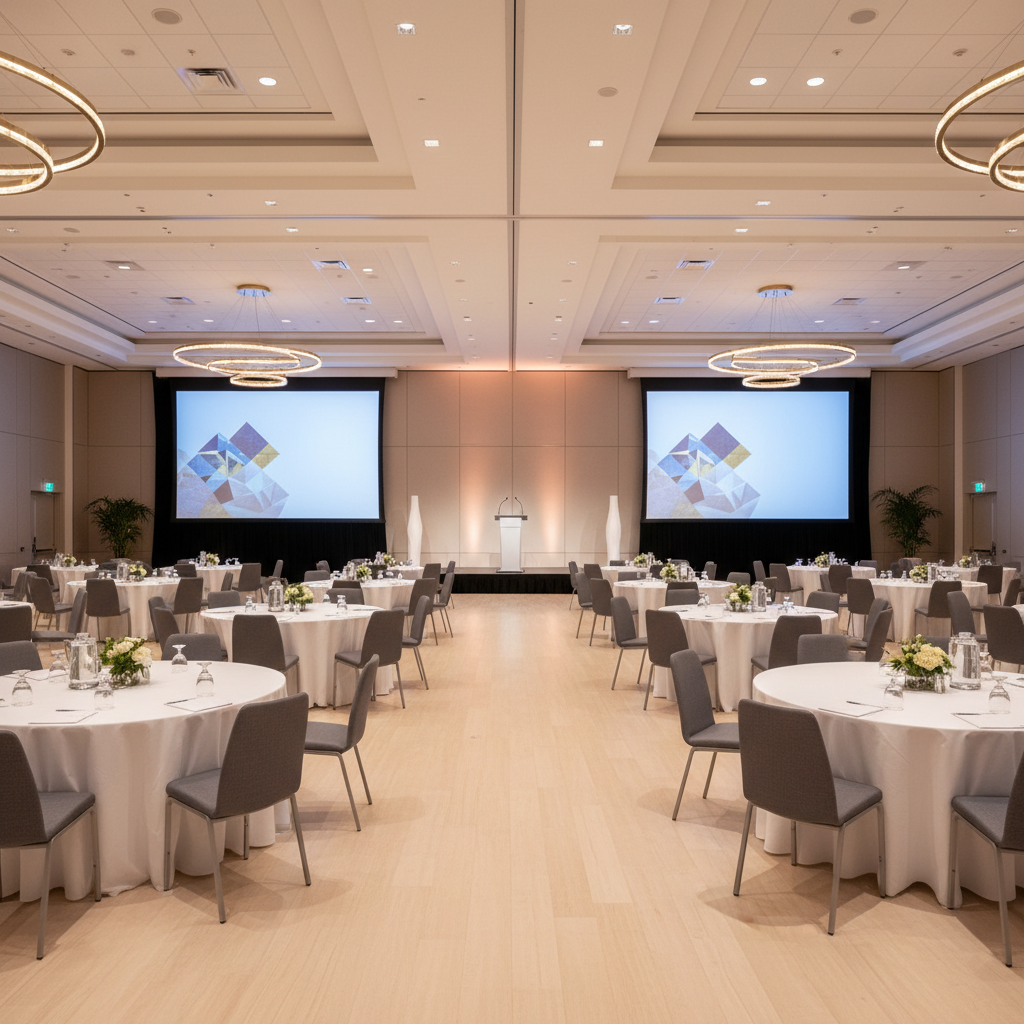
 20 September, 2026
 A corporate meeting space checklist is a structured list of venue, layout, AV/IT, catering, staffing, and accessibility requirements that ensures a meeting runs smoothly from arrival to wrap-up. At 75 Derry Rd W in Mississauga’s Regional Municipality of Peel, teams use this checklist to align goals, reduce risk, and lock in logistics with on-site support.
By Preet Dass — Mississauga Convention Centre
Last updated: June 7, 2026
Plan Your Meeting Like a Pro: The 2026 Corporate Meeting Space Checklist
Use this corporate meeting space checklist to confirm objectives, attendee counts, layouts, AV/IT, hybrid streaming, accessibility, catering, parking, signage, staffing, and safety. Validate details two weeks out, then reconfirm 72 hours before doors open. This cadence reduces last-minute changes and keeps presenters, vendors, and guests aligned.
- Define purpose, agenda, and success metrics
- Estimate attendance and hold space (plus overflow)
- Select layout: theater, classroom, rounds, U-shape, or pods
- Lock AV/IT: projection, sound, Wi‑Fi, power, stage
- Plan accessibility and inclusive design
- Choose menus and service timing
- Coordinate parking, arrivals, and wayfinding
- Assign roles: registration, stage management, tech, F&B
- Confirm safety, housekeeping, and closing procedures
Overview
This guide turns planning into a repeatable playbook. It covers space selection, technical checklists, run-of-show, and local logistics specific to 75 Derry Rd W in the Regional Municipality of Peel, using Mississauga Convention Centre’s seven halls, 700 on-site parking spots, and in-house AV/catering as concrete examples.
Here’s what you’ll find in this complete guide:
- Clear definitions and why checklists prevent failure points
- Step-by-step flow from inquiry to post-event wrap
- Layouts and venue types compared side-by-side
- Best practices proven across hundreds of corporate programs
- Tools, templates, and internal resources you can use today
Local considerations for 75 Derry Rd W
- For easy transit access, note the “Hurontario St At Derry Rd” bus stop is within a short walk; build arrival windows accordingly.
- Winter events benefit from earlier load-in buffers; snow and cold can slow vendor arrivals in the Peel region.
- For high-attendance mornings, coordinate staggered registration to leverage 700 parking spaces and reduce queueing.
What Is a Corporate Meeting Space Checklist?
A corporate meeting space checklist is a comprehensive, itemized plan that aligns goals, space, technology, food and beverage, staffing, accessibility, and safety. It reduces risk, speeds decisions, and creates shared visibility, so marketing, HR, and leadership teams stay coordinated from the first hold to post-event debrief.
In practical terms, it’s your single source of truth from inquiry through close. It clarifies who owns what, when decisions are due, and what must be tested on-site. At Mississauga Convention Centre, we pair checklists with room diagrams and run-of-show timelines to keep every stakeholder aligned.
- Scope: objectives, agenda, speakers, timing
- Space: room, layout, stage, green room
- AV/IT: projection, audio, lighting, Wi‑Fi
- F&B: menus, service style, breaks
- Access: parking, transit, accessibility
- Operations: staffing, signage, safety
Because our campus includes seven elegant halls of approximately 4,250 square feet each, we frequently run parallel sessions, layered breakouts, and exhibit zones with a single master checklist that flows from plenary to networking dinner.
Why This Checklist Matters for Corporate Teams
Checklists turn complex meetings into predictable operations. They limit scope creep, compress lead times, and protect brand moments by documenting decisions. For regional and international attendees, they also coordinate arrivals, wayfinding, parking, and in-room experiences that reflect your standards.
We see three common failure points a corporate meeting space checklist prevents:
- Unclear objectives lead to layout and AV mismatches. Writing a one-line goal and two measurable outcomes keeps choices tight.
- Late technical adds derail schedules. Lock projection ratios, audio inputs, and power early to avoid rework.
- Logistics drift causes bottlenecks. Wayfinding, parking, and registration staffing should be defined before invites go out.
At 75 Derry Rd W, accessibility, on-site AV, and 700 parking spots let teams reduce variables. Seven similarly sized halls simplify room-to-room transitions and signage. Diverse in-house catering means you can plan Halal or vegetarian menus without juggling separate vendors.
How the Meeting-Space Process Works (Step-by-Step)
Move from inquiry to execution in eight steps: define goals, size attendance, pencil the room, map layouts, specify AV/IT, plan menus, confirm staffing/logistics, and rehearse. Reconfirm 72 hours pre-event and run a post-event debrief to capture learnings for your next program.
- Define purpose: one-line objective, audience, and two outcomes.
- Estimate attendance: hold space for base + 10–15% overflow; assign backup rooms.
- Preliminary hold: place a courtesy hold on preferred dates and halls.
- Layout selection: theater for keynotes, classroom for training, rounds for collaboration, U-shape for leadership dialogue.
- AV/IT spec: projection size, stage needs, mics, lighting zones, Wi‑Fi SSID strategy, power.
- Menus and timing: breakfast, lunch, breaks; note dietary requirements (Halal, vegetarian, gluten-free).
- Operational plan: registration, signage, parking, security, housekeeping.
- Rehearsal + run-of-show: stage cues, mic handoffs, and slide checks.
We pair this with our on-site technical walkthroughs so your presenters and producers can test microphones, lighting looks, and transitions in the actual room.
Checklist Sections You Should Never Skip
Don’t skip the non-negotiables: objectives, headcount, layouts, AV/IT, accessibility, F&B, and staffing. These seven areas influence cost, timing, guest experience, and risk. Document them early and revisit at T‑14 days and T‑72 hours to keep vendors and presenters coordinated.
Objectives and success metrics
- Write one sentence that states what success looks like.
- Define two measurable outcomes (e.g., qualified demos booked, new product knowledge checks).
- Align agenda length and content density to those outcomes.
Attendance and room holds
- Base headcount plus 10–15% overflow protects you from late registrations.
- Use parallel halls for simultaneous tracks; our seven halls simplify this.
- Note VIP lounge or green room needs for executives and speakers.
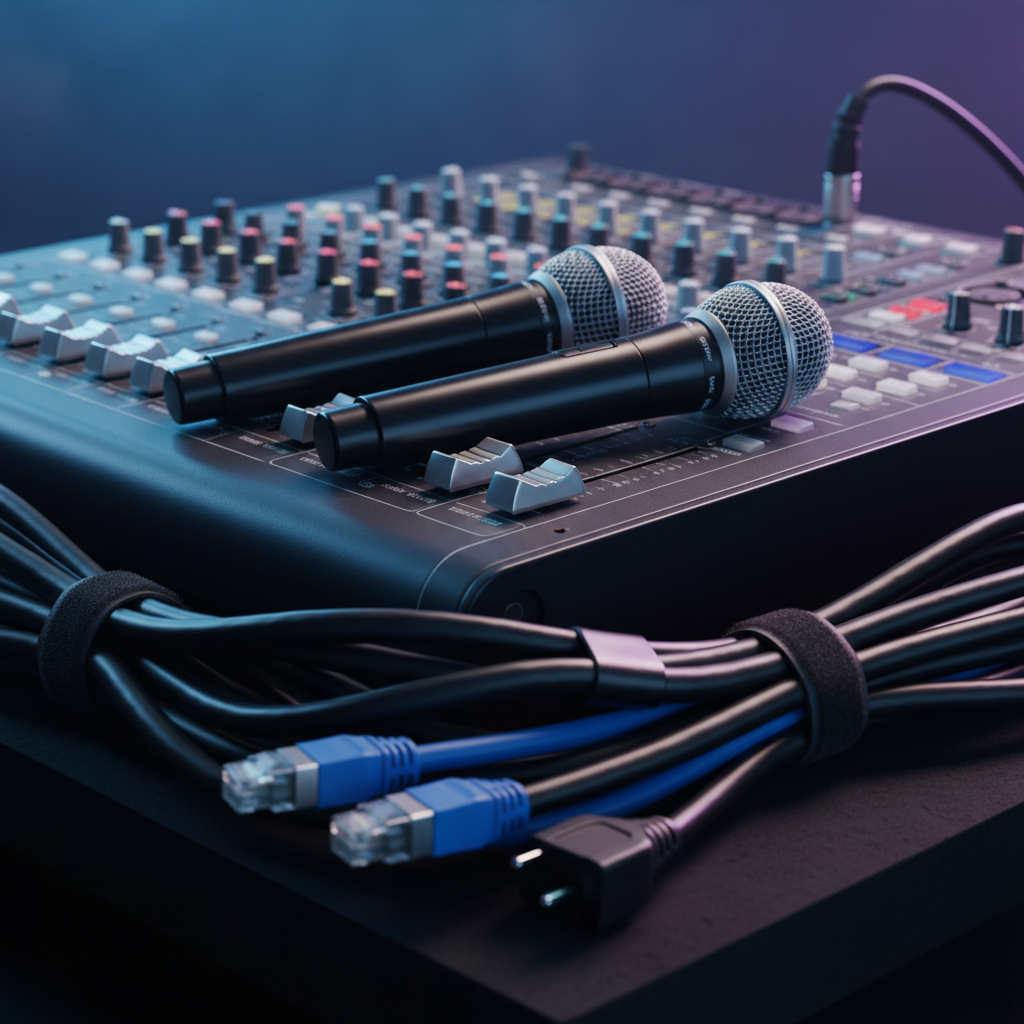
AV/IT and stage plan
- Projection and screens sized for your farthest seat; test legibility from the back row.
- Microphones: handheld, lavalier, or podium; plan spares.
- Lighting zones: stage wash, lectern, and audience dimming for video.
- Wi‑Fi SSID strategy for attendees vs. production devices.
Accessibility and wayfinding
- Seating paths with clear, wide aisles and ramp access where needed.
- Readable signage and high-contrast screen content.
- Quiet spaces for breaks if your program extends all day.
Food and beverage
- Note dietary preferences: Halal, vegetarian, vegan, gluten-free.
- Time breaks based on session length and networking goals.
- Place water stations close to aisles to reduce interruptions.
Staffing and safety
- Assign a floor lead, registration captain, AV lead, and F&B lead.
- Confirm housekeeping cadence and trash removal between blocks.
- Document emergency exits and rally points in your run-of-show.
Room Layouts and When to Use Them
Match layouts to outcomes. Theater maximizes capacity for keynotes. Classroom supports note-taking. Rounds encourage collaboration and networking. U-shape fosters dialogue. Pods blend content and teamwork. Choose first by outcome, then tune AV, stage, and traffic flow.
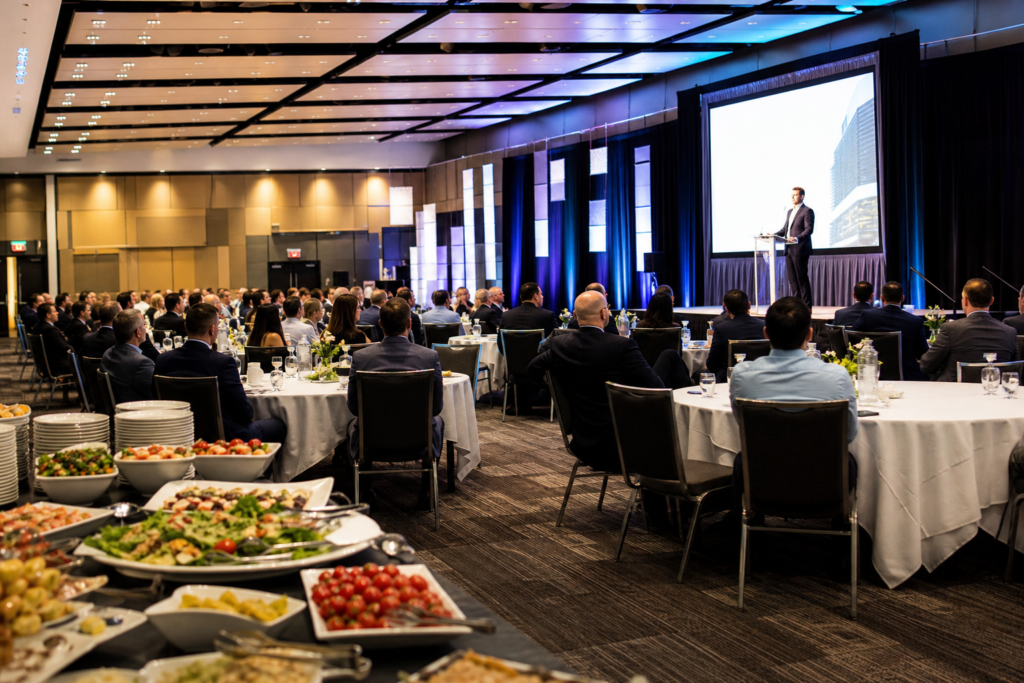
- Theater: maximum seats for plenaries and product reveals.
- Classroom: tables with power for training and certification.
- Rounds: 6–10 per table for workshops and networking lunches.
- U-Shape: leadership dialogues, board updates, strategy reviews.
- Pods: small-group collaboration with quick turnarounds.
At Mississauga Convention Centre, similar hall footprints (~4,250 sq ft each) make it easy to pivot layouts between morning plenaries and afternoon breakouts without changing buildings or confusing wayfinding.
Compare Popular Venue Options
Evaluate venues by capacity, flexibility, on-site AV/IT, catering control, and parking. Large multi-hall centers simplify parallel tracks and signage. Hotels add sleeping rooms. Off-sites can be creative but often add transport and AV complexity. Choose what reduces your risk.
| Venue Type | Best For | Key Advantages | Trade-offs |
|---|---|---|---|
| Multi-hall convention center | Plenaries + parallel breakouts | Seven halls, on-site AV, 700 parking, diverse in-house catering | More options require tighter decision-making |
| Hotel ballroom | Programs needing guest rooms | Sleeping rooms and amenities on-site | Less layout flexibility; AV often outsourced |
| Off-site studio/office | Small leadership sessions | Familiar setting, low travel | Limited AV and F&B; parking varies |
For many GTA teams, multi-hall centers near major highways and Toronto Pearson simplify arrivals and production schedules while keeping experiences consistent room-to-room.
Tools and Resources You Can Use Now
Leverage ready-made diagrams, run-of-show templates, virtual walk-throughs, and internal planning guides. These tools accelerate decisions, reduce emails, and help stakeholders visualize the day — before you set foot on-site.
- Explore layouts and planning in our Mississauga Convention Centre overview to align stakeholders quickly.
- Use our venue selection guide to shortlist spaces by capacity and format.
- For enterprise programs, see our conference center guide with tips on signage and breakout flows.
- If you need packaged support, review corporate packages that bundle AV, menus, and staffing.
- Planning a complex calendar? Our rental guide outlines hold strategies and parallel tracks.

Planner tip: If you’re juggling speakers and sponsors, a packaged approach often reduces handoffs. See how our corporate packages streamline run-of-show, staging, and menus with a single point of contact.
Best Practices for 2026 Meetings
Design for clarity, comfort, and flow. Publish a tight agenda, verify AV from the last row, separate attendee Wi‑Fi from production, and choreograph breaks around networking. Rehearse mic handoffs and slide transitions on the actual stage and screens you’ll use.
- Clarity first: short presentations, crisp visuals, clear signage hierarchy.
- Back-row verification: test legibility from farthest seats before doors open.
- Network strategy: separate SSIDs for guests and production devices.
- Inclusive menus: plan vegetarian and Halal options alongside standard fare.
- Traffic flow: place coffee and water stations outside doorways to reduce congestion.
- Run-of-show script: assign mic wranglers and stage managers.
Buying Guide: Choosing Your Space with Confidence
Choose a venue by mapping outcomes to space, capacity, AV/IT, catering, and logistics. Ask for diagrams, walk the route, and confirm load-in, parking, and signage. Prioritize venues that reduce vendor handoffs with on-site AV, staging, and diverse in-house menus.
Questions to ask on your walkthrough
- Which layouts fit my agenda best across morning and afternoon blocks?
- Can we test microphones and lighting in the actual room before show day?
- What’s the plan for Halal and vegetarian menus and labeling?
- How many registration stations fit the foyer comfortably?
- Where are the nearest restrooms relative to the stage and breakouts?
- What’s the route from parking to registration for first-time visitors?
Signals of a high-functioning venue partner
- On-site technical team that knows the rooms and gear.
- Multiple parallel halls (~4,250 sq ft each) to support overflow and tracks.
- Diverse in-house catering with Halal and vegetarian coverage.
- Clear load-in plan and 700 on-site parking spaces.
- Proactive run-of-show support and rehearsal access.
To see how we approach this, skim our venue overview and rental guide for hold strategies.
Case Examples from Our Seven Halls
Seven similarly sized halls enable modular meeting design. Teams mix one plenary with three to five breakouts, then flip rooms for networking dinners. Consistent footprints speed signage, stage placement, and AV presets, so your operations scale without confusing guests.
Leadership summit (150–220 attendees)
- Morning plenary in theater, afternoon U-shape leadership sessions.
- Wireless handhelds for Q&A; stage wash lighting preset across rooms.
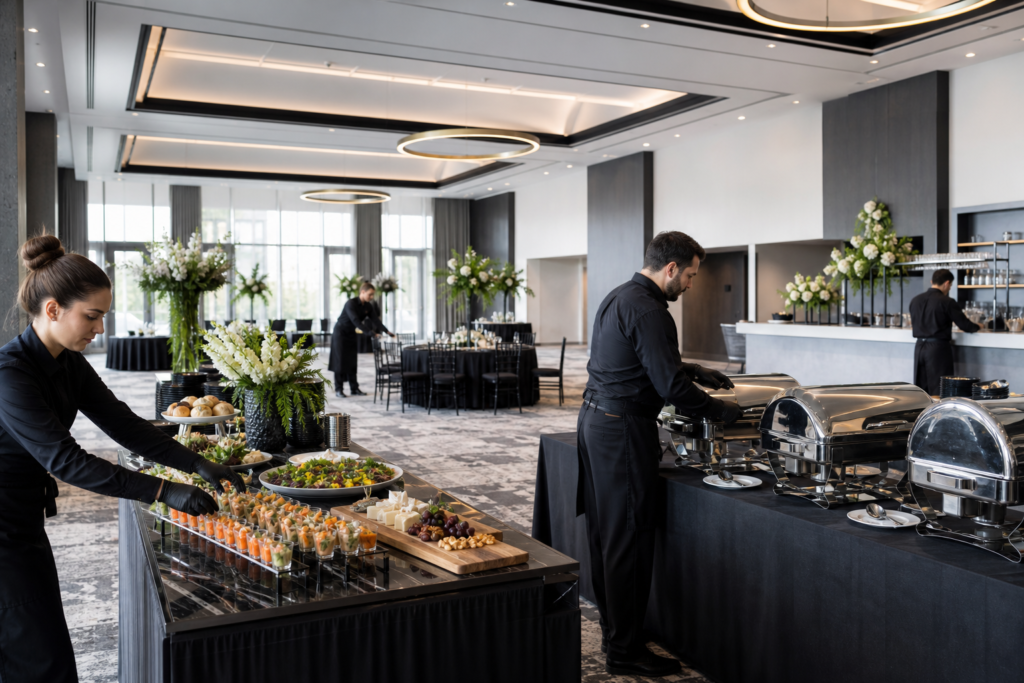
- Halal and vegetarian lunch buffets; quiet lounge for sidebars.
Product training roadshow (300–450 attendees)
- Classroom layout with power at tables and front-of-room projection.
- Two parallel breakout halls for technical deep dives.
- PM networking with rounds and chef stations on the outdoor patio (weather permitting).
All-hands kickoff (700–1,000 attendees)
- Plenary stage with IMAG screens, plus overflow room carrying the feed.
- Staggered registration banks to utilize the foyer and reduce lines.
- Rotating coffee stations and water outside doors to ease traffic.
In each case, the corporate meeting space checklist governed decisions: objectives first, then layouts, then AV and logistics. That order prevents surprises once you’re on-site.
Local Logistics and Access
Situate your plan around 75 Derry Rd W. Build arrival buffers for rush periods, publish a parking map for 700 on-site spaces, and give first-timers a simple route from entrance to registration. This reduces late seating and protects your opening session.
- Parking: 700 on-site spaces support peak arrivals; publish a map in your pre-event email.
- Transit: note the nearby “Hurontario St At Derry Rd” bus stop in attendee info.
- Wayfinding: color-code signage by hall while keeping language simple.
- Accessibility: wide aisles, reserved seating areas, and clear ramp routes.
- Weather: build 15–20 minute buffers during winter for vendor load-in.
When you centralize registration in the foyer and stage greeters along key turns, you reduce wrong turns and protect your general session start time.
Run-of-Show Template (Use This Order)
Map your run-of-show from first arrival to last light. Sequence registration, doors, opening remarks, content blocks, breaks, lunch, afternoon tracks, transition buffers, and closing moments. Assign owners for each cue and rehearse handoffs on the actual stage.
- Registration opens (staggered by last name)
- Doors and pre-roll music
- Welcome remarks and housekeeping
- Keynote block (Q&A as time permits)
- Coffee break (stations outside rooms)
- Breakouts round 1
- Lunch and networking
- Breakouts round 2
- Closing panel
- Reception or team huddles
Place housekeeping reminders at transitions. When attendees know where restrooms, exits, and food are, satisfaction rises and downtime falls.
Downloadable Corporate Meeting Space Checklist (Printable)
Turn this article into action with a checklist you can print or copy into your project tool. It follows the exact order we use on-site — from goals to logistics — so nothing slips through the cracks.
- Objective and outcomes
- Headcount and overflow plan
- Room hold and diagrams
- Layout and stage needs
- AV/IT (projection, audio, lighting, Wi‑Fi, power)
- Menus and timing
- Accessibility and signage
- Parking and transit notes
- Staffing matrix and contacts
- Safety and housekeeping
- Rehearsal and run-of-show
- Post-event debrief
To see capacity planning in context, review this capacity guide for common footprints and flow strategies.
Frequently Asked Questions
These quick answers help first-time planners lock decisions fast. Each response is based on how corporate teams actually use our seven halls, in-house AV, and diverse menus for smooth, branded meetings.
What should my first three decisions be?
Clarify your objective, estimate attendance with 10–15% overflow, and choose an initial layout. Those choices drive room selection, AV specs, and menu timing. Everything else becomes simpler once those are locked.
How far in advance should I place a hold?
Place a courtesy hold as soon as dates are in play, then validate headcount and layouts two weeks out. Reconfirm final details 72 hours before doors to manage last-minute changes confidently.
Do you support Halal or vegetarian menus?
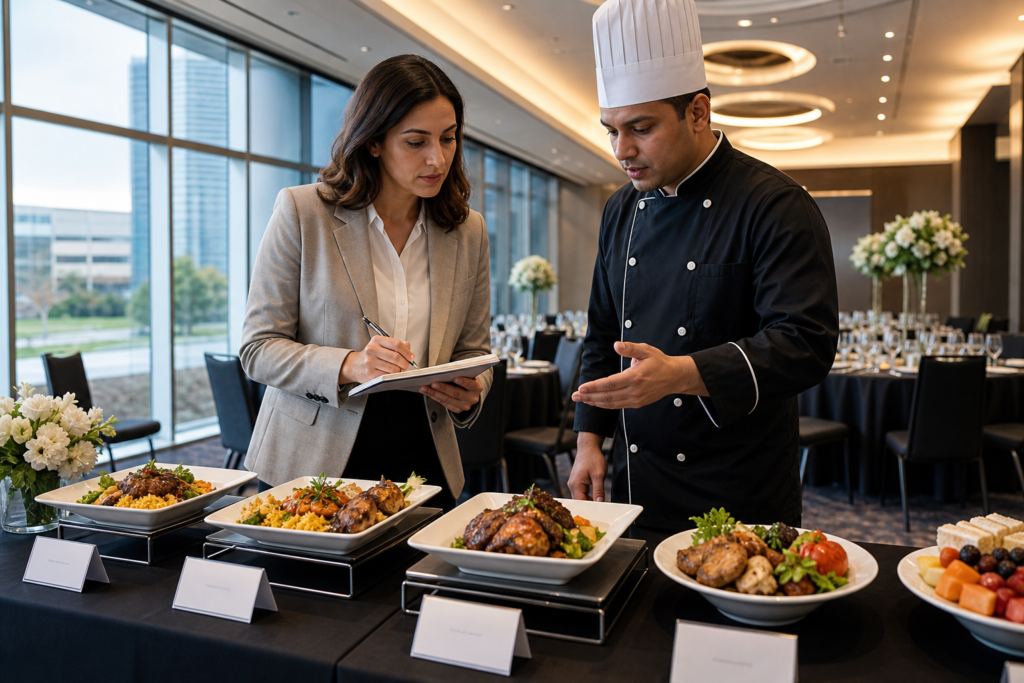
Yes. Our in-house catering spans South Asian, Pakistani Halal, Middle Eastern, Sri Lankan, Caribbean, and Continental menus. We routinely serve Halal and vegetarian guests for corporate programs and can label items clearly.
How do I plan for parallel breakouts?
Use consistent room footprints and identical signage templates. Build a shared run-of-show for AV teams and assign a floor lead to float between rooms. Our seven similarly sized halls make parallel tracks straightforward.
Key Takeaways
Lock your objective, right-size the room, pick the layout, and freeze AV/IT early. Use a corporate meeting space checklist to coordinate menus, staffing, accessibility, parking, and signage. Rehearse in the actual room and reconfirm 72 hours before doors open.
- Objectives drive layouts, which drive AV and staffing.
- Parallel halls and 700 parking spots reduce friction at scale.
- Diverse in-house catering simplifies dietary coverage.
- Run-of-show scripts and rehearsals protect brand moments.
Want help tailoring these steps to your agenda? Explore our corporate events overview and planning checklist to accelerate your next program.
Ready to walk the space? Book a discovery session at our campus at 75 Derry Rd W in Mississauga. We’ll map your run-of-show, confirm layouts, and build a rehearsal plan around your agenda.