


 10 August, 2026
 If you are qualifying event spaces remotely, a well-built virtual tour will save time and narrow options, but it will not replace every site visit. This article is a non-ranking, practical checklist of seven checks that compare what a virtual tour reveals versus what still needs on-site verification, and each item ends with a direct action you can take with the Mississauga Convention Centre, including their virtual tour.
1. Confirm scale, sightlines, and real capacities
Virtual tour clue vs on-site check
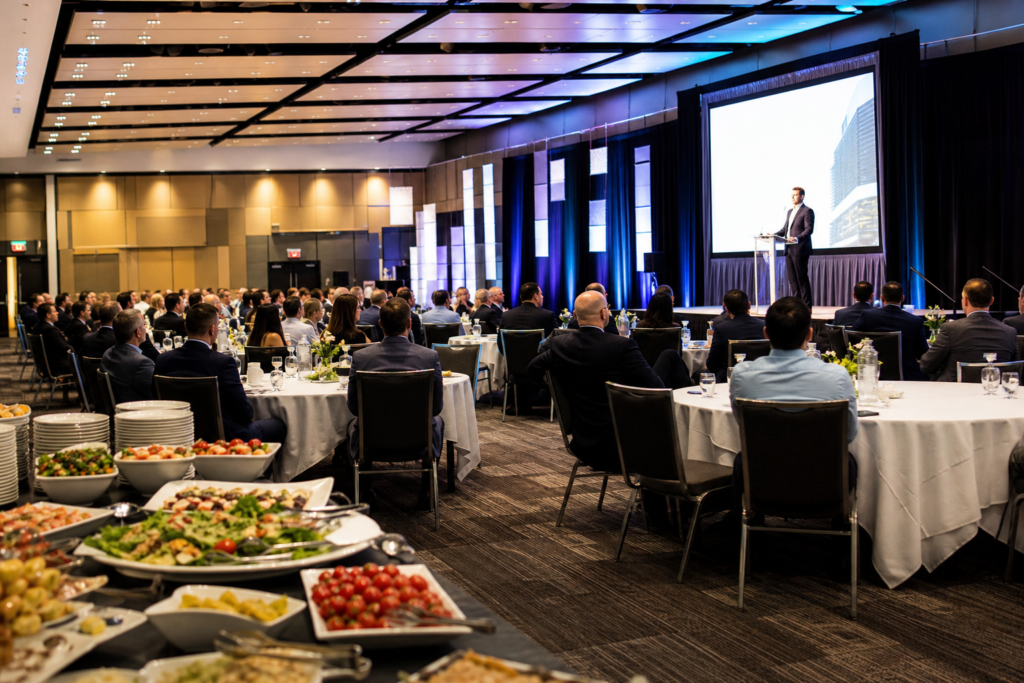
Start by using the tour to confirm room proportions, table spacing, stage placement, and sightlines from typical guest positions. Industry advice encourages a focused virtual walkthrough instead of skimming: allow eight to twelve minutes to inspect scale and sightlines rather than a quick glance (360SiteVisit). For concrete numbers, rely on the venue to provide measured hall dimensions and certified capacity instead of eyeballing a panorama.
Mississauga Convention Centre lists seven halls of approximately 4,250 square feet each, with modular combinations and a total capacity above 2,200 guests; use those published figures as the starting point and request layout-specific capacities for banquet, theatre, and classroom formats (Mississauga Convention Centre).
Action to take: From the virtual tour, note the hall name and request the certified floorplan and layout capacities for your format. Ask MCC for a scaled PDF of Hall A or Hall B and a sample seating diagram adjusted to your expected guest count.
2. Check AV infrastructure, rigging points, and ceiling heights
Virtual tour clue vs on-site check
Good virtual tours will show stage positions, installed speakers, truss locations, and lighting rigs. These visuals help you decide whether the room’s basic AV layout suits your event. However, detailed rigging information such as load ratings, approved rigging points, and exact ceiling heights must be verified on site or via the venue’s technical rider. Best practices for tour design recommend adding hotspots and embedded tech notes to highlight rigging-ready areas (aperi media) and to help you self-qualify before asking for technical documents.
Action to take: While viewing MCC’s virtual tour, screenshot the stage and truss areas and then request their AV rider and ceiling-height specs. Ask whether MCC’s in-house AV team will supply rigging load ratings or whether third-party rigging requires preapproval via an AV technician.
3. Verify load-in access, service doors, and logistics routes
Virtual tour clue vs on-site check
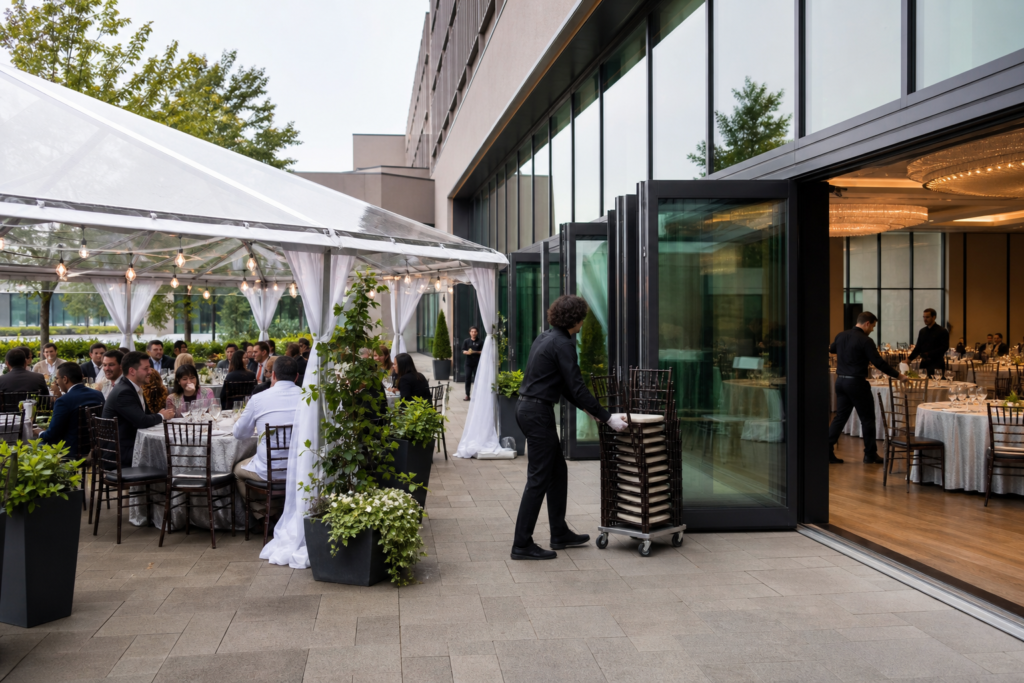
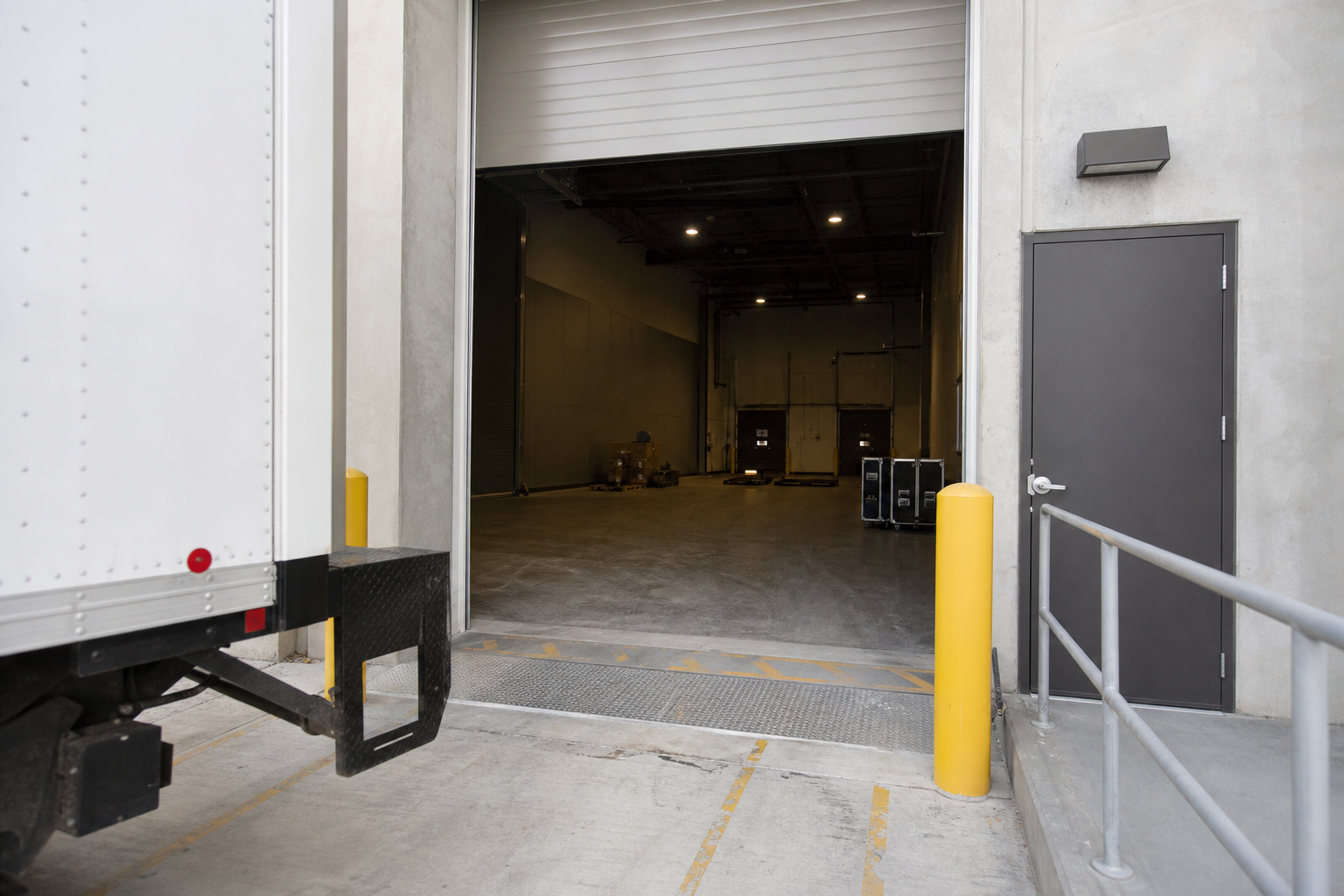
Use the tour to locate loading doors, service corridors, freight elevators, and the path from delivery points to each hall. Interactive tours often include labelled routes that show how far a truck must travel and whether there are stairs or tight turns. That said, dimension checks for truck clearance, door widths, and ground-level staging are details you should measure in person or request in writing. Tours help you identify obvious obstacles, while a site visit proves clearance under load.
Virtual tour platforms designed for venues recommend pairing cinematic panoramas with practical logistics hotspots so you can plan vendor load-ins before committing to a date (VenueQuoter).
Action to take: Note the service entrance shown in MCC’s tour and ask for the exact door dimensions and the standard load-in route. If you expect multiple trucks or large set pieces, request a scheduled load-in window or a short on-site walk-through to test vehicle access.
4. Test arrival flows, parking, and transport details
Virtual tour clue vs on-site check
A virtual tour and the venue maps will show guest entry points, coat checks, and the proximity of parking to front doors. Mississauga Convention Centre publishes roughly 700 on-site parking spaces and highlights its proximity to major highways and Toronto Pearson International Airport; use those published facts to plan coach or guest vehicle counts, then confirm coach drop-off and accessible entry points in writing (Mississauga Convention Centre).
Virtual tours make it simple to inspect arrival lines and drop-off zones, but they will not show real-time traffic patterns or temporary construction near the venue. For large events, follow up with the venue for a parking plan and coach staging rules.
Action to take: While on MCC’s virtual tour, identify the main entrance and request a map that indicates parking bays, coach drop-off, and accessible routes. Confirm whether MCC can reserve spaces for vendors or shuttle buses for your event date.
5. Confirm catering options and cultural food signals

Virtual tour clue vs on-site check
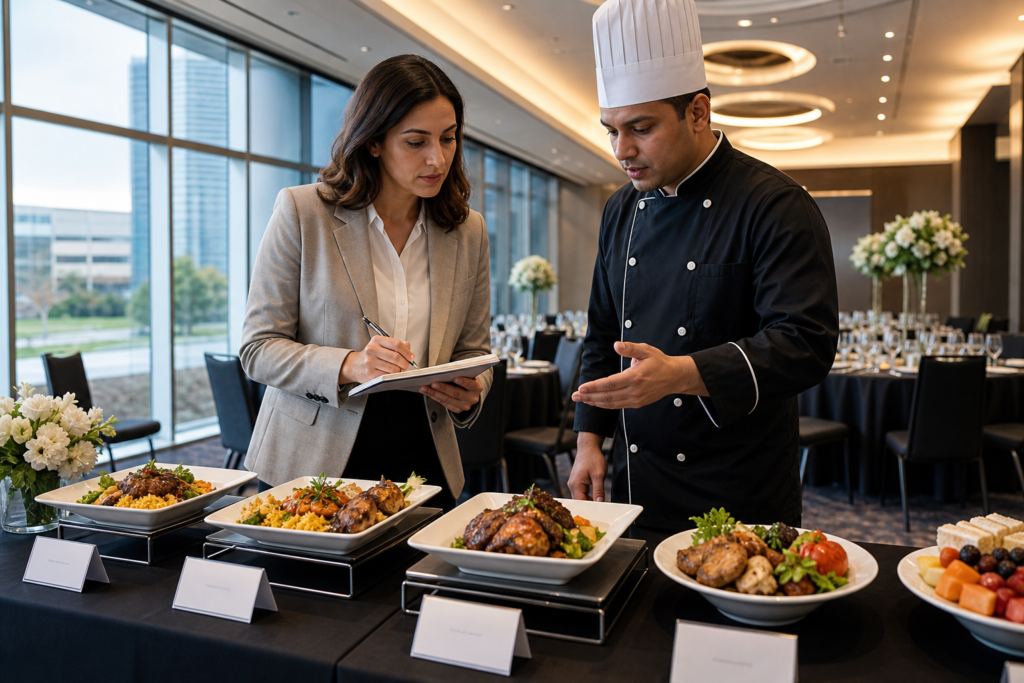
Virtual tours often show banquet service flow, buffet stations, and the location of kitchen pass-throughs. Use these visual cues to evaluate whether plated service or buffet staging will work for your layout. Mississauga Convention Centre lists diverse in-house catering — including South Asian, Pakistani Halal, Middle Eastern, Sri Lankan, Caribbean, and Continental menus — so verify menu availability and the policy for tastings after you view the tour (Mississauga Convention Centre).
Tour content that includes kitchen proximity and service lifts helps planners assess food timing and table replenishment logistics. For culturally specific menus or Halal requirements, request written menu options and the venue’s certification or supplier details rather than relying on photos alone.
Action to take: From MCC’s virtual tour, identify the banquet service zones and ask for sample menus and their tasting policy. Request confirmation that requested dishes meet Halal or other dietary standards and, if needed, schedule a tasting or a chef call.
6. Test mobile load times, interactive hotspots, and CTAs
Virtual tour clue vs on-site check
Technical performance matters. A slow tour on mobile will hide important details and frustrate decision makers. Conversion-focused best practices include fast mobile load, labeled hotspots, embedded floorplans, guided walkthroughs, and clear calls to action so viewers can request a quote or site visit directly from the tour (VenueQuoter). Interactive hotspots also let you jump to rigging notes, elevator dimensions, or sample banquet setups without hunting through photos.
Test MCC’s virtual tour on phone and desktop, look for downloadable floorplans and contact CTAs, and measure how long it takes to reach the parts of the tour you need.
Action to take: While viewing the MCC virtual tour on both mobile and desktop, confirm that hotspots are labelled, that floorplans are downloadable, and that there is a visible contact CTA. If anything is slow or missing, include tech performance as a question in your booking enquiry.
7. Decide when a site visit is essential and next steps to convert
Virtual tour clue vs on-site check
Virtual tours reduce uncertainty but they do not remove the need for on-site verification in certain scenarios. Schedule an in-person visit when you need final AV rigging sign-off, a full menu tasting, a load-in rehearsal, or when you must measure bespoke rigging points. Industry sources show virtual and 3D tours increase engagement and reduce perceived booking risk, yet they still recommend site visits for final technical and culinary approvals (Cvent) and for focused comparisons between venues (Simple Virtual Tour).
Action to take: If your event requires nonstandard rigging, complex load-ins, or bespoke menu items, request these documents from MCC after the virtual tour: hall floorplans, the AV rider, ceiling heights, service door dimensions, and the catering tasting schedule. Use MCC’s contact or booking form and reference the virtual tour scene you reviewed to prefill details and speed up the sales response.
Frequently asked questions
Can a virtual venue tour replace an on-site walkthrough for every event
No. Virtual tours are excellent for initial qualification, layout planning, and touring multiple venues quickly. However, you should still schedule an on-site visit for final approvals when your event involves complex AV rigging, large set pieces, multi-truck load-ins, or final menu tastings.
How much time should I spend on a virtual venue tour to evaluate details properly
Industry guidance suggests spending eight to twelve minutes per venue to inspect sightlines, hotspots, and floorplans rather than a brief skim (360SiteVisit). Use that time to capture screenshots and list technical questions to send to the venue.
What technical documents should I request from the venue after viewing the virtual tour
Ask for hall floorplans with measured dimensions, certified capacity for your layout, AV rider and ceiling-height specs, service door and freight elevator dimensions, and a parking/traffic plan for large arrivals.
Does Mississauga Convention Centre provide floorplans, AV riders, and menu tastings after a virtual tour
Yes. The Mississauga Convention Centre publishes a virtual tour and lists in-house AV services and diverse catering options on its site, so you should request floorplans, the AV rider, and their tasting policy directly via their virtual tour contact link (Mississauga Convention Centre).
Key takeaway: Use the virtual tour to self-qualify, capture screenshots and measurements, then request the specific documents listed above and a short follow-up visit for any technical or culinary sign-offs.
Ready to inspect the venue for your next meeting, wedding, or trade show? Start with the Mississauga Convention Centre virtual tour and request the hall floorplans and AV rider so you can move from shortlist to booking with confidence. Explore the virtual tour now.