

 23 August, 2026
 Booking audio visual rental for a conference, wedding, trade show, or school event demands clear choices and reliable vendors. This checklist gives seven actionable checks you can use to compare external AV rental options with the Mississauga Convention Centre’s in-house systems, decide whether to include technicians, and prepare a simple RFP so quotes are truly comparable.
How to use this checklist
Work through each numbered item and mark whether the answer is confirmed, pending, or not needed. Where the guidance refers to venue-specific facts, confirm those details with the venue team first. The Mississauga Convention Centre lists its core features and room sizes on its website, including seven halls of roughly 4,250 square feet each, a total capacity of over 2,200 guests, about 700 on-site parking spaces, and integrated audiovisual, lighting, staging, and technical support (Mississauga Convention Centre). For related first-party details, review av support.
-
1. Define event scope and room technical specs
What to measure and record
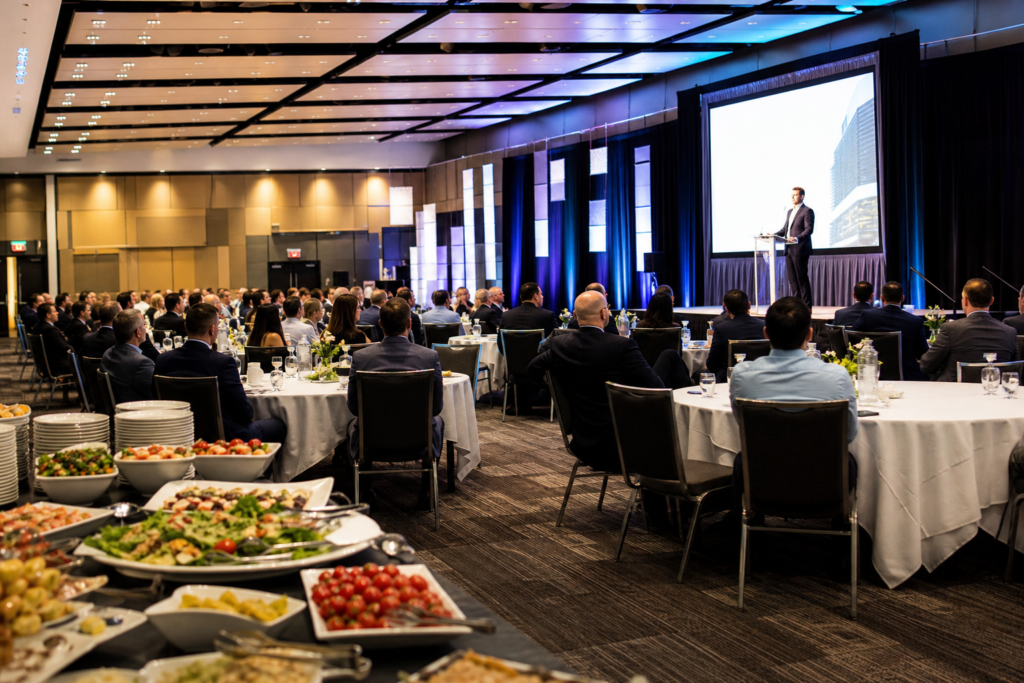
Start by documenting event format, total attendees, breakout rooms, seating layout, and which hall or halls you will use. Record room dimensions, ceiling height, stage size, door width, and fixed sightlines. For large halls like the venue’s 4,250 square foot rooms this matters for speaker coverage and screen placement, especially if you plan banquet seating or theatre rows (Mississauga Convention Centre).
Power and network needs
Note available power locations, available amps on dedicated circuits, and wired internet drops. Confirm whether the venue provides wired or managed Wi Fi for presenters. Authoritative AV checklists recommend scoping power and network early to avoid last minute upgrades that delay load-in (Audio Visual Checklist For Events).
When to request a site visit or virtual tour
If the event is larger than 200 guests, involves complex camera or stage designs, or combines multiple halls, schedule a physical site visit or use the venue’s virtual tour to verify sightlines, dock access, and technician workspace. Early site verification reduces assumptions you will later need to correct with rental vendors.
-
2. Decide in-house AV versus external rental

When in-house is the better choice
Use the venue’s in-house AV when you want integrated systems, predictable tech support, and simpler logistics. The Mississauga Convention Centre offers in-house audiovisual, lighting, and staging with technical support, which can reduce setup time and vendor coordination (Mississauga Convention Centre).
When to hire external rental
External rental makes sense for specialised gear such as a large LED wall, high-frame-rate broadcast cameras, theatrical lighting rigs, or branded stage sets the venue does not stock. External suppliers may also carry specific microphones or consoles requested by keynote presenters or touring production companies.
Hybrid approach checklist
If you combine in-house systems with external gear, verify electrical and signal compatibility. Ask both parties for connector types, patch panel locations, and signal flow diagrams. Experts recommend confirming how devices will be patched together before committing to equipment lists (Professional Guide: Choosing the Right AV Rental Company).
-
3. Itemize equipment needs by category and must-haves
Audio essentials
List the PA size appropriate to the room and audience, the microphone types required, monitor speakers for on-stage talent, and whether you need assistive listening systems. Request a mixing console with physical input capacity for your planned number of mics and playback sources.
Video essentials
Decide between projector plus screen or an LED wall based on daylight, viewing distance, and content type. Specify resolution and aspect ratio, signal inputs you require, and whether you need a live switcher or multi-camera capture. For halls that seat hundreds, choose screens and projectors sized to maintain clear sightlines at the back rows.
Lighting essentials and redundancies
Clarify whether you need house lighting only, stage washes, or a show lighting rig with programmable cues. Require redundancy for critical items, such as at least one spare handheld mic, a backup playback laptop, and duplicate signal paths for main presentation feeds. AV checklists strongly recommend specifying redundancies in the vendor scope to avoid single points of failure (Audio Visual Checklist For Events).
-
4. Choose technician staffing: when to hire pros and what to expect
Roles you might need
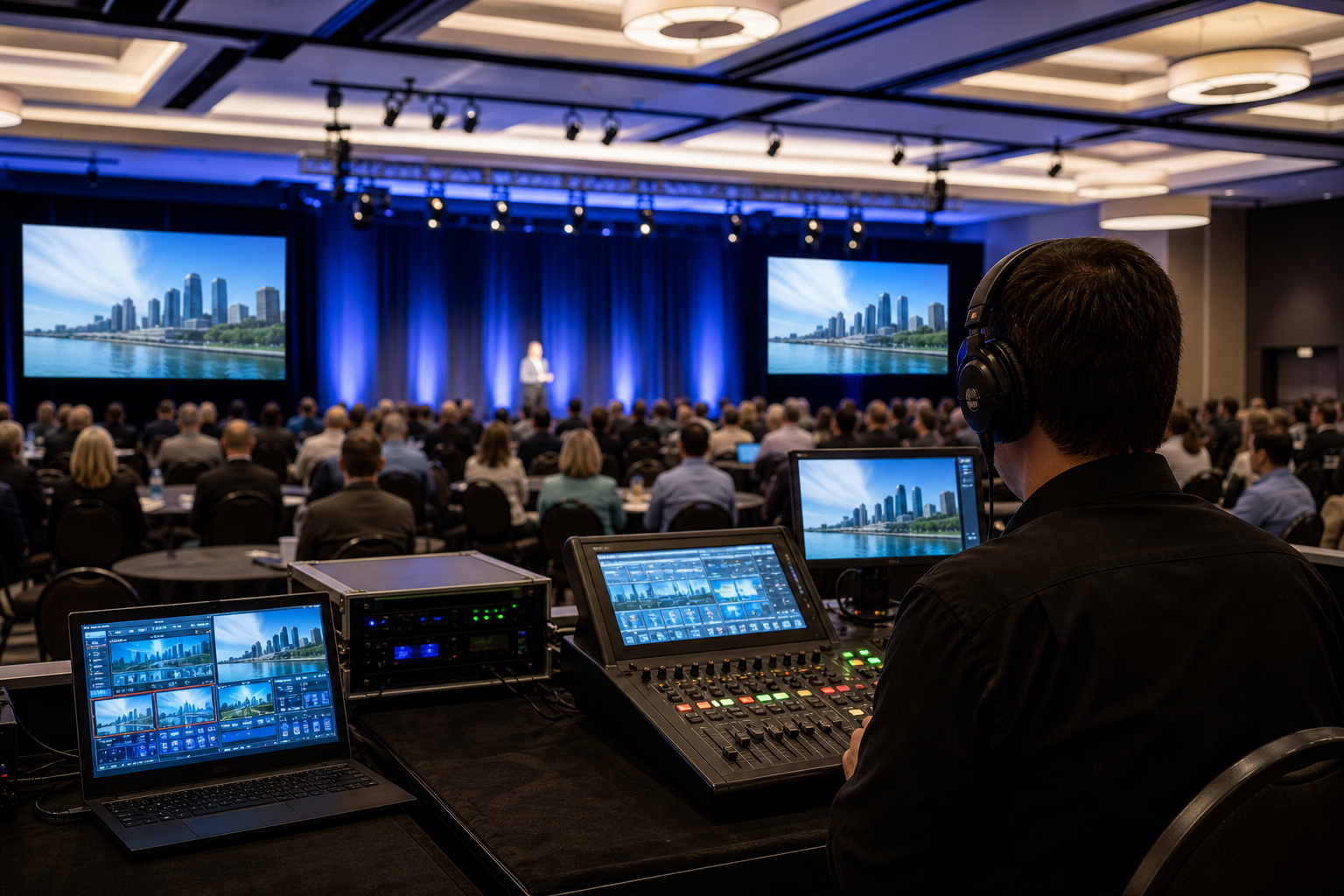
Common roles are lead systems technician, audio engineer, video switch operator, lighting technician, and stagehand. For live streaming and multi-camera productions include a broadcast engineer and an encoder operator in your staffing plan.
When to mandate a dedicated tech
Require dedicated technicians for live switching, multi-room concurrent sessions, or if you must record and stream content. For weddings and corporate galas, a dedicated audio and a lighting tech is often the minimum to keep service smooth while the event flows.
Questions to ask about support
Ask vendors for on-site hours, travel and setup time, escalation procedures, and who acts as crew chief on event day. Authoritative guidance suggests comparing support services as carefully as equipment lists because the right crew reduces risk far more than marginal equipment upgrades (NSAV: Choosing the Right AV Rental Company).
-
5. Plan logistics: delivery windows, loading, and setup

Delivery and load-in schedule
Confirm truck sizes, preferred arrival windows, and loading dock access. Note the venue’s generous parking capacity and central Greater Toronto access to plan for crew vehicles and large equipment deliveries (Mississauga Convention Centre).
Power and cable routing
Document cable runs, mark floor paths, and request cable ramps for public walkways. Require vendors to label both ends of every run and provide a simple who-owns-what diagram for the day of the event.
Rehearsal and contingency time
Schedule a dedicated tech run or rehearsal with the sound and lighting team before doors open. Build buffer hours into load-in to allow for unexpected repairs. Experts recommend at least one hour of system verification and one full rehearsal for multi-speaker or live-streamed events (Audio Visual Checklist For Events).
-
6. Vet vendors: an RFP checklist and contract must-haves
Quick RFP items to request
- Complete equipment list with make and model numbers and any temporary items marked as shipped or rented
- Detailed technician staffing plan with roles, arrival and on-site hours
- Itemized costs by equipment, labour, travel, and extras
- Proof of insurance and a sample certificate naming your organisation and the venue as additional insured
- Three references or recent event examples similar in size and scope
- Clear statement about backup equipment and replacement timeframes
Critical contract clauses
Insist on clauses that cover cancellation terms, force majeure, liability caps, responsibility for damaged equipment, and service level agreements for on-site replacement of failed critical items. Make sure the contract states who is responsible for patching between venue and external equipment in a hybrid setup.
How to compare bids fairly
Compare quotes line by line using the same specification list, the same number of tech hours, and identical backup commitments. If a vendor declines to provide a full equipment list or refuses an on-site survey, treat that as incomplete and request clarification before shortlisting.
-
7. Recognize red flags, make the final go or no-go, and next steps
Red flags to reject a vendor
- No site survey or refusal to coordinate with the venue’s technical team
- Vague quotes that lack model numbers, technician hours, or backup gear
- Missing or insufficient insurance and no certificate naming the venue
- No clear escalation plan or no spare critical equipment
- Unwillingness to sign a contract with replacement SLAs or cancellation terms
Final decision checklist
Before you sign, confirm that equipment lists match, technician hours are booked, power and network needs are resolved, dock and load-in windows are agreed, and the contract includes insurance and backup clauses. If all boxes are checked, set a milestone plan for pre-event walk-throughs and rehearsals.
Local next steps
Book a site visit or virtual tour with the venue team to confirm technical access and routing. Then request at least three comparable quotes using the RFP checklist above, or schedule a technical scoping call that includes both venue technicians and the preferred rental vendor. For venue details and to arrange a site visit, contact the Mississauga Convention Centre’s events team via their official site (Mississauga Convention Centre).
Frequently asked questions
When should I book audio visual rental for a large conference or wedding
Book at least 8 to 12 weeks ahead for standard corporate conferences and weddings, earlier if you need specialised gear, large LED walls, or peak season weekend dates. Early booking secures preferred tech crews and allows time for an on-site survey.
Do I need to hire technicians if I rent equipment only
If you do not have an experienced tech team, hire at minimum a lead technician for setup and an audio operator during the event. For live switching, multi-room sessions, or streaming, you should hire dedicated operators for video and lighting.
How do I confirm external rental gear will work with a venue’s in-house system
Request connector and patch panel locations from the venue and model numbers for in-house gear. Ask the rental supplier for a signal flow diagram and confirm both parties on the wiring and power plan during the site visit or virtual tour. This avoids compatibility surprises on load-in day (NSAV checklist).
What insurance and contract items should I require from an AV rental company
Require a commercial general liability certificate with the venue named as additional insured, equipment insurance, explicit cancellation terms, and clauses covering replacement or repair response times for failed critical equipment. Do not accept verbal assurances without contract language.
Can I use a hybrid approach with the Mississauga Convention Centre’s in-house AV and external rentals
Yes. A hybrid approach is common. Coordinate early with the venue technical team and the rental supplier to confirm connectors, patch points, and who will perform the final patching. Ask both parties to attend the tech run so responsibilities are clear.
Ready to compare AV options and book a technical scoping call or site visit? Contact Mississauga Convention Centre to arrange a virtual tour, confirm in-house AV capabilities, or request an event quote at Mississauga Convention Centre.