

 20 September, 2026
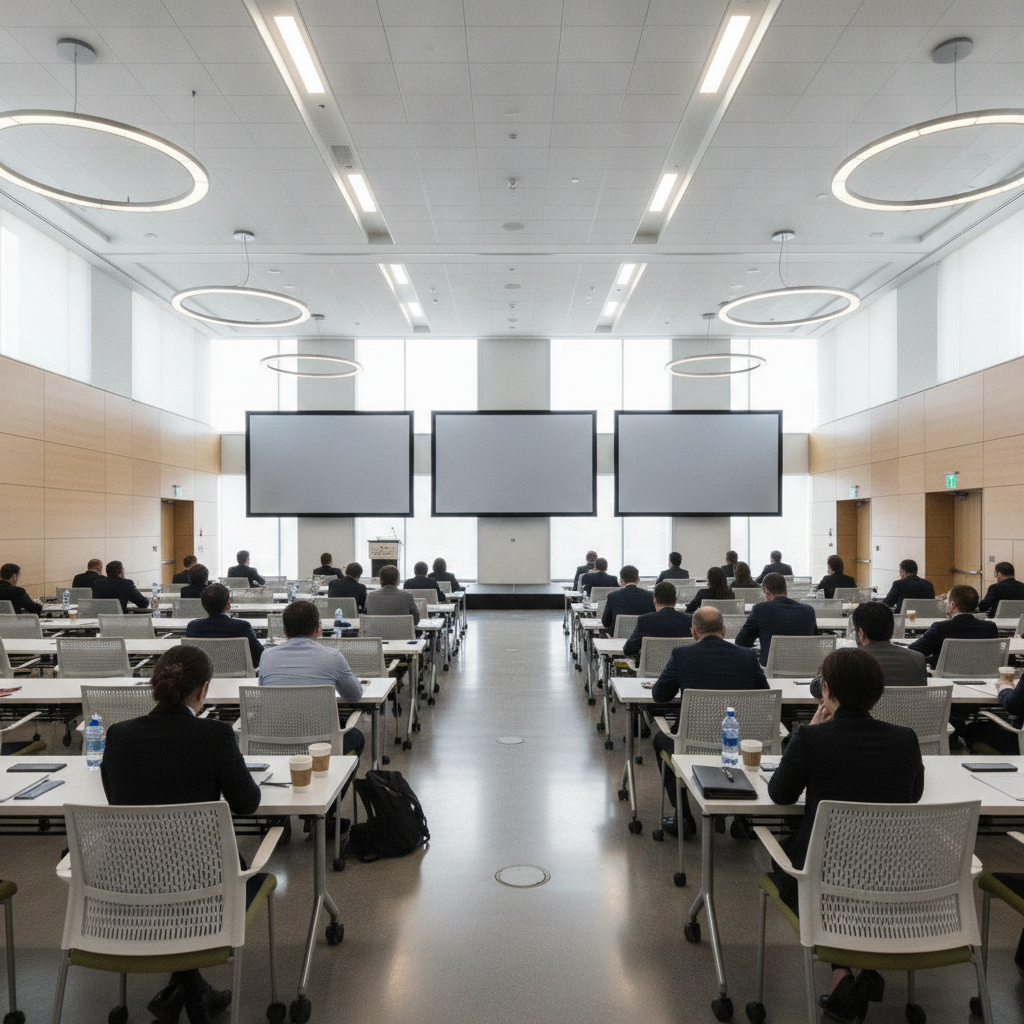
 Training seminar space is a dedicated, tech-enabled room for instructor-led learning, workshops, and certifications. The strongest spaces combine clear sightlines, dependable AV, and flexible seating to boost attention and retention. In the 75 Derry Rd W area, Mississauga Convention Centre streamlines seminars with modular halls, in-house AV, and diverse catering.
By Preet Dass • Last updated: 2026-06-28
Above-Fold Section: Hook, Promise, and What You’ll Get
Book a better training seminar space by aligning room size, AV capacity, and seating layouts with your agenda. Prioritize sightlines, microphone coverage, breakout flow, inclusive menus, and parking access. Venues that bundle AV, food, and on‑site support shrink vendor risk and keep sessions on time.
This complete guide shows you how to design, book, and run high-impact training days at Mississauga Convention Centre (MCC) or similar venues. Use the checklists, templates, and examples to cut planning time and deliver polished, learner-first experiences.
- What a training seminar space is—and how it affects outcomes
- How to choose room sizes, layouts, and AV for each segment
- Room types and approaches for keynotes, labs, and breakouts
- Best practices for engagement, accessibility, and flow
- Tools, templates, timelines, and on‑site execution tips
Quick Summary
Effective seminars rely on four pillars: the right room, reliable AV, an inclusive menu, and tight coordination. Secure a modular space, confirm screen sizes and mic types, schedule breaks every 90–120 minutes, and script transitions. These basics prevent delays and lift participant satisfaction.
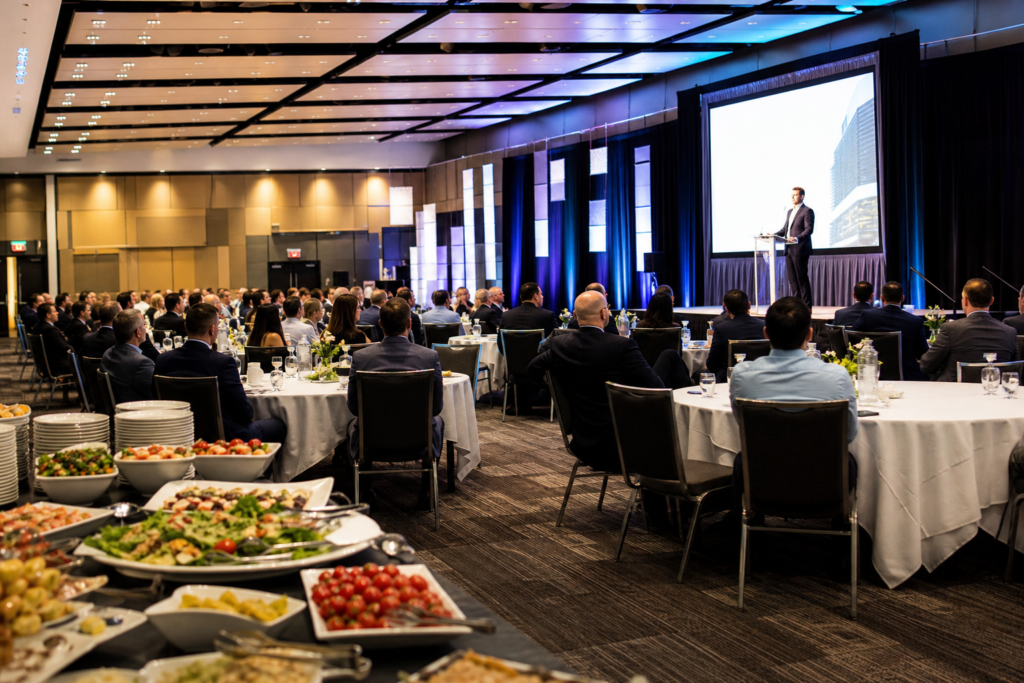
At MCC, seven elegant halls of roughly 4,250 square feet each can convert between theater, classroom, cabaret, and U-shape layouts. With total capacity for over 2,200 guests and approximately 700 on‑site parking spots, the venue supports both single‑track and multi‑track training without off‑site overflow.
Local considerations for 75 Derry Rd W
- Plan arrivals from Hurontario St At Derry Rd to keep registration lines moving; signage at the foyer helps direct foot traffic to breakouts.
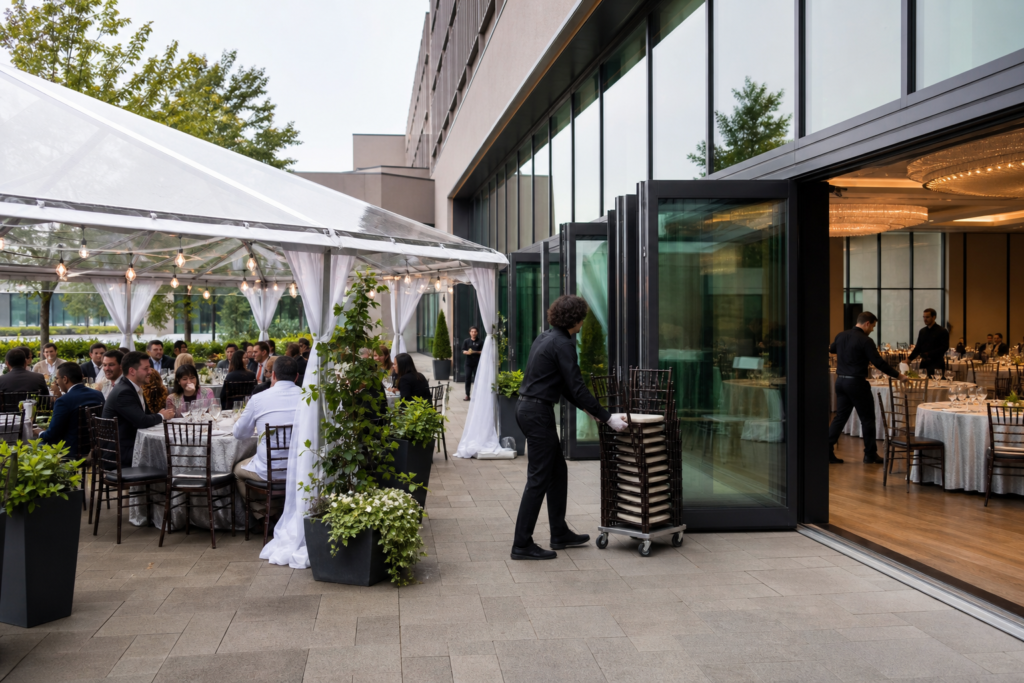
- When weather is favorable, consider fresh‑air sessions on the outdoor patio; evening setups pair well with the HWY 407 Park and Ride timing for commuters.
- For corporate groups flying in, time agendas around airport windows; MCC’s proximity to highways shortens transit and reduces late starts.
What Is a Training Seminar Space?
A training seminar space is a purpose-built environment for instruction, offering projection, audio reinforcement, controllable lighting, and configurable seating. The most effective rooms add on‑site technicians, nearby parking, and inclusive catering—removing friction so learners focus on content.
At MCC, each of the seven similarly sized halls can host a plenary in the morning and flip to classrooms for hands‑on work in the afternoon. That modularity matters. It preserves momentum, reduces transitions, and lets planners keep all program elements under one roof. With 2,200+ total capacity, MCC can stage large onboarding days or multi‑cohort certification programs without splitting venues.
From a learning science perspective, room design supports cognition when participants can see, hear, and interact without strain. Practically, that means clear sightlines to content, consistent mic coverage across audience zones, and lighting that keeps faces visible while preserving contrast on screens. In our experience, those three variables—vision, voice, and light—drive most satisfaction comments after training days.
Choosing a Training Seminar Space in Mississauga
Choose your training seminar space by matching headcount, seating style, and AV to the learning goals. Confirm screen size, mic types, stage needs, and breakout count. Favor venues with on‑site AV, diverse menus, and ample parking to simplify logistics and protect your agenda.
Use this quick framework to scope a room at MCC or comparable venues:
- Headcount bands: Theater works up to large groups; classroom suits 24–60 per room; cabaret supports 36–120 with collaboration built in.
- Screen geometry: Target a screen width that’s roughly one‑sixth of the room depth so back rows can read small labels.
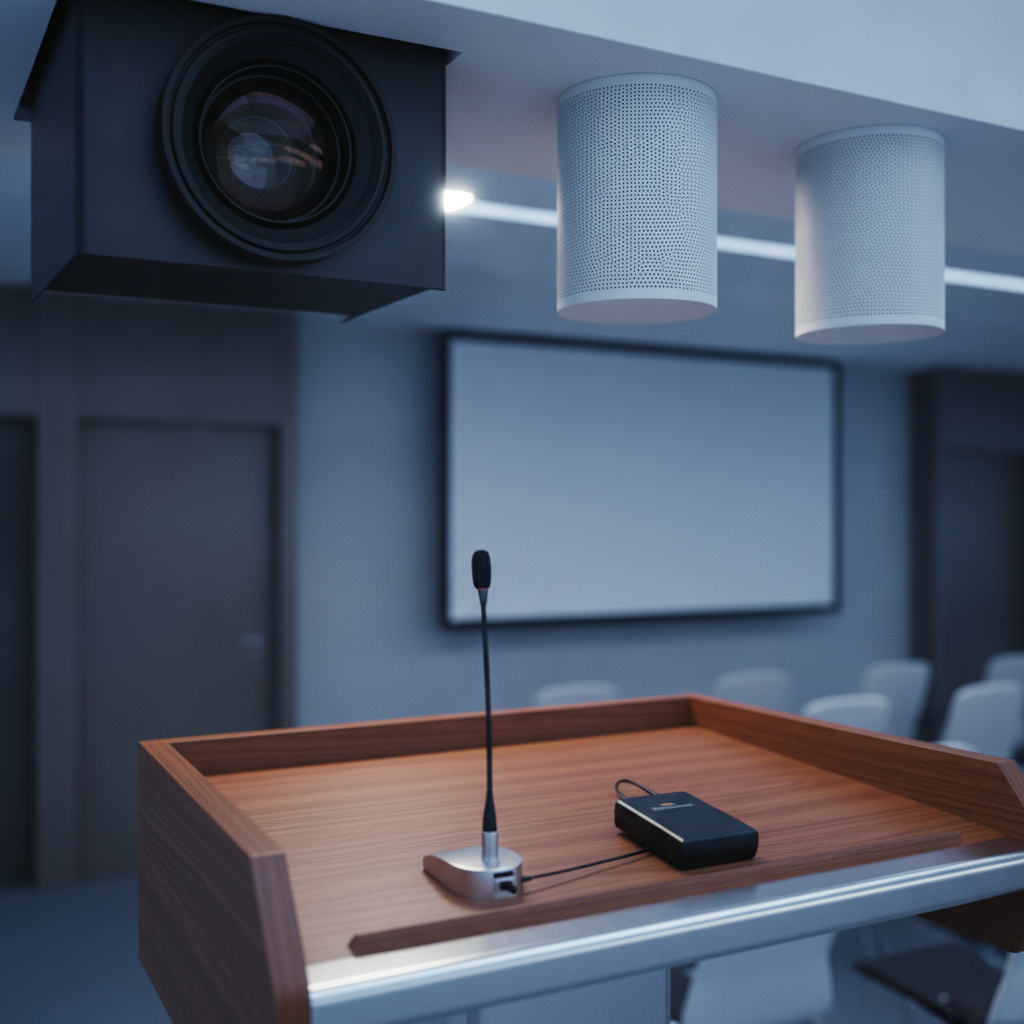
- Audio coverage: Blend a podium mic with one or two wireless lapel or headset mics; add handhelds for Q&A and panel rotations.
- Breakout ratio: For every 100 attendees, plan 2–3 breakout rooms to keep groups small and interactive.
- Movement paths: Keep aisles a comfortable width and place doors near registration to reduce bottlenecks at session changes.
For planners working across corporate divisions, our Corporate Event Venue Rental guide outlines how to align agenda design with room selection and on‑site support. If you need a fast pre‑flight, skim our meeting space checklist to confirm must‑haves before you hold dates.
| Layout | Best For | Pros | Watch Outs |
|---|---|---|---|
| Theater | Keynotes, kickoffs | Max capacity; fast setup | Limited note‑taking; fewer interactions |
| Classroom | Software, certification | Laptop/table space; clear view lines | Lower capacity than theater for same room |
| U‑shape | Leadership workshops | Great discussion; eye contact | Not ideal for very large groups |
| Cabaret (rounds) | Collaborative tasks | Teamwork, rotation ease | Requires more floor space |
How a Seamless Training Day Works
Scope goals and headcount, lock the room and layout, confirm AV and catering, and script the run‑of‑show. On event day, on‑site techs handle cues, room flips, and audio checks while coordinators time breaks and meals. This integrated plan protects your schedule.
Here’s a field‑tested timeline we use for single‑track programs of 80–150 participants:
- 7:00–8:00 a.m. Load‑in, projection test, mic checks, lighting looks.
- 8:00–9:00 a.m. Registration and coffee (place badge pickup near the plenary entrance to speed seating).
- 9:00–10:15 a.m. Plenary with two speaker segments and a 10‑minute Q&A.
- 10:15–10:30 a.m. Coffee break (set coffee in the foyer to avoid lines inside the room).
- 10:30–12:00 p.m. Breakouts (two tracks) with rotating facilitators.
- 12:00–1:00 p.m. Lunch (keep hot lines within 50–75 feet of the plenary to keep transitions short).
- 1:00–2:30 p.m. Hands‑on labs or case discussions.
- 2:30–2:45 p.m. Refresh break and reset.
- 2:45–4:00 p.m. Plenary wrap‑up, panel, and evaluations.
Because MCC’s AV, lighting, staging, and catering are in‑house, a single operations team coordinates mic swaps, playlists, and room flips while culinary manages breaks. That single‑team approach speeds fixes when something changes mid‑day—and it often does.
Room Types, Methods, and Approaches
Pair one main plenary with 2–3 breakout rooms to balance momentum and depth. Use theater for inspiration, classroom for instruction, cabaret for collaboration, and U‑shape for discussion. Keep walk distances short and signage clear to protect transitions.
Core room types at MCC
- Plenary hall: 4,250 sq ft scale, excellent for 150–300 in theater.
- Classroom conversions: Same hall flipped to 24–60 per room for hands‑on work.
- Breakout suites: Parallel halls for tracks or coaching pods.
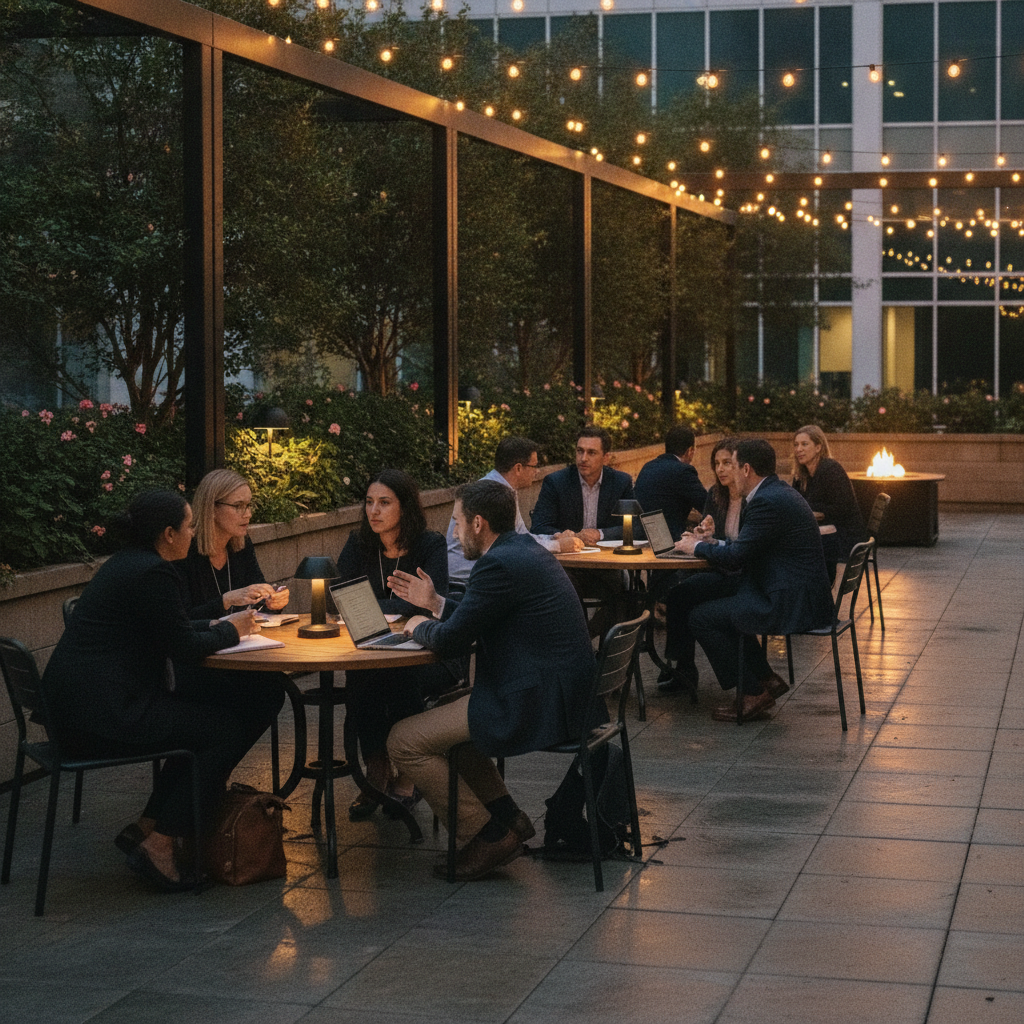
- Outdoor patio: Fresh‑air workshops, wellness segments, evening receptions.
Approaches that keep energy high
- Segment mixing: Alternate 20–30 minute talks with 10‑minute micro‑activities.
- Facilitator rotation: Bring new voices every 60–90 minutes to reset attention.
- Visual standards: High‑contrast slides; cap text at ~6–8 lines per slide.
- Wayfinding: Color‑coded agenda signage at doors and foyer intersections.
We often advise a 60/40 split between content delivery and interaction for days heavy on new material. For refreshers, swing toward 40/60 with peer discussion and case work. That elasticity lets you tune difficulty without losing the room.
Best Practices for High-Impact Training
Design for comfort and clarity: sightlines to content, balanced audio, predictable breaks, and inclusive menus. Confirm Wi‑Fi capacity, power access, and stage visibility. Script room flips and mic handoffs to the minute to avoid drift.
Environment and comfort
- Seating geometry: Angle side sections toward the screen to shorten viewing distance.
- Lighting: Keep faces lit while preserving screen contrast; avoid direct light on projection.
- Sound: Use lapel or headset mics for presenters who move; add handhelds for Q&A.
- Power and Wi‑Fi: Plan for 2–3 devices per attendee and set charging zones in foyers.
Agenda and flow
- Break cadence: 90–120 minute blocks sustain focus while minimizing disruption.
- Food placement: Position coffee and lunch lines in the foyer to avoid clogging the hall.
- Room flips: When flipping from theater to classroom, pre‑stage table carts just outside doors.
- Accessibility: Maintain clear aisles and reserve front seating for those who request it.
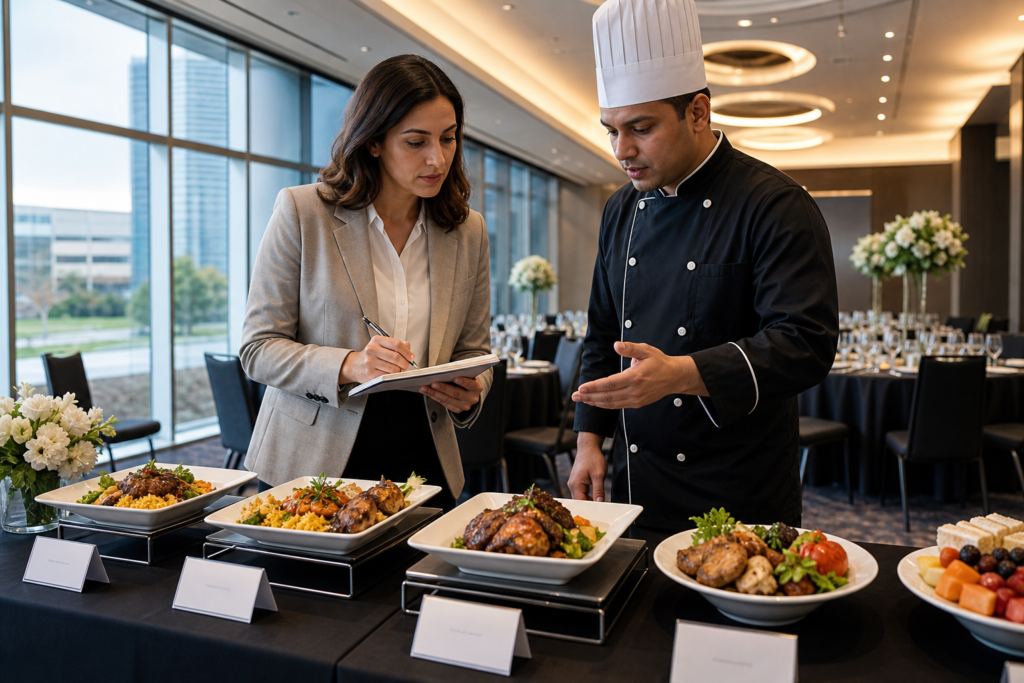
Menu inclusivity matters. MCC’s in‑house catering covers South Asian, Pakistani Halal, Middle Eastern, Sri Lankan, Caribbean, and Continental cuisines, which helps teams feel seen and cared for. For deeper planning support, see our all‑inclusive packages overview and this capacity guide when you’re modeling room layouts.
Tools, Templates, and AV Resources
Start with a run‑of‑show template and a single point of contact. Lock in projector or LED, confidence monitor, reliable mics, stage lighting, and playback. Share your cue sheet with AV and catering so flips, breaks, and transitions run like clockwork.
- Run‑of‑show: Minute‑by‑minute cues for speakers, AV, and meals.
- Slide standards: Font size, contrast, and logo use for presenter decks.
- Signage kit: Door signs, arrows, and color codes for tracks.
- AV checklist: Inputs, backups, and mic preferences per presenter.
- Catering brief: Dietary notes, replenishment times, and staff counts.
For practical how‑tos, explore these planning resources: ideas for conference room setups, a primer on conference room AV systems, and a guide to seminar logistics. Each walks through decisions you’ll make from first hold to final cue.
Planning a multi‑track training day? Our coordinators can map plenary, breakouts, and meal flows into one integrated schedule. See our seminar venue rental guide to start your plan.
Mini Case Studies and Real Examples
Multi‑track training works best when movement is simple, acoustics are contained, and catering is central. Pair one plenary with two or three breakouts, route coffee to a foyer, and, when weather allows, add an outdoor session to reset energy.
Technology onboarding day
A GTA tech firm onboarded 280 new hires using one morning plenary and three afternoon classrooms. The main hall ran theater for 280; adjacent rooms flipped to classroom for 40–60 each. Coffee and boxed lunches staged in the foyer kept lines under five minutes, and the closing plenary started on time.
Leadership workshop series
An HR team hosted 120 managers across two tracks. U‑shape rooms supported discussion for 24–28 per room, while the plenary ran cabaret for collaborative case work. A dedicated help desk table near the entrance handled slide uploads and mic checks between segments.
Healthcare certification review
A regional provider ran a 220‑person exam prep with strict timing. Classroom tables spaced for testing, extra power distribution for laptops, and a quiet zone kept stress low. Proctors used handheld mics for instructions; results briefing returned to theater for a crisp wrap‑up.
Frequently Asked Questions
Planners ask first about capacity, AV, Wi‑Fi, catering, and parking. Clarify headcount and layouts, confirm mic types and screen sizes, and share dietary needs early. Ask about on‑site tech coverage and room‑flip times to keep agendas tight.
What room layout is best for software training?
Classroom style with narrow tables supports laptops and note‑taking. Pair a large screen with a confidence monitor and ensure power access along walls. Reserve a nearby breakout as a help desk during hands‑on labs.
Do you provide microphones and projectors?
Yes. MCC has professional audiovisual systems on‑site—projectors or LED, microphones, lighting, staging, and technical support. Our techs manage levels, cues, and quick swaps so sessions start on time.
Can we serve Halal or culturally specific menus?
Absolutely. Our in‑house catering spans South Asian, Pakistani Halal, Middle Eastern, Sri Lankan, Caribbean, and Continental cuisines. We tailor menus to honor traditions and dietary guidelines.
Is parking available for large groups?
Yes—approximately 700 free on‑site parking spots support peak arrival windows. This reduces late starts and eases lunch transitions even during multi‑track training days.
Do you support outdoor or wellness breakouts?
Yes. When weather cooperates, our outdoor patio is ideal for wellness sessions, reflection exercises, or receptions. We provide power access, lighting setups, and wayfinding signs to integrate outdoor blocks smoothly.
Key Takeaways
Successful seminars align goals, space, AV, and food into one plan. Keep breaks predictable, signage clear, and mic handoffs scripted. When one in‑house team runs AV, staging, and catering, day‑of execution becomes faster and more resilient.
- Match headcount and layout to learning goals; theater inspires, classroom instructs, cabaret collaborates.
- Confirm screen size, mic types, and Wi‑Fi capacity before you hold dates.
- Schedule breaks every 90–120 minutes and place coffee in the foyer to prevent bottlenecks.
- Use adjacent halls for parallel tracks to reduce walking distance and protect the timeline.
- Design inclusive menus—Halal and regional options lift satisfaction and attendance.
Conclusion and Next Steps
Book smarter by turning four dials: room, AV, catering, and coordination. Choose a modular hall, lock core tech, plan inclusive menus, and script minute‑by‑minute cues. That’s the formula for on‑time, on‑message training days.
Ready to translate this into your program? Review our conference center planning guide, see boardroom options for small cohorts, and tap our team‑building venue guide for collaborative segments. When you’re set to compare holds, visit our exhibition hall rental guide for large‑format displays and our seminar venue rental overview to confirm details.
Final step: Book a discovery session in the 75 Derry Rd W area to walk the halls, view layouts, and align your agenda with the right rooms at Mississauga Convention Centre.