

 13 September, 2026
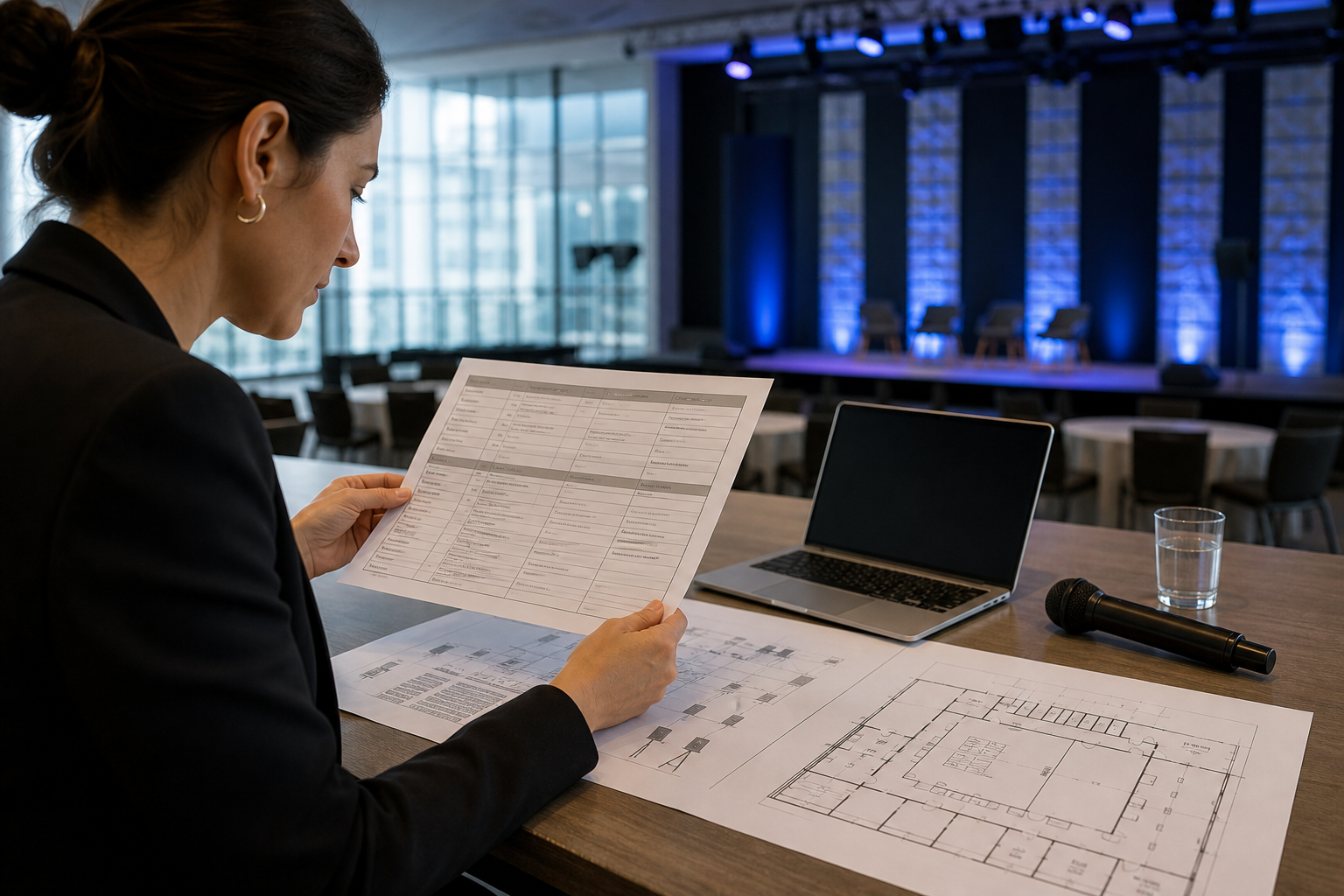
 A venue audiovisual rider records the technical conditions an event needs, including sound, lighting, staging, power, video, scheduling, and responsibilities. The right format depends on the event: use a concise rider for a straightforward meeting, a detailed production rider for a complex show, or a conference AV routing rider when several technical teams or interpretation services must coordinate.
This framework helps you select a format, document requirements clearly, and identify what the venue must verify before setup or load-in. It is a planning template, not an equipment guarantee or an official form from any venue.
What a venue audiovisual rider does
A rider turns a general request for “good sound” or “presentation support” into specific, reviewable information. It gives the organizer, venue, AV provider, performers, and technical crew a shared reference for what must happen and who is responsible.
Technical riders commonly cover sound, lighting, staging, and power. Detailed versions may also include contacts, schedules, front-of-house audio, monitors, stage plots, input lists, video, and connectivity. Their purpose is to communicate requirements before the event rather than leaving important decisions to setup day. See venue management template examples and this technical rider explanation for additional context.
For a venue offering in-house audiovisual systems, lighting, staging, and technical support, the rider starts a feasibility discussion. It does not mean every requested microphone, screen, cable, technician, network connection, or power arrangement is automatically included. Those details must be confirmed for the specific event.
Three rider formats compared

| Format | Best suited to | Main focus | Use a fuller document when |
|---|---|---|---|
| One-page AV rider | Meetings, presentations, galas, weddings, and social events | Schedule, microphones, playback, displays, room setup, and contacts | There are multiple rooms, performers, complex cues, interpretation, recording, or unusual power needs |
| Detailed production rider | Performances, staged programs, concerts, and complex shows | Input lists, monitor mixes, stage plot, lighting, staging, equipment, and power | The program includes several acts, changeovers, substantial equipment, or cue-based production |
| Conference AV routing rider | Conferences, seminars, interpretation workflows, and multi-team programs | Audio feeds, routing, presenter flow, interpretation, recording, and video | Hybrid participation, interpretation, recording, or room-to-room routing is involved |
A technical rider outline typically separates contacts and schedule from audio, monitors, power, stage plot, input list, lighting, video, and other notes. A conference-focused sound rider additionally connects interpreters, the on-site sound crew, and the lead audio engineer. Compare the technical rider outline with this conference AV sound rider template.
When a one-page AV rider is enough
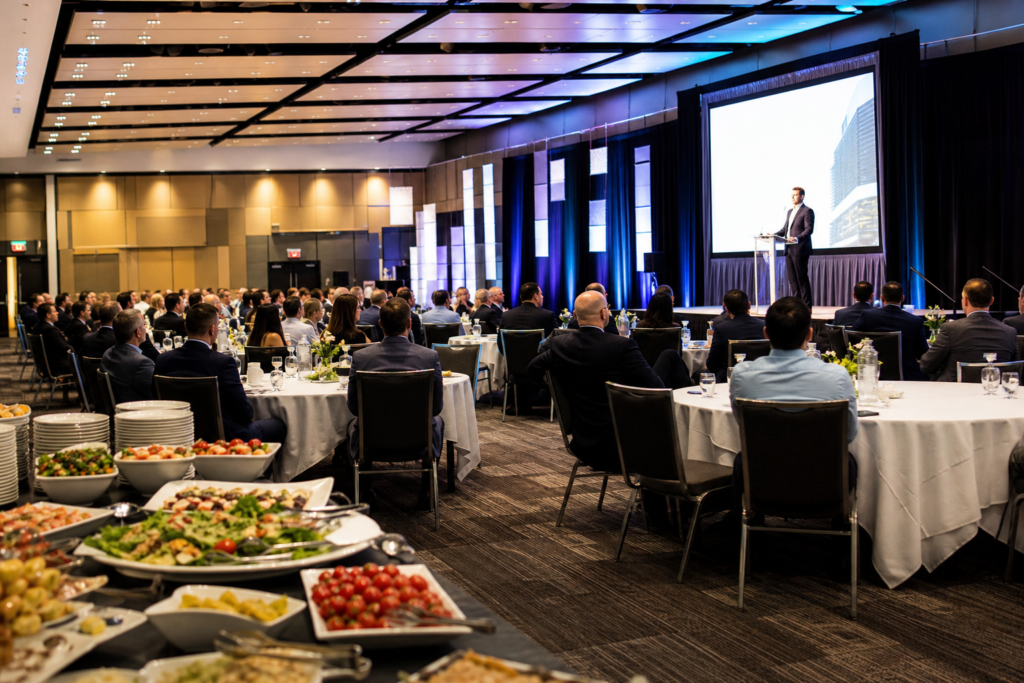
A one-page rider works when the technical plan is stable and easy to explain. A corporate meeting might need a lectern microphone, wireless microphones, presentation playback, a confidence display, and a defined start time. A wedding or gala might need speech microphones, music playback, dance-floor audio, and a basic lighting plan.
Include:
- Event name, date, room, expected program, and primary contacts.
- Load-in, setup, rehearsal or soundcheck, doors, program, and strike times.
- Required microphones, playback sources, presentation devices, screens, and speakers.
- Stage, lectern, riser, head table, dance floor, or presenter-area requirements.
- Lighting, recording, video, internet, and power needs.
- A status field showing who supplies or confirms each item.
Do not use brevity to hide uncertainty. If you do not know whether the venue supplies a specific microphone, display, adapter, technician, or signal path, mark it “to confirm” rather than treating it as included.
When to use a detailed production rider
Choose a detailed production rider when the event depends on precise placement, sequencing, or technical coordination. Performances, award programs, multi-presenter events, and programs with lighting cues are typical examples. It is also useful when several performers share a stage or equipment must move between program segments.
- Front-of-house sound expectations and audience coverage questions.
- Microphone types or preferred arrangements, marked as requirements or preferences.
- Monitor positions, mixes, and performer listening needs.
- Input list, channel labels, playback sources, and patching notes.
- Stage plot, riser positions, lectern location, instruments, stands, and equipment footprints.
- Lighting positions, general looks, cue notes, and sightline considerations.
- Power requirements, backline, video, recording, changeovers, and technical staffing.
A stage plot and input list communicate performer positions, equipment placement, monitor locations, and audio channels consistently. Adapt the document to the actual program instead of inserting generic equipment assumptions. See this stage plot and production rider example.
When a conference AV routing rider fits
Use a conference AV routing rider when audio or video must move between multiple people, rooms, services, or technical teams. This may apply to a conference with interpretation, a seminar with several presenters, a panel with remote contributors, or an event requiring recording.
- Who speaks, presents, interprets, records, or monitors?
- Which sources must reach the audience, interpreters, recording system, or remote participants?
- Which feeds are needed in each room or listening position?
- Who supplies interpretation equipment, presentation devices, remote-platform support, or recording?
- What must be tested before doors open, and who approves the final routing?
Do not assume a venue has interpretation, livestreaming, hybrid-event, or video-routing infrastructure. Describe the intended workflow, then ask the venue and specialist suppliers to confirm availability, inclusions, and outside requirements. This is especially important when matching a corporate program to a venue’s AV and technical support options.
Copyable venue audiovisual rider template
Copy this structure into a document or spreadsheet. Use a status field such as Required, Preferred, To confirm, or Acceptable substitute.
1. Event details, contacts, and schedule
- Event: [name and organization]
- Date and venue: [date, venue, room or hall]
- Format and attendance: [event type and planning estimate]
- Contacts: [organizer, venue, production or AV lead]
- Schedule: load-in, setup, rehearsal or soundcheck, doors, program, and strike times
- Decision-maker: [person who approves substitutions or on-site changes]
2. Audio, microphones, monitors, and input list
- Program audio: speech, playback, live performance, or video audio.
- Microphone quantity, intended users, preferred type, and status.
- Playback sources, inputs, channel labels, connectors, and adapters.
- Monitor needs for performers, presenters, interpreters, or confidence displays.
- Audio operator and soundcheck approver.
- Music cues, panel handoffs, announcements, and accessibility-related audio needs.
For a performance, attach an input list and stage plot. For a meeting, identify who needs a microphone, where presenters stand, and whether video audio must reach the audience.
3. Lighting, staging, and room configuration
- Room setup: theatre, classroom, banquet, exhibition, boardroom, or other.
- Stage or platform location, footprint, risers, lectern, and head table.
- Presenter and performer positions.
- Lighting intention, including speech lighting, decorative lighting, and cue changes.
- Screen location, audience visibility, confidence display, camera position, and sightlines.
- Furniture, draping, registration, dance floor, booth, or exhibition dependencies.
Describe the result you need rather than assuming a particular fixture or control system. Mark room dimensions, rigging, staging, and lighting availability as venue-confirmation items where necessary.
4. Power, video, and connectivity
- Devices, power locations, estimated needs, and circuit questions.
- Presenter laptops, playback computers, clickers, adapters, and backup media.
- Displays, projectors, screens, confidence monitors, or LED displays.
- Video, cameras, recording, streaming, and playback requirements.
- Signal sources, destinations, switching, distribution, and operator.
- Internet or network requirements, access method, and responsible supplier.
Power, network capacity, signal paths, displays, recording, and streaming should remain unconfirmed until the venue or production provider verifies feasibility and inclusions. The ControlRoom templates and Techrider.live outline show why these details belong in the planning record.
5. Stage plot and visual references
Attach a simple diagram when placement matters. Label the stage, audience direction, lectern, chairs, instruments, microphones, monitors, screens, cameras, power points, and cable paths as relevant. For a conference, show the head table, panelists, confidence display, presentation position, and camera sightlines. For a wedding or gala, show the stage, dance floor, DJ or band position, speech microphone, and screens.
6. Responsibilities, substitutions, and approvals
End the rider with an ownership table covering microphones, presentation and playback, stage and screens, lighting, power, connectivity, recording, and routing. For each item, identify whether the organizer, venue, AV provider, or production team supplies it. State whether a substitution needs organizer approval and who can make that decision.
How the rider changes by event type
| Event | Emphasize | Resolve |
|---|---|---|
| Corporate meeting | Speech microphones, presentations, timing, displays, and operator responsibility | Who advances slides, manages handoffs, and approves setup? |
| Conference or seminar | Panel inputs, presenter flow, recording, interpretation, and routing | Which feeds reach the audience, interpreters, recording, or remote participants? |
| Trade show | Exhibitor power, booth displays, demonstrations, and load-in | Who supplies booth equipment and approves power? |
| Gala or wedding | Speech microphones, playback, staging, transitions, lighting, and dance-floor audio | How will the system support speeches, meals, entertainment, and changes? |
| School event | Announcements, music, playback, staging, supervision, and schedule changes | Who operates equipment and approves changes? |
| Performance | Input list, monitors, stage plot, lighting cues, changeovers, and crew | Which requirements are essential, and what substitutions are acceptable? |
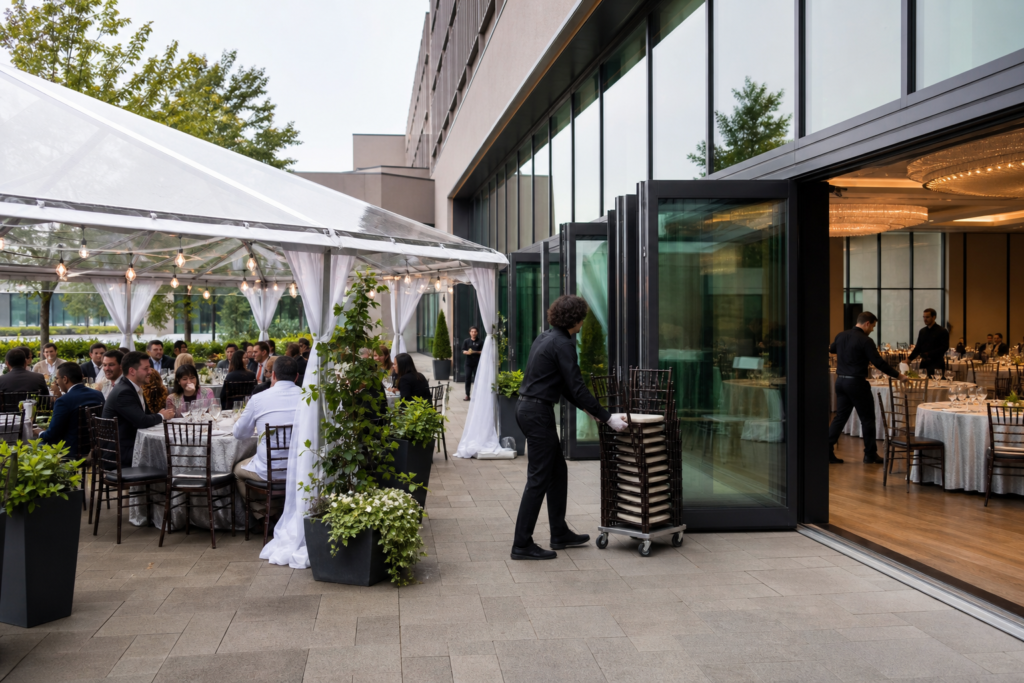
These are planning examples, not fixed packages. The Centre hosts corporate meetings, conferences, seminars, exhibitions, trade shows, galas, weddings, school events, and social celebrations. Review its school event information and social event information while deciding which sections apply.
What to confirm with the venue before setup
- Room and layout: Can the room accommodate the stage, audience, screens, equipment, and sightlines?
- Equipment: Which items are available, included, optional, or supplied elsewhere?
- Audio: Are microphone counts, playback sources, monitors, and inputs understood?
- Lighting and staging: Can the proposed stage, lectern, risers, screens, and lighting be accommodated?
- Power: Are outlets, circuits, locations, and cable routes confirmed?
- Video and connectivity: Are displays, switching, recording, streaming, internet, and signal paths available?
- Access and staffing: When can the team build, test, rehearse, and strike, and who provides support?
- Substitutions and scope: What alternatives apply, and which services are included in the quote or package?
Use an event venue site-visit checklist alongside the rider. The rider explains what the event needs; the site visit helps test whether the room, access, layout, and working conditions support those needs.
Applying the rider at Mississauga Convention Centre
Mississauga Convention Centre is located at 75 Derry Road West in Mississauga, near major highways and Toronto Pearson International Airport. It offers seven halls of approximately 4,250 square feet each, total capacity above 2,200 guests, and approximately 700 on-site parking spaces. These details provide planning context for room selection, guest movement, equipment access, and event scale, but they do not replace confirmation of a particular room setup or technical configuration.
The Centre describes in-house professional audiovisual systems, lighting, staging, and technical support. Send the rider to the event team and ask them to review each request against the selected room and package. Identify what is included, optional, organizer-supplied, or outsourced.
A virtual venue tour can help visualize stage, screen, presenter, and audience positions. Use it as a planning aid, then confirm dimensions, access, power, equipment placement, and workflow with the venue. Its venue tour questions can help structure that discussion.
Frequently asked questions
What is a venue audiovisual rider?
It is a document communicating an event’s technical requirements to the venue and production team. It can cover contacts, schedule, audio, microphones, monitors, lighting, staging, power, video, connectivity, setup, and responsibilities.
Which rider format should a conference organizer use?
Use a one-page rider for a simple meeting. Choose a conference AV routing rider when the event involves interpretation, multiple feeds, recording, remote contributors, room-to-room routing, or several technical teams.
What should a basic AV rider include?
Include event details, named contacts, access and program times, microphone and playback needs, room and stage setup, display requirements, power and connectivity questions, and ownership of each item.
Do I need a stage plot and input list for a non-performance event?
Not always. A simple meeting may need only a room diagram showing the lectern, presenters, screens, and audience. A stage plot and input list become more valuable when several microphones, panelists, cameras, monitors, or equipment positions must be coordinated.
When should I send an audiovisual rider to the venue?
Send it early enough for the venue and production team to review room, equipment, access, staffing, and package scope. Ask the venue when it needs the document and confirm unresolved items in writing before setup or load-in.
Choose the simplest rider that makes requirements clear
Use a one-page rider for a straightforward event, a detailed production rider when placement, cues, inputs, monitors, staging, or multiple operators matter, and a conference AV routing rider when audio or video must move between presenters, interpreters, recording systems, remote participants, or rooms.
Whichever format you choose, separate requirements, preferences, venue questions, and acceptable substitutions. Then review the completed document with the venue instead of assuming that a listed item is available or included.
To discuss event-specific audiovisual, lighting, staging, technical support, room options, and package details, prepare your rider and contact Mississauga Convention Centre.