

 20 September, 2026
 A venue for seminar is a professional space designed for focused learning, discussion, and presentations with dependable seating, lighting, AV, and on-site support. In the 75 Derry Rd W area of Mississauga, Mississauga Convention Centre provides flexible halls and integrated services so you can plan confidently and deliver a smooth program from welcome to wrap-up.
By Preet Dass • Last updated: 2026-07-05
Quick Summary
Choosing a seminar venue hinges on capacity, acoustics, sightlines, Wi‑Fi reliability, accessibility, and seamless AV. At Mississauga Convention Centre, seven ~4,250 sq ft halls, about 700 on-site parking spots, and integrated AV/catering simplify planning. This guide covers what to evaluate, how our process works, layouts, checklists, tools, and real examples.
- What a seminar venue includes and why it matters for learning outcomes
- How seminars run at Mississauga Convention Centre (step-by-step)
- Room layouts, breakout models, and hybrid delivery options
- Planning timelines, local tips, and checklists you can reuse
- Tools, standards, and resources for smooth, compliant events
What Is a Seminar Venue?
A seminar venue is a purpose-built environment with seating, acoustics, lighting, and audiovisual systems tuned for attention and clarity. The best spaces add on-site technical support, catering, and flexible layouts that reduce friction for organizers and improve participant engagement and knowledge retention.
Seminars live or die by clarity, comfort, and flow. That means tuned sound, balanced lighting, and clear sightlines so every attendee can follow visuals and speakers without strain. It also means wayfinding that’s obvious at a glance and break areas that reset energy without crowding.
- Core infrastructure: stable Wi‑Fi, multiple power access points, glare-controlled lighting, and screens visible from back rows.
- Operational support: trained AV techs, floor managers, and reliable room turns between sessions.
- Participant comfort: ergonomic seating density, steady HVAC, and acoustics that cut echo and hiss.
- Accessibility: step-free routes, accessible restrooms, and reserved seating options near aisles or front rows.
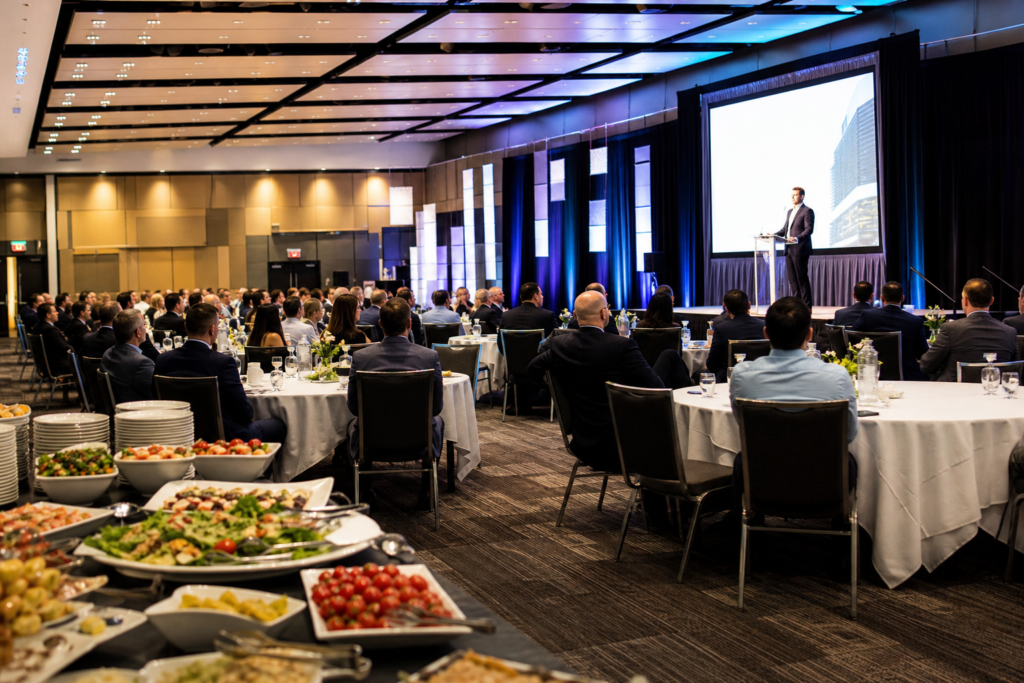
At Mississauga Convention Centre, each ~4,250 sq ft hall scales from intimate cohorts to large plenaries. Integrated staging, lighting, and audiovisual support reduce the vendor juggle, while our adjacent foyers keep breaks efficient and calm.
Why the Right Venue Matters
The right seminar venue elevates attendance, comprehension, and brand impact. Strong acoustics, comfortable seating, and reliable AV reduce fatigue and distraction. Predictable logistics also free speakers and coordinators to focus on content and audience connection, which drives better learning and post-event follow-through.
When learners can hear, see, and move easily, participation rises. Well-lit rooms with controlled glare keep slides readable. Even HVAC and sound coverage prevent “hot/cold” and “loud/quiet” pockets. Clear signage and generous foyers keep arrivals calm, maintain schedules, and protect presenter momentum.
- Engagement effects: Short sightlines and tuned sound reduce cognitive load and note-taking errors.
- Energy management: Natural light and consistent temperature sustain attention over multi-hour agendas.
- Flow and timing: Obvious wayfinding and foyer capacity avoid bottlenecks, helping sessions start on time.
- Inclusivity by design: Accessible seating, step-free routes, and attentive staff ensure every attendee can participate fully.
In our experience, the biggest gains often come from invisible wins: a mic that never drops, slides that are legible from every seat, and a registration area that simply works. These details compound into memorable programs people recommend.
How Seminar Venues Work at Mississauga Convention Centre
Our seminar process is built for speed and certainty: clarify objectives, match a hall, finalize AV and layout, choose menus, lock timelines, and execute with on-site tech and floor managers. Seven modular halls and a seasoned team mean crisp starts, on-time breaks, and confident presenters.
We anchor every seminar to a documented run-of-show. That keeps speakers, AV, and catering on the same minute-by-minute plan so handoffs are smooth and surprises are rare.
- Inquiry and discovery: define goals, audience profile, and desired outcomes.
- Tour or virtual tour: review halls, foyers, and signage paths; confirm accessibility needs.
- Layout and AV map: screen placement, mic mix, stage risers, confidence monitor, and recording plan.
- Catering planning: dietary needs, cuisine preferences, service style, and break timing.
- Run-of-show: minute-by-minute operations sheet with responsible contacts and cues.
- Execution: dedicated floor manager and on-site AV support throughout the day.
| Milestone | Organizer | Venue |
|---|---|---|
| Agenda + goals | Define topics, sessions, speakers | Advise pacing and flow |
| Room & layout | Choose format (theater/classroom) | Provide floorplan + capacities |
| AV plan | List presenters and inputs | Specify mics, screens, tech |
| Catering | Note allergies and cuisines | Curate menus and service |
| Day-of ops | Provide content + helpers | Run setup, cues, turns |
For deeper logistics, explore our seminar logistics workflow and capacity planning guide. These internal resources align with how we prep halls, foyers, and staff for back-to-back tracks.
How to Choose a Venue for Seminar: Step-by-Step
Select a seminar venue by sizing capacity to your agenda, mapping the AV plan, confirming accessibility, and pressure-testing arrival, breaks, and signage. Request floorplans, run a 10-minute AV test, and walk the foyer path. If everything feels easy, you’re set for a smooth seminar day.
Step 1 — Define outcomes and format
- Clarify learning goals and participation level (lecture vs. workshop).
- Choose a layout (theater, classroom, cabaret, U-shape) that matches interaction needs.
- Plan session lengths in 45–60 minute blocks with 10–15 minute breaks.
Step 2 — Capacity and comfort
- Target line-of-sight under 75 feet from back row to screen center.
- Confirm HVAC stability and acoustics; avoid hard echo chambers.
- Estimate 1.5 devices per attendee when evaluating Wi‑Fi load.
Step 3 — AV and content delivery
- List inputs: laptops, clickers, document camera, remote guests.
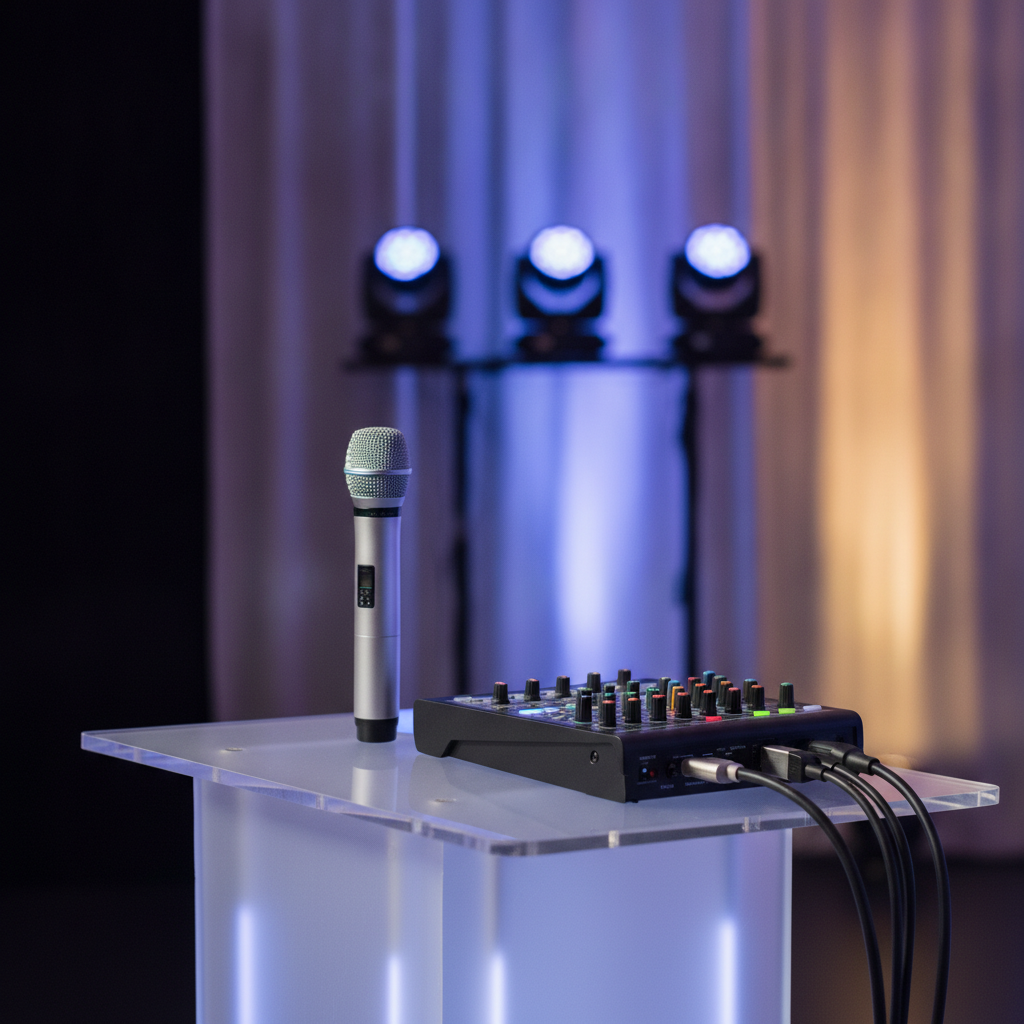
- Confirm mic mix: handhelds, lavaliers, and a backup.
- Decide on recording/stream vs. in-room only; test HDMI/USB‑C.
Step 4 — Accessibility and wayfinding
- Walk the step-free route from entry to seating and restrooms.
- Reserve accessible seating near aisles and front rows.
- Place high-contrast signage at each decision point.
Step 5 — Breaks, menus, and culture
- Schedule breaks every 75–90 minutes to protect attention.
- Offer diverse menus that honor dietary and cultural needs.
- Use adjacent foyers to reduce crowding and late restarts.
For a practical checklist, see our conference room setup guide and venue planning overview to translate these steps into a ready-to-run plan.
Types, Layouts, and Approaches
Design the room around your objective. Theater fits keynotes; classroom aids note-taking; cabaret drives discussion; U-shape empowers facilitation. Blend a main plenary with nearby breakouts and foyers for networking to balance delivery, practice, and connection.
Common seminar layouts
- Theater: maximum capacity and fast transitions; minimal writing surface.
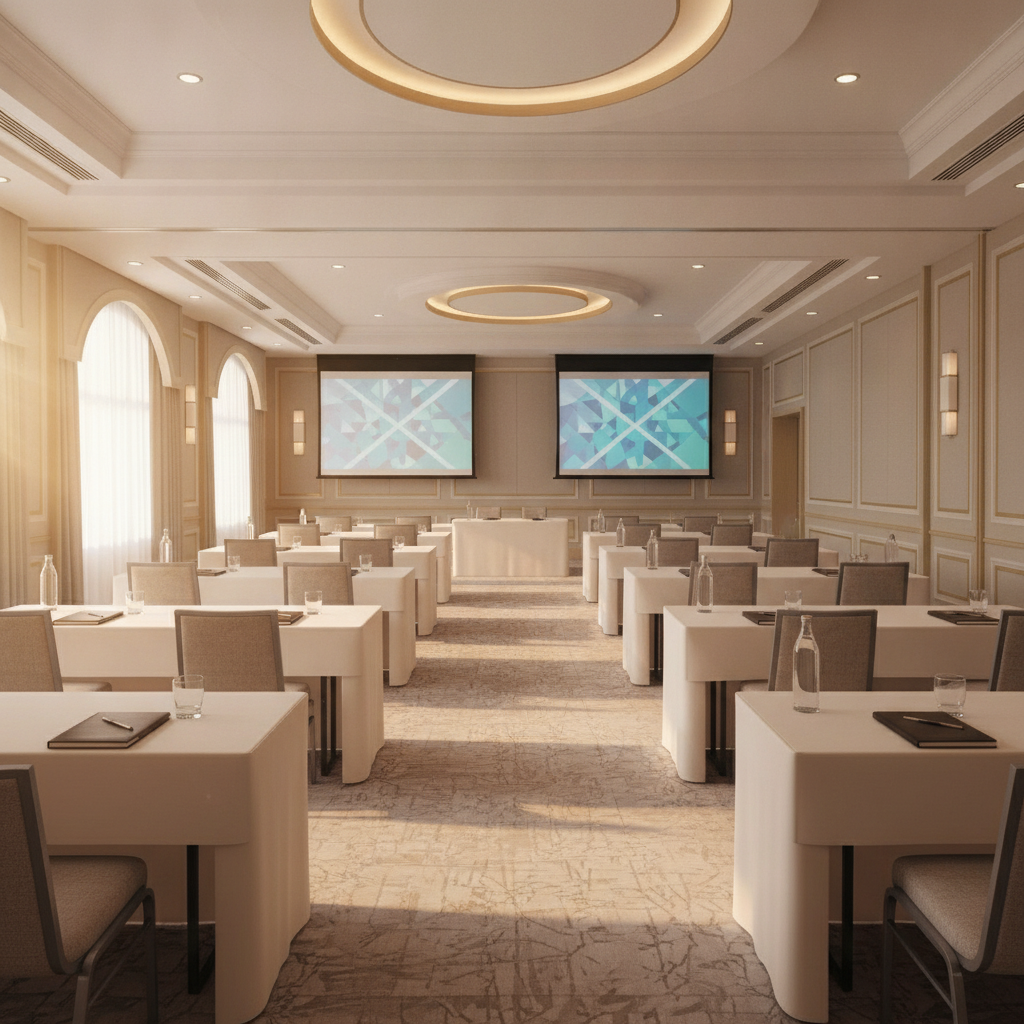
- Classroom: tables support laptops and notebooks; slightly lower capacity.
- Cabaret/Banquet: small-group collaboration around partial-rounds; ideal for case work.
- U-shape/Boardroom: high-participation workshops and executive facilitation.
- Hybrid: on-site plus remote viewers; requires extra mics, cameras, and monitoring.
| Layout | Best for | Considerations |
|---|---|---|
| Theater | Keynotes, panels | Highest seat count; little writing space |
| Classroom | Training, note-taking | Lower capacity; good device support |
| Cabaret | Peer learning | More floor area per guest |
| U-shape | Facilitated sessions | Best for small groups |
| Hybrid | Reach and inclusion | Extra AV design and staffing |
Breakout strategies that work
- Clustered rooms: keep breakouts within 30–60 seconds of the plenary.
- Staggered starts: begin parallel sessions 5 minutes apart to ease foyers.
- Wayfinding colors: color-code tracks in signage to reduce confusion.
Need layout inspiration? Our meeting room layout ideas article shows how small adjustments to table orientation can improve sightlines and participation.
Best Practices for Planning a Seminar in Mississauga
Lock objectives early, size rooms to your agenda, and engineer breaks every 75–90 minutes. Confirm AV redundancies, publish a clear run-of-show, and plan for dietary and accessibility needs. Local transit and parking rhythms matter—build arrival buffers so sessions start on time.
Timeline and production rhythm
- 8–10 weeks out: define outcomes, sketch agenda, and reserve rooms.
- 4–6 weeks out: finalize AV, catering, and signage plan.
- 7–10 days out: confirm counts, print materials, and distribute the run-of-show.
- Event day: 60–90 minute technical pre-call; mic checks, slides, and sightline test.
Local considerations for 75 Derry Rd W
- For smooth arrivals, note proximity to the Hurontario St At Derry Rd transit stop when sharing directions with attendees.
- Winter seminars benefit from earlier daylight starts; snow can slow evening travel and parking turnover in the area.
- For cultural or wellness breaks, groups sometimes enjoy a brief walk near Mississauga’s Ram Mandir before reconvening.
Menus and cultural inclusion
- Offer Halal and vegetarian options as defaults, not exceptions.
- Rotate South Asian, Pakistani Halal, Middle Eastern, Sri Lankan, Caribbean, and Continental menus across breaks and lunch.
- Label ingredients clearly and position allergen-safe stations at lower-traffic edges.
AV reliability and redundancy
- Standardize on HDMI + USB‑C; carry a tested adapter kit.
- Request a backup mic and spare batteries for each room.
- Stage a confidence monitor and clock visible to speakers.
For deeper prep, reference our cross-venue event AV checklist and AV systems primer to unify presenters and technicians around one plan.
Tools and Resources
Use a simple tech-and-timing checklist, confirm accessibility standards, and set clear AV inputs and outputs. For comfort and safety, align with occupancy guidance, clear egress routes, and solid ventilation practices when designing your seminar environment.
Reusable checklists
- Room readiness: screens at eye height, no glare lines, aisle widths ≥ 44 inches.
- Run-of-show: presenter call times, mic swaps, and slide handoffs documented.
- Signage map: registration, washrooms, and track colors placed at decision points.
Digital planning aids
- Share a 1-page brief with speakers: timing, mic type, slide format, and Q&A flow.
- Use cloud folders for version control on slide decks and handouts.
- Prepare a QR check-in with paper backup for no-phone attendees.
When you’re ready to translate checklists into action, our seminar venue rental overview and logistics guide connect planning steps with room setups on site.
Need a fast sanity check? Share your draft agenda and we’ll map it to a hall, AV plan, and menu mix. A 15-minute consult often removes 3–4 email threads.
Request a consultation to start.
Case Studies and Examples
Here are real planning patterns we use: a single-track leadership day with fast turnovers, a multi-track skill summit with clustered breakouts, and an executive workshop that blends plenary content with moderated roundtables. Each pairs a hall, foyer, and AV plan to meet timing and engagement goals.
Single-track leadership day
- Setup: theater AM for keynotes, classroom PM for hands-on segments.
- AV: two screens, lectern mic, two handhelds for Q&A, confidence monitor.
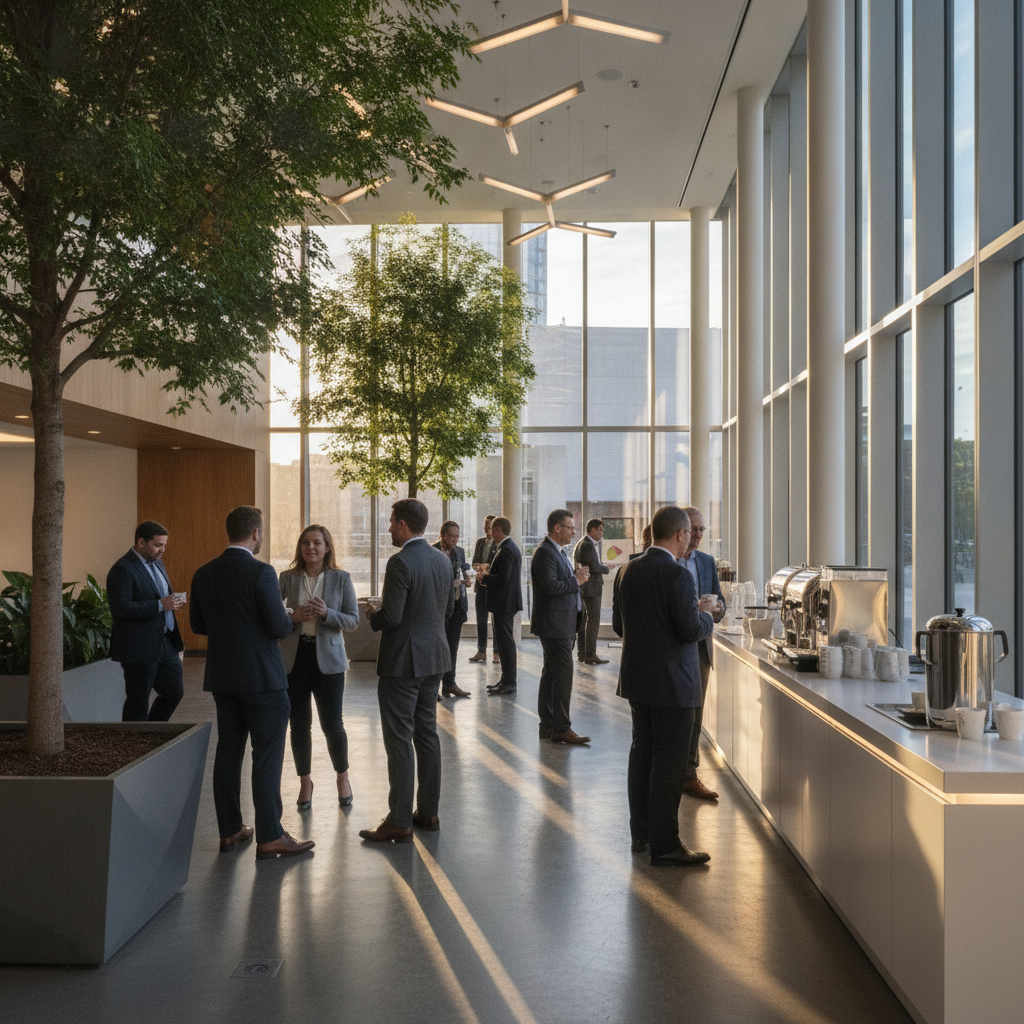
- Flow: 15-minute breaks; coffee stations split across foyer ends to prevent crowding.
Multi-track skill summit
- Setup: plenary + four breakouts within a 60-second walk.
- Signage: color-coded tracks; staggered starts by 5 minutes.
- Meals: labeled stations featuring South Asian, Middle Eastern, and Continental options.
Executive workshop
- Setup: U-shape with high-visibility whiteboards and flip charts.
- AV: lavalier for facilitator, handheld for room, quiet confidence timer.
- Service: private lunch service; quieter foyer corner for 1:1 conversations.
For more examples and templates, our boardroom rental guide shows how to tailor executive sessions, while private dining planning tips help elevate VIP meals that wrap training days.
Frequently Asked Questions
Planners ask about layouts, tech support, menus, and timelines. We cover setup choices, on-site AV, dietary accommodations, and how early to book. These quick answers help you align expectations and move faster from idea to confirmed seminar.
What room layout works best for a training-heavy seminar?
Classroom or cabaret layouts support note-taking and discussion. Classroom favors individual focus with shared lines of sight. Cabaret balances short presentations with table-based interaction and quick group exercises.
How early should I finalize AV and menu details?
Aim to lock core AV and catering 4–6 weeks out, then confirm final counts 7–10 days before. This gives technicians and culinary teams time to stage equipment, schedule staff, and accommodate dietary needs.
Do you provide on-site technical support throughout the seminar?
Yes. Our on-site AV team manages sound checks, mic swaps, projector inputs, and cues. You get a single point of contact to keep the program on schedule and handle any tech surprises quickly.
Can you handle diverse dietary requirements for breaks and lunch?
Absolutely. Our in-house catering covers South Asian, Pakistani Halal, Middle Eastern, Sri Lankan, Caribbean, and Continental menus. We coordinate labeled stations and ingredient transparency for guest confidence.
Key Takeaways
Define objectives, select a layout that matches learning goals, and design reliable AV and breaks. In Mississauga’s 75 Derry Rd W area, Mississauga Convention Centre combines flexible halls, on-site tech, and diverse catering so your seminar runs on time and on point.
- Match room, layout, and AV to the content you’re teaching.
- Plan arrivals, signage, and foyers to keep schedules intact.
- Use reusable checklists for AV, accessibility, and menus.
- Confirm a clear run-of-show with cues and contacts.
Conclusion and Next Steps
The best venue for seminar aligns space, technology, and service with your agenda. If you need a proven, flexible home base in Mississauga, our team will walk you through options, map your run-of-show, and launch a seminar your audience will remember.
Ready to see rooms in action? Explore our virtual tour, or schedule a discovery session in the 75 Derry Rd W area to match a hall, AV plan, and culturally inclusive menu to your goals.