

 20 September, 2026
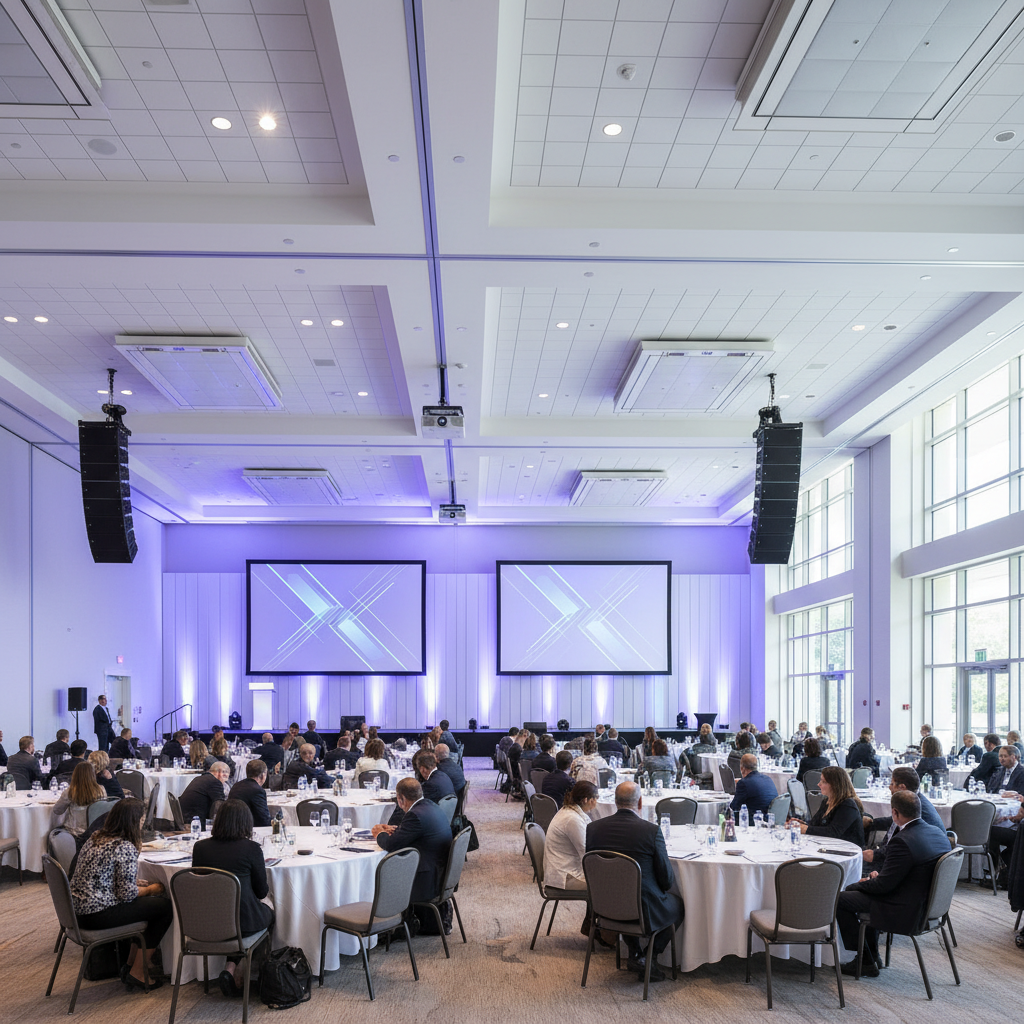
 AV setup for conferences is the end-to-end planning, installation, and live operation of audio, video, lighting, staging, and networking that ensures every session is heard, seen, and recorded clearly. At 75 Derry Rd W in Mississauga, our in-house team at Mississauga Convention Centre delivers this through integrated systems, modular halls, and on-site technicians.
By Preet Dass — Mississauga Convention Centre
Last updated: 2026-06-05
Quick Summary
A reliable conference AV setup blends clear speech, bright visuals, stable networks, and tight show-calling. You’ll map signal flow, right-size screens and speakers, coordinate microphones and cameras, and stress-test power and Wi‑Fi. At Mississauga Convention Centre, integrated AV, modular rooms, and on-site technicians reduce risk and keep sessions on schedule.
Here’s what you’ll learn in this complete guide (built from our team’s hands-on work across seven elegant halls and thousands of guests):
- What conference AV really includes and how it works, end to end
- Why production design impacts engagement, timing, and sponsor value
- Room-by-room approaches for small breakouts to large plenaries
- Checklists, tools, templates, and common pitfalls to avoid
- Real examples from events hosted at our Mississauga venue
Pro tip: finalize your run of show and room plots early. A 10-minute transition saved across six rooms adds up to an hour of program time reclaimed.
What Is Conference AV Setup?
Conference AV setup is the professional design and operation of sound reinforcement, visuals (projection or LED), stage lighting, cameras, signal distribution, power, and show control so audiences hear, see, and participate without friction. The goal is consistent intelligibility, readable content, and reliable recording or streaming across rooms and formats.
In practical terms, conference AV turns presenter voices and content into an experience attendees can grasp from the front row to the back wall. Good setups target a 0.5–0.8 Speech Transmission Index (STI), 70–75 dBA average speech level at seating, and 20–25 foot-lamberts of screen brightness for projection so slides remain legible under ambient light.
- Core building blocks: microphones, DSP/mixers, amps, speakers; switchers and scalers; projectors/LED displays; stage lighting; PTZ or manned cameras; comms/intercom; enterprise Wi‑Fi and wired uplinks.
- Formats served: single-track keynotes, multi-track breakouts, poster sessions, exhibits, and gala dinners.
- Venue variables: ceiling height, rigging points, ambient light, and available power shape gear selection and placement.
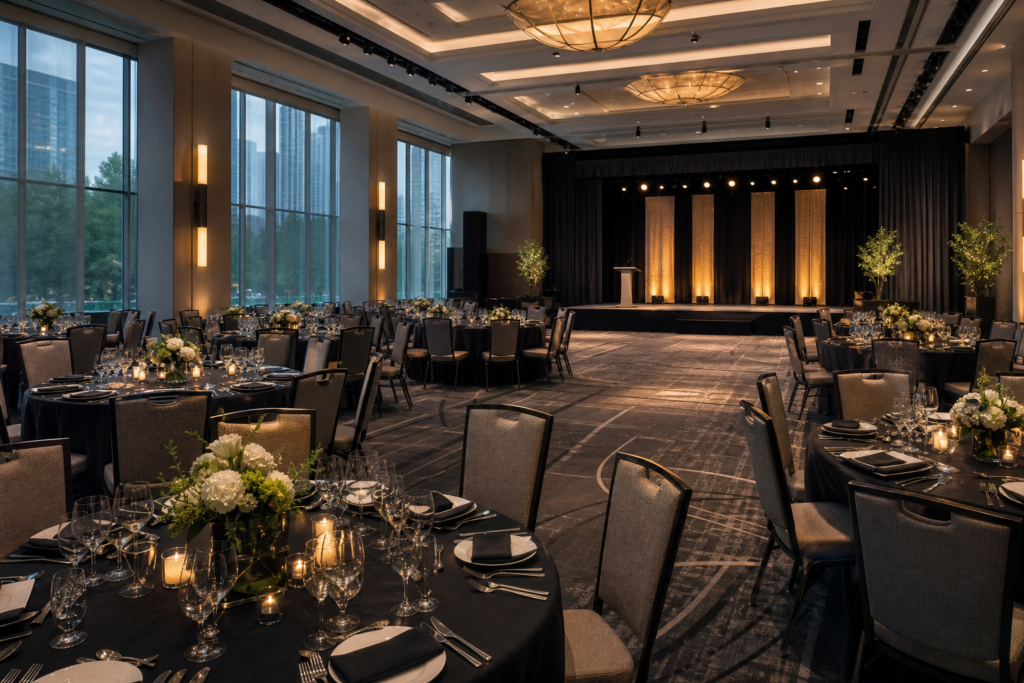
Because our seven ~4,250 sq ft halls can be combined or separated, we design for modularity: shared mic kits, consistent stage wash, and mirrored switcher presets keep transitions tight even as agendas evolve.
Why AV Setup Matters for Conferences
Great AV reduces cognitive load, boosts presenter confidence, and keeps agendas on time. Poor AV—feedback, dropouts, unreadable slides—erodes trust fast. Integrated venue systems and experienced operators mitigate risk, preserve sponsor visibility, and help hybrid audiences stay in sync with the room.
Attendees decide quickly whether to lean in or tune out. Clarity wins: evenly covered sound at ~72 dBA helps note-taking, while high-contrast visuals in 16:9 reduce eye strain. Program flow wins too: if you shave 2 minutes off 30 session changes, you reclaim a full hour for content or networking.
- Attendee experience: Clear audio improves retention; good lighting and screen brightness reduce fatigue; consistent slide formatting prevents squinting.
- Presenter confidence: Preview monitors, a reliable clicker, and rehearsals surface snags early so speakers focus on delivery.
- Hybrid alignment: Dedicated encoders and wired internet stabilize streams; a return feed enables remote Q&A without lag.
- Sponsor value: Crisp branding on screens and streams strengthens impressions during high-traffic moments.
In our experience supporting conferences across the Regional Municipality of Peel, eliminating guesswork with templates and a clear comms plan lifts satisfaction scores and reduces backstage chatter that can snowball into delays.
How Conference AV Works (End to End)
Conference AV flows from discovery to debrief: define goals and rooms, design signal paths, advance presenters, build and test systems, call the show, then archive and improve. Locking run-of-show details early and standardizing room kits reduces last‑minute changes and keeps turnovers under a minute.
Think of the process as five repeatable stages. Each has owners, deliverables, and measurable success criteria. The tighter your advance work, the smoother your show-calling becomes on the day.
| Stage | Owner | Primary Deliverables | Success Metric |
|---|---|---|---|
| Plan | Producer | Goals, room plots, run of show | All rooms approved |
| Build | AV Lead | Racks cabled, tuned, labeled | No redlines at rehearsal |
| Rehearse | Showcaller | Cue sheet locked | < 10s transition variance |
| Run | Crew | Sessions executed | 0 show-stopping faults |
| Wrap | PM | Media archived, notes logged | Debrief complete |
During discovery, document audience size per room, seating style, interpretation needs, recording/streaming requirements, ADA/accessible seating, and sponsor deliverables. On builds, we EQ for speech, set gain-before-feedback margins, color-balance cameras, and run a cue-to-cue to validate every transition.
For a deeper dive into meeting-room reliability patterns, see our conference room AV systems guide.
Types/Methods/Approaches (Room Sizes and Formats)
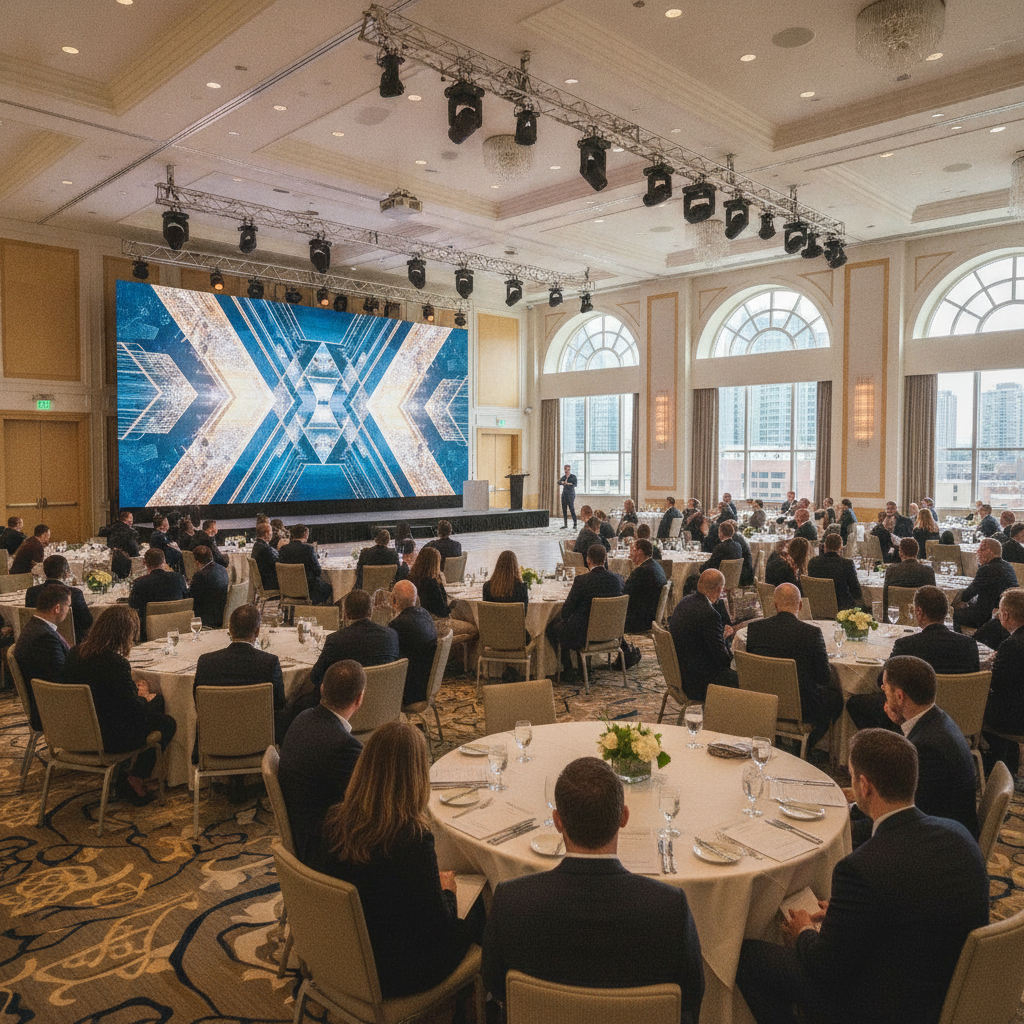
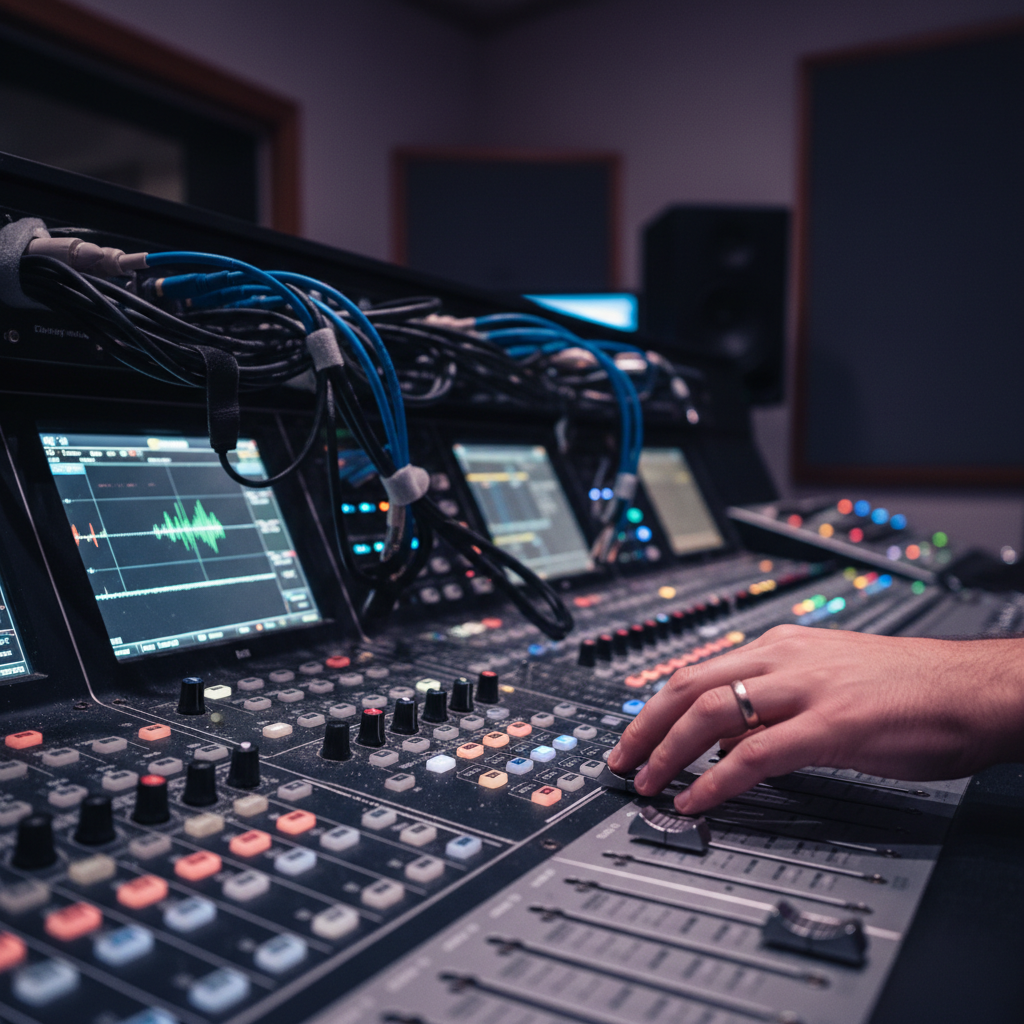
Room size and format drive AV choices. Small breakouts favor compact PAs and single screens. Mid-size rooms add multiple mics and brighter projectors. Large plenaries scale to line arrays, delay fills, dual screens or LED walls, and multi-camera IMAG—often with hybrid streaming and recording.
Use this quick-sizing guidance when you map rooms. It’s not one-size-fits-all, but these ranges keep you in the safe zone while you confirm ceilings, throw distances, ambient light, and rigging options.
- Small meeting (up to ~80): 1–2 wireless mics, compact PA, 98–120″ display, simple stage wash with 3200–5600K white, HDMI/USB‑C inputs.
- Mid-size breakout (~80–250): 2–4 mics, 8–12 channel mixer, 12k–20k lumen projector or dual 98″ displays, confidence monitor, basic comms.
- Large plenary (250–1200+): line-array PA with subs and delay fills, dual projectors/LED wall, multi-camera IMAG, stage wash + backlights.
- Exhibit/poster: distributed audio zones, wayfinding screens, power drops every 10–20 ft, signage loops.
- Outdoor patio: weather-rated speakers, cable ramps, weighted stands, and wind screens on mics.
- Hybrid: dedicated encoder, return feed for remote Q&A, wired internet for stability, moderated chat channel.
For seating sightlines, a helpful rule is that minimum capital letter height should be ~1/200 of the farthest viewer distance, while overall text height in slides should be at least 1/6 of that distance for comfortable reading.
Best Practices and Checklists
Label everything, build redundancy where failure hurts most, and segment your networks. Lock presenter inputs, color-code trunks, and tape every run. Rehearse each speaker and confirm slide formats (16:9, embedded media). For hybrid, assign a moderator to buffer Q&A and protect stage timing.
Across corporate conferences, school formals, and trade shows at our venue, three disciplines consistently separate smooth shows from stressful ones: predictable audio, consistent visuals, and clean power/networking.
Audio habits that prevent panic
- Provide one mic per panelist plus a spare handheld; use goosenecks on lecterns and lavs for hands-free panels.
- Target ~72 dBA average speech level at seating; apply notch filters to remove problem frequencies before they howl.
- Set RF coordination for the building; keep fresh batteries and label transmitters clearly.
Visuals that stay readable
- Standardize 16:9 slides; test fonts and animations; keep 1080p baseline (use 4K for LED walls if needed).
- For projection, aim for 20–25 foot-lamberts; use dual-screen “tennis court” layouts in wider rooms.
- Stage lighting: front wash at 3200–5600K, add backlights for subject separation, dim house near screens.
Power, networking, and safety
- Isolate audio power where possible; put UPS on switchers/recorders; document every circuit.
- Use VLANs for production and WPA3 for attendee Wi‑Fi; monitor with a dashboard; favor wired uplinks for streams.
- Tidy cable management: gaffer tape and mats; avoid runs across aisles; mark potential trip points.
If you want a prebuilt list to start from, our event AV checklist condenses decades of show learning into a practical planner.
Local considerations for 75 Derry Rd W
- Schedule deliveries to avoid peaks around Hurontario St At Derry Rd buses; curb congestion speeds load‑ins and protects gear.
- Winter load-ins need slush guards and extra time; rolling cases from trucks to halls takes longer in January weather.
- For hybrid redundancy, test cellular backup given proximity to HWY 407 Park and Ride corridors.
Tools and Resources
Great tools speed planning and prevent errors. Use CAD room plots, digital patch sheets, RF coordination software, test generators, Wi‑Fi heatmaps, and a speaker-ready workflow. Consistent templates and a shared run of show keep operators and presenters aligned under real-time pressure.
Here’s a toolkit we rely on for conferences across our seven modular halls (combined capacity 2,200+ with ~700 on-site parking spaces):
- Preproduction: Room plots, rigging load checks, projector lens/throw calculators, and screen sightline diagrams.
- Audio: RF coordination software, spectrum analyzer/RTA, measurement mics, and battery management logs.
- Video: Test generators, scalers, SDI/HDMI converters, capture cards, and backup laptops with clean slide templates.
- Networking: Managed switches, PoE budgets, Wi‑Fi heatmapping, and segmented SSIDs for production vs. attendees.
- Templates: Speaker-ready SOP, mic hygiene steps, hybrid etiquette (mute discipline, chat moderation, Q&A timing).
If you’re mapping capacities and room allocations, our event venue capacity guide helps match headcounts to layouts before you place screens and speakers.
For planning clarity beyond AV alone, explore our Mississauga Convention Centre overview and our planner’s guide to corporate venue rental.
Case Studies and Examples (Mississauga Convention Centre)
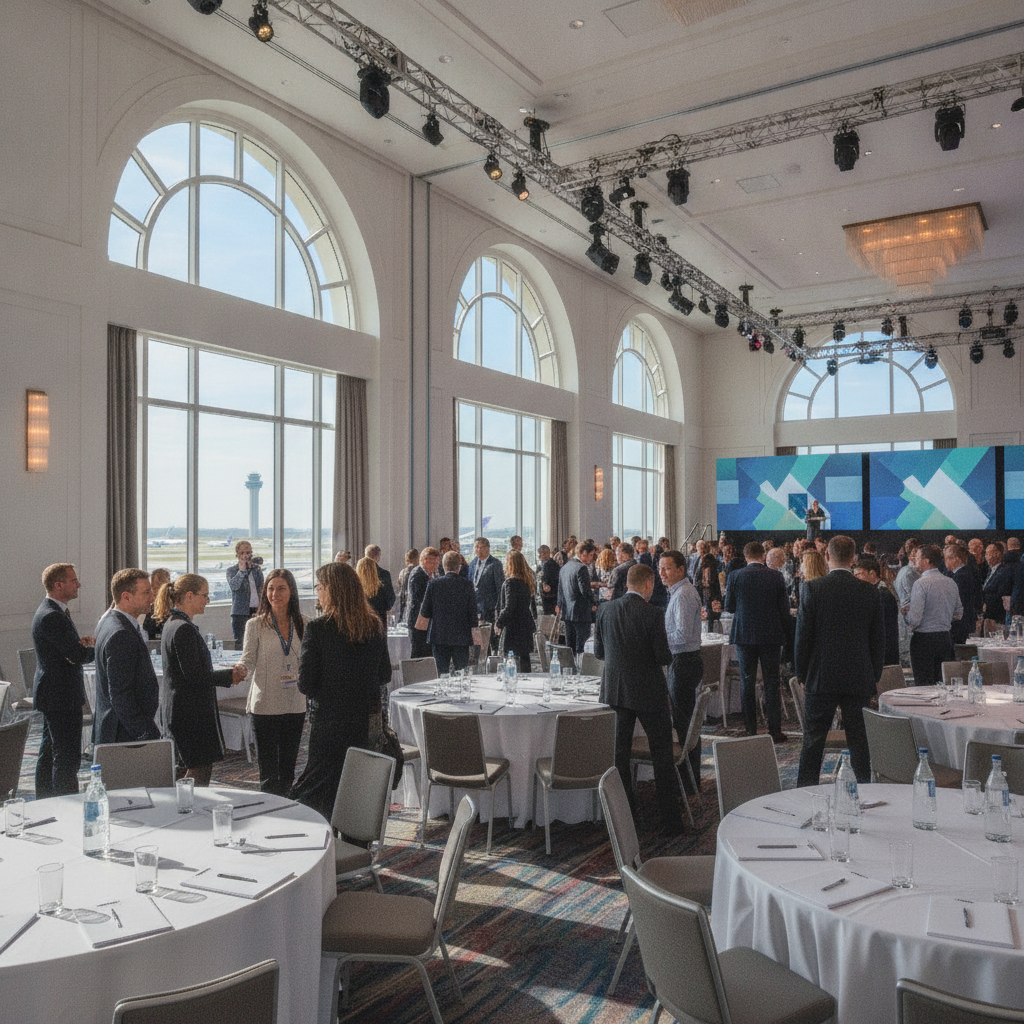
Our modular halls and in-house AV streamline complex agendas. Shared mic kits, mirrored presets, and standardized stage washes reduce changeover time. Proximity to Toronto Pearson and major highways supports regional travel, while diverse in-house catering keeps crews and attendees on a reliable schedule.
Real-world scenarios make best practices stick. These condensed examples reflect our typical day-of approach at 75 Derry Rd W in Mississauga.
Corporate multi-track conference
- Three parallel breakouts (~150 seats each) shared common RF plans and stage wash; transitions averaged ~90 seconds.
- Dual 12k–20k lumen projectors in the plenary paired with multi-camera IMAG; presenters used confidence monitors.
- Hybrid overflow used a dedicated encoder and wired uplink; remote Q&A was moderated to protect session timing.
Trade show with daily keynotes
- Distributed audio kept announcements intelligible at ~70–72 dBA without overpowering booths.
- Digital signage and wayfinding reduced clustering at aisles; power drops every 10–20 ft simplified vendor setups.
- End-of-day keynotes leveraged line-array mains and delay fills; changeovers for sponsors held under 2 minutes.
School formal and awards
- DJ feed integrated with house PA; cable ramps and taped runs eliminated trip hazards in high-traffic areas.
- Lighting scenes pivoted from awards to dance floor quickly; emcee used a gooseneck plus a spare handheld.
- Photo/video capture used safe pockets off the dance floor; crew radios coordinated with the stage manager.
Outdoor patio reception
- Weather-rated speakers and covered cable paths preserved aesthetics and safety.
- Wind screens on mics maintained speech clarity; battery rotations were planned on 45–60 minute checks.
- Ambient lighting accents doubled as wayfinding after dusk; quiet hours observed per schedule.
Curious how this scales to executive meetings? See our conference room setup guide for tactics tailored to smaller rooms, then ladder up to full plenary patterns.
FAQ: AV Setup for Conferences
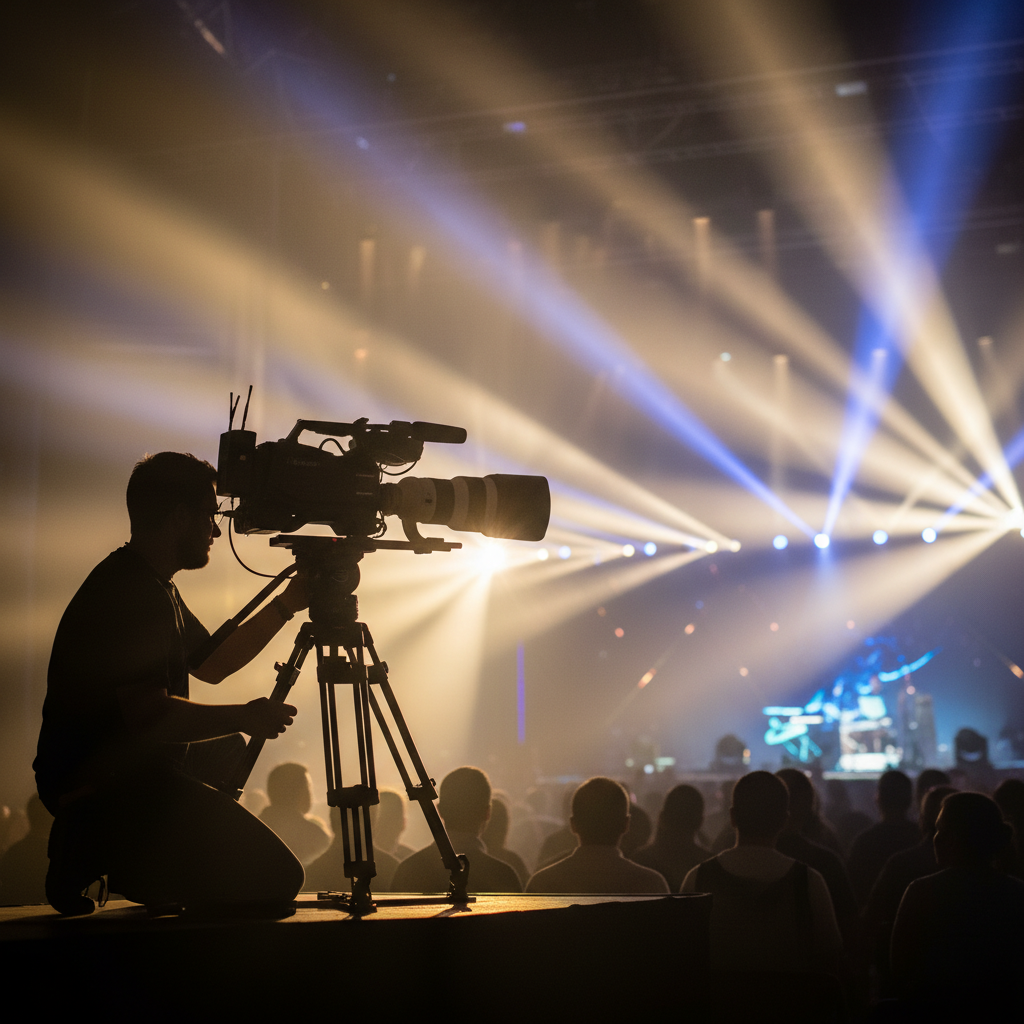
Planners ask about networks, screen sizes, and mic counts most often. Segment production Wi‑Fi from attendee access, size screens to the farthest viewer, and plan one microphone per panelist plus a spare. Rehearse every presenter and lock a clear run of show to prevent timing drift.
Do I need separate Wi‑Fi for production and attendees?
Yes. A segmented production network preserves bandwidth and protects comms and streams from attendee traffic. Favor wired uplinks for encoders and switchers, and use managed SSIDs to keep guest access isolated.
What screen size should I choose for my room?
Use the farthest-viewer rule. Keep minimum text height around 1/6 of the distance to the farthest seat, and maintain 16:9 slides. In wide rooms, dual screens improve sightlines; for bright rooms, target 20–25 foot-lamberts with brighter projectors or LED.
How many microphones should I plan for a panel?
Provide one mic per speaker plus one spare handheld. Use goosenecks for lecterns and lavs for panelists to keep hands free. Label transmitters clearly and manage RF coordination for the building to avoid interference.
What lighting do I need for video-friendly stages?
Start with an even front wash at 3200–5600K, add backlights for separation, and dim house lights near screens. Keep faces around 50–70 IRE on camera and color-balance fixtures to match projection or LED color temperature.
Key Takeaways
Standardize room kits, right-size screens and PAs, and segment networks. Rehearse every presenter and lock cues to keep transitions under a minute. Partner with a venue that offers integrated AV, on-site technicians, and modular spaces to minimize risk and speed day-of execution.
- Plan early: room plots, run of show, and presenter advancing reduce surprises.
- Use proven rules: 16:9 slides, 20–25 fL projection, ~72 dBA speech, 1/6 farthest‑viewer text height.
- Build redundancy on critical paths: encoders, switchers, and recorders deserve backups and UPS power.
- Keep production networks separate and monitored; prefer wired for streaming.
- Leverage integrated venue AV to shorten load-ins and cut over-the-air risks.
Conclusion and Next Steps
The best conference AV setups combine clear technical standards with disciplined showcraft. When you align goals, room design, and operations—and rehearse presenters—you protect timing, experience, and sponsor value. Integrated venue AV and experienced crews make that consistency repeatable from keynote to breakouts.
Next steps you can take this week:
- Lock the run of show and gather all slide decks in a standard 16:9 template.
- Create room plots for each space (screens, speakers, power, and sightlines).
- Segment production and attendee networks; schedule a full cue-to-cue rehearsal.
Planning a conference in Mississauga or across the GTA? Explore our conference center guide and our event formats overview, or connect through our corporate venue rental guide to start a quick discovery. We’ll help you build a smooth, resilient show at 75 Derry Rd W in the Regional Municipality of Peel.
Need a second set of eyes? Our technical producers can review your agenda, slides, and room plots and suggest a risk‑reduction plan aligned with our integrated AV. Start with the Mississauga Convention Centre overview or browse state-of-the-art AV setup ideas.