

 20 September, 2026
 Virtual event tour technology is a set of 360-degree, 3D, and interactive tools that let planners, couples, and school committees explore a venue remotely with true-to-scale room views, floor plans, and hotspots. It streamlines shortlisting, reduces extra site visits, and aligns stakeholders on AV, seating, décor, and catering long before event day.
By Mississauga Convention Centre • Visit website
Last updated: 2026-04-19
At a Glance
A virtual tour is your fastest way to qualify venue fit. It combines 360-degree images, 3D “digital twins,” and clickable hotspots so teams can preview capacities, layouts, and staging from any device. Used early, it turns on-site tours into quick confirmations rather than lengthy discovery visits.
- Understand what virtual tours are and how they work in practice
- See why they speed decisions for corporate, wedding, and school events
- Follow a proven production workflow from capture to publishing
- Review formats: 360 photo tours, 3D twins, guided video, live hosted
- Apply best practices for speed, clarity, and conversion
- Use real examples from our seven elegant halls (~4,250 sq ft each)
- Map next steps and questions for your on-site confirmation tour
Quick Answer
Virtual event tour technology helps you preview ballrooms, staging, and catering layouts online before visiting 75 Derry Rd W in Mississauga. At Mississauga Convention Centre, our virtual tour pairs with in-house AV, lighting, and multicultural catering so corporate, wedding, and school planners can confirm fit, flow, and accessibility in minutes.
What Is Virtual Event Tour Technology?
Virtual event tour technology delivers an immersive, self-guided walkthrough of a venue using 360-degree imagery, true-to-scale 3D, and interactive hotspots. Viewers explore rooms, switch layouts, and check capacities from any device, which shortens research time and boosts booking confidence.
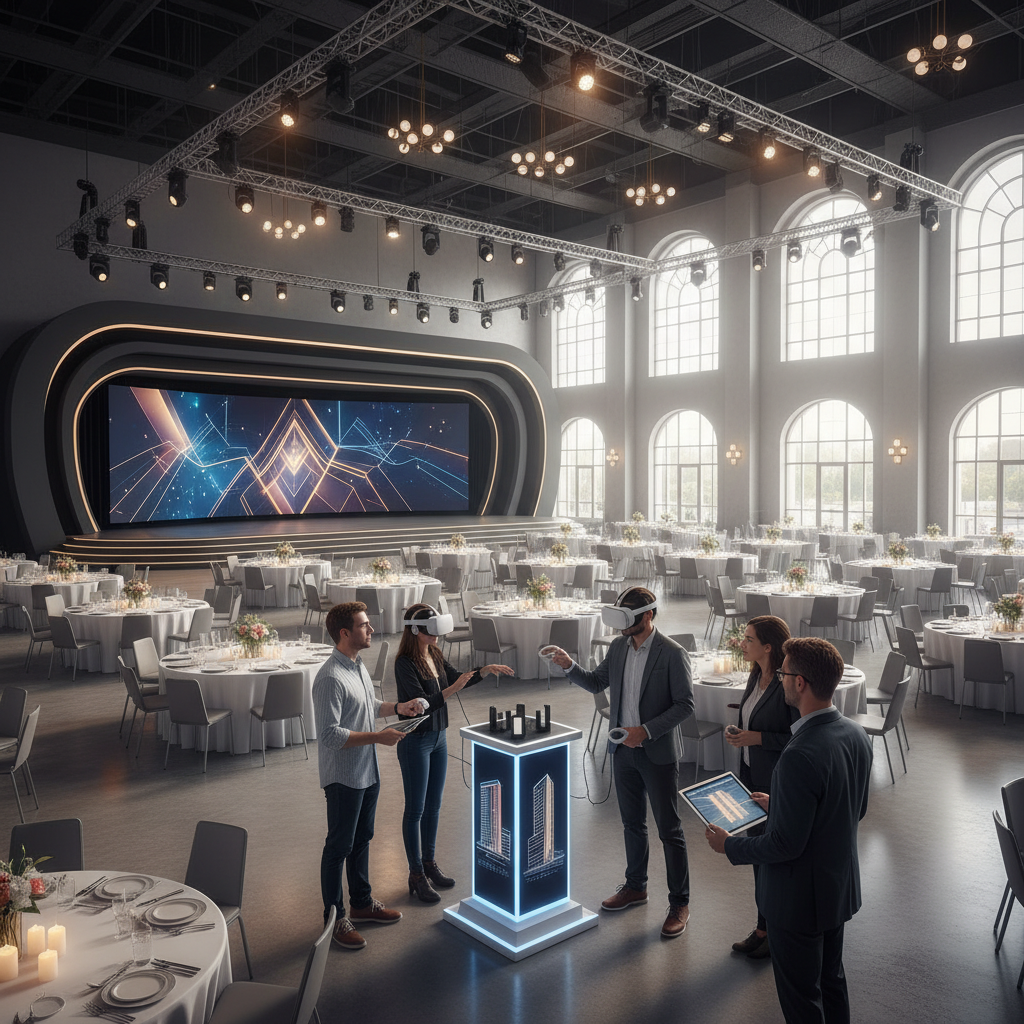
Think of a virtual venue tour as an in-browser site visit. It stitches together 360-degree panoramas, room-to-room navigation, info hotspots, and optional VR support. The best tours also overlay floor plans, capacity notes, and sample setups—like classroom seminars, banquet dinners, or South Asian wedding stages—so decision-makers can validate logistics quickly and share a single source of truth.
Key Concepts
- 360-degree panoramas: Spherical images allow full-room viewing for ceilings, chandeliers, and staging zones.
- 3D digital twin: A scale-accurate model useful for measuring stage widths, rigging points, and aisle spacing.
- Hotspots and info cards: Tappable markers reveal AV specs, lighting packages, or buffet placements.
- Floor plan overlays: Jump among our seven halls and compare layouts for up to 2,200 total guests.
- Guided mode: Auto-play a hosted path when stakeholders are short on time.
Why Virtual Tours Matter for Event Success
Virtual tours speed venue selection, align remote stakeholders, and reduce redundant visits. They surface capacities, flow, and technical capabilities upfront—improving the quality of on-site showings and increasing confidence for corporate teams, couples, and school committees.
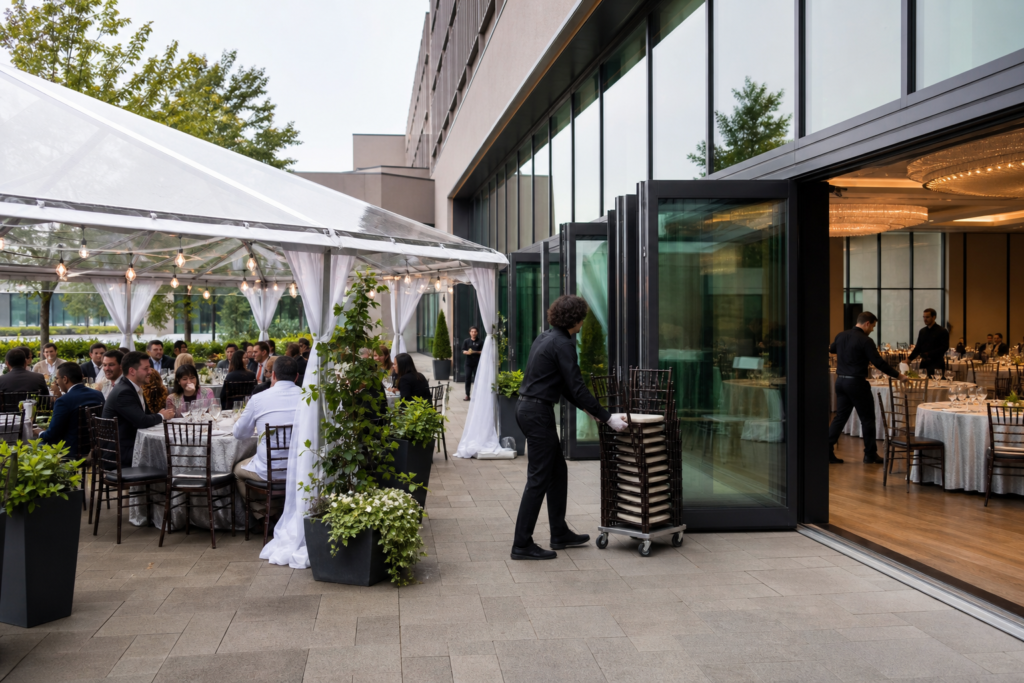
Located minutes from Toronto Pearson International Airport with approximately 700 free on-site parking spots, Mississauga Convention Centre serves regional and international attendees. A shared virtual preview means executives can verify sightlines, couples can assess ceremony staging, and schools can validate safety and accessibility. By the time you arrive at 75 Derry Rd W, the conversation centers on final choices—not basic feasibility.
Benefits You Can Measure
- Faster shortlists: Remote exploration trims research from days to hours for multi-hall venues.
- Fewer extra visits: Stakeholders align online, so on-site time focuses on tasting menus or lighting demos.
- Better fit: Clear capacities and ceiling heights reduce last-minute floor plan changes.
- More inclusive: Remote executives, out-of-town family, and elders can review without travel.
- Real logistics: Parking for roughly 700 vehicles and major-highway access are visible context, not bullet points.
How Virtual Tours Work (Step by Step)
A successful virtual tour follows five stages: pre-production planning, capture with 360-degree/3D devices, post-processing and stitching, publishing to a stable platform, and promotion with analytics. Each step affects realism, speed, and conversion.
Production starts with a shot list for each of our seven elegant halls (~4,250 sq ft each). We capture 360-degree panoramas (and optional LiDAR for measuring), then color-correct, stitch, and label hotspots for AV, staging, décor, and catering. After publishing, we embed the tour where planners decide and track engagement to keep improving.
| Stage | Owner | Deliverables | Tips |
|---|---|---|---|
| Pre-production | Venue + AV | Shot list, floor plans, lighting notes | Capture daylight and evening ambiance |
| Capture | Tour crew | 360 panoramas, 3D scans | Use HDR; keep tripod 5–5.5 ft |
| Post | Editor | Stitched tour, hotspots, QA | Color-match rooms consistently |
| Publish | Web | Embed and mobile QA | Compress; target sub-3s LCP |
| Promote | Marketing | UTMs and CRM notes | Feature in confirmations |
Capture & Production Essentials
- Shot list by event type: Keynotes, trade booths, wedding ceremonies, school proms, and galas.
- Technical targets: 8K stills, HDR bracketing, consistent white balance for true color in ballrooms.
- Angles and heights: Tripod at 5–5.5 ft mimics eye level; add elevated shots for stage views.
- Lighting range: Capture natural daylight and evening looks to match your event mood.
- Staging variety: Show theater, classroom, banquet, and cocktail configurations for instant comparisons.
Types of Virtual Event Tours
Venues blend 360-degree photo tours, 3D digital twins, guided video with hotspots, live hosted reviews, AR overlays, and interactive floor plans. Choose based on your planning needs—speed, measuring accuracy, or storytelling.
Formats exist for different decisions. 360-degree photos are fast-loading and strong for mobile. 3D twins support measuring stages and cable runs. Guided video adds emotion for weddings and galas. Live hosted sessions combine human Q&A with self-guided navigation—ideal for enterprise teams that want a concierge-style review.
Approach Comparison
| Approach | Best For | Standout Strength | Notes |
|---|---|---|---|
| 360-degree Photo Tour | Quick immersion | Fast loading | Great for mobile-first use |
| 3D Digital Twin | Technical planning | True-to-scale | Measure stage widths and cabling |
| Guided Video + Hotspots | Storytelling | Emotion + info | Perfect for weddings and galas |
| Live Hosted Session | Enterprise review | Real-time Q&A | Share link + screen |
| AR Overlays | Décor previews | Before/after views | Place arches, mandaps, stages |
| Interactive Floor Plan | Capacity checks | Click-to-jump | Link to seating charts |
Best Practices for High-Converting Tours
Prioritize clarity, speed, and relevance: capture multiple setups, write action-oriented hotspots, compress media for fast loads, and embed tours where decisions happen. Maintain accuracy with regular updates and analytics-informed tweaks.
Treat your tour like a product page for the venue. Show the details people ask about: capacities, screen sightlines, rigging points, ceiling heights, loading access, and buffet flow. Keep navigation simple and copy concise. Optimize for mobile and accessibility so stakeholders can review anywhere, anytime.
Content & Conversion
- Action hotspots: Lead with verbs like “See gala lighting,” “View AV layout,” or “Explore outdoor patio.”
- Decision info: Include ceiling heights, rigging locations, entry widths, and parking guidance.
- Trust cues: A 56-year hospitality legacy, in-house AV, and multicultural catering signal readiness.
- CTAs in context: Prompt “Book an on-site tour” or “Share with your team” near high-intent scenes.
Publishing & Performance
- Mobile-first QA: Check reach, tap targets, and captions on phones and tablets.
- Page speed: Target sub-2.5s LCP and smooth interaction latency on modern devices.
- Accessibility: Offer text alternatives for hotspots and keyboard focus indicators.
- SEO signals: Use descriptive alt text and connect the tour to relevant service pages.
Tools & Resources
Select a stable 360/3D platform with fast hosting and analytics. Pair capture with in-house AV expertise so what viewers see online matches event-day lighting, staging, and catering flows.
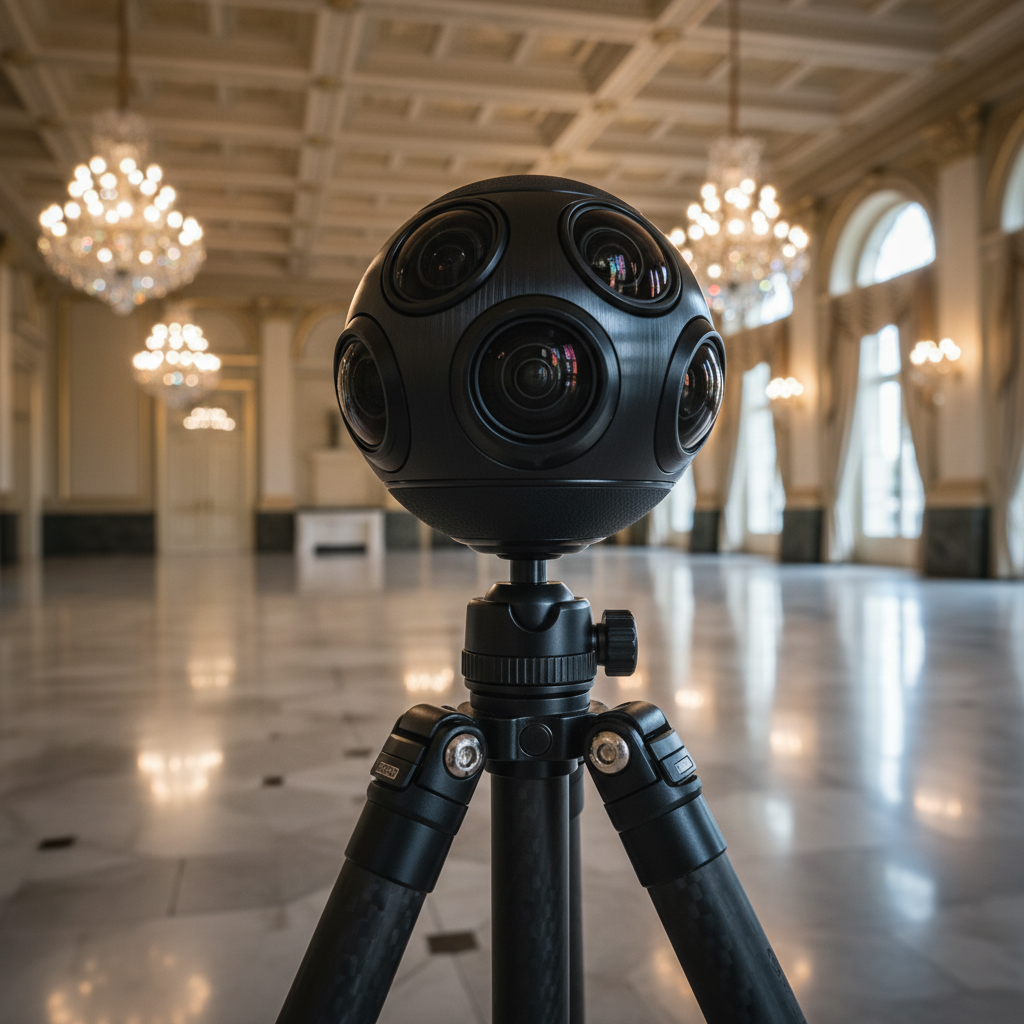
Whether you prefer a 3D twin or a panorama-first viewer, reliability and speed matter most. At Mississauga Convention Centre, our technical team aligns lighting and staging captures to real configurations so the online experience mirrors reality. You can preview layouts in our virtual tour and then move straight to a focused on-site confirmation.
Recommended Specs & Checks
- Hosting: Global CDN, HTTPS, and modern formats (WebP/AVIF) for media efficiency.
- Tracking: Use UTMs and goals for “book a tour,” plus click heatmaps on hotspots.
- Updates: Refresh seasonal décor, new lighting packages, and revised capacity diagrams.
- Governance: Assign ownership, perform quarterly QA, and keep a change log for accuracy.
If you’re planning a large corporate program, this guidance complements our in-depth event planning checklist and our dedicated corporate event venue rental page, which details hosting up to 2,200 guests under one roof.
Case Studies and Examples
Virtual tours convert curiosity into qualified visits. Teams arrive with aligned room choices, staging notes, and menu direction—so on-site time is invested in tastings, lighting demos, and final approvals.
Mini-case: Corporate Town Hall. A GTA headquarters needed a plenary with breakout options and rapid executive approval. Using the tour, they compared two adjacent halls (roughly 8,500 sq ft combined), validated stage sightlines, and mapped backstage flow. Their on-site walkthrough focused on rehearsal timing and microphone placement, not floor plan basics.
- Outcome: Faster internal signoffs and a shorter production timeline.
- Why it worked: The virtual review settled capacity, rigging points, and screen positions ahead of time.
Mini-case: South Asian Wedding Weekend. The couple’s families joined remotely to preview mandap placement, guest seating, and Halal buffet flow. They flagged a preferred ceremony backdrop and cocktail layout in the tour. On-site, they finalized décor accents and tasting choices with our culinary team.
- Outcome: Stress-free confirmations for a culturally significant celebration.
- Why it worked: Shared visuals bridged distances and ensured traditions were honored.
Considering décor and mood? Our practical guide to event lighting design helps you choose colors, fixtures, and scene transitions that look great both online and in person.

FAQ
Virtual tours are accurate enough for planning, mobile-friendly, and easy to review as a team. We update key scenes seasonally and can host a live demo to answer AV, staging, and catering questions in real time.
- How accurate are room dimensions in a virtual tour? True 3D scans can be precise enough for preliminary planning. For custom builds or tight tolerances, confirm final measurements with our team before production.
- Can remote executives join a live demo? Yes. We’ll host a guided session over video, navigate the tour, and address AV, staging, and catering logistics while you follow along.
- Does the tour show different setups? We prioritize theater, classroom, banquet, cocktail, and wedding ceremony scenes so you can compare flow and guest experience instantly.
- Is the virtual tour mobile-friendly? Yes. The experience is optimized for modern smartphones and tablets, including clear tap targets and fast loading.
- How often do you update the tour? Seasonally and after major enhancements—such as new lighting packages or décor updates—to keep details current.
Local Tips
- Tip 1: When you schedule an on-site tour at 75 Derry Rd W, plan arrivals around Highway 401/410 rush periods; our approximately 700 free parking spots make group site visits straightforward once you arrive.
- Tip 2: Flying in for corporate reviews? We’re minutes from Toronto Pearson—stack a virtual review and an on-site confirmation on the same afternoon.
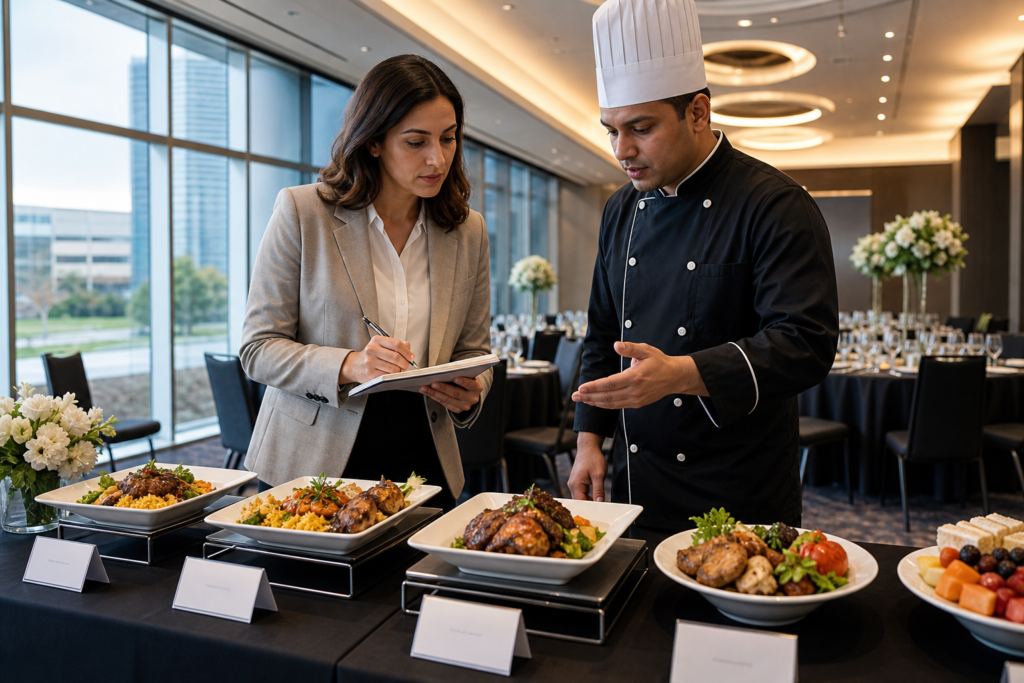
- Tip 3: For multicultural menus, use the virtual tour to map buffet flow for South Asian, Middle Eastern, or Caribbean cuisines—then our culinary team refines final placements.
IMPORTANT: These tips reflect our exact location and services, helping you keep planning efficient and accurate.
Mid-Article Planning CTA
- Share the tour with your team and collect decisions in one thread.
- Shortlist your top two halls and preferred layouts before visiting.
- Bring AV, lighting, and catering questions—our in-house teams align details quickly.
New to venue selection? Start with how to choose an event venue for a structured checklist of questions to ask on-site.
Conclusion
Virtual event tour technology turns exploration into alignment. It helps you qualify space, visualize setups, and prepare smarter questions—so your on-site visit becomes a fast path to final signoff.
- Use virtual tours early to save time and reduce uncertainty.
- Compare multiple setups per hall to answer real stakeholder questions.
- Optimize for mobile, speed, and accessibility to engage everyone.
- Pair the tour with in-house AV and catering to accelerate approvals.
Key Takeaways
For corporate, wedding, and school events, the best approach is simple: preview online, confirm on-site. Pair our virtual tour with expert AV, catering, and planning support to move from interest to “booked” fast.
- Virtual tours qualify fit and reduce back-and-forth.
- Stakeholders align remotely with a single source of truth.
- On-site time can focus on tastings, lighting demos, and final details.
- Our seven halls and 700 parking spots scale easily for major programs.
Ready to see it live? Preview our spaces online, then book a hosted walkthrough at Mississauga Convention Centre, 75 Derry Rd W. We’ll help you turn plans into a memorable event.