Mississauga Convention Centre

Mississauga Convention Centre for Corporate Meetings: Is In-House Catering Right for Your Event?

If you are comparing a corporate meeting venue in Mississauga, the key decision is not simply how attractive the room looks. It is whether the venue can coordinate space, catering, audiovisual support, staging, and attendee logistics through one workable plan.

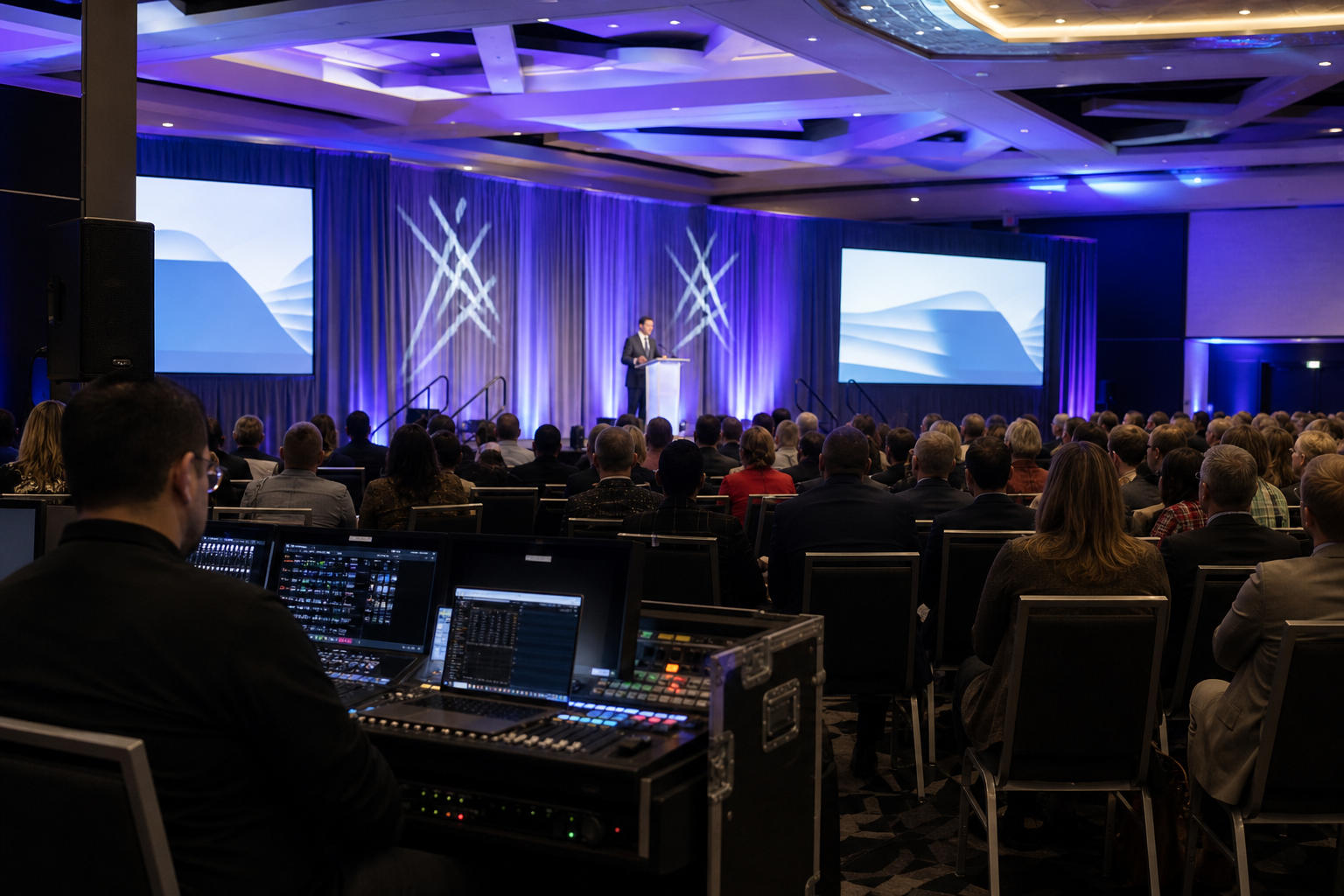
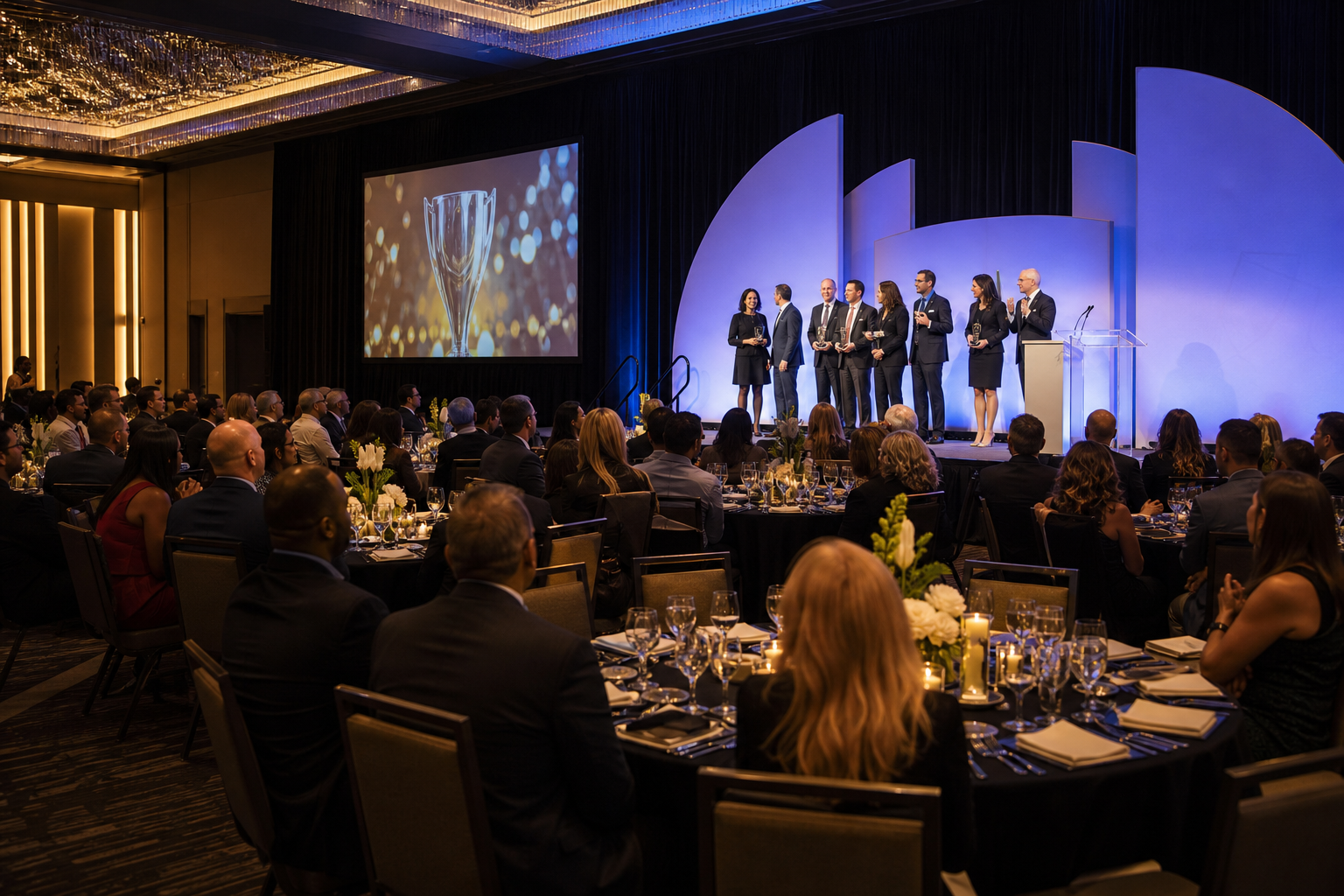
Mississauga Convention Centre may suit planners who want that full-service model. It provides corporate event spaces for meetings, conferences, seminars, exhibitions, trade shows, award ceremonies, and holiday parties, with in-house catering and event support. The right choice still depends on your attendance, room layout, schedule, menu requirements, and the exact services included in your proposal.

Full-Service Venue or Separate Vendors: Which Model Fits Your Meeting?

A full-service venue brings multiple event functions into one operating plan. Instead of separately managing a room rental, outside caterer, AV company, staging provider, and delivery schedule, you can ask one venue team to coordinate the main components around the same agenda.

That arrangement can reduce handoffs. Catering can be planned around breaks, room resets, and presentations, while AV and staging requirements can be discussed alongside the room layout. It does not automatically mean the total cost will be lower than using separate vendors. The main benefits are coordination, accountability, and a simpler planning process.

A separately sourced model may make sense when you already have preferred vendors, need specialist production expertise, or want maximum control over menu and equipment choices. It can also require more contracts, delivery coordination, and clarity about responsibility for delays or setup conflicts.

A useful venue for corporate events should be assessed for space, food, AV, staging, parking, access, staffing, setup, and how these services fit together.

Planning factor Full-service venue Separate vendors
Coordination Fewer primary contacts and a more unified plan More vendor communication and integration work
Catering Menu, staffing, timing, and service can be coordinated with the venue More control over outside catering, subject to venue rules
AV and staging Requirements can be reviewed with the room and schedule Specialist equipment may be easier to specify
Budget Packages may combine services, but inclusions require review Individual quotes may seem clearer, but missing services can add cost
Accountability Potentially simpler escalation when services are venue-managed Responsibility is divided among suppliers

Rooms and Event Formats to Assess

Corporate attendees networking beside a labeled refreshment station outside a meeting room

Mississauga Convention Centre has seven halls of approximately 4,250 square feet each. Similar room sizes can help planners consider repeatable layouts, room combinations, breakout areas, or parallel activities. The number alone does not determine whether an event will fit comfortably.

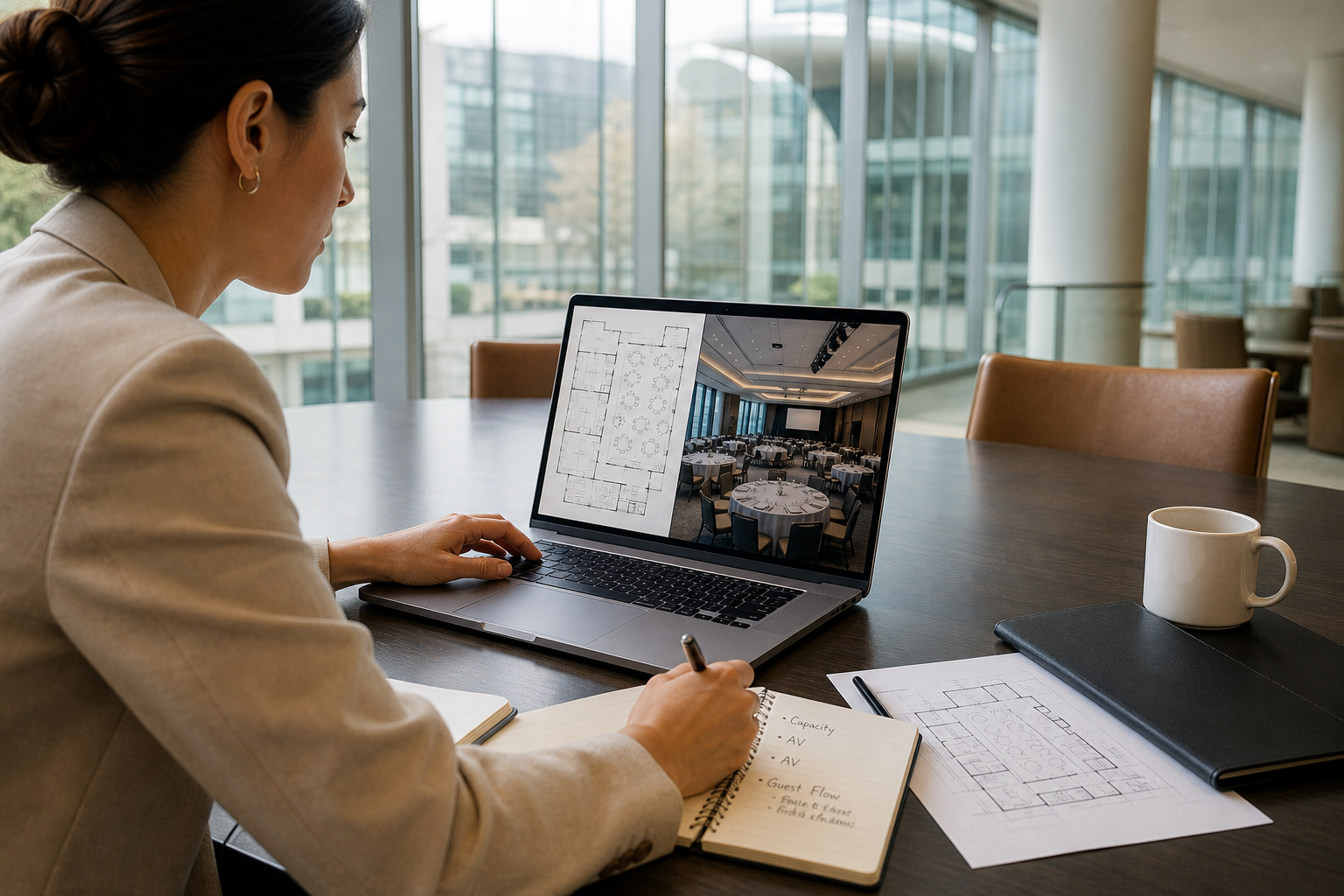
Ask for a proposed layout based on actual attendance. It should account for tables, presentation areas, staging, registration, food service, exhibits, circulation, accessibility, and networking. The combined capacity of more than 2,200 guests is a total venue figure, not a single-room capacity.

Meeting type Questions to resolve
Board meeting Will the table arrangement support discussion, presentations, privacy, and clear sightlines?
Seminar or training Would classroom, theater, or cabaret seating support interaction and note-taking?
Conference Do plenary sessions, breakouts, registration, meals, and transitions work together?
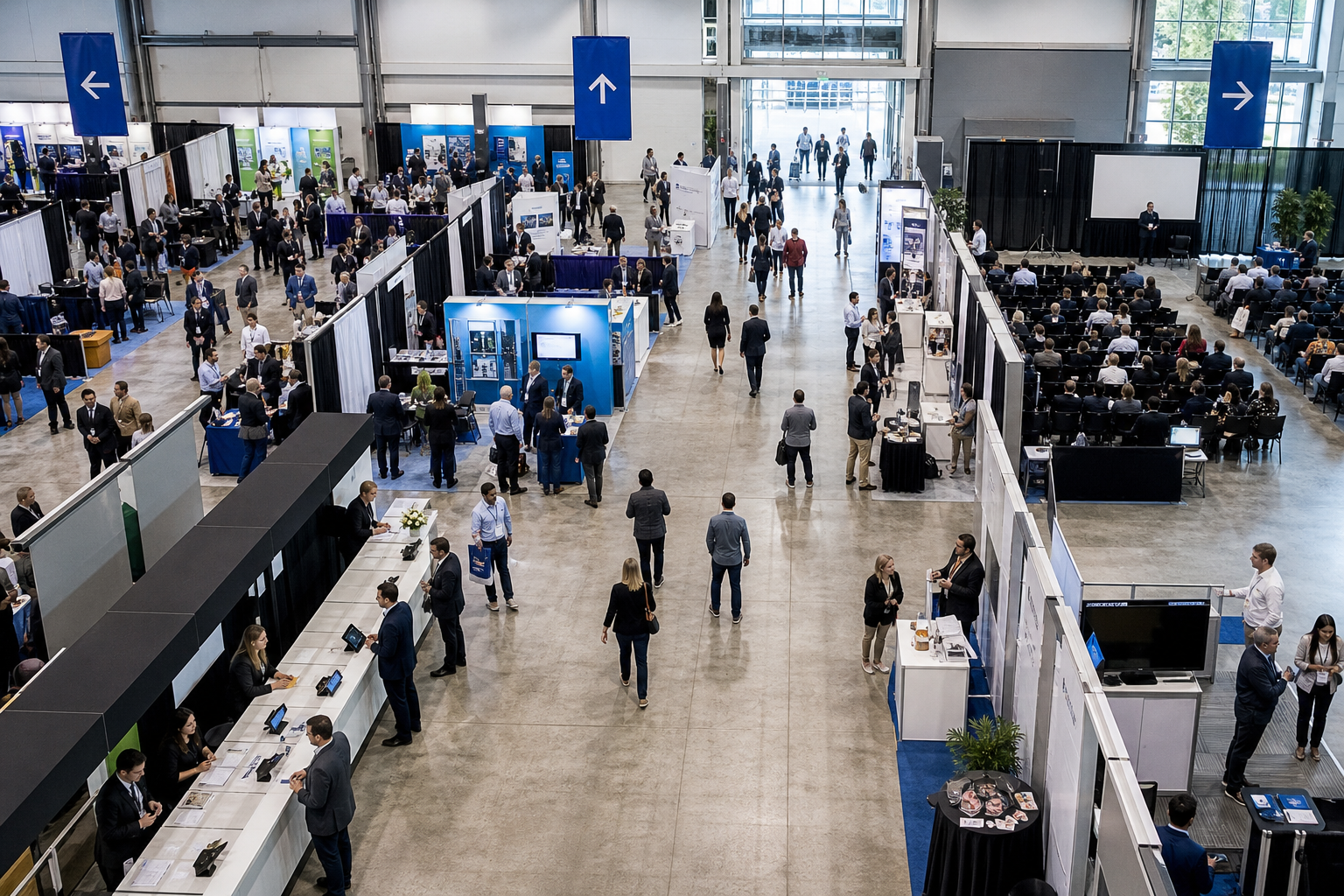
Trade show Are booth footprints, aisles, power, registration, loading, and attendee flow shown?
Corporate reception How will dining, presentations, networking, staging, and service areas share the room?

How In-House Catering Affects Corporate Meeting Planning

In-house catering means the venue’s culinary, service, and operations teams manage food service within the event arrangement. For a corporate meeting, that can connect menu planning with the agenda, staffing, room setup, service timing, and transitions between sessions. An in-house catering guide can help planners assess how these elements work together.

Mississauga Convention Centre identifies South Asian, Pakistani Halal, Middle Eastern, Sri Lankan, Caribbean, and Continental cuisine categories. This range may suit a multicultural workforce or meeting with varied guest preferences, but a category does not guarantee that every dish, preparation method, dietary accommodation, or package option is available.

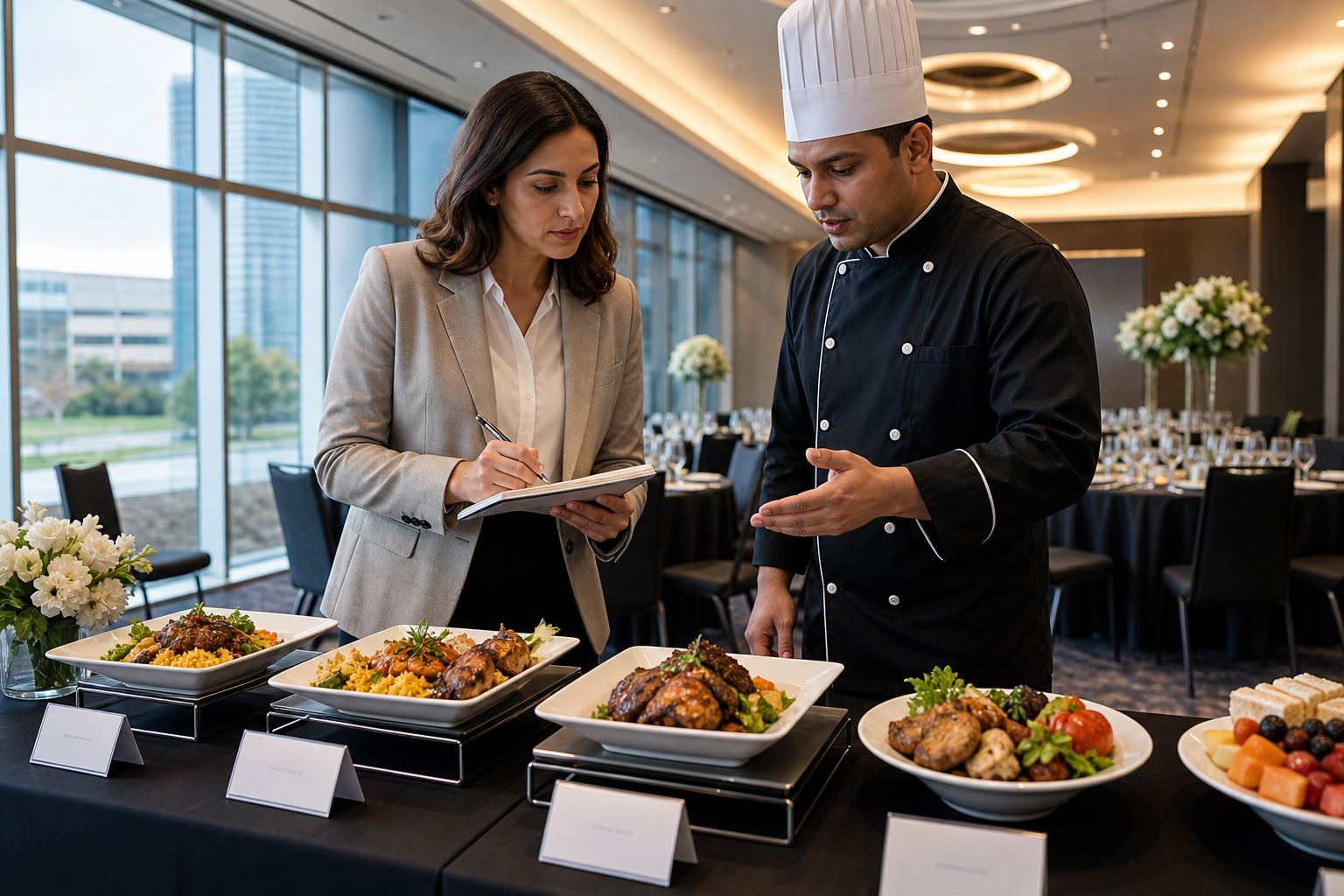
Before approving a menu, request current choices for your event date and guest count. Confirm vegetarian, vegan, allergy-related, religious, and other dietary requirements; ingredient questions; labeling; service style; beverages; and the deadline for final attendance information.

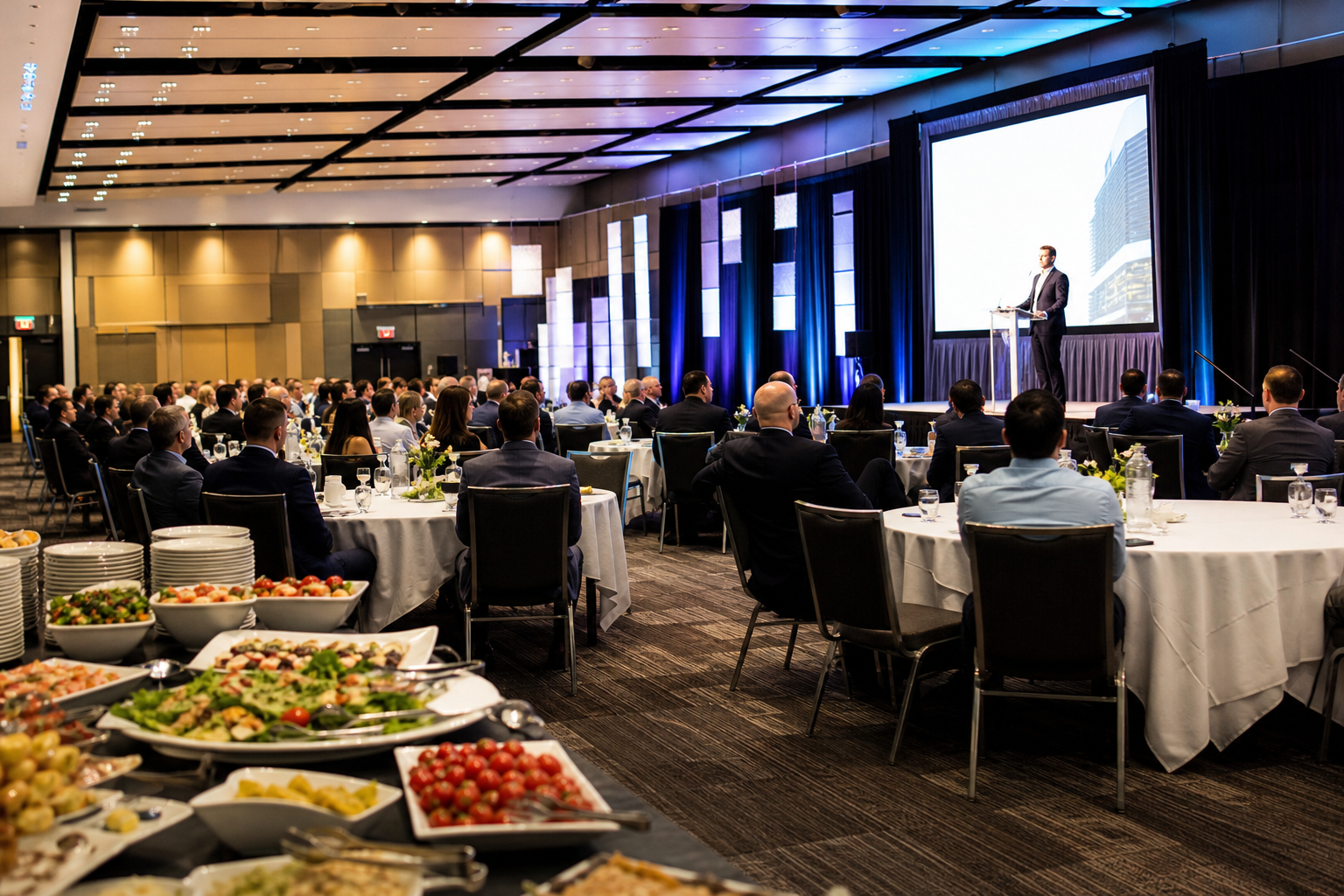
Match food service to the program. A working lunch, buffet during networking, plated meal, and refreshment station create different timing and staffing requirements. Ask how long service will take, where food will be positioned, and whether it affects presentations, room resets, or attendee movement.

AV, Staging, and Technical Support: What to Define

The venue offers AV systems, lighting, staging, and technical support. Those broad services are useful starting points, but they are not a substitute for an event-specific production brief.

Describe the program’s requirements, including microphones, presentation displays, confidence monitors, playback sources, lectern or stage needs, lighting, recording, live streaming, remote participation, networking, and technical staffing. If presenters use their own laptops, identify connection and format requirements in advance.

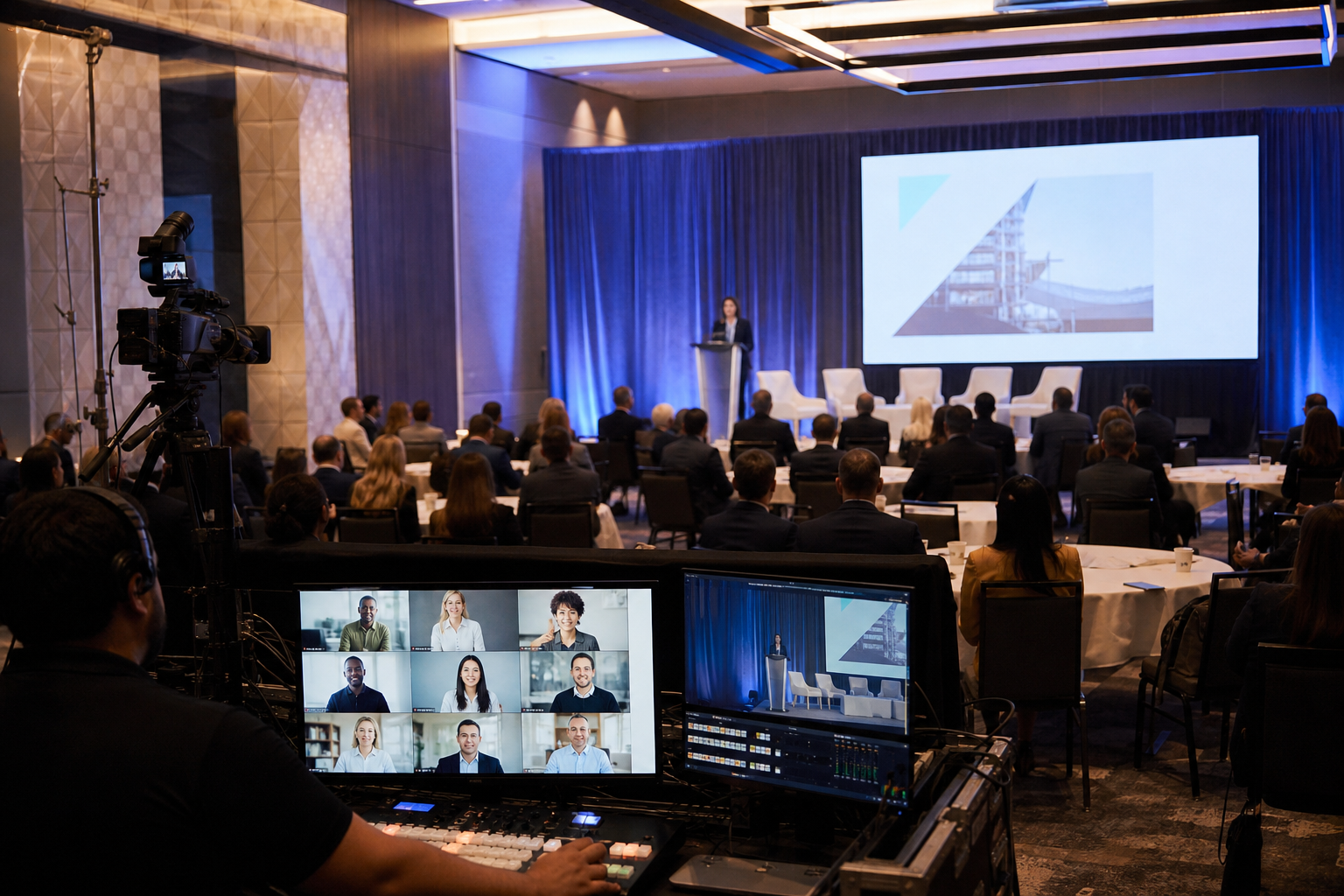
Ask who operates the system during sessions, who handles rehearsals, and what support is available during room changes. For trade shows, clarify exhibitor power, display requirements, loading, and technical access. For hybrid events, request specific confirmation of internet, broadcast, recording, and remote-audience support.

Include these details in the proposal so the venue can identify what is standard, what is an enhancement, and what requires an outside supplier. This prevents “AV included” from concealing important differences between proposals.

Access and Parking for GTA Attendees

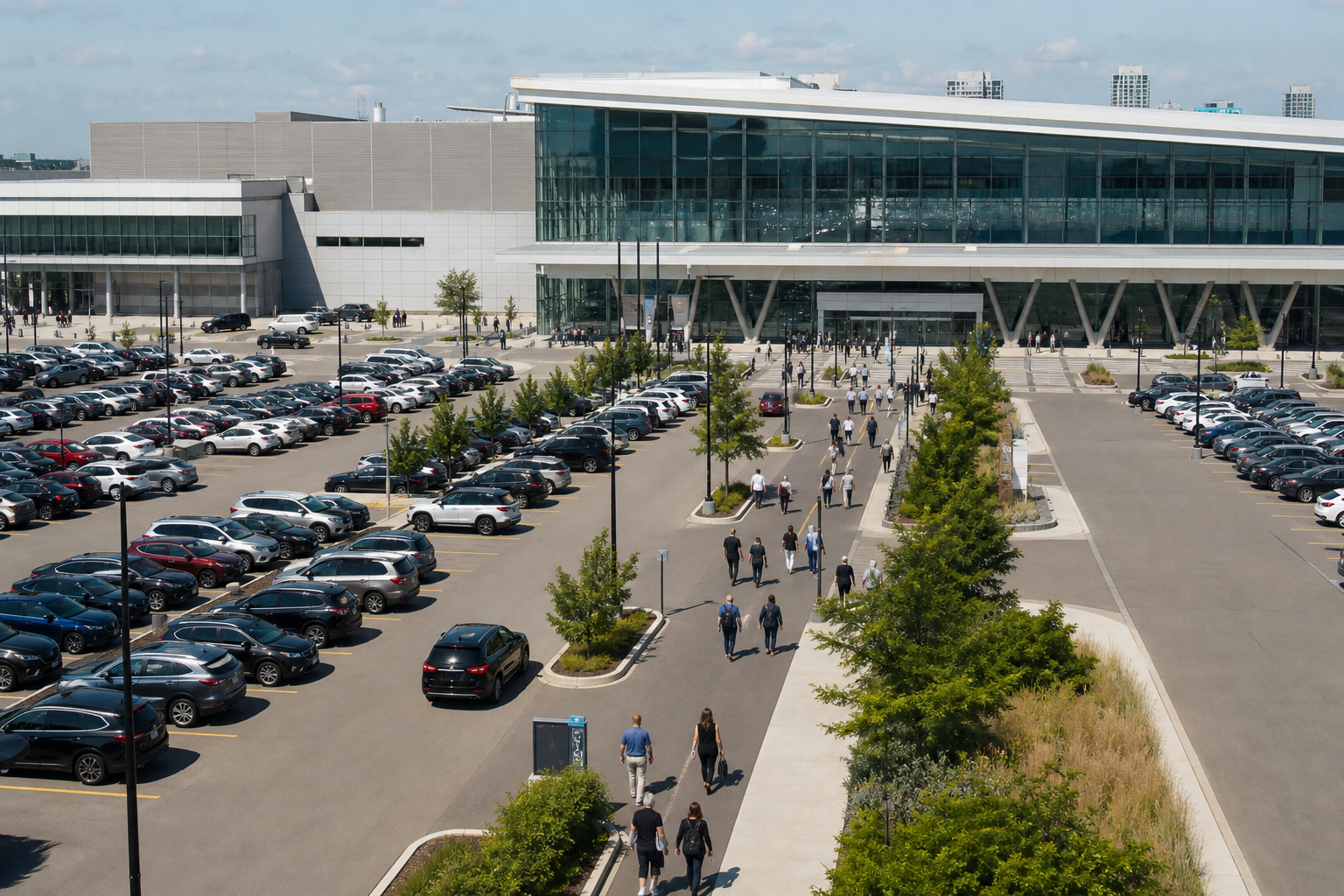
The Centre is at 75 Derry Road West in Mississauga, near major highways and Toronto Pearson International Airport. That location may be practical for GTA attendees, regional teams, and out-of-town guests.

The venue lists approximately 700 on-site parking spaces. Do not assume spaces are reserved, exclusive to your event, or available in a particular area. Ask how parking is managed when multiple events take place, where accessible drop-offs are located, and how buses, rideshares, deliveries, and service vehicles should approach the property.

Packages, Pricing Factors, and Quote Clarity

Mississauga Convention Centre prepares customized corporate and in-house catering quotes based on event type, size, menu, and selected enhancements. Request an itemized proposal covering room allocation, catering, service style, staffing, AV, lighting, staging, décor, setup, teardown, parking arrangements, and additional spaces.

Ask the venue to identify which items are included, optional, provisional, or subject to separate confirmation. Also ask about taxes, service charges, deposits, minimums, overtime, cancellation terms, payment deadlines, damage responsibilities, vendor restrictions, and guest-count changes.

Compare like with like. If one proposal includes staging, technical support, breaks, and staff while another lists only room rental and food, the lower headline figure does not represent the same arrangement.

Corporate Meeting Request-for-Quote Checklist

Give the venue enough information to prepare a useful proposal:

  • Event basics: event type, dates, attendance range, host organization, and decision deadline.
  • Schedule: access, registration, sessions, breaks, meals, rehearsals, teardown, and end time.
  • Room plan: plenary, breakout, seating, registration, exhibits, staging, dining, and circulation.
  • Catering: meal periods, service style, cuisine direction, beverages, dietary needs, and final guest-count date.
  • Production: microphones, displays, lighting, staging, recording, streaming, networking, rehearsals, and technical staffing.
  • Arrival logistics: parking, accessible drop-off, bus access, rideshare procedures, deliveries, and exhibitor load-in.
  • Commercial terms: inclusions, enhancements, taxes, service charges, deposits, minimums, overtime, cancellation, and payment terms.

Send identical assumptions to every venue and request both a proposed layout and an itemized quote.

Frequently Asked Questions

Can Mississauga Convention Centre provide in-house catering for corporate meetings?

Yes. Confirm the current menu, service style, staffing, dietary policies, timing, and package inclusions for your meeting.

What cuisine categories can planners discuss?

The listed categories include South Asian, Pakistani Halal, Middle Eastern, Sri Lankan, Caribbean, and Continental cuisine. Request exact dishes, preparation details, substitutions, allergen information, and availability.

How should planners confirm the right room layout?

Provide attendance, agenda, seating style, presentation needs, food service, staging, exhibits, registration, and circulation requirements. Request an event-specific layout rather than relying on combined venue capacity.

What AV details belong in a proposal?

List microphones, displays, presentation connections, lighting, staging, recording, streaming, networking, rehearsals, and technical operators. Ask what is included or priced separately.

Does the venue have on-site parking?

The venue lists approximately 700 on-site parking spaces. Confirm event-day availability, shared use, accessible drop-off, buses, rideshares, and delivery access.

How is a corporate meeting quote customized?

Quotes consider event type, attendance, menu, and enhancements. Room use, service style, AV, staging, décor, staffing, setup, teardown, and contract charges may also affect the proposal.

Conclusion: Decide Based on Coordination, Not Room Size Alone

Mississauga Convention Centre may fit meetings that benefit from coordinated space, in-house catering, AV, lighting, staging, technical support, and attendee logistics. Its seven halls, broad catering categories, accessible GTA location, and stated parking supply provide useful starting points.

The strongest decision will come from an event-specific proposal, not a room count or package label. Compare the layout, menu, production plan, parking arrangements, inclusions, and contract charges against your actual agenda and attendance.

For a tailored corporate meeting proposal, contact Mississauga Convention Centre.
7 In-House Halal Catering Menu Decisions for Smoother Events

Choosing an in-house halal catering menu involves more than selecting appealing dishes. You need to confirm how halal requirements are handled, choose a service format that suits the event, plan for mixed dietary needs, and coordinate food service with the schedule and room layout.

The strongest menu brief gives the caterer enough information to recommend suitable options without making assumptions about certification, ingredients, preparation, or package inclusions. Use the seven decisions below to prepare for a productive tasting, quote conversation, or venue visit.

1. Confirm what halal means for your event

Halal requirements can differ in the level of documentation and preparation detail your guests expect. Before discussing menu variety, ask what ingredients and suppliers are used, how food is prepared, whether shared equipment is involved, and what procedures are in place to manage potential cross-contact.

Also ask whether the caterer holds a current formal certification, has supplier documentation available, or follows another verification process. Do not assume that a menu described as halal answers every question your family, organization, school, or corporate group may have.

For a practical framework, review halal catering menu planning before finalizing ingredients, preparation procedures, and serving formats. Confirm the proposed menu’s specific ingredients and procedures directly with the caterer.

2. Choose the service format before choosing the menu

Venue staff and planners reviewing catering stations and AV placement on an event floor plan

The same menu can create a very different guest experience depending on how it is served. Decide whether your priorities are guest interaction, predictable timing, table service, flexible portions, fast turnover, or minimal movement through the room.

  • Buffet: Offers variety and lets guests choose portions, but requires queue planning, replenishment, clear labels, and enough space around service points.
  • Plated service: Creates a controlled sequence for formal dinners, speeches, and ceremonies. It requires accurate meal counts and careful coordination for vegetarian, vegan, and specialty meals.
  • Family-style service: Encourages table conversation and shared dining. Confirm serving quantities, table space, replenishment, and how special meals will be delivered.
  • Food stations: Can spread guests across the room and support different menu themes. Stations need deliberate placement, signage, service equipment, and attention to queue lengths.
  • Boxed meals: Can work for conferences, school programs, travel-heavy schedules, or short breaks. Confirm packaging, labeling, collection points, and how special dietary meals will be identified.

Conference catering ideas can help planners compare buffet, station, boxed, and plated formats against registration periods, networking windows, and room flow. Confirm which formats, equipment, and staffing arrangements are available for your date.

3. Build a balanced menu for a mixed guest group

A culturally inclusive menu should feel intentional rather than like a collection of unrelated choices. Start by identifying the main guest preferences, then create a balance of familiar options, vegetarian choices, different spice levels, and complementary sides or desserts.

Discuss the available cultural menu influences with the caterer, but do not assume every dish or combination is automatically part of a standard package.

Ask the culinary team to help you avoid making one guest group accommodate everyone else. A useful planning brief might specify preferred cultural influences, expected spice tolerance, vegetarian and vegan proportions, children’s needs, and whether guests will choose freely or receive a preset meal.

4. Plan labeling, allergens, and special meals

Dietary communication should be designed before the menu is approved. Decide how guests will identify suitable food and how the service team will distinguish vegetarian, vegan, allergen-sensitive, children’s, or individually requested meals.

  • Request a written ingredient and allergen review for proposed dishes.
  • Ask whether buffet labels can identify major allergens and dietary categories clearly.
  • Separate special meals from general service only when the caterer recommends that approach.
  • Provide estimated counts for each specialty meal instead of relying on informal requests on event day.
  • Confirm how servers, event staff, and guests will know which meal is assigned to each table or attendee.

Ask the caterer which halal, vegetarian, vegan, and specialty menu options are available. Confirm the suitability of each selection directly, especially where allergies, medical restrictions, or strict preparation requirements are involved.

5. Match food service to the event schedule

Food service needs to work around the program, not compete with it. Map registration, welcome remarks, speeches, prayer breaks, ceremonies, entertainment, networking, and departure times before choosing the number and sequence of service windows.

For a formal dinner, ask how courses will be sequenced around speeches and presentations. For a conference or corporate event, consider whether a fast buffet, stations, or boxed meals will protect a short break. For a wedding or school formal, discuss how meal service fits around entrances, photographs, dancing, awards, and other fixed moments.

Your catering brief should identify the preferred meal window, immovable program cues, likely guest arrival patterns, and whether food needs to remain available during a longer reception. The venue and caterer can then advise on replenishment, transitions, and practical service timing.

6. Coordinate catering with rooms, AV, and guest movement

Menu planning is also space planning. Buffets and stations need service corridors, tables need enough room for shared items, plated service needs clear server routes, and every format should preserve accessible paths and sightlines to the stage or presentation area.

Review the available halls, capacity, AV, lighting, staging, technical support, and parking with the venue team. These features provide useful planning context, but the best room and service arrangement depends on your guest count, layout, program, equipment, and catering format.

Ask the venue team to review the proposed menu alongside the floor plan. Discuss buffet or station placement, staging and screen visibility, technical cue points, guest arrival, parking flow, and whether separate rooms or halls are needed for registration, dining, presentations, or specialty meal service.

7. Prepare the details needed for a useful quote

A vague request such as “What is your halal menu price?” usually produces a vague answer. A tailored quote depends on the event’s scale, service requirements, menu direction, schedule, and selected venue services.

Prepare this information before contacting the caterer:

  • Event type, preferred date, and approximate duration.
  • Estimated and confirmed guest count, including children where relevant.
  • Halal requirements, documentation expectations, and questions about preparation controls.
  • Estimated vegetarian, vegan, allergen-sensitive, and other specialty meal counts.
  • Preferred service format, such as buffet, plated, family-style, stations, or boxed meals.
  • Menu influences, spice preferences, and foods or ingredients that should be included or avoided.
  • Meal service windows, speeches, prayer breaks, ceremonies, networking, and other program constraints.
  • Preferred room layout, AV, staging, lighting, technical support, and parking considerations.
  • Whether you want a tasting, venue walkthrough, virtual tour, or follow-up menu review.

Ask the event team how it can assist with room layouts, timelines, menu selections, and event logistics. Final pricing, availability, and package inclusions require a tailored conversation based on your event details.

Service-format comparison at a glance

Format Guest experience Main planning demand Often worth considering for
Buffet Choice and flexible portions Queues, labels, replenishment, and service-point space Weddings, galas, and mixed-preference groups
Plated Formal and highly sequenced Accurate counts, table service, and program coordination Formal dinners, ceremonies, and corporate galas
Family-style Shared, social dining Table space, quantities, and special-meal handling Receptions and community celebrations
Stations Interactive and distributed Placement, signage, equipment, and queue balance Large receptions and networking events
Boxed meals Fast and individually organized Packaging, labeling, distribution, and waste planning Conferences, school programs, and short breaks

Questions to ask before approving the menu

  • What halal sourcing information or documentation can you provide for the proposed menu?
  • How are halal ingredients stored, prepared, transported, and served?
  • What controls address shared equipment or potential cross-contact?
  • How are allergens identified in recipes, labels, and staff instructions?
  • Which vegetarian, vegan, and specialty options can be prepared for the expected counts?
  • How will special meals be labeled and delivered during buffet or plated service?
  • What service equipment, tables, signage, and replenishment arrangements are included?
  • How will the meal window fit around speeches, prayer breaks, ceremonies, or presentations?
  • What menu changes are possible after a tasting, and when must final counts be confirmed?
  • Which room, AV, staging, lighting, and parking details should be included in the quote?

Frequently asked questions

Can an in-house halal catering menu accommodate vegetarian and vegan guests?

It can, depending on the caterer’s available menu and preparation procedures. Ask for proposed dishes, ingredient details, preparation controls, labels, and required advance counts before approving the menu.

What should I ask about halal preparation and cross-contact controls?

Ask about sourcing, supplier documentation, storage, preparation areas, shared equipment, serving utensils, and staff procedures. If guests require formal certification or a particular standard, ask whether the caterer can provide relevant documentation.

Which service format works best for a large conference or wedding?

There is no universal answer. Buffets and stations can offer variety and distribute guest movement, plated service can protect a formal sequence, family-style service can encourage table interaction, and boxed meals can suit short breaks. Compare each option against your schedule, room layout, headcount, and desired guest experience.

When should I request a halal menu tasting?

Request a tasting after clarifying the event type, guest count, halal requirements, preferred cultural influences, service format, and major dietary needs. That gives the tasting a clear purpose and makes it easier to evaluate both the food and the practical service plan.

Conclusion: Choose the menu by standards, flow, and fit

The right in-house halal catering menu is not simply the one with the longest list of dishes. It is the option whose halal requirements, preparation controls, service format, dietary coverage, timing, and room logistics fit the event you are actually planning.

Confirm standards first, then balance the menu for your guest mix, select the service format, plan labels and special meals, test the schedule, and review the floor plan with the venue team. When you request a quote or tasting, bring a clear headcount, dietary breakdown, program timeline, room requirements, and questions about preparation and documentation.

Plan your in-house halal catering menu with Mississauga Convention Centre

For in-house halal catering, event rooms, AV support, and menu planning in Mississauga, contact Mississauga Convention Centre with your event details and preferred service format. You can also review halal catering menu planning and conference catering ideas before the conversation. The venue identifies Pakistani Halal, South Asian, Middle Eastern, Sri Lankan, Caribbean, and Continental options, along with halal, vegetarian, vegan, and specialty menus; it also describes seven halls of approximately 4,250 square feet each, total capacity exceeding 2,200 guests, in-house AV, lighting, staging, technical support, and approximately 700 on-site parking spaces. Confirm specific ingredients, preparation procedures, availability, pricing, and package inclusions for your event.

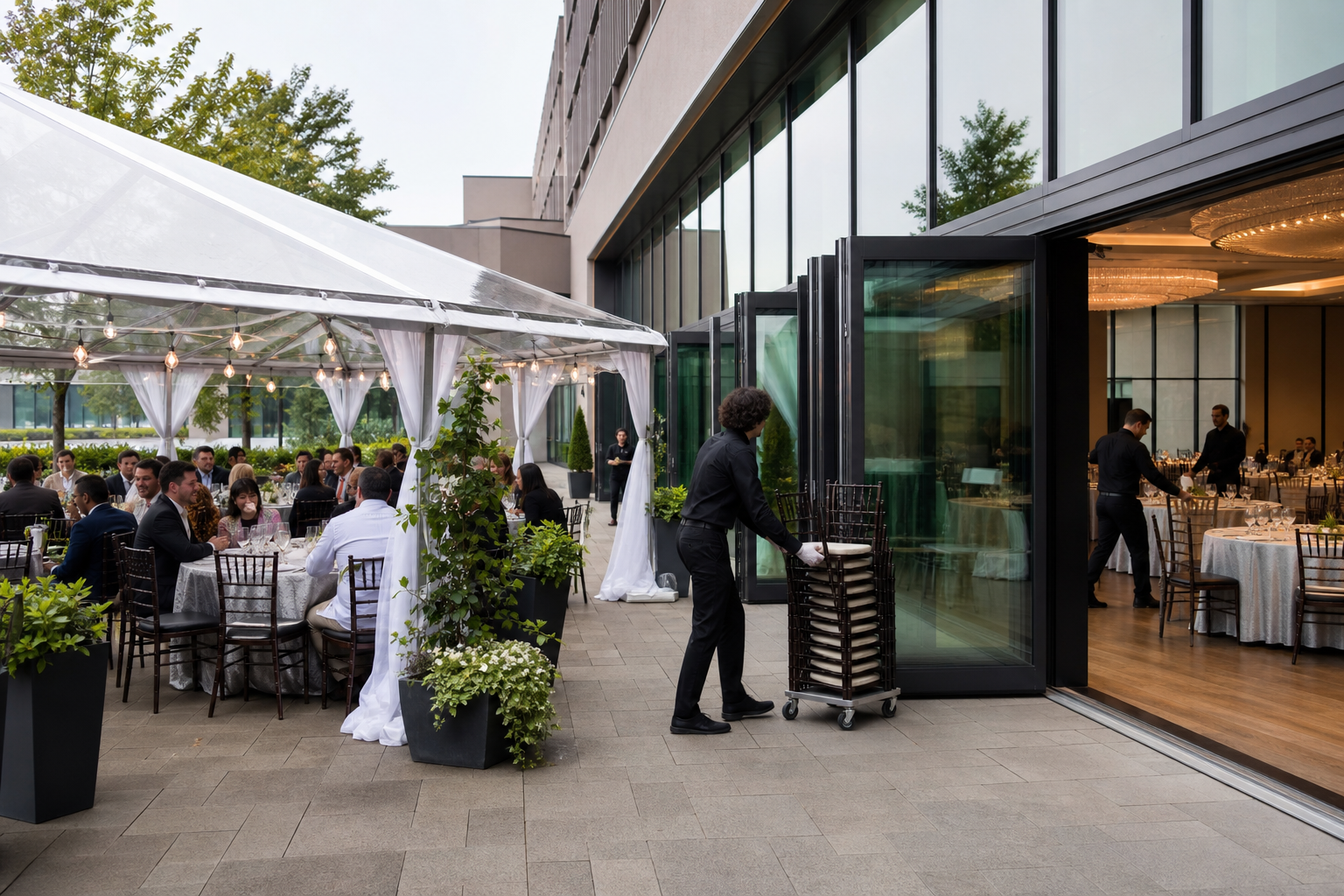
How to Build an Outdoor Event Rain Plan for a Patio Event

An outdoor patio event is not fully planned until the indoor backup is defined, measured, and assigned to specific people. Moving guests, tables, catering, AV, and décor at the last minute can create confusion, even when a venue has suitable halls.

This outdoor event rain plan explains how to prepare for rain, wind, temperature changes, and changing guest comfort. It also shows what to confirm with a Mississauga venue before booking and how to keep catering, production, accessibility, and communications aligned if the event location changes.

Quick summary

Event planner and venue coordinator comparing outdoor and indoor event floor plans
  • Confirm an indoor backup space for your date, guest count, and event format. Indoor halls do not automatically mean a backup room is reserved.
  • Create and approve a measured indoor layout, including seating, registration, food service, staging, AV, accessibility, and circulation.
  • Assign a client decision-maker, venue contact, and production lead. Record when and how they will decide whether to move indoors.
  • Prepare messages for guests, vendors, speakers, transportation providers, and staff.
  • Put the backup room, decision process, access times, service changes, and unresolved assumptions in writing.

Step 1: Assess what weather could disrupt

Start by listing the parts of the event that depend on outdoor conditions. Rain is only one risk. Wind can affect signage, floral arrangements, umbrellas, microphones, temporary structures, and displays. Temperature changes can make guests uncomfortable during ceremonies, meals, networking sessions, or school celebrations.

Consider the event format, duration, season, guest profile, and equipment. A short welcome reception may tolerate light weather better than a seated dinner, wedding ceremony, awards program, or presentation requiring stable sightlines and sound. Older guests, young children, mobility-limited attendees, and guests dressed for a formal occasion may require an earlier move indoors.

Separate manageable conditions from conditions requiring relocation. Your plan should identify the operational impact rather than rely on a vague promise to watch the forecast.

Step 2: Verify the venue’s contingency options before booking

Venue staff moving chairs, signage, and AV equipment into an indoor event hall

Ask the venue to explain the outdoor footprint, possible indoor alternative, and process for moving between them. Confirm whether the indoor space is held for your event, shared with another booking, subject to an additional charge, or available only if another event does not require it.

Use a site-tour checklist covering the patio footprint, indoor capacity, guest limits, access, wet-weather procedures, and move-inside process. A venue’s wet-weather backup plan should clarify who moves what, where guests wait, and how much notice the venue needs.

Questions to ask the venue

  • What indoor room or rooms could accommodate the confirmed guest count and layout?
  • Is that space reserved as part of the booking, or does it depend on availability?
  • What is the usable patio footprint after allowing for furniture, service routes, staging, and circulation?
  • Who authorizes the move indoors, and who can act if the client is unavailable?
  • How much time is needed to move furniture, food service, dĂ©cor, signs, and production equipment?
  • What access is available for setup, repositioning, storage, and vendor load-in?
  • Which accessibility routes, washrooms, entrances, and parking arrangements apply indoors?
  • Which weather-related items are included, and which must be requested or sourced separately?

Ask for answers in writing. Do not assume that a tent, patio, nearby ballroom, or general venue capacity automatically substitutes for a confirmed contingency arrangement.

Step 3: Create a measured indoor layout before the event

A second floor plan is more reliable than improvising with spare tables after weather changes. Build the indoor layout using the same guest count and program requirements as the outdoor plan, then identify what must change because the room is smaller or shaped differently.

Mark guest seating, registration, bars, buffet stations, food-service routes, stage or presentation area, dance floor, gift or coat areas, accessible seating, and circulation. Check sightlines from the back and sides of the room. A layout that technically fits may still fail if guests cannot see the speaker, reach washrooms, or move safely between tables.

Compare both plans using identical assumptions. Match the actual seating plan, stage, exhibits, registration, buffet, and circulation with the venue’s usable space before approving the backup design.

Planning element Outdoor plan Indoor backup question
Guest arrival Patio entrance and welcome point Which entrance and route will guests use?
Seating Weather-sensitive furniture and open circulation Can the same count fit with accessible aisles?
Food service Stations, buffet, or passed service outdoors Where will food be staged and replenished?
Program Stage, ceremony, speeches, or entertainment Are sightlines, power, microphones, and speakers suitable?
Guest experience Fresh air and informal movement What indoor features replace or adapt those moments?

Outdoor or indoors? Use a documented decision table

Set practical criteria before event day. Avoid inventing one weather threshold for every event. Instead, assess whether conditions affect safety, comfort, equipment, food service, program quality, or the ability to move guests efficiently.

Condition Operational impact Recommended action Decision owner
Light, manageable rain Some activities or décor become uncomfortable Protect affected areas and reassess Event lead and venue contact
Steady rain during arrival or dining Comfort, furniture, food service, and traffic suffer Use the approved indoor layout Client decision-maker
Strong or shifting wind Signage, décor, sound, staging, and movement are disrupted Pause setup or move indoors Venue and production leads
Unsuitable temperature Guests may avoid or leave the program Move indoors or shorten the outdoor portion Event lead and client
Weather affects equipment or food protection Technical reliability and service quality are at risk Keep equipment and food indoors unless specifically approved Production and catering leads

Step 4: Set decision triggers and ownership

Assign four roles: the client decision-maker, venue contact, production lead, and communications owner. The client may make the final choice, but venue and production leads should identify operational limits immediately.

Create checkpoints for the day before, event morning, setup, and guest arrival. At each checkpoint, record the forecast, patio condition, indoor room status, setup progress, and decision. State the latest practical move time based on the time required to reset the room and brief staff.

Also document what happens if the forecast improves after the move. Once the indoor plan is activated, keep it unless the venue and event lead agree that a change is safe and practical.

Step 5: Protect catering, AV, lighting, staging, and décor

Confirm where food will be prepared, held, served, and replenished in each layout. Ask how dietary labels, buffet lines, service timing, cake areas, bars, and guest queues will work indoors. In-house catering can simplify coordination, but the transition still needs to be discussed for your menu and format.

Review microphones, speakers, screens, projectors, lighting, staging, power, cable routes, and technical sightlines for both locations. Professional AV, lighting, staging, and technical support may be available, but do not assume every outdoor setup or relocation requirement is included.

Decide what décor can be moved, what must be removed, and what needs a different indoor position. The venue’s guidance on weather-ready layouts can help you design a patio plan that transitions without rebuilding the entire event.

Step 6: Prepare guest communications for a location change

Write the indoor-change message before you need it. Include the event name, updated entrance, arrival instructions, parking information, accessibility route, and any timing change. Keep the wording direct.

Prepare separate messages for guests, speakers, entertainers, caterers, transportation providers, photographers, and vendors. Update registration pages, invitations, signage, staff briefings, and the event app if applicable. Give the venue team one approved message so guests do not receive conflicting instructions.

Place a greeter or sign at the location guests are most likely to expect. If the patio remains open for photographs or a short reception while the main program moves indoors, state exactly which areas are available and when.

Step 7: Reconfirm the plan during event week

Compare the latest forecast with the decision table, but do not let a forecast replace an operational check. Confirm the indoor room, measured layout, furniture, guest count, catering plan, AV requirements, décor, accessibility routes, staff contacts, and communication templates.

  • Confirm the final contact list and who can authorize the move.
  • Recheck room access, setup time, storage, and vendor arrival instructions.
  • Verify microphones, screens, lighting, staging, power, and cable routes.
  • Confirm food-service timing, dietary labels, bars, stations, and replenishment routes.
  • Review seating, registration, signage, accessible paths, and guest flow.
  • Share the same decision status with speakers, entertainment, transportation, and vendors.

If an in-person tour is difficult, a venue’s virtual tour can help you review room relationships and sightlines. Request measured information for details that cannot be verified on screen, and resolve remaining questions in writing.

How to apply the plan at a Mississauga venue

Mississauga Convention Centre provides a useful example of the information planners should evaluate. Its supplied venue information describes a customizable outdoor patio, seven halls of approximately 4,250 square feet each, total capacity of more than 2,200 guests, approximately 700 on-site parking spaces, in-house catering, and professional AV, lighting, staging, and technical support.

These features can support a flexible contingency conversation, but they do not confirm that a particular hall is automatically reserved for your patio event. Match the guest count, seating format, program, catering, production requirements, and move-in process to the specific date and quote.

Pre-booking outdoor event rain plan checklist

  • Indoor backup room identified and availability confirmed for the event date.
  • Outdoor and indoor capacities checked against the actual layout.
  • Second floor plan measured and approved by the client and venue.
  • Decision-maker, venue contact, production lead, and communications owner assigned.
  • Weather checkpoints and latest practical move time documented.
  • Catering, AV, lighting, staging, dĂ©cor, furniture, and storage transitions reviewed.
  • Accessibility, parking, entrances, signage, and guest routes confirmed.
  • Backup space, access times, charges, responsibilities, and notice requirements recorded in writing.

Frequently asked questions

Who should make the final decision to move an outdoor event indoors?

The client or designated event decision-maker should make the final choice, using operational input from the venue and production leads. The agreement should state who can act if the client is unreachable.

Is a tent a complete substitute for an indoor backup plan?

No. A tent may address some rain or sun concerns, but it does not automatically solve wind, temperature, food protection, sound, power, accessibility, or guest comfort. Treat tenting as one option requiring technical and operational review.

How early should an outdoor event rain plan be confirmed?

Confirm the structure before booking, including the indoor room, layout, responsibilities, and notice process. Recheck details during event week and establish day-of checkpoints based on the time required to move guests and reset services.

What should an outdoor weather contingency plan include in the contract?

Include the backup space, event-specific capacity, approved layouts, access and setup times, decision authority, move procedures, charges, catering and AV responsibilities, accessibility arrangements, and communication responsibilities.

Conclusion: Make the backup part of the original event design

The strongest outdoor patio event contingency is not a vague promise to move indoors if it rains. It is a documented second event design with a suitable room, measured layout, assigned decision-makers, service transitions, guest messages, and written responsibilities.

For a Mississauga or GTA event, compare the patio experience with the venue’s indoor capacity, catering, AV support, access, parking, and move procedures before committing to the outdoor format.

To discuss an outdoor patio event and its event-specific backup requirements, contact Mississauga Convention Centre and confirm which spaces, services, and procedures apply to your date and format.

Venue Accessibility Features: A Practical Checklist for Event Planners

Venue accessibility features should be evaluated across the entire attendee journey, not inferred from a building’s size, modern appearance, or convenient location. An accessible event venue needs to support people from arrival and parking through registration, seating, washrooms, participation, catering, and departure.

This guide explains what to ask before booking, what to inspect during a site visit, and how to document accessibility requirements in an RFP and contract. It also separates general obligations under Ontario’s accessibility framework from features that must be confirmed directly with the venue.

What venue accessibility features actually include

Accessibility is broader than a ramp at the front entrance. It includes the physical environment, the way information is provided, the event program, staff support, food service, and the process for responding to individual requests.

  • Arrival: accessible parking spaces, passenger drop-off, curb conditions, transit or taxi access, lighting, and weather protection.
  • Entry and circulation: door access, ramps, elevators where relevant, route widths, floor transitions, signage, and the distance between event areas.
  • Washrooms and rest areas: accessible washrooms, clear routes, turning space, wayfinding, and places to pause during a long program.
  • Participation: registration counters, accessible seating, companion seating, aisle space, stage access, breakout rooms, and sightlines.
  • Communication: captions, interpreters, microphones, presentation visibility, assistive listening options, accessible documents, and quiet spaces.
  • Service and safety: dietary communication, buffet or table-service access, service-animal procedures, emergency communication, and evacuation assistance.

Ontario’s guide to accessible events identifies accessible parking and other location details as factors organizers should consider when evaluating an event site. Use that broad approach rather than checking only one feature.

Legal requirements and event-specific accommodations are not the same

Technical staff testing microphones, screens, captions, and lighting in a meeting hall

Ontario’s accessibility framework includes the Accessibility for Ontarians with Disabilities Act, the Integrated Accessibility Standards Regulation, customer service requirements, information and communications standards, and the Design of Public Spaces Standard. The requirements that apply can depend on the organization, facility, service, and event circumstances.

The province’s guidance on the Integrated Accessibility Standards Regulation explains that accessibility obligations cover customer service, information and communications, employment, transportation, and public spaces. These general requirements do not tell you whether a particular event room has the layout, technology, or support your attendees need.

A venue may have a generally usable entrance while your event still requires captioning, a specific seating arrangement, an interpreter, accessible presentation materials, or a quiet space. Treat this article as planning guidance, not a legal compliance determination.

1. Check the journey from arrival to the event entrance

Start outside the building. Ask where attendees using mobility devices, taxis, rideshare services, or accessible transportation should arrive, then trace that route to registration and the event room. A designated space is useful only if the path from it is clear, reasonably direct, and usable in expected weather.

Confirm the number and location of accessible parking spaces rather than counting total parking capacity. Ask about drop-off space, curb cuts, surface conditions, lighting, entrance doors, ramps, elevators, and alternative routes if the primary entrance is unavailable.

When comparing practical venue details, confirm on-site parking as one planning question, then separately verify AV coordination and room flexibility. Parking, technology, and adaptable layouts solve different access problems and should not be treated as one package.

2. Verify paths of travel, washrooms, and rest areas

During a site visit, walk the routes attendees will actually use. Check for narrow points, abrupt level changes, heavy doors, loose mats, temporary cables, crowded registration areas, and furniture that could block circulation. Repeat the inspection for washrooms, meals, breakout rooms, coat check, outdoor areas, and emergency exits.

Ask which washrooms are accessible, how attendees reach them from the event room, and whether the route remains clear during peak traffic. Confirm signage and turning space directly with the venue. Do not assume that a building’s age, appearance, or general description proves a specific feature is available.

3. Plan accessible seating, registration, and room layouts

Build accessibility into the floor plan before invitations or tickets are finalized. Reserve spaces for wheelchair users and scooters without isolating them from the main audience, provide companion seating where needed, preserve clear aisles, and protect sightlines to the stage or presentation screen.

Review registration height, queue design, table spacing, and access to refreshments. For conferences, check the main session, breakout rooms, meal areas, and networking spaces. For weddings and galas, consider routes to the head table, dance floor, stage, photo areas, and outdoor spaces.

Multiple halls or adaptable layouts may give planners more options, but flexibility is not proof of accessibility. Ask for a proposed floor plan, then inspect it with tables, staging, registration furniture, and AV equipment in place.

4. Confirm communication, AV, and participation supports

Communication access should be discussed during program design. Ask whether the venue can support microphones, projection, presentation displays, sound systems, captions, interpreters, assistive listening systems, and accessible digital materials. Confirm who supplies each item and who tests it.

For conferences, review speaker sightlines, screen height, lighting, microphone handoffs, audience questions, and caption placement. For seminars or training sessions, ask how materials will be shared before and after the event. AV capability alone does not confirm the exact support, format, staffing, or testing schedule.

For conference planners comparing access for local and out-of-town attendees, a conference venue in Mississauga may combine flexible spaces, modern amenities, and a location near major highways and Toronto Pearson International Airport. These conveniences help with travel planning, but they do not replace confirmation of room-specific supports.

5. Include catering and front-of-house service

Menu variety and food accessibility are related but not identical. Ask how dietary requirements and allergens are recorded, communicated to kitchen and service teams, and identified at the point of service. Confirm whether guests can access buffet stations, whether table service is available, and how meals will be delivered to people who cannot use the standard format.

For culturally diverse events, discuss ingredients, labeling, service timing, and cross-contact procedures early. In-house catering can simplify coordination, but document the specific requirements, responsible contact, and final confirmation date. Also ask how staff are briefed on service animals, mobility devices, and respectful assistance.

6. Ask how accessibility is managed during emergencies and changes

Request a practical explanation of how the venue communicates emergencies to attendees with different access needs. Ask who coordinates evacuation assistance, where attendees should wait if they cannot use a particular route, and how staff communicate during a power, lighting, or AV failure.

Plan for ordinary changes too. A room swap, blocked entrance, weather disruption, delayed elevator, or altered meal location can create a new barrier. Put the contingency process in writing, including the named venue contact and the person authorized to approve a change.

Venue accessibility comparison table

Ask the venue Confirm during a site visit
Where are accessible parking spaces and passenger drop-off areas? Walk from parking or drop-off to the event entrance and check surface, curb, lighting, and weather conditions.
Which entrances, doors, ramps, elevators, and routes should attendees use? Check door operation, route width, floor transitions, signage, and obstructions.
Which washrooms are accessible, and how are they reached? Follow the route during busy setup and confirm it remains clear.
How will accessible seating, companion seating, registration, and stage access be arranged? Test the floor plan with tables, chairs, staging, screens, and service aisles in place.
What captions, microphones, interpreters, or assistive listening options can be supported? Test sound, screen visibility, lighting, caption placement, and presenter sightlines.
Who manages accessibility concerns and emergency changes? Meet the contact, review the contingency plan, and record escalation steps.

How to put accessibility requirements in an RFP and contract

Include accessibility in the initial venue request instead of asking for it after selecting a site. Ask the venue to:

  • Describe the route from accessible parking and drop-off to registration, rooms, washrooms, meal areas, and exits.
  • Identify present features and accommodations requiring advance coordination or an outside provider.
  • Provide a floor plan showing accessible seating, companion seating, aisles, registration, stage access, and breakout rooms.
  • List communication and AV supports, including who supplies, operates, and tests them.
  • Explain how dietary needs, allergens, service animals, and meal access are handled.
  • Name the accessibility contact and provide confirmation deadlines.
  • Explain what happens if the room, entrance, technology, meal format, or emergency route changes.

Collect only the information needed to deliver the accommodation. Usually, the venue needs to know what support is required, when it is needed, and who should coordinate it, not unnecessary medical details.

Using Mississauga Convention Centre’s verified details in your evaluation

Mississauga Convention Centre is located at 75 Derry Road West in Mississauga and serves corporate events, conferences, seminars, trade shows, weddings, school events, and social celebrations. Its published information describes seven halls of approximately 4,250 square feet each, total capacity exceeding 2,200 guests, and approximately 700 on-site parking spaces.

The venue also describes access near major highways and Toronto Pearson International Airport, flexible event spaces, audiovisual capabilities, lighting, staging, technical support, and in-house catering. These are relevant starting points for reviewing arrival, room planning, participation, and service coordination.

Those facts do not confirm the number of accessible parking spaces, accessible washrooms, ramps, automatic doors, elevators, accessible seating, tactile signage, assistive listening systems, or emergency procedures. Ask the venue to verify each feature for your chosen room, event date, guest profile, and layout.

Final pre-booking accessibility checklist

  • Have attendees been invited to request accommodations through a clear, private process?
  • Has someone walked the route from parking or drop-off to every relevant event area?
  • Are parking, entrance, washroom, seating, registration, and stage details confirmed?
  • Does the floor plan preserve clear paths, sightlines, companion seating, and meal access?
  • Are captions, microphones, interpreters, assistive listening, and accessible materials assigned to named owners?
  • Are dietary and service-animal procedures documented?
  • Is there a written emergency and room-change plan?
  • Has the venue provided a named accessibility contact and confirmation deadlines?
  • Are the commitments included in the event plan or contract?

Frequently asked questions

What venue accessibility features should an event planner confirm first?

Start with the complete route from arrival to the event room, including accessible parking or drop-off, entrances, paths, washrooms, seating, and exits. Then confirm program-specific supports such as captions, interpreters, accessible materials, or meal assistance.

Does a large event venue automatically provide better accessibility?

No. A large venue may offer more room for parking, circulation, and flexible layouts, but size does not confirm accessible features or effective procedures. Verify the specific room, route, equipment, and staff plan.

How early should planners request accessibility accommodations?

Raise the topic during the RFP or initial venue conversation, then confirm individual requests as soon as registration identifies them. Some accommodations require outside providers, room changes, technical testing, or staff coordination.

What accessibility questions belong in a venue RFP?

Ask about parking, drop-off, entrances, paths, washrooms, seating, registration, stage access, AV, communication supports, catering, emergency procedures, named contacts, and change management. Request written confirmation.

How can planners verify accessible parking and the route to the event room?

Ask for the exact location and count of accessible spaces, then walk the route during a site visit. Check curb transitions, surface condition, distance, doors, elevators, signage, weather exposure, and setup obstructions.

Conclusion: Confirm accessibility before you commit

The strongest way to compare venue accessibility features is to follow the attendee journey from arrival to departure. Evaluate physical access, room layouts, communication, catering, staff procedures, and emergency planning together, then distinguish general legal context from the specific accommodations your event requires.

For a Mississauga or GTA event, use published venue details as a starting point, but confirm every room-specific feature in writing and during a site visit. A clear RFP, named contact, documented floor plan, and agreed deadlines provide a practical basis for a responsible booking decision.

To discuss venue-specific accessibility details, room layouts, AV support, catering, and event planning requirements, contact Mississauga Convention Centre.

Event Venue Cleanup Planning Checklist: A Practical Guide for Smooth Teardown

Event venue cleanup works best when it is planned as part of the production schedule, not left until the last guest leaves. Before booking or setup, define who removes equipment, décor, food, packaging, and personal items, then confirm the venue’s access, waste, cleaning, and handover requirements in writing.

This event venue cleanup planning checklist is designed for private indoor events such as meetings, conferences, weddings, galas, school events, and trade shows in Mississauga and the GTA. Use it to assign ownership, coordinate teardown, reduce confusion, and document the condition of the space before everyone leaves.

Before the Event: Build the Cleanup Plan

Start with the actual event end time, not the scheduled closing time. Speeches, food service, entertainment, equipment removal, and venue inspection may extend well beyond guest departure. Ask how much time is available for teardown, when vendors may access the space, and when the rooms must be cleared.

Mississauga Convention Centre serves corporate, conference, school, wedding, social, exhibition, and trade show events. Its seven halls, each approximately 4,250 square feet, can support different room combinations and event formats. Identify every room, its contents, and its reset requirements rather than treating the venue as one undivided space.

Confirm these items before finalizing the event order

  • Which cleaning tasks are included, and which remain the organizer’s responsibility?
  • Could cleaning fees, damage deposits, overtime, or waste charges apply?
  • What is the approved load-out route and deadline?
  • Can vendors, decorators, entertainers, exhibitors, or freight teams stay after guests depart?
  • Where should garbage, recycling, food waste, boxes, and packing materials go?
  • Who handles spills, damage, lost property, and access questions?
  • What must be removed by the organizer, and what may venue staff handle?
  • What written sign-off is required?

General venue descriptions are not a substitute for contract terms. Confirm the exact post-event responsibilities, deadlines, and charges for your booking.

Assign Responsibilities Before Anyone Sets Up

Exhibitors dismantle booths while coordinator checks freight labels

A cleanup plan fails when everyone assumes someone else is handling the same task. Create a responsibility sheet with one accountable person, a backup, and a completion time for each area.

Team Typical responsibility Confirm
Organizer Overall checklist, vendor coordination, personal property, documentation, and sign-off Who approves handover?
Venue Tasks included in the booking or agreed service arrangement Cleaning scope, access, waste, and inspection process
Caterer Serving equipment, food items, containers, linens, and agreed food disposal What happens to leftovers and rented items?
AV and production Microphones, screens, speakers, cables, lighting, staging, control equipment, and cases Who owns and disconnects each item?
Decorator or florist Backdrops, florals, signage, candles, props, draping, and decorative materials Removal deadline and disposal process
Exhibitors and vendors Booths, displays, packaging, samples, products, tools, and freight Individual load-out times and abandoned-material policy

Send the responsibility sheet to every supplier before the event. Include phone numbers, departure windows, vehicle details, and a clear instruction that no item may be left behind without approval.

During the Event: Prevent a Larger Cleanup

  • Remove empty boxes and unused setup materials as soon as permitted.
  • Keep exits, corridors, fire-safety equipment, and loading routes clear.
  • Report spills immediately and record where they occurred and who was notified.
  • Consolidate waste only in approved containers or areas.
  • Keep gifts, signage, vendor cases, and personal items in a controlled location.
  • Protect microphones, laptops, screens, lighting controls, and other equipment from food and drink.
  • Remind exhibitors and vendors of departure deadlines before the event ends.

Room-by-Room Cleanup and Reset

Clear areas in a deliberate order. Start with spaces vendors need for loading, then move to guest areas, and finish with the venue inspection. If multiple halls are in use, review the flexible event spaces guide when coordinating room combinations, cleaning teams, and reset sequences.

Main hall

  • Remove stage furniture, lecterns, signage, props, and rented dĂ©cor.
  • Collect microphones, remotes, clickers, programs, gifts, and leftover materials.
  • Check beneath tables, chairs, stages, and buffet areas.
  • Record stains, spills, breakage, or unusual floor and wall conditions.

Breakout and meeting rooms

  • Collect presentation files, flip-chart sheets, markers, adapters, and cables.
  • Remove food, bottles, and personal belongings.
  • Restore tables and chairs to the agreed layout.
  • Check screens, power strips, extension cords, and writing surfaces.

Lobby, registration, and loading areas

  • Dismantle registration desks, sponsor displays, directional signs, and banners.
  • Collect badges, scanners, name lists, and stationery.
  • Clear boxes and packaging without blocking public routes.
  • Inspect patios and loading areas for cups, dĂ©cor fragments, packaging, and waste.

Equipment and Production Teardown

Production equipment needs an inventory-led teardown, not a quick sweep into cases. Before finalizing the cleanup schedule, use the event AV checklist to confirm that microphones, screens, cables, and control equipment are accounted for.

  1. Save recordings and presentation files.
  2. Photograph the setup if cable routing or equipment position matters.
  3. Power down in the agreed order. Do not unplug venue-installed systems without the responsible technician.
  4. Count microphones, receivers, speakers, remotes, laptops, adapters, cables, stands, lights, and cases.
  5. Label each item by owner and separate venue equipment from rented equipment.
  6. Inspect for missing parts, damage, fluid exposure, or loose hardware.
  7. Pack equipment in the correct case and record who accepted it.
  8. Remove cable covers, tape, staging pieces, and production waste.

Confirm who removes risers, drapery, fixtures, truss, backdrops, and control hardware. Never assume venue staff will dismantle third-party equipment unless the service is expressly included.

Catering, Décor, and Personal Items

Before the event, decide whether leftovers are being taken, donated, discarded, or left under an agreed arrangement. Confirm who removes serving equipment, linens, cake stands, florals, centerpieces, signage, gifts, and rented tableware.

For weddings and galas, assign collection points for cards, gifts, guest books, cultural items, ceremony pieces, and personal décor. A designated person should receive these items directly rather than leaving them in a room after teardown.

Trade Show, Vendor, and Exhibitor Load-Out

Trade shows require individual accountability because booths may include products, samples, printed materials, electronics, branded structures, and freight packaging. The venue may accommodate exhibitor booths, sponsor displays, demonstrations, registration spaces, and networking areas, but each exhibitor still needs clear removal instructions.

Issue a load-out sheet stating the departure window, approved route, packaging rules, freight requirements, and contact person. Confirm exhibitor booth layouts before assigning responsibility for dismantling displays and clearing shared areas.

  • Give each exhibitor a booth number, contact name, and departure time.
  • Require removal of products, samples, literature, tools, display hardware, and packaging.
  • Clear tape, ties, labels, foam, cardboard, and temporary signs from each booth.
  • Photograph abandoned items and notify the organizer and venue contact.
  • Do not allow vehicles into loading areas until access is confirmed.

Adjust the Checklist to the Event Type

Corporate meetings and conferences

Prioritize presentation files, microphones, speaker materials, registration equipment, sponsor assets, and breakout-room resets. Transfer recordings and data before packing equipment.

Weddings and galas

Prioritize gifts, cards, personal décor, florals, cake items, cultural objects, signage, rented décor, and leftover food. Assign a trusted person to collect valuables.

School events

Use a staff-led check of student belongings, decorations, staging, and food areas. Confirm who can authorize students, parents, entertainers, and rental vendors in the load-out area.

Trade shows

Prioritize booth-by-booth sign-off, freight labels, packaging, sponsor displays, registration materials, demonstrations, and shared networking areas.

Waste, Recycling, and Spill Planning

Identify where general garbage, recyclable packaging, food waste, cardboard, glass, and other materials should go, and who moves each stream. Ontario guidance says the Industrial, Commercial and Institutional Source Separation Programs regulation requires reasonable efforts to separate specified product, packaging, and industrial wastes for reuse or recycling. Confirm how it applies to your event and what process the venue requires: Ontario waste management guidance.

Do not place liquids, broken glass, chemicals, batteries, or unknown materials into ordinary garbage. Isolate the area and contact the venue representative or responsible supplier. For a spill, keep guests away, document the location, and follow the venue’s incident procedure.

Final Venue Handover Checklist

Complete the handover with the venue representative, not just the last vendor. Walk through every occupied area and record the result.

  • All organizer, guest, vendor, exhibitor, and personal items are collected.
  • Food, beverages, serving items, linens, cake equipment, and dĂ©cor are removed or handled as agreed.
  • AV equipment, staging, lighting, cables, cases, and accessories are inventoried.
  • Furniture, signs, and displays are reset or removed as required.
  • Floors, walls, doors, furniture, patios, storage points, and loading areas are inspected.
  • Spills, stains, breakage, damage, and missing items are photographed and reported.
  • Waste and packing materials are placed according to the agreed process.
  • Keys, access cards, radios, remotes, and other venue property are returned.
  • The organizer receives written confirmation of handover and outstanding actions.

Questions to Ask the Venue Before You Book

Question Why it matters
What cleaning is included? Clarifies expectations for floors, tables, spills, garbage, and restrooms.
Who removes vendor equipment and décor? Shows which suppliers must remain for teardown.
What are the load-out hours and access rules? Helps vendors schedule staff, vehicles, and freight.
How are waste and recycling handled? Supports sorting and packaging planning.
Could overtime, cleaning, waste, or damage charges apply? Identifies costs beyond the room price.
What documentation is required at handover? Creates a shared record of room condition and follow-up actions.

Frequently Asked Questions

Who is responsible for cleaning up after an event at a venue?

Responsibility depends on the contract and the item involved. The organizer coordinates the plan, while caterers, AV teams, decorators, exhibitors, entertainers, and vendors should account for their own equipment and materials unless a different arrangement is confirmed in writing.

What should be included in an event venue handover checklist?

Include personal property, food and beverage items, décor, equipment, furniture, waste, spills, damage, lost items, keys, access cards, loading areas, and written sign-off. Use photos and record who accepted the handover.

How should AV equipment be handled during teardown?

Save required files, power down safely, disconnect only under the responsible technician’s direction, inventory every item, label ownership, inspect for damage, and pack equipment in its correct case.

What should trade show exhibitors remove?

Exhibitors should remove products, samples, printed materials, booth structures, electronics, tools, signage, and packaging unless different written instructions apply. They should also clear tape, ties, cardboard, and other materials from the booth footprint.

Do private indoor events in Mississauga need a municipal cleanup plan?

Not necessarily in the same way as an outdoor public event. Requirements vary, so confirm the venue contract and applicable municipal direction. Always plan waste handling, spill response, load-out, and final handover.

Conclusion: Make Cleanup Part of the Event Plan

A reliable cleanup plan has three essentials: clear ownership, a timed teardown sequence, and documented handover. Confirm requirements before the event, brief every supplier, inventory equipment, clear each room systematically, and resolve waste, spills, damage, and personal property before sign-off.

For planners comparing an event venue in Mississauga with flexible halls, in-house catering, AV and technical support, and space for corporate, social, school, conference, exhibition, and trade show events, Mississauga Convention Centre can be considered during venue selection. Ask the event team to confirm cleanup, load-out, waste, and handover terms for your booking.

Staging Lighting Rig Guide: Plan the Right Setup for Your Event

The right staging and lighting rig depends on what guests must see, hear, and experience, not on how much equipment fits in the room. A presentation may need a clear front wash and screen-conscious lighting, while a gala, wedding, or live performance may also need backlighting, uplighting, focused effects, and timed cues.

Start with the event program, guest count, room layout, stage plan, and visual priorities. Then confirm ceiling conditions, rigging permissions, available power, cable routes, access windows, and technical responsibilities with the venue or a qualified production supplier.

What a Staging and Lighting Rig Includes

A staging and lighting rig is the coordinated system that supports the event platform, illuminates people and spaces, manages visual transitions, and keeps production under control. It may include a stage, steps, lectern, backdrop, lighting fixtures, control equipment, power distribution, cabling, safety equipment, and operators.

  • Fixtures: Front wash, backlight, focused fixtures, pin spots, uplights, or moving fixtures selected for the event’s purpose.
  • Control: A lighting control system, cue list, operator position, and communication method for rehearsals and live changes.
  • Power and distribution: Suitable circuits, connectors, distribution equipment, and protected routes confirmed on site.
  • Cabling and safety: Approved cable protection, fixture restraints, secondary safety attachments, and clear guest and worker paths.
  • People and process: Technical personnel, a stage manager or show caller, and a documented production schedule.

Responsibility may be divided between the venue, an outside production company, the event planner, and the client. Do not assume that general AV, lighting, or staging support includes every fixture, operator, rigging device, or installation method. Confirm the scope line by line.

For a broader view of equipment, power, signal flow, and venue constraints, review this conference AV setup guide, which also covers stage lighting and rigging points.

Choose the Right Lighting Approach

Technician inspecting a restrained stage light and protected backstage cables

Think of the lighting plan in layers. First solve visibility. Then add separation, atmosphere, branding, or movement only when it supports the program.

Stage wash

A front wash provides consistent light across presenters, speakers, or a ceremony area. It is the starting point for conferences, seminars, school events, panel discussions, and award presentations. It should illuminate faces without creating screen glare or harsh shadows.

Backlighting

Backlighting helps speakers, performers, or a couple stand out from a backdrop. It adds depth to photographs and video, but must be aimed so it does not shine into the audience, cameras, or screens.

Uplighting

Uplighting adds colour or soft illumination to walls, drapery, architectural features, or scenic elements. It can support a corporate palette, wedding theme, gala mood, or school colours. It should not replace lighting for people on stage.

Focused lighting

Pin spots or focused fixtures draw attention to a lectern, award position, cake, head table, product, display, or performance area. They require accurate aiming and cue planning to avoid glare or distracting shadows.

Fuller production rigs

A more involved rig may suit live entertainment, theatrical performances, award programs, product launches, or events moving between ceremony, dinner, dancing, and presentations. Greater complexity brings more equipment, setup time, operator decisions, power planning, and safety review. It should be justified by the program.

For celebrations, this overview of AV and lighting, stage wash, and programmable uplighting explains how visibility, atmosphere, and event flow work together.

Lighting Options Compared

Lighting type Best use Benefit Tradeoff
Front wash Speeches, panels, ceremonies Even visibility Can create glare or a flat look
Backlight Performances, ceremonies, photography Adds depth and separation Needs careful aiming
Uplighting Weddings, galas, receptions Creates atmosphere Does not light faces adequately
Pin spots Cake, awards, products, décor Directs attention Requires accurate focus
Moving lights Entertainment and transitions Provides movement and colour changes Increases programming and safety requirements
Screen-conscious lighting Conferences and recorded events Protects slide readability Requires video coordination

The best plan often combines two or three categories. A conference may use front wash, restrained backlight, and screen-conscious dimming. A wedding may use stage wash for speeches, uplighting for the reception, and pin spots for the cake or head table.

Venue Conditions That Shape the Design

A lighting design cannot be approved from a mood board alone. The room determines where equipment can go, how much light is needed, how guests move, and whether a support method is possible.

  • Room size and configuration: Long rooms, divided halls, ballrooms, and exhibition areas may need different fixture positions and control zones.
  • Ceiling height and rigging points: Ask whether overhead suspension is permitted, where approved points are located, what documentation is required, and whether ground-supported alternatives are preferred. Never infer a load rating.
  • Ambient light: Windows, doors, chandeliers, and reflective surfaces affect contrast and camera exposure.
  • Power: Confirm circuits, distribution, connection points, and whether lighting shares power with audio, video, catering, or exhibits.
  • Sightlines: Fixtures, truss, scenic pieces, speakers, and screens must not block guests, cameras, presenters, or emergency routes.
  • Access and cabling: Schedule load-in, setup, focus, testing, rehearsal, guest entry, and teardown. Plan cable routes around doors, aisles, registration, food service, and stage access.

Mississauga Convention Centre offers seven halls of approximately 4,250 square feet each, with total capacity of more than 2,200 guests. That combined figure is not the capacity of one room. Request a layout showing the stage, tables, screens, lighting positions, circulation paths, and exhibition or dining areas.

The venue documents professional audiovisual systems, lighting, staging, and technical support for corporate meetings, conferences, trade shows, weddings, galas, social events, and school events. Specific equipment, rigging permissions, power arrangements, and inclusions still need confirmation for the selected hall.

Coordinate Lighting With the Event Program

Lighting should follow the run of show. Create a cue sheet identifying what changes, when it changes, who calls the cue, and what happens if a cue is delayed. Share the current schedule with the lighting operator, stage manager, AV operator, emcee, and venue team.

  • Arrival: Provide comfortable general lighting for registration and wayfinding.
  • Presentations: Keep faces evenly lit while reducing light near screens. Test from the back and sides of the audience.
  • Awards: Light the presenter, recipient position, walk-on route, and photo area.
  • Meals: Maintain comfortable room light for dining and conversation while avoiding aggressive effects.
  • Performances: Add programmed changes only when they support the act and do not interfere with cameras, screens, or guest comfort.
  • Weddings: Plan separate looks for the ceremony, entrance, speeches, first dance, dinner, and reception.

Schedule a technical rehearsal for entrances, awards, videos, performances, first dances, and room transitions. Use it to check screen glare, camera exposure, microphone positions, stage access, and operator communication.

Prepare a Pre-Booking Technical Brief

Send a concise brief before requesting a final proposal. Include:

  • Event type, date, location, attendance, and room requirements.
  • Stage dimensions, lectern, backdrop, dance floor, head table, product area, or exhibit footprint.
  • Program schedule, speakers, performances, awards, meals, ceremonies, and transitions.
  • Lighting goals for visibility, branding, photography, video, streaming, and decorative effects.
  • Screen, camera, speaker, and control positions, with sightlines marked on the floor plan.
  • Ceiling height, approved rigging points, ground-support options, load documentation, and approval requirements.
  • Power, cable routes, floor protection, emergency routes, load-in, rehearsal, and teardown windows.
  • Responsibilities for equipment, operators, rigging, electrical work, inspections, cue calling, and cable management.
  • Included services, optional enhancements, staffing, storage, insurance, deposits, taxes, and cancellation terms.

Ask for a marked floor plan and a written list of exclusions. A proposal that says lighting is included may still leave fixture types, operator hours, rigging, programming, rehearsal, or teardown undefined.

Staging and Lighting Rig Safety Checklist

Technical work must be handled by appropriately qualified people and approved by the venue. Ontario’s live-performance safety guidance recommends effective bonding for metal structures used to support lighting or power distribution and secondary restraints such as safety chains or safety cables for fixtures and accessories. Review the Ontario electrical safety guidance.

  • Obtain venue approval for the stage, support structure, overhead work, power plan, and cable routes.
  • Use qualified personnel for rigging, electrical connections, fixture installation, and inspections where required.
  • Confirm bonded metal structures and suitable secondary restraints.
  • Protect cables across floors and keep aisles, exits, stairs, and emergency routes clear.
  • Inspect fixtures, clamps, connectors, stands, cables, and supports before guests enter.
  • Provide running lights in backstage or dark work areas. Review the Ontario working-in-the-dark guidance.
  • Document who can stop setup, approve changes, respond to faults, and authorize re-entry after an adjustment.

This is general planning information, not a replacement for a venue review, risk assessment, qualified rigger, electrician, engineer, or other required professional. Never improvise an overhead installation.

How to Review a Venue or Production Proposal

Compare proposals using the same event brief. A lower price may exclude operators, setup hours, staging, screens, programming, rehearsal, power distribution, or teardown. Confirm:

  • Which fixtures, control equipment, support structures, cables, restraints, screens, and accessories are included.
  • Who designs, installs, focuses, operates, calls cues, supervises rigging, and manages changes.
  • How much time is included for load-in, focus, rehearsal, guest entry, and teardown.
  • What has been confirmed about ceiling height, rigging points, power, ambient light, floor protection, and access.
  • How the run of show, cue sheet, screen plan, camera plan, and meal schedule will be coordinated.
  • What overtime, changes, additional staffing, specialized equipment, taxes, deposits, and cancellation charges apply.

Frequently Asked Questions

Does every event need a full staging and lighting rig?

No. A small meeting may need only a lectern and basic stage lighting. Conferences may add screen-conscious wash, while galas, weddings, and performances may need uplighting, backlight, focused fixtures, and programmed cues.

What should I ask about overhead rigging points?

Ask whether overhead rigging is permitted, which points are approved, what load information and documentation are available, who may install equipment, what insurance or review is required, and whether ground-supported alternatives are available.

How early should I provide a lighting plan?

Provide the initial brief as soon as you know the room, attendance, stage concept, screen plan, and program format. Rigging questions, power needs, access windows, equipment availability, and approvals should not wait until event week.

Can uplighting replace stage lighting?

Usually not. Uplighting is primarily decorative. Presenters need controlled light on their faces and work areas, while screens need protection from glare.

Conclusion: Match the Rig to the Room and the Program

A dependable plan starts with three questions: what must be visible, what moments need a cue, and what can the venue safely support? Begin with stage wash and screen-conscious lighting when clarity is the priority. Add backlight, uplighting, pin spots, or moving effects only when they serve a specific program need.

Before booking, send a technical brief covering attendance, room, stage, screens, power, rigging, cable routes, access, rehearsal, operators, and safety responsibilities. Then review the proposal line by line with the venue and qualified technical personnel.

To discuss your event format, attendance, room, staging concept, lighting needs, access schedule, and safety requirements, contact Mississauga Convention Centre.

Event Parking Logistics Tips: A Practical Guide for Large Gatherings

Effective event parking is not only a question of how many spaces a venue has. It is an arrival-operation problem involving guest groups, arrival windows, registration, accessibility, wayfinding, and pedestrian movement. A strong plan helps attendees, exhibitors, speakers, staff, and vendors reach the right place with less confusion.

The method below works for conferences, seminars, trade shows, school events, galas, weddings, and other large gatherings. It gives you a practical way to estimate demand, organize arrivals, and confirm the details that must be handled by the venue.

Key Takeaways

  • Estimate parking needs by stakeholder group, not just total guest count.
  • Communicate separate arrival instructions for early arrivals, exhibitors, and general attendees.
  • Ensure accessible parking and drop-off points are clearly marked and communicated.
  • Confirm venue-specific parking capacity and operational details before finalizing plans.
  • Utilize a comprehensive checklist to streamline event parking logistics.

Quick Summary

Event staff guiding exhibitors and vendors near a convention entrance during setup
  • Build your parking estimate by stakeholder group, not guest count alone.
  • Separate early arrivals, exhibitors, vendors, staff, VIPs, and general attendees in your communications.
  • Connect parking instructions to registration, drop-off points, pedestrian routes, and event entry.
  • Plan accessible parking and drop-off information early, with clear signs that remain readable in all lighting conditions.
  • Ask the venue to confirm current parking capacity, registration placement, access arrangements, and event-day coordination before publishing arrival instructions.

Start With Parking Demand, Not Just Guest Count

A room capacity does not tell you how many vehicles will arrive at the same time. Two events with the same attendance can create very different parking pressure if one has shared rides, exhibitors, or staggered programming while the other has mostly individual drivers.

Create a simple worksheet with one row for each group:

  • General attendees and guests
  • Exhibitors, vendors, and sponsors
  • Speakers, performers, and VIPs
  • Event staff, organizers, and contractors
  • Accessible parking and assisted drop-off needs
  • Vehicles carrying equipment, dĂ©cor, or event materials

For each group, record the estimated number of vehicles, expected arrival period, likely departure period, and access requirement. Do not turn the venue’s stated parking figure into an automatic guarantee. Confirm how much parking is available for your event date and whether another booking or venue operation could affect access.

Mississauga Convention Centre lists approximately 700 on-site parking spaces at 75 Derry Road West in Mississauga. That is useful planning context, but your final plan should still reflect your event format, audience, schedule, and current venue confirmation.

Allocate Parking by Stakeholder and Arrival Pattern

Accessible event drop-off area with clear signs and an unobstructed route to registration

Parking priorities should reflect what each group needs, not simply who registered first. A trade show exhibitor arriving with displays has a different requirement from an attendee arriving for a keynote, while staff may need to arrive before either group.

Group Typical arrival Planning priority Communication need
Exhibitors and vendors Early, before public opening Clear instructions and equipment access Separate arrival time, entry instructions, and setup contact
Speakers and VIPs Before or shortly after doors open Simple route to the entrance Personalized instructions and named contact
Staff and contractors Earliest arrival and latest departure Reliable setup and closeout access Briefing on arrival sequence and escalation
General attendees Near the published start time Fast wayfinding to registration Directions in invitations and day-of messages
Accessible parking users Varied Proximity, visibility, and continuous access Specific drop-off and entrance information

For events with booths, a trade show venue in Mississauga should be able to discuss exhibitor layouts, registration areas, sponsor activations, and parking for exhibitors and attendees. Ask how those functions connect operationally rather than assuming every group will use the same entrance or route.

Match Arrival Windows to the Event Format

Arrival windows reduce pressure by spreading demand across the schedule. Assign practical windows to groups that must arrive first, then communicate when general attendees should come.

Conferences and seminars

Speakers, AV technicians, registration staff, and exhibitors may arrive before attendees. Registration often creates the first visible queue, so confirm when it opens and where people should go after parking. A conference venue in Mississauga can help you review how parking, registration, networking spaces, and gathering areas fit into the attendee journey.

Trade shows and exhibitions

Give exhibitors and vendors an earlier setup window, with separate instructions for people carrying materials. General attendees should receive a simple opening-time recommendation and a clear destination after leaving their vehicles. Avoid sending all groups the same message when their arrival needs differ.

Galas, weddings, and social events

Social events often create a concentrated arrival period, especially when dinner, a ceremony, or a formal program begins at a fixed time. Include parking and drop-off instructions with invitations and confirmations, and explain where guests should proceed after parking.

School events

Proms, graduations, and formals may involve families, students, staff, buses, photographers, and vendors. Confirm where each group should arrive and how pedestrian movement will be managed around the entrance. A written plan is especially important when many guests arrive together.

Coordinate Parking With Registration and Entry Sequencing

Parking works best when it is designed together with registration. If attendees leave their vehicles without knowing where registration is located, they may gather near the wrong entrance, cross vehicle paths, or create a queue that reaches back toward the parking area.

Map the sequence in plain language: where guests park, which route they follow on foot, where registration begins, and where they go after checking in. Confirm whether registration desks, sponsor displays, networking spaces, or gathering areas will affect the route. The venue’s conference and seminar information identifies registration and gathering areas as event capabilities, but the exact arrangement should be confirmed for your program.

Also decide how late arrivals will enter without interrupting a presentation, meal service, ceremony, or awards program. Give staff a simple answer they can repeat, such as the correct entrance, registration point, or waiting location.

Plan Accessible Parking, Drop-Offs, and Pedestrian Routes

Accessibility planning should cover the complete journey from vehicle to event space. Confirm the location and number of accessible parking spaces, the nearest suitable drop-off point, the surface and route to the entrance, and how guests can request assistance. Do not infer these details from a general venue description.

Ontario’s official accessible-events guidance recommends placing accessible parking as close as possible to the event and using clear signs at drop-off zones and parking areas. It also emphasizes signs that can be read in all lighting conditions. Review the Ontario guide to accessible events when building your plan.

Make accessible instructions visible before guests arrive. Include relevant information in confirmation emails, event websites, attendee apps, and staff briefings. On site, keep the route clear and ensure signs direct guests consistently from parking or drop-off to the entrance.

Make Wayfinding Work Before Guests Arrive

Wayfinding starts in the invitation, not in the parking lot. Give guests the venue address, recommended arrival window, parking destination if the venue confirms one, and route from the vehicle to registration or the event entrance.

Use the same words everywhere. If one message says “main entrance” and another says “registration lobby,” guests may stop to ask for clarification. Provide short, mobile-friendly instructions and a contact method for questions on the day.

Before publishing the plan, ask who will place or manage signs, whether signs are permitted in proposed locations, and how staff will respond if a guest follows the wrong route. Do not promise an overflow lot, shuttle, valet service, rideshare zone, or traffic marshal unless the venue has specifically confirmed it.

Compare Parking Plans by Event Type

Event type First arrivals Main concern Useful action
Conference or seminar Staff, speakers, exhibitors Registration queues Stagger setup and attendee instructions
Trade show Exhibitors, vendors, contractors Equipment and mixed arrival groups Issue separate exhibitor and attendee instructions
School formal Staff, photographers, vendors, families Many pedestrians arriving together Confirm entry points and brief supervisors
Gala or social event Hosts, décor teams, vendors, guests Concentrated arrivals Publish an arrival window and drop-off guidance

Questions to Ask the Venue Before You Book

  • What is the current on-site parking capacity for the event date?
  • Will another event or venue operation affect parking access?
  • Where will attendees, exhibitors, vendors, speakers, and staff enter?
  • Where will registration, networking, and gathering areas be located?
  • What accessible parking and drop-off details should be communicated?
  • Can the venue review your arrival schedule and stakeholder categories?
  • Who handles event-day parking questions and operational changes?
  • Are overflow parking, shuttles, valet service, or rideshare arrangements available, if needed?
  • What are the confirmed rules for signage, drop-off, loading, and pedestrian routes?

Ask for current, event-specific answers rather than relying on a general website statement. If a service is not confirmed in writing, treat it as an open planning question.

What to Confirm at Mississauga Convention Centre

Mississauga Convention Centre serves conferences, seminars, trade shows, weddings, school events, galas, and other social occasions. Its published information lists approximately 700 on-site parking spaces, and its conference, seminar, and trade-show offerings identify parking, registration, gathering, and exhibitor-related capabilities.

For a specific booking, confirm how those capabilities will apply to your event. Discuss vehicle groups, arrival schedule, registration placement, accessible routes, exhibitor access, and the staff contact for event-day questions. This turns general venue information into an operational plan suited to your date and format.

Event Parking Checklist

Before the event

  • Estimate vehicles by attendee, exhibitor, vendor, staff, speaker, sponsor, VIP, and accessibility category.
  • Identify early setup groups and assign practical arrival windows.
  • Confirm current parking capacity and event-date availability with the venue.
  • Map the route from parking or drop-off to registration and the event entrance.
  • Confirm accessible parking, drop-off, signage, and pedestrian-route details.
  • Publish consistent parking instructions in invitations, confirmations, and exhibitor materials.
  • Confirm who will answer parking questions and handle changes on event day.

On event day

  • Brief staff on arrival groups, routes, registration, accessibility, and escalation contacts.
  • Place approved signs before the first vendors, exhibitors, or staff arrive.
  • Check that accessible routes and drop-off information remain visible and unobstructed.
  • Direct exhibitors and vendors according to confirmed setup instructions.
  • Watch the connection between parking, pedestrian routes, registration, and event entry.
  • Record recurring questions so staff can give one consistent answer.

Frequently Asked Questions

How do you plan parking for a large trade show?

Separate exhibitors, vendors, contractors, staff, sponsors, and general attendees in your worksheet. Give setup groups earlier arrival instructions, confirm how equipment access works, and provide attendees with a different parking and registration message. The venue should confirm the current arrangement for exhibitor access and event-day coordination.

Is a venue’s stated parking capacity enough for my event?

Not necessarily. Compare the stated capacity with expected vehicles, simultaneous arrival periods, other venue activity, accessible parking needs, and equipment or staff requirements. A capacity figure is a starting point, not a guarantee that every space will be available at every moment.

What accessibility parking details should event planners confirm?

Confirm the location and number of accessible spaces, closest suitable drop-off point, route to the entrance, signage, surface conditions, and how guests can request assistance. Share those details before event day and check that the route remains clear.

What should a venue confirm about registration and parking?

Ask where registration will be located, when it opens, how guests reach it from parking, where exhibitors and vendors should go, and who manages operational questions. Also confirm event-specific arrangements for accessible access, signage, drop-off, and alternative parking options.

Conclusion: Turn Parking Into a Planned Arrival System

The most useful event parking logistics tips focus on coordination rather than a single space count. Estimate demand by stakeholder, separate arrival windows, connect parking to registration and wayfinding, plan accessible routes, and confirm every venue-specific detail before sending instructions.

Mississauga Convention Centre offers approximately 700 on-site parking spaces and supports conferences, seminars, trade shows, school events, weddings, galas, and other gatherings at 75 Derry Road West. To discuss parking, registration, and arrival planning for your event, contact Mississauga Convention Centre.

All-Inclusive Corporate Package Guide: What to Compare Before You Book

An all-inclusive corporate package can simplify planning, but the phrase does not guarantee that every cost or service is included. The safest approach is to compare the complete event scope, not just the room rental or menu price.

Before booking, separate each proposal into included services, optional enhancements, and items requiring written confirmation. Then compare venues using the same attendance, agenda, room layout, catering format, technical requirements, and schedule.

Key Takeaways

  • Understanding the true meaning of “all-inclusive” is crucial for event planners.
  • Comparing detailed proposals ensures transparency and prevents hidden costs.
  • Mississauga Convention Centre offers tailored packages that cater to diverse culinary preferences.
  • Effective communication with venues can streamline the planning process and enhance event success.
  • Utilizing a comprehensive checklist can help ensure no detail is overlooked in the planning phase.

What an All-Inclusive Corporate Package Should Mean

In practical terms, an all-inclusive corporate package should bring the main venue services into one coordinated proposal. Depending on the event, that may include room rental, tables and chairs, catering, service staff, AV, lighting, staging, technical support, basic décor, event coordination, and selected enhancements.

However, “all-inclusive” is not a universal specification. One venue may include basic microphones and a screen, while another may price presentation displays, recording, rehearsal time, or technician coverage separately. Catering may also exclude beverages, specialty stations, late-night food, or additional staff.

A corporate event venue can simplify communication by coordinating room setup, catering, AV, staging, and technical support under one plan. The written proposal must still state exactly what that plan covers.

Use a three-part inclusion test

  • Included: Services and quantities covered by the quoted price.
  • Optional: Enhancements such as upgraded dĂ©cor, extra lighting, recording, specialty stations, or extended technical coverage.
  • Confirm in writing: Details dependent on attendance, agenda, menu, room configuration, suppliers, or schedule.

The package name matters less than the documented scope.

The Package Comparison Framework

Banquet team preparing a corporate dinner with place settings and buffet stations

Use this framework when reviewing proposals. Record exact quantities, timing, and responsibilities beside broad terms such as “full AV” or “complete catering.”

Category May include Confirm before signing
Venue and setup Room, tables, chairs, linens, registration area, layout Access hours, capacity, furniture changes, additional rooms
Catering Meals, breaks, beverages, servers, place settings Menu, portions, service style, dietary needs, staffing, minimums
AV and production Microphones, screens, projection, sound, lighting, staging Equipment quantities, operators, rehearsal, recording, overtime
Staffing Event contact, banquet staff, technician, setup crew Staffing levels, coverage hours, event-day decision-maker
Décor Basic décor, room lighting, stage dressing Branding, specialty lighting, installation and removal fees
Logistics Parking, loading access, arrival areas Parking allocation, deliveries, storage, security, restrictions

Venue Space, Room Setup, and Guest Logistics

Start with the room because every other package decision depends on it. A conference, seminar, networking reception, trade show, and gala may have the same attendance but require very different usable space.

Ask where registration, sponsor displays, buffet stations, bars, staging, networking, exhibitor storage, and accessible routes will sit. Confirm whether concurrent sessions can operate without confusing wayfinding or distracting noise.

Mississauga Convention Centre provides seven halls of approximately 4,250 square feet each, with total capacity exceeding 2,200 guests. The appropriate room combination still depends on your layout, attendance, production plan, and concurrent-session requirements.

The venue is at 75 Derry Road West in Mississauga, near major highways and Toronto Pearson International Airport, with approximately 700 on-site parking spaces. Ask how parking, drop-off, loading, accessible entry, and guest directions will work for your event.

Catering: Compare More Than the Menu Price

Catering totals can change with guest count, menu complexity, service style, staffing, setup time, beverages, dietary requirements, and meal duration. A buffet, plated dinner, reception stations, and boxed meals each create different space, labor, and timing requirements.

For a meeting, focus on coffee service, timed breaks, working lunches, and fast room resets. A gala may need longer meal service, speeches between courses, a dance floor, stage access, and coordinated table service. Compare the menu with the event schedule.

Mississauga Convention Centre identifies South Asian, Pakistani Halal, Middle Eastern, Sri Lankan, Caribbean, and Continental catering categories. These are starting points, not guarantees that every dish, preparation detail, dietary accommodation, or package inclusion applies to every event.

Review the catering quote factors that can change the final price. Request the current menu, service format, staffing assumptions, beverage details, allergy process, tasting policy, and food and beverage minimums in writing.

AV, Staging, Lighting, and Technical Support

Translate the agenda into technical requirements before accepting an AV line item. List speakers, microphones, presentations, screens, video sources, cameras, playback cues, stage elements, lighting zones, and transitions.

For a conference, confirm presentation switching, confidence monitors, lecterns, session microphones, speaker timers, recording, rehearsal, and technician coverage. For a gala, priorities may include stage lighting, award music, video playback, speeches, and transitions between dinner and entertainment.

Mississauga Convention Centre offers integrated AV systems, lighting, staging, and on-site technical support. This confirms relevant capabilities, but not that every item is included in every package. Request an equipment list, operator hours, rehearsal access, connectivity assumptions, and overtime rates.

Clarify who controls the show flow. A technician may operate equipment while a planner, producer, or show caller controls cues and content approvals.

Match the Package to Your Corporate Event Format

Meetings and seminars

Prioritize comfortable seating, clear speech, presentation visibility, refreshments, registration, and efficient transitions. Confirm the room layout, microphones, displays, and setup access.

Conferences

Look beyond the plenary room. You may need breakout rooms, speaker support, registration space, signage, networking areas, meal timing, and technical coverage across several rooms.

Trade shows and exhibitions

Focus on exhibitor load-in, booth dimensions, aisle widths, power, displays, storage, registration, freight handling, and show-hour support. Catering should protect attendee circulation.

Gala dinners and awards events

Prioritize banquet layout, stage sightlines, dinner timing, speeches, award transitions, lighting, dance or entertainment space, and décor. Confirm how the room changes throughout the program.

How to Compare Pricing and Find Variable Costs

Do not compare headline prices until the assumptions match. A lower figure may exclude room access, service charges, taxes, staffing, AV, setup, teardown, beverages, décor, or overtime.

Ask each venue to price the same attendance, duration, layout, menu direction, service style, AV brief, and enhancement list. Request separate lines for inclusions, upgrades, taxes, deposits, minimums, service charges, cancellation terms, and overtime.

Mississauga Convention Centre provides customized pricing based on event type, size, menu, and selected enhancements rather than one fixed amount. An event-specific, itemized proposal is therefore more useful than a generic package sheet.

Confirm vendor arrival, setup, rehearsal, guest access, catering end time, and teardown deadlines. A longer schedule can affect staffing, room rental, technical support, and overtime.

Corporate Package Proposal Review Checklist

  • Event brief: Type, date, attendance range, agenda, guest profile, and decision deadlines.
  • Room: Hall assignment, layout, capacity, registration, breakout needs, accessibility, and sightlines.
  • Schedule: Vendor arrival, setup, rehearsal, guest access, meals, program end, teardown, and overtime thresholds.
  • Catering: Menu, service style, portions, beverages, dietary process, staffing, minimums, and final-count deadline.
  • AV: Microphones, screens, projection, lighting, staging, playback, recording, rehearsal, and operator coverage.
  • Staffing: Venue contact, banquet lead, technical lead, setup crew, and event-day decision-maker.
  • Logistics: Parking, loading, deliveries, storage, signage, security, accessibility, and vendor restrictions.
  • Money: Subtotal, taxes, service charges, deposits, payment schedule, minimums, overtime, cancellation, and change fees.
  • Scope: Mark every item included, optional, excluded, or pending confirmation.

Have the venue revise the proposal when an answer affects the event. An attached scope, floor plan, equipment list, and payment schedule gives your team something concrete to approve.

When a Full-Service Package Is the Better Choice

A full-service package is most useful when several workstreams are connected. Coordinating room setup, catering, AV, staging, lighting, staffing, and schedule changes through one venue team can reduce suppliers and handoffs.

It may suit conferences with multiple sessions, trade shows with demanding access requirements, galas with stage production, or meetings where the agenda leaves little room for delays. Separate vendors may still be appropriate for specialized production, unusual branding, or requirements outside the venue’s standard scope.

The right choice is not automatically the package with the most bundled items. Compare total cost, coordination effort, accountability, flexibility, and technical fit.

Frequently Asked Questions

What does an all-inclusive corporate event package usually include?

It may combine venue space, room setup, catering, service staff, AV, lighting, staging, technical support, coordination, and selected décor. Request written quantities, hours, exclusions, and upgrades.

Is AV automatically included?

No. A venue may offer integrated AV without including every microphone, display, operator hour, recording service, or rehearsal period. Match the equipment list to your agenda.

How is an all-inclusive corporate package priced?

Pricing commonly depends on event type, attendance, room requirements, menu, service style, schedule, AV, staffing, and enhancements. Check taxes, deposits, minimums, service charges, overtime, and cancellation terms.

What should I request before signing?

Request the room assignment and floor plan, menu, guest-count deadlines, AV specification, staffing responsibilities, setup schedule, logistics rules, inclusions, exclusions, payment schedule, cancellation terms, and variable charges.

Conclusion: Compare the Whole Event, Not Just the Headline Price

The strongest all-inclusive corporate package is the proposal that connects your event format, room, menu, production, staffing, schedule, and logistics to a documented price.

Define your brief, compare identical assumptions, separate included services from enhancements, and resolve material uncertainties in writing. Scalable halls, in-house catering, integrated AV, technical support, parking, and GTA access may simplify planning, but the final decision should rest on confirmed scope and total cost.

For a tailored proposal based on your corporate event requirements, contact Mississauga Convention Centre.

Banquet Layout Design Ideas: Compare Seating Styles and Plan Better Guest Flow

The best banquet layout is not simply the one that fits the most tables. It is the arrangement that supports your event’s purpose, guest movement, meal service, sightlines, staging, and accessibility. A wedding reception may need conversation and a dance floor, while a corporate gala may need clear views of a stage, awards area, and presentation screen.

Start by identifying what guests must do from arrival to departure, then choose the seating style and room zones that make those actions easy. Expected guest count and seating type are fundamental floor-plan decisions, but final capacity and spacing must be confirmed for the specific room, furniture, staging, AV, accessibility needs, and safety review. This official banquet floor-plan manual also notes that banquet seating commonly uses long tables with chairs on both sides.

Banquet Layouts Compared: Which Seating Style Fits Your Event?

Each layout makes a different tradeoff between interaction, visibility, dining efficiency, and usable floor area. The table below is a starting point for planning, not a capacity chart. Furniture dimensions and venue requirements can change the result.

Layout Best suited to Advantages Tradeoffs
Round banquet Weddings, dinners, galas, and celebrations Encourages conversation and creates a familiar dining experience Some seats may face away from a stage, and round tables can use more floor area
Rectangular banquet Long-table dinners, community events, and efficient dining plans Creates clear rows and can simplify table alignment and service End seats may have less direct access to conversation or presentation views
Classroom Seminars, training, and note-taking sessions Gives attendees a writing surface while facing the presenter Uses more space per attendee and is less suited to dancing or social programs
Theater Presentations, ceremonies, performances, and speeches Prioritizes forward-facing visibility and efficient audience seating Provides little surface space for meals, laptops, or extended networking
Cocktail Receptions, networking, and short social programs Encourages movement and informal conversation Requires careful attention to food placement, seating availability, and guest comfort
Reception Standing events with food stations, bars, and conversation areas Supports flexible movement between zones Can become congested if stations, furniture, and queues are not separated
Hybrid Events combining dining, presentations, networking, or exhibitions Allows the room to serve several program needs Needs more detailed zoning, signage, and venue coordination

Round, Rectangular, or Hybrid Banquet Seating?

Corporate banquet layout with dining tables, presentation stage, screen, and networking area

Round tables are often the natural choice when the meal and conversation are the main experience. They help guests interact across a shared table, but the arrangement needs careful planning when speeches, awards, or performances are central. Angle tables toward the focal point where possible, and avoid placing guests behind structural features, tall décor, or technical equipment.

Rectangular tables can create a more structured room. They work well for long-table dinners, family-style service, community celebrations, or events that need a strong central axis. They may also make it easier to define a head table, VIP area, or service edge, although the venue should confirm how table dimensions affect aisles and access.

A hybrid layout can be practical when the event has several phases. For example, round dining tables can sit behind a theater-style presentation area, with a separate reception zone near the entrance. A wedding may combine a sweetheart table, guest rounds, a dance floor, and a photo area. A gala may use dining tables, a stage, sponsor displays, and a networking space.

For a cohesive result, settle the floor plan and flow before choosing custom wedding decor, backdrops, lighting, or tablescapes. Décor should reinforce the room’s focal points and circulation rather than narrow an aisle or block a sightline.

Map the Essential Zones Before Placing Tables

Begin with zones, not furniture. Draw the guest journey from arrival through registration or welcome, seating, dining, speeches, entertainment, networking, and departure. This approach helps you see where queues will form and whether guests can reach key areas without crossing the stage, service path, or presentation sightline.

  • Arrival and welcome: Leave a visible area for greeting, registration, coat handling, or guest direction without obstructing the main entrance.
  • Dining: Group tables according to the selected meal style and allow service access without forcing staff through the main guest path.
  • Stage and presentation area: Place the stage where the audience can see it, then test sightlines from different table positions.
  • Dance or activity zone: Keep it connected to dining but separate enough that movement does not disturb seated guests.
  • Buffet, bar, and refreshments: Distribute service points to reduce queues and avoid narrow circulation routes.
  • Photo and networking areas: Position them where guests can pause without creating a bottleneck.
  • Quiet and accessible routes: Preserve clear access to doors, restrooms, seating, and essential facilities.

When reviewing the plan, choose a right-sized room layout that lets arrivals, dining, speeches, entertainment, and departures happen naturally.

Design for Guest Flow, Sightlines, and Service Movement

Trace at least three routes on the plan: the guest route, the service route, and the technical route. Guests need an obvious path between the entrance, tables, restrooms, dining stations, and activity areas. Staff need access for meal service and clearing, while AV teams need safe access to the stage, control points, screens, microphones, and power locations.

Check sightlines from several table positions, including the sides and rear of the room. Tall centerpieces, floral installations, screens, speakers, and lighting equipment can change what guests see and hear.

For presentations, place screens and speakers where they serve the entire audience. Mississauga Convention Centre lists in-house AV, lighting, staging, and technical support, but equipment and placement still need to match the event program and selected room.

Accessibility should be part of the first draft. Keep routes to seating, restrooms, stages, and exits usable, and ask the venue to review the plan against current accessibility and safety requirements.

Banquet Layout Ideas by Event Type

A layout should reflect the event’s dominant activity. These examples are planning patterns only and do not guarantee a particular fit or capacity in any venue.

Weddings and receptions

Start with the ceremony or reception focal point, then position guest tables, the dance floor, dining service, and photography area around it. Consider whether guests should face a sweetheart table, head table, stage, or dance floor during key moments. If ceremony and reception spaces share a venue, map the transition and decide which furniture or décor must move.

For multicultural celebrations, plan food service, cultural displays, family seating, and program traditions as part of the floor plan. Mississauga Convention Centre offers in-house catering across South Asian, Pakistani Halal, Middle Eastern, Sri Lankan, Caribbean, and Continental cuisines, so menu style and service format can be discussed alongside the room arrangement.

Corporate galas, conferences, and seminars

Corporate galas often benefit from rounds facing a stage, with room for awards, sponsor recognition, speeches, and networking. Conferences may use theater or classroom seating for the main program, then add dining or reception zones for breaks.

Mississauga Convention Centre has seven halls of approximately 4,250 square feet each and supports corporate meetings, conferences, seminars, exhibitions, trade shows, and galas. Its halls provide useful planning context for scalable events, but the venue must confirm which room combination, furniture plan, and technical setup suit the agenda. For larger banquets, review the flexible event spaces guide for examples of exhibit areas, staging, and banquet transitions.

Proms, graduations, and social celebrations

School and family events usually need clear supervision, simple wayfinding, a visible stage, dining or refreshments, and a dance or activity area. Keep registration away from the busiest movement zone, and place seating so speeches remain visible. Mississauga Convention Centre supports school events and social celebrations, including proms, graduations, birthdays, anniversaries, and cultural events.

Trade shows, exhibitions, and multi-purpose events

For an exhibition, map registration and attendee circulation before placing booths. Keep display tables from narrowing the main route, then add presentation, dining, or networking areas only if they can operate without cutting across exhibitor traffic. Larger arrangements require a room-specific plan for booth dimensions, displays, electrical needs, staging, dining, and safety review.

Adapt the Layout to the Venue and Event Infrastructure

Ask how available halls, furniture, staging, AV, catering service, décor installation, patio use, and setup schedules affect the plan. A venue with scalable spaces may support several formats, but the same room cannot be assumed to work identically for a plated dinner, buffet, theater presentation, or trade show.

Mississauga Convention Centre offers seven approximately 4,250-square-foot halls, total capacity for more than 2,200 guests across the venue, in-house catering, décor support, an outdoor patio option, and a virtual tour. Use the virtual venue tour to begin visual planning, then verify dimensions, furniture, access points, and room-specific restrictions with the venue team.

Banquet Floor-Plan Checklist Before You Confirm the Setup

  • Guest count, event type, VIP needs, and expected arrival pattern
  • Seating style, table dimensions, chair inventory, and reserved seating
  • Meal format, buffet or bar locations, service routes, and queues
  • Stage, dance floor, screens, speakers, microphones, lighting, and technical access
  • Entrance, registration, signage, photo area, networking space, restrooms, and quiet routes
  • Clear sightlines, accessible circulation, door access, emergency routes, and safety requirements
  • DĂ©cor height, backdrop placement, floral arrangements, and installation timing
  • Setup, rehearsal, service, teardown, and room transition schedules
  • Final room-specific capacity and spacing approval from the venue

Questions to Ask the Venue Before Finalizing Your Banquet Layout

  • Which room or room combination best matches the guest count and program?
  • What furniture types and table dimensions are available?
  • How will the proposed seating affect service routes, sightlines, accessibility, and safety?
  • Where can the stage, screen, speakers, lighting, and technical control points be placed?
  • Which meal service formats work with the proposed layout?
  • Can the room include a dance floor, buffet, bar, exhibits, photo area, or patio component?
  • When can dĂ©cor and AV elements be installed and tested?
  • What final guest count and floor plan are needed for approval?

Frequently Asked Questions

Are round tables always the best choice for a banquet?

No. Round tables suit conversation-led dinners, but rectangular, theater, classroom, cocktail, or hybrid layouts may work better when presentations, exhibitions, dancing, or networking are central.

Can a banquet layout combine dining tables with theater-style seating?

Yes. A hybrid approach can place dining tables behind or beside a forward-facing presentation area. The venue should confirm sightlines, circulation, stage placement, and capacity.

What banquet layout works best when speeches and presentations are central?

Theater or classroom seating gives the strongest forward-facing focus. For dinner events, rounds or rectangular tables can remain useful if oriented toward the stage and supported by suitable screens, sound, and lighting.

How early should a venue receive the proposed banquet floor plan?

Share a draft as soon as the guest count, program, meal format, and production needs are known. Obtain a final room-specific review before invitations or seating assignments are locked.

What details does a venue need to confirm banquet capacity and spacing?

Provide the guest count, table and chair types, meal service, stage and AV requirements, décor, accessibility needs, dance or exhibit areas, and circulation requirements.

Conclusion: Choose the Layout That Supports the Whole Program

Strong banquet layout design ideas begin with the guest experience. Choose seating according to the event’s main purpose, then map arrival, dining, presentations, entertainment, networking, service, and departure. Round tables may support conversation, rectangular tables may create structure, and hybrid layouts may be most practical when one room must support several activities.

The final decision should be based on a room-specific plan that protects sightlines, circulation, accessibility, service movement, and technical needs. If you are planning a wedding, corporate gala, conference, school event, trade show, or social celebration in Mississauga or the GTA, discuss your requirements with Mississauga Convention Centre so the venue team can help confirm the appropriate space and configuration.

Exhibitor Services Checklist: What to Confirm Before Show Day

An effective exhibitor services checklist does more than list booth furniture and electrical needs. It assigns every requirement to one of three accountable parties: the event organizer, the venue, or the individual exhibitor. Each item should also have a confirmation method and a deadline.

That structure prevents common gaps, such as an exhibitor assuming the organizer ordered power, the organizer assuming the venue approved a floor plan, or a sponsor arriving without the correct signage. Use the process below to coordinate an exhibition or trade show from initial planning through teardown.

Key Takeaways

  • Establish clear ownership for each checklist item among the organizer, venue, and exhibitor.
  • Utilize a master tracker to manage deadlines and confirmations effectively.
  • Ensure thorough communication of venue capabilities and requirements to all exhibitors.
  • Conduct a detailed inspection of booths before the event opens to prevent issues.
  • Confirm all logistical details, including access and catering, well in advance of the show.

Start With Three Owners: Organizer, Venue, and Exhibitor

The organizer owns the overall experience. That includes the exhibitor manual, deadlines, floor-plan approval, exhibitor communications, sponsor commitments, registration, and the escalation process. The organizer should never assume that a service is included simply because it is common at other events.

The venue confirms what its spaces, staff, equipment, suppliers, and operating procedures can support. The exhibitor provides accurate booth information, artwork, equipment details, delivery information, staff contacts, and any special requirements by the stated deadline.

Checklist item Primary owner Confirmation needed Suggested deadline
Booth assignment and footprint Organizer and venue Approved floor plan and booth list Before exhibitor orders open
Power, lighting, furniture, and AV Exhibitor, organizer, and venue Written service order and technical review Before the final order deadline
Signage and artwork Exhibitor File approval, dimensions, and placement Before production begins
Move-in and delivery access Organizer and venue Arrival window, route, credentials, and delivery instructions Distributed before move-in
Catering and dietary needs Organizer and exhibitor Menu, quantity, service time, and dietary notes Before the final headcount
Show-day support Organizer and venue Named contacts, response process, and escalation list Reviewed at the final briefing
Teardown and returns Exhibitor and organizer Removal instructions, collection times, and sign-off Confirmed before show close

Build the Master Exhibitor Services Tracker

Organizer and venue team planning exhibitor booths and sponsor areas on a floor plan

A shared spreadsheet or event platform should be the operational record for the show. Create one row per exhibitor and separate columns for items that need approval, payment, delivery, or technical review.

  • Company name, booth number, primary contact, and onsite contact.
  • Booth type, footprint, sponsor level, and included benefits.
  • Power, lighting, AV, furniture, flooring, signage, internet, and other requested services.
  • Logo and artwork status, document status, insurance status, and supplier information.
  • Dietary requirements, catering orders, delivery details, and accessibility needs.
  • Order deadline, payment status, approval status, unresolved questions, and escalation owner.

Use simple status labels such as Not requested, Submitted, Needs clarification, Approved, Ordered, Installed, and Closed. Add a final column for evidence supporting each status, such as an email, approved drawing, service order, invoice, or signed inspection note.

Phase 1: Define the Show and Booth Requirements

Start with the event brief before collecting individual orders. Record the expected exhibitor count, booth categories, sponsor commitments, program areas, attendee profile, show hours, networking requirements, and any demonstrations or presentations.

Then define what exhibitors can request. A basic service list may include booth space, power, lighting, furniture, flooring, signage, internet, screens, microphones, staging, cleaning, waste removal, catering, storage, and technical support. These are planning categories, not automatic venue inclusions.

For each category, identify whether it is included, optional, supplied by an approved vendor, supplied by the exhibitor, or still under review. This distinction should appear in the exhibitor kit so participants know what to order and what not to duplicate.

Create a Floor Plan That Supports Exhibitors and Attendees

An exhibitor floor plan should show more than booth numbers. Map exhibitor booths, sponsor activations, registration, networking areas, catering, presentation zones, breakout spaces, attendee gathering areas, staff work points, and operational areas together.

Review the plan from the attendee’s perspective. Check whether registration queues block booth entrances, whether high-value sponsor placements are visible, and whether food or networking areas draw traffic away from quieter exhibitors. Keep aisles legible, maintain required access routes, and avoid placing demonstrations where sound or queues will disrupt presentations.

Give every version a date and revision number. A floor plan that changes after exhibitors order furniture or signage can create costly rework, so record who approved each revision and notify affected exhibitors directly.

Confirm Booth Infrastructure and Utilities

For every booth, confirm the footprint, orientation, back-wall or open-side requirements, flooring, furniture, lighting, signage, and display structures. If an exhibitor has a large product, raised platform, hanging element, or demonstration unit, request dimensions and operating details before approving the layout.

Power deserves its own review. Ask what equipment will run, where it will be placed, when it needs power, and whether it operates continuously or intermittently. Do not assume that a nearby outlet, extension cable, power drop, amperage, or distribution method is available. Confirm the technical specification and supplier responsibility in writing.

The same principle applies to internet, waste, storage, cleaning, furniture, flooring, and signage. Ask who supplies each item, how it is ordered, where it is installed, and who handles changes on show day. The venue’s corporate-events material identifies exhibitor support considerations such as power drops, risers, floor plans, and day-of technical adjustments, but your event team should still confirm exact requirements and inclusions for the event.

Plan AV, Staging, and Technical Support

Separate organizer-level production from exhibitor-level requirements. Organizer production may include the main stage, presentation screens, microphones, show music, lighting scenes, recording, and cue management. Exhibitor requirements may include a monitor, product video, demonstration audio, presentation playback, lighting, or a small presentation area.

For each requirement, document the equipment, connection type, content format, operator, setup time, rehearsal window, and onsite contact. Collect presentation files early enough to test them rather than relying on a presenter’s laptop at the last minute.

Prepare a technical escalation list with the organizer, venue contact, AV lead, exhibitor contact, and backup contact. A venue may provide professional AV systems, lighting, staging, and technical support, but the precise equipment, staffing, hours, and service boundaries must be confirmed for the event.

Phase 2: Send the Exhibitor Kit and Collect Requirements

An exhibitor manual, exhibitor kit, or service portal should answer the questions participants have before they place orders. Keep the instructions practical and make the final deadline for each form impossible to miss.

  • Event dates, show hours, booth number, footprint, and included benefits.
  • Organizer, venue, technical, registration, and emergency contacts.
  • Move-in and teardown windows, arrival instructions, credentials, and delivery procedures.
  • Forms for power, AV, furniture, lighting, signage, internet, catering, and special equipment.
  • Logo specifications, artwork deadlines, approval process, and placement rules.
  • Dietary information, accessibility requests, insurance documents, and approved supplier details where applicable.
  • Billing instructions, payment deadlines, cancellation rules, and the process for late requests.

Tell exhibitors which fields are mandatory and which are optional. Require a named onsite contact, even when the company has a separate marketing or procurement contact.

Track Forms, Documents, and Approvals

Document control is part of exhibitor services. Create a folder or record for each exhibitor containing the service form, approved floor-plan reference, artwork, invoice or payment record, delivery details, insurance documentation if required, and written answers to special requests.

Use one source of truth for versions. Label files with the exhibitor name, document type, date, and revision number. Do not let an outdated logo, superseded booth layout, or preliminary power request remain in circulation.

Requirements vary by event, venue, equipment, and supplier. Confirm whether insurance, fire-safety review, structural approval, electrical review, or supplier authorization applies instead of copying rules from another show.

Phase 3: Complete Final Confirmations Before Move-In

Run a final reconciliation against the master tracker. Every booth should have a confirmed location, service status, contact, and arrival plan. Highlight unresolved items rather than hiding them in email threads.

Ask the venue or relevant service provider to confirm the final floor plan, utility requests, equipment orders, installation assumptions, technical contacts, and restrictions that affect the exhibitor experience. If the venue offers a virtual tour, use it to visualize room relationships and identify questions before physical setup.

Distribute a short final brief to exhibitors. Include their booth number, approved services, move-in information, onsite contact, show hours, rules for changes, and the deadline for urgent questions.

Confirm Arrival, Parking, Deliveries, and Access

Access instructions should cover staff arrival, exhibitor arrival, deliveries, credentials, parking, accessibility, and any vehicle or freight procedures that apply. Do not publish a loading-dock route, storage arrangement, delivery window, or freight policy until the venue confirms it for the specific event.

For a GTA event, location can affect the arrival plan. Mississauga Convention Centre is at 75 Derry Road West, near major highways and Toronto Pearson International Airport, and has approximately 700 on-site parking spaces. Use those verified location details when planning attendee communications, but confirm event-day access instructions separately.

Phase 4: Use a Move-In Checklist

Assign a person to inspect each booth before the show opens. Compare the installed setup with the approved floor plan and service order, then record exceptions with a photo, time, owner, and expected resolution.

  • Booth location, dimensions, orientation, flooring, furniture, and signage match the approved plan.
  • Power and equipment are present, safely positioned, and functioning as requested.
  • Cables are routed safely and do not obstruct aisles or accessible paths.
  • Displays, product samples, risers, lighting, and demonstrations are stable and ready.
  • AV content, screens, playback, microphones, and presentations have been tested.
  • Exhibitor contacts know how to report an urgent issue during the show.
  • Any floor-plan deviation has been reviewed by the organizer and venue before doors open.

Phase 5: Manage Services During Show Days

Set up one service desk, phone number, or messaging channel for exhibitor issues. The organizer should triage the request, identify whether it belongs to the venue, a supplier, or the exhibitor, and record the expected resolution time.

Monitor technical requests, booth changes, sponsor activations, catering, registration queues, replenishment, and room transitions throughout the day. A brief morning huddle between the organizer and venue team can surface schedule changes, VIP movements, demonstrations, and unresolved setup items.

Keep a simple incident log. Record the booth, issue, time reported, assigned owner, action taken, and closure time.

Phase 6: Plan Teardown and Closeout

Teardown begins with clear instructions, not with the final announcement. Tell exhibitors when they may dismantle displays, what they must remove, how equipment is returned, and what happens to waste, packaging, abandoned materials, or rented furniture.

Before the venue team closes the event, confirm that exhibitor equipment has been collected, rented items are accounted for, damage or missing items are documented, and supplier departures are recorded. Follow the event’s confirmed procedures for storage, freight, cleaning, security, and final billing.

Within a few days, close the tracker. Mark each issue resolved, save final invoices and approvals, record supplier performance, and note changes for the next exhibitor kit.

Copy-Ready Exhibitor Services Checklist

  • Ownership: Assign an organizer, venue, supplier, or exhibitor to every requirement.
  • Floor plan: Approve booth locations, aisles, registration, sponsor activations, catering, networking, presentations, and breakout areas.
  • Booth services: Confirm footprint, flooring, furniture, signage, lighting, power, internet, storage, cleaning, and waste responsibilities.
  • AV and production: Collect equipment lists, content formats, connection details, rehearsal times, operators, and escalation contacts.
  • Documents: Track service forms, artwork, logos, insurance, supplier details, dietary notes, invoices, and approvals.
  • Access: Distribute move-in, delivery, parking, credentials, accessibility, and teardown instructions.
  • Final review: Reconcile every booth against the approved plan and obtain written confirmation for unresolved technical or service items.
  • Move-in: Inspect power, equipment, signage, furniture, cables, AV, and floor-plan changes before opening.
  • Show days: Maintain a service desk, issue log, technical escalation process, and regular organizer-venue check-ins.
  • Closeout: Confirm returns, removal, waste handling, damage notes, final invoices, and post-event improvements.

Applying the Checklist at a Mississauga Event Venue

Venue selection affects how much coordination the organizer must manage. Mississauga Convention Centre hosts exhibitions and trade shows and offers seven halls of approximately 4,250 square feet each, with total capacity exceeding 2,200 guests. That scale can support different show formats, but the correct room combination and booth arrangement still need review against the event plan.

The venue also provides in-house AV systems, lighting, staging, and technical support. For an organizer, that can simplify the contact structure for presentations, demonstrations, and show control, provided the equipment list, staffing, timing, and pricing are confirmed in the event quote or service order.

Flexible conference areas can accommodate registration desks, sponsor activations, exhibitor booths, networking sessions, attendee gathering areas, presentations, workshops, panels, and training programs. Use those capabilities as planning questions, not assumptions.

In-house catering includes South Asian, Pakistani Halal, Middle Eastern, Sri Lankan, Caribbean, and Continental options. Menu availability, service style, quantities, and dietary handling should be confirmed for the event.

Located at 75 Derry Road West, the venue is near major highways and Toronto Pearson International Airport and has approximately 700 on-site parking spaces. The event’s confirmed parking and delivery instructions should control.

Frequently Asked Questions

When should exhibitors submit power and AV requirements?

Set the deadline early enough for technical review, ordering, floor-plan updates, and corrections. The exact date depends on the event and supplier. Include it in the exhibitor kit and treat late requests as exceptions requiring written confirmation.

Who is responsible for confirming booth services at a trade show?

The exhibitor should submit accurate requirements, the organizer should collect and track them, and the venue or approved supplier should confirm what can be provided. Responsibility is complete only when the service, cost where applicable, installation point, and timing are recorded.

What should an exhibitor floor plan include?

Include booth numbers and footprints, aisles, registration, sponsor activations, networking, catering, presentation areas, breakout spaces, attendee gathering areas, staff points, and operational zones. Add revision dates and approval status.

How do I confirm whether a venue provides power, furniture, internet, or technical support?

Ask for a written event-specific service list or quote. Confirm what is included, what must be ordered separately, who supplies it, the technical specifications, setup timing, change process, and day-of contact.

What documents should be included in an exhibitor service kit?

Include the event schedule, booth assignment, floor plan, service forms, deadlines, artwork specifications, move-in and teardown instructions, contacts, billing information, delivery guidance, and applicable insurance, supplier, accessibility, or dietary forms.

What should be checked during booth move-in before the show opens?

Check the booth location, dimensions, signage, furniture, flooring, lighting, power, AV, cable safety, display stability, product placement, and approved floor-plan compliance. Record each issue, assign an owner, and confirm resolution before attendees enter.

Confirm Every Service Before Show Day

The strongest exhibitor services checklist is a responsibility system, not a loose list of equipment. Assign each requirement to the organizer, venue, supplier, or exhibitor, then add a deadline, confirmation, and escalation route.

Start with the floor plan and master tracker, collect requirements through a clear exhibitor kit, verify infrastructure and documents before move-in, and inspect each booth before the show opens. Keep venue capabilities separate from confirmed event-specific inclusions.

For a trade show or exhibition in the GTA, review your booth, floor-plan, AV, catering, access, and technical requirements with Mississauga Convention Centre and request an event-specific plan or quote.

Pakistani Halal Menu Planning: A Practical Guide to Dishes, Service, and Timing

Successful Pakistani Halal menu planning starts with the event experience, not a list of dishes. Before choosing a package, define who will attend, how formal the occasion is, which traditions matter, and how food service must fit the programme.

That approach helps you choose a suitable menu scope, verify Halal preparation and dietary details, select a service style, and request a quote that reflects the event you are actually planning.

Key Takeaways

  • Start with a detailed event brief to guide menu planning.
  • Confirm Halal preparation and dietary needs directly with the caterer.
  • Choose the appropriate service style based on guest flow and formality.
  • Integrate meal timing with the event schedule for a seamless experience.
  • Request itemized proposals to compare catering options effectively.

Quick summary

Event host reviewing Pakistani Halal menu choices and dietary notes with a catering planner
  • Write the event brief first: occasion, guest count, traditions, schedule, room needs, and budget.
  • Confirm exact Pakistani Halal dishes, ingredients, preparation details, substitutions, and dietary accommodations directly with the caterer.
  • Choose buffet, plated, or station service according to guest flow, formality, staffing, room layout, and available time.
  • Build meal timing into the run-of-show alongside speeches, ceremonies, networking, presentations, and dancing.
  • Compare itemized proposals showing menu scope, service, staffing, venue services, taxes, deposits, and other charges.

Start With the Event Brief Before Choosing Dishes

The same Pakistani Halal menu may work differently for a wedding reception, walima, mehndi, family gathering, community celebration, or corporate event. Record the event purpose, atmosphere, programme length, and moments when guests need to be seated, served, or free to move.

Estimate adults and children, identify guests who prefer Pakistani cuisine, and note vegetarian, allergy-related, religious, or other dietary requirements. A broad cuisine label is not a complete menu decision. Final selections should reflect the actual guest list and event format.

Also consider the room and schedule. A formal meal with speeches may need predictable service windows, while a celebration with dancing or several traditions may benefit from flexible guest movement.

Build the Menu Scope Around Guests and Traditions

Guests using food stations beside a staged event area prepared for speeches

Once the brief is clear, decide how much variety the event genuinely needs. Discuss the cuisine direction, number of courses, main selections, sides, desserts, beverages, late-evening food if relevant, and alternatives for guests with different requirements.

For a celebration rooted in Pakistani traditions, compare your preferred dishes and service requirements with the venue’s customizable halal menus before finalizing the guest experience. Ask which dishes are currently available, included in the proposed package, or subject to adjustment.

  • Traditional priorities: Identify flavours, dishes, or serving customs central to the occasion.
  • Menu balance: Decide whether guests need several main selections, vegetarian choices, lighter options, or a focused menu.
  • Course structure: Confirm whether starters, mains, sides, desserts, tea, soft drinks, or other beverages are included.
  • Service requirements: Establish whether food will be buffet-style, plated, at stations, or served through another confirmed format.
  • Guest accommodations: Record allergies, vegetarian needs, children’s meals, ingredient questions, and labeling requirements.

Review the venue’s in-house catering menus to compare Pakistani Halal, South Asian, Middle Eastern, Sri Lankan, Caribbean, and Continental cuisine directions. Categories are a starting point, not a promise that every dish or preparation method is available in every package.

Verify Halal Preparation and Dietary Requirements

“Halal” should lead to a clear verification conversation. Ask who confirms the menu’s Halal status, what preparation information is available, and whether documentation or certification is relevant to your requirements. Do not assume a particular certifying body, kitchen-separation process, or certification status without written confirmation.

  • Which proposed dishes are included in the Pakistani Halal menu?
  • What ingredients, sauces, stocks, or garnishes should be reviewed?
  • How are vegetarian, allergy-related, and other special meals identified and served?
  • Are separate preparation, storage, utensils, or service arrangements needed?
  • Can relevant documentation be provided if the host or guests require it?
  • Who will approve the final menu and communicate changes?

Be precise about allergies and cross-contact concerns. A menu can be Halal while still requiring separate discussion for allergens or other dietary restrictions. Provide expected quantities and the required level of separation or labeling, then record the agreed approach in the event documentation.

Choose the Service Style That Fits the Programme

Service style affects guest movement, staffing, room layout, meal duration, and the wider programme. Availability and package inclusion vary, so use this comparison to guide questions rather than treating any format as automatically available.

Service style Often suits Confirm before booking
Buffet Events where guests value choice and flexible service flow. Station space, queue management, replenishment, accessibility, staffing, and meal duration.
Plated service Formal programmes requiring a coordinated seated meal. Course timing, selections, table service, substitutions, staffing, and speeches.
Food stations Celebrations or networking formats involving guest movement. Room layout, traffic flow, signage, replenishment, seating access, and timing.
Other formats Events with specific cultural, corporate, or schedule requirements. Service model, staffing, equipment, minimums, setup requirements, and package terms.

For a formal Pakistani wedding or celebration, plated service may offer a controlled meal sequence, while a buffet may give guests greater choice. Neither is universally better. The right decision depends on traditions, room plan, guest needs, programme length, and confirmed capabilities.

Coordinate Menu Timing With Traditions and Programme Cues

Food service should be part of the run-of-show. Map arrivals, ceremonies, nikah, baraat, walima, speeches, presentations, networking, entertainment, photography, and dancing before finalizing meal timing.

Build realistic windows for seating, service, eating, clearing, and transitions. If speeches or presentations occur during the meal, confirm whether service can pause, continue quietly, or adjust. Coordinate catering with staging, microphones, projection, lighting, and entertainment schedules.

Build menu pacing into the planning workflow so Pakistani Halal menus arrive at moments that support speeches, traditions, socializing, and dancing. Put the sequence in a shared timeline and assign one person to approve changes.

Turn Guest Count and Menu Scope Into a Usable Budget

Guest count affects food quantities, room scale, staffing, furniture, service timing, and sometimes minimums. Give the caterer a realistic estimate, distinguish invited guests from expected attendance, and ask when the final guaranteed number is due.

Pricing can also change with menu complexity, dietary needs, service style, staffing, setup time, venue services, and enhancements. Mississauga Convention Centre provides tailored quotes based on event type, size, menu, and selected enhancements.

Because guest count, menu scope, and dietary requirements can change the final total, request an itemized proposal that clearly identifies Halal catering costs and included services. Ask each venue to price the same assumptions.

  • Exact dishes, portions, courses, beverages, desserts, and substitutions.
  • Service format and associated staffing.
  • Room rental, setup, teardown, linens, furniture, china, glassware, and equipment.
  • AV, lighting, staging, technical support, dĂ©cor, and enhancements.
  • Taxes, service charges, deposits, minimums, overtime, payment dates, and cancellation terms.
  • Final-count deadlines and the process for adding special meals.

Pakistani Halal Menu Planning Worksheet

  1. Event: Record the occasion, date, time, formality, and key traditions.
  2. Guests: Estimate adults, children, dietary requirements, and expected attendance.
  3. Menu: List preferred cuisine direction, dishes, courses, sides, desserts, and beverages.
  4. Halal verification: Record preparation questions, documentation needs, ingredient concerns, and approval responsibilities.
  5. Service: Compare buffet, plated, stations, or another confirmed format against guest flow.
  6. Schedule: Note ceremonies, speeches, presentations, entertainment, dancing, and meal windows.
  7. Venue needs: Confirm room size, seating, service areas, AV, lighting, staging, and accessibility.
  8. Budget: Request an itemized proposal showing included, optional, excluded, and unconfirmed items.
  9. Deadline: Note final guest count, menu approval, deposit schedule, and decision owner.

When In-House Catering Can Simplify Planning

In-house catering can reduce the number of separate suppliers involved in food, room setup, service timing, and event coordination. It does not automatically mean lower cost or a better fit, but it may make communication more direct when menu and venue services must work together.

Mississauga Convention Centre offers customizable Pakistani Halal menus alongside professional AV systems, lighting, staging, and technical support. Its seven halls are approximately 4,250 square feet each, with total capacity for more than 2,200 guests and approximately 700 on-site parking spaces. Ask how the specific room, parking, service area, and technical setup support your event.

Its location at 75 Derry Road West in Mississauga, near major highways and Toronto Pearson International Airport, may also matter when guests travel across the GTA or beyond. Include access, arrival flow, and parking in the site discussion.

Frequently Asked Questions

How can I verify that a Pakistani Halal menu meets my event’s requirements?

Ask for proposed dishes, preparation details, relevant documentation if needed, ingredient information, and the process for handling special requirements. Confirm who approves the final menu and record the details in the proposal.

Can a Pakistani Halal menu accommodate guests with different dietary needs?

It may be possible to plan alternatives, but do not assume every allergy, vegetarian request, substitution, or preparation need can be accommodated. Confirm available options, labeling, and service processes early.

When should I finalize the guest count?

Ask for the final-count deadline when requesting the proposal. Use an initial estimate early, then submit the guaranteed number by the stated deadline because attendance affects quantities, staffing, room setup, and pricing.

Does customizing a Pakistani Halal menu change the catering quote?

It can. Menu scope, specialty selections, substitutions, dietary requirements, service style, staffing, and timing may affect the proposal. Request an itemized quote showing which customizations are included.

Which service style works best for a formal Pakistani wedding?

There is no universal answer. Compare plated service, buffet, and stations against traditions, guest preferences, formality, room layout, accessibility, staffing, and programme timing.

Make the Menu Decision in the Right Order

Plan the event brief first, then define the guest profile and menu scope. Verify Halal preparation and dietary requirements directly, choose a service style that fits the room and programme, and build meal timing into the run-of-show. Finally, compare proposals using the same attendance, menu, service, and venue assumptions.

This sequence keeps Pakistani Halal menu planning practical and transparent. It also gives you a clearer basis for deciding whether an in-house venue arrangement, available spaces, technical support, catering options, access, and package structure suit your event.

For customizable Pakistani Halal menus and event planning in Mississauga, contact Mississauga Convention Centre to discuss your occasion, guest count, menu requirements, service style, and proposal details.

Multicultural Wedding Catering Tips: Plan a Menu That Brings Every Guest Together

A successful multicultural wedding menu does not try to include every dish from every tradition. It identifies the foods that carry the most meaning, then builds a practical plan around guest needs, service logistics, and the wedding timeline.

Start by separating cultural priorities from flexible preferences, confirm preparation and dietary details directly with the caterer, and choose a service style that suits guest flow. Exact dishes, availability, substitutions, preparation methods, and pricing should always be confirmed for the specific event.

Key Takeaways

  • Identify non-negotiable dishes and meaningful traditions while allowing for flexible choices.
  • Confirm dietary requirements, including Halal preparation and allergen management, in writing.
  • Choose a service style that enhances guest experience and accommodates the flow of the event.
  • Map catering logistics against the wedding timeline to ensure seamless service.
  • Compare catering proposals using consistent criteria to make informed decisions.

Quick summary

Couple reviewing wedding menu cards and dietary labels beside a seating plan
  • Identify non-negotiable dishes, meaningful traditions, flexible choices, and impractical options.
  • Confirm Halal preparation, vegetarian options, allergens, cross-contact procedures, labeling, and substitutions in writing.
  • Choose buffet, plated, stations, family-style service, or passed items based on variety, movement, staffing, and timing.
  • Map catering against ceremonies, entrances, speeches, dancing, cake cutting, and room transitions.
  • Compare proposals using the same guest count, menu scope, service style, staffing assumptions, fees, and inclusions.

Build the menu around shared priorities

When families have different food traditions, begin with what the meal needs to accomplish rather than asking which cuisine should dominate. A strong plan may need to honor a family recipe, provide familiar choices for older relatives, accommodate Halal or vegetarian guests, and offer variety without making service unmanageable.

Create four lists before speaking with a caterer:

  • Non-negotiable dishes: Foods with religious, family, or ceremonial significance.
  • Strong preferences: Dishes guests would value but could replace if necessary.
  • Flexible choices: Sides, salads, desserts, beverages, or late-night options.
  • Practical concerns: Foods that are difficult to serve at scale, lose quality while waiting, or require special equipment.

This framework keeps meaningful dishes central while leaving room for sensible decisions about cost, timing, room layout, and service. For a venue offering in-house catering menus, ask how proposed dishes fit the kitchen operation, service areas, staffing, and schedule.

Ask families the right questions

Cultural planning is more respectful when it avoids assumptions. Invite family members who understand the traditions to explain what matters, then record decisions in a shared planning document.

  • Which dishes connect to the ceremony, family history, or a particular region?
  • Should certain foods be served after a ceremony or during a family blessing?
  • Which dishes should remain traditional, and where is a contemporary interpretation acceptable?
  • What spice levels, ingredients, textures, or cooking methods matter?
  • Are vegetarian, vegan, Halal, allergy-aware, or alcohol-free choices expected?
  • Which foods are essential if the final menu must be shortened?

Avoid choosing one token dish to represent an entire culture. Identify the traditions most important to the couple and families, then add accessible supporting dishes that give guests meaningful choice.

Use cuisine categories as a starting point

Wedding reception room with cultural food stations, stage, dance floor, and dinner tables

Mississauga Convention Centre identifies South Asian, Pakistani Halal, Middle Eastern, Sri Lankan, Caribbean, and Continental cuisine directions. These categories can begin a useful conversation, but they do not confirm specific dishes, preparation processes, certification status, substitutions, or package inclusion.

Ask the caterer to turn each category into a written proposal. “Pakistani Halal,” for example, should lead to questions about exact dishes, ingredients, preparation, kitchen procedures, service format, and labeling. “South Asian” may need to be narrowed by regional preference, vegetarian requirements, spice level, and the role of food within the wedding schedule.

Confirm dietary and preparation requirements

Dietary planning should happen before the menu is finalized. Do not rely on a label alone. Ask what it means for this event and how the caterer will prevent confusion during preparation and service.

  • Halal: Ask how ingredients and preparation are handled, whether certification or documentation applies, and whether separate utensils, equipment, storage, or service procedures are used.
  • Vegetarian and vegan: Confirm stocks, sauces, dairy, eggs, garnishes, and how suitable dishes will be identified.
  • Allergies: Provide a written list of serious allergies and ask about ingredients, substitutions, labeling, and cross-contact procedures.
  • Communication: Decide whether menu information will appear on signs, place cards, buffet labels, or through servers.
  • Substitutions: Confirm whether individual meals or replacement dishes are possible and when requests are due.

Ontario Regulation 493/17 includes requirements applicable to food premises and provisions concerning special-event meals. Review the applicable Ontario food-premises regulation for official wording, but use event-specific discussions with the venue or caterer to confirm the actual plan.

Choose a service style that fits the experience

Service format affects presentation, variety, queue length, staffing, room layout, and the time available for wedding moments.

Buffet service can work well when guests value choice and the menu includes several cultural directions. It requires careful queue planning, replenishment, labeling, and enough time for every table to reach the stations. Plated service creates a controlled pace and formal presentation, but it offers less spontaneous choice and requires accurate meal counts.

Food stations can separate menu themes and encourage guest choice, but they need space and may create movement during speeches or performances. Family-style service supports sharing and conversation, while passed items work well during cocktail periods and transitions. Each format has to be assessed against the venue, menu, guest count, and run of show.

Buffet, plated, or stations: a practical comparison

Service style Best suited to Key questions
Buffet Menus with variety and differing preferences How will queues, labels, dietary dishes, replenishment, and table release work?
Plated Formal receptions with a structured schedule When are selections due, and how are allergies and substitutions tracked?
Food stations Interactive receptions or distinct cuisine themes How much space, staffing, power, and service time do stations require?
Family-style Celebrations centered on shared food How will portions, dietary separation, table space, and replenishment work?
Passed items Cocktail hours and transitions How many rounds are planned, and how are dietary options identified?

Coordinate food with ceremonies and dancing

Build catering into the run of show. Note guest arrival, ceremonies, room changes, entrances, speeches, dancing, dessert, cake cutting, and the final service window. A buffet opened during a major entrance can divide guests’ attention, while a meal that begins too late can compress the reception.

Confirm cocktail service, meal release by table, clearing time, coffee or tea, late-night food, and transitions between indoor and outdoor spaces. If the celebration includes several functions, plan each one separately rather than treating the entire wedding as one catering order.

Plan for multiple wedding functions

Mississauga Convention Centre’s Gujarati wedding information describes celebrations such as mehndi, garba, ceremonies, receptions, chandlo matli, gol dhana, and grah shanti. This example shows why each function may need its own guest count, menu direction, service style, room setup, and timing.

Ask the venue to confirm what can be accommodated on the selected dates and whether separate proposals, setups, teardowns, or staffing plans are required. Do not assume that one schedule or menu fits every cultural wedding.

Make the menu work with the venue

Room size, buffet placement, stage sightlines, dance-floor space, technical equipment, lighting, and service access can all affect the meal. A layout that works for a reception may be awkward when the same room must also accommodate a ceremony or cultural performance.

Mississauga Convention Centre describes seven halls of approximately 4,250 square feet each, total capacity above 2,200 guests, about 700 on-site parking spaces, in-house audiovisual systems, lighting, staging, technical support, and an outdoor patio option. Treat these as planning considerations and confirm which room, services, and transitions suit the specific event.

Compare proposals using the same assumptions

Comparing only food prices can be misleading. One proposal may include staffing, beverages, room use, setup, or technical support that another lists separately. Use the same estimated attendance, menu scope, service style, event duration, and required services for every proposal.

Review the catering quote factors that can change the total, including guest count, menu complexity, staffing, service style, schedule, venue services, enhancements, and contract charges. Mississauga Convention Centre states that quotes are tailored to event type, size, menu, and selected enhancements, so event-specific pricing must be confirmed.

Catering quote factors to review

Factor Confirm in writing
Guest count Estimated count, guaranteed count, and final-count deadline
Menu scope Exact dishes, portions, substitutions, tastings, and beverages
Dietary needs Halal, vegetarian, vegan, allergy, and cross-contact handling
Service style Sequence, staffing, replenishment, clearing, and timing
Venue services Room rental, AV, lighting, staging, décor, setup, and enhancements
Contract charges Taxes, service charges, minimums, deposits, deadlines, and cancellation terms

Final multicultural wedding catering checklist

  • Identify genuinely non-negotiable dishes and traditions.
  • Confirm exact dishes, ingredients, portions, spice levels, and substitutions.
  • Verify Halal procedures, vegetarian and vegan choices, allergy handling, labeling, and cross-contact precautions.
  • Match service style to guest count, layout, accessibility needs, and schedule.
  • Include ceremonies, speeches, dancing, cake cutting, dessert, and late-night food in the run of show.
  • Give every wedding function its own menu, guest count, room plan, and timing.
  • Ask about tastings, staffing, setup, teardown, and event-day contacts.
  • Confirm every inclusion, enhancement, fee, deadline, and cancellation term.
  • Ensure the families and caterer share the same final menu and timeline in writing.

Frequently asked questions

How do you combine two or more cultural cuisines at one wedding?

Start with the dishes carrying the greatest cultural or family significance, then add flexible choices that balance the meal. Buffet service, stations, or family-style service may provide variety without making the menu too crowded.

What should couples ask about Pakistani Halal wedding catering?

Ask which dishes are available, how ingredients and preparation are handled, whether certification or documentation applies, how utensils and service areas are managed, and how the menu will be labeled.

Is buffet or plated service better for a multicultural wedding?

Buffet service generally offers more choice, while plated service provides a controlled pace and formal presentation. The right choice depends on the menu, guest count, layout, staffing, dietary needs, and schedule.

How should allergy concerns be confirmed?

Give the caterer a written list of serious allergies and ask about ingredients, preparation, utensils, labeling, substitutions, and service. Include the agreed process in the final proposal.

Can multiple cultural wedding functions use different menus?

Yes, they may need different menus and service plans because a ceremony, mehndi, reception, or family gathering can have different guest counts and pacing. Treat each function as a separate brief and confirm availability with the venue.

Choose a catering plan that honors the occasion

The strongest multicultural wedding menu is not necessarily the longest. It preserves meaningful traditions, gives guests clear choices, fits the room and schedule, and can be delivered according to confirmed preparation and service standards.

Prioritize the dishes that matter most, verify dietary details, choose service around guest flow, and compare complete proposals rather than headline prices. To discuss your event brief, wedding functions, menu direction, and catering needs, contact Mississauga Convention Centre.

Conference AV Specifications: What to Define Before You Book a Venue

“AV required” is not a complete conference request. To receive an accurate venue quote and avoid show-day surprises, describe your audience, rooms, session formats, content, presentation connections, staging, lighting, testing, and technical support needs.

The right approach is to create an event-specific AV brief before you book. General venue capability does not automatically confirm specific equipment, quantities, room coverage, recording, or hybrid services. Those details should be reviewed and confirmed for your program.

Key Takeaways

  • Define your audience, session formats, and technical needs before booking a venue.
  • Mississauga Convention Centre offers professional audiovisual systems and customizable room layouts.
  • Always confirm equipment availability and technical support specifics with the venue.
  • Plan for different session types, including plenary, panel, and breakout sessions.
  • Testing and a detailed AV brief are essential for a successful event.

Quick summary

Event technician checking conference microphones beside a staged presentation area
  • List every room, session format, audience size, presenter need, and content type.
  • Separate requirements for audio, video, presentation inputs, staging, lighting, networking, recording, and technical support.
  • Ask what the venue includes, what is optional, what requires an outside vendor, and what must be tested in advance.
  • Plan plenary, panel, workshop, classroom, and breakout rooms separately.
  • Mississauga Convention Centre provides professional audiovisual systems, lighting, staging, and technical support, but event-specific equipment and inclusions still require confirmation.

What conference AV specifications should include

A complete conference AV specification describes the path from the first presenter connection to the final session. It should cover sound reinforcement, displays or projection, presentation inputs, signal distribution, staging, lighting, power, networking, recording, show control, testing, and live technical operation.

Start with the outcome you need. Is the priority clear speech in a large plenary, a smooth panel discussion, readable training content, audience participation, recorded sessions, or remote access? The answer determines which equipment and support questions matter most.

A reliable conference AV setup should be planned from discovery through testing, show operation, and post-event review. Include a room plot, session schedule, equipment list, presenter requirements, and contingency plan in the brief.

Start with the event and session requirements

Planner reviewing a conference floor plan with breakout rooms, seating layouts, and AV notes

Before choosing microphones or displays, define how the conference will work. Record the event dates, access times, expected attendance, number of rooms, session schedule, presenter count, and whether sessions run concurrently.

Then classify each session. A plenary may need broad speech coverage, presentation visuals, stage lighting, and a lectern or panel setup. A workshop may need a smaller display, audience interaction, flexible furniture, and easy presenter movement. Classroom training may require readable content for every participant, while networking sessions may need background audio, announcements, and minimal staging.

Panels create different requirements from single-speaker presentations. You may need several microphones, panel furniture, moderator access, audience questions, playback audio, and a clear way to manage handoffs. Breakout rooms need their own room-level plan, even when they use a standard format.

Mississauga Convention Centre describes conference spaces that can support presentations, workshops, networking sessions, panel discussions, and training programs. Its seminar spaces can also be arranged in theatre, classroom, U-shape, boardroom, cabaret, or custom layouts, making session format an important part of the initial AV conversation.

Audio specifications: make every voice clear

Your audio section should state who needs a microphone and how each person will move. Identify the lead presenter, co-presenters, moderators, panelists, audience questioners, performers, and anyone joining remotely.

  • Microphone types: Ask whether presenters need handheld, lavalier, headset, lectern, or table microphones.
  • Quantity: List the maximum number used at one time, not only the total number of speakers.
  • Audience participation: Explain whether staff will carry microphones for questions.
  • Playback: Note whether videos, music, demonstrations, or announcements need sound reinforcement.
  • Coverage: Ask how speakers will be placed for the room, seating plan, stage, and audience area.
  • Testing: Request a sound check using the actual microphones, presenter positions, playback content, and room layout.

Do not assume a microphone count can be copied from another event. Panel size, presenter movement, room geometry, and live transitions can change system and operator requirements.

Video and presentation specifications

Describe what attendees must see, where they will sit, and what presenters will bring. Include slide decks, videos, demonstrations, remote speakers, confidence content, timers, sponsor material, and any need to show several sources during one session.

  • List the number and position of audience-facing screens or displays.
  • Identify whether presenters need a lectern connection, stage input, wireless presentation, or dedicated operator.
  • Confirm supported input types, adapters, cable lengths, aspect ratios, and presenter-view arrangements.
  • Ask how video playback, embedded audio, captions, or demonstrations will be tested.
  • Specify whether a moderator, presenter, or technician will control content changes.
  • Confirm whether recording, livestreaming, remote presenters, or videoconferencing are required.

An official Ontario multimedia boardroom page illustrates the detail that can appear in a room specification, including dual displays, HDMI inputs, table microphones, and wireless presentation connectivity. These are questions to ask, not specifications for Mississauga Convention Centre. The venue should confirm its own available equipment and connections.

Room layout changes the AV plan

Room layout affects sightlines, speaker placement, microphone access, camera positions, stage access, and presenter movement. Include a floor plan with seating, stage, lectern, screens, control position, registration, and sponsor or exhibitor areas.

In theatre seating, focus on sightlines, speech coverage, screen size and position, and late-arrival access. Classroom layouts may require displays that remain visible around tables, while U-shape and boardroom layouts place greater emphasis on table microphones, discussion coverage, and viewing angles.

Cabaret layouts can introduce uneven sightlines and may require careful screen placement. Custom layouts should be reviewed before furniture is finalized. When translating conference AV specifications into a floor plan, flexible event spaces can support different room sizes, presentation formats, and audience capacities, but each configuration still needs confirmation.

Staging, lighting, and show control

Staging is more than a platform. Specify whether you need a lectern, panel furniture, branded backdrop, presenter steps, accessible stage access, confidence display, or demonstration space. Confirm dimensions, access, finish, and restrictions rather than assuming they are included.

Lighting should support both the audience experience and the content. Identify presenter lighting, panel lighting, stage color, sponsor visibility, recording, and transitions. Ask how room lighting will be controlled and whether changes require an operator.

Show control connects the schedule to technical operation. Provide cue points for walk-on music, videos, speaker introductions, slides, applause, breaks, and announcements. A detailed run of show helps the technical team anticipate transitions.

Breakout and multiroom conference planning

For concurrent sessions, create one AV line item for every room. Record the room name, layout, audience size, session type, presenter count, microphones, displays, inputs, playback needs, support level, and turnover time.

Standardized room kits can simplify presenter instructions, but do not assume every hall has identical equipment. Confirm availability in each room, technician locations, and issue escalation procedures.

Also plan the attendee journey. Registration, signage, room names, presentation files, accessibility needs, and technical contacts should match the room plan. If one room runs late, define who can adjust the schedule.

Basic, enhanced, and hybrid-ready AV planning

Use this comparison to decide how detailed your brief needs to be. “Hybrid-ready” describes requirements to confirm, not a guaranteed venue service.

Planning level Typical requirements Questions to confirm
Basic In-room speech, presentation display, presenter connection, lighting, and a sound check. How many microphones, displays, inputs, and technicians are included?
Enhanced Panels, playback audio, additional displays, staging, programmed lighting, audience questions, or recording. Who operates transitions, playback, lighting, recording, and panel microphones?
Hybrid-ready Remote speakers or attendees, cameras, streaming or conferencing platform, return audio, recording, and network planning. Which platform, network, cameras, operators, permissions, and backup methods are supported?

Conference AV brief template

Use this structure in your venue request and complete one version for the main room and each breakout room:

  • Event: Date, access time, event hours, attendance, and event contact.
  • Rooms: Room names, layouts, seating counts, stage position, registration, and concurrent sessions.
  • Program: Plenary, panel, workshop, classroom, networking, or training format.
  • Audio: Presenter, panel, moderator, audience, playback, and remote-participant microphone needs.
  • Video: Screens, content sources, confidence view, remote speakers, recording, and camera requirements.
  • Connections: Devices, input types, adapters, cables, wireless presentation, and file deadlines.
  • Stage and lighting: Lectern, furniture, backdrop, presenter lighting, transitions, and accessibility.
  • Operations: Rehearsal, sound check, presenter advance, technician coverage, show caller, turnover, and escalation contact.
  • Contingencies: Backup files, spare connection options, replacement microphone plan, and failure procedures.

Questions to ask before booking

  • Which AV services and equipment are included in the quoted package?
  • What is optional, charged separately, or available only through an outside vendor?
  • What equipment quantities and connections are available in each room?
  • Are technicians present throughout the program, during setup only, or by request?
  • When can the production team load in, build, test, and rehearse?
  • What are the procedures for power, cable routing, presenter access, and room resets?
  • Can the venue support recording, livestreaming, remote speakers, or videoconferencing?
  • What network, platform, camera, operator, and backup details must the client supply?
  • Can outside production vendors be used, and what coordination is required?
  • Who is the day-of technical contact?

Testing, presenter advance, and show-day support

Specifications become useful only when they are tested. Collect final presentation files, review embedded videos and audio, confirm adapters and input paths, and identify presenters who need additional support.

Schedule a technical walkthrough when the event includes multiple rooms, complex transitions, remote participation, recording, unusual demonstrations, or tight turnovers. Verify sightlines, microphone positions, screen visibility, stage access, lighting cues, playback, presenter connections, and room resets.

On show day, complete a room-by-room check before attendees arrive. Keep backup presentations, spare connection options, an escalation list, and a clear procedure for equipment or playback failure.

How Mississauga Convention Centre fits the planning process

Mississauga Convention Centre is located at 75 Derry Road West in Mississauga and serves corporate meetings, conferences, seminars, exhibitions, and trade shows. Its published event services include professional audiovisual systems, lighting, staging, and technical support.

The venue describes conference facilities that can accommodate formats ranging from executive meetings to large conferences with more than 1,000 attendees. It also supports customizable room layouts, registration areas, schedules, and conference requirements. For training and educational programs, modern presentation capabilities can be matched to theatre, classroom, U-shape, boardroom, cabaret, or custom layouts.

These capabilities make the venue relevant to planners who need a coordinated conference environment, but they do not replace an event-specific AV review. Ask the venue to confirm equipment, quantities, room availability, package inclusions, technical staffing, and hybrid or recording requirements in writing.

Frequently asked questions

What should I include in a conference AV request?

Include the date, access times, attendance, room list, layouts, session formats, presenter count, microphones, displays, inputs, playback, staging, lighting, networking, recording, hybrid requirements, testing schedule, and support expectations.

Is venue AV automatically included in a conference package?

Not necessarily. A venue may provide professional AV systems and technical support while quoting equipment, staffing, recording, or hybrid services according to the event. Ask for a room-specific list of included, optional, and externally supplied services.

What AV specifications should I confirm for breakout rooms?

Confirm the layout, audience size, microphones, display position, presenter connection, playback needs, technician coverage, reset process, and time between sessions. Do not assume equipment or staffing is identical across rooms.

When should I schedule a technical walkthrough?

Schedule one after the room plan and program are substantially developed, before final production decisions are locked. It is especially useful for multiroom conferences, panels, complex staging, recording, remote presenters, livestreaming, or tight turnovers.

Conclusion: turn AV needs into a confirmed brief

The strongest conference AV specifications are not long equipment wish lists. They connect each requirement to a session, room, audience, content type, presenter movement, and support need.

Start with the program, create a room-by-room brief, ask what is included, and test the complete setup before attendees arrive. Treat recording, networking, remote participation, and exact equipment quantities as items to confirm rather than assumptions.

To discuss your conference format, room requirements, and AV brief, contact Mississauga Convention Centre in Mississauga.

Trade Show Floorplan Best Practices: Plan Booths, Aisles, and Attendee Flow

The strongest trade show floor plans are designed around movement before booth sales. Start with attendee objectives, entrances, exits, primary aisles, accessible routes, registration, and program areas. Then place exhibitors where they can be seen without creating queues, dead ends, or blocked sightlines.

This approach gives organizers a practical layout to review with exhibitors, venue teams, production staff, and relevant authorities. It also balances commercial goals with safety, accessibility, technical access, and a comfortable visitor experience.

1. Define the Event Objectives and Physical Constraints

Before opening a floor-plan tool, write down what the event must achieve. A product showcase may prioritize demonstrations and dwell time, while a career fair may need fast circulation and clear employer identification. A conference exhibition may need strong connections between seminar rooms, food service, networking, and booths.

Separate working assumptions from confirmed requirements. Record expected attendance by time period, exhibitor count, booth sizes, sponsor commitments, demonstration equipment, registration volume, presentation schedules, food and beverage locations, storage, loading access, power needs, and building restrictions.

Also map the arrival experience. Decide whether attendees enter through one registration point or several, where queues can form without blocking circulation, and how visitors will find restrooms, stages, lounges, and emergency exits.

2. Build the Floor Plan Around Essential Zones

Mississauga exhibition hall with presentation stage, seated attendees, exhibitor booths, and AV technician

Think of the plan as connected zones rather than a collection of booths. Each zone should have a purpose, an owner, and enough space for the people and equipment it serves.

Zone Planning purpose Questions to resolve
Entrance and registration Welcome visitors and manage queues Where can lines form without blocking an exit or main aisle?
Primary aisles Move visitors between major areas Do they create a readable loop with no dead ends?
Secondary aisles Connect booth rows Can visitors enter and leave each row comfortably?
Exhibitor booths Support displays and conversations Are dimensions, adjacencies, storage, and power confirmed?
Stage or seminar area Deliver talks and demonstrations Are seating, sightlines, sound, and technical access protected?
Networking and food areas Encourage dwell time Will queues or tables interrupt circulation?
Operations and storage Support staff and equipment Can staff reach the area without crossing visitor bottlenecks?
Exits and accessible paths Maintain safe, inclusive movement Are routes clear, connected, signed, and available throughout?

Keep essential services visible but away from the busiest crossroads. Registration, food service, and demonstrations all attract people, so placing them together can send queues into nearby booths.

3. Plan Aisles First to Prevent Bottlenecks

Draw the primary circulation loop before adding booth rows. It should connect the entrance, major exhibitor areas, presentation spaces, networking zones, and exits in an intuitive sequence. Secondary aisles should branch from this loop without creating narrow pinch points or forcing visitors to retrace their steps.

Use sightlines to help people understand the room. Visitors should be able to see a destination, landmark, or sign from the main route. Avoid placing tall structures, queues, hanging features, or demonstration crowds where they obscure the next decision point.

Test the plan against opening rushes, lunch periods, popular presentation endings, and late-session departures. If one aisle receives all the traffic, add another route, move the attraction, widen the decision area, or stagger programming.

Do not treat a generic aisle measurement as automatic approval. The Ontario Fire Code provisions cited for certain two-exit conditions specify a minimum clear aisle width of 1,100 mm, with subsidiary aisles of at least 900 mm in the stated circumstance. Requirements depend on occupancy and layout, so have the venue and relevant fire authority review the actual plan.

4. Place Booths for Visibility, Balance, and Useful Adjacencies

Place anchor exhibitors, sponsors, or high-interest brands where they distribute visitors rather than pull everyone into one corner. A strong destination at the far end of a clear aisle can encourage exploration, provided the route does not pass through a registration queue.

Group exhibitors when the relationship benefits visitors, such as complementary suppliers or related product categories. Avoid putting every popular brand together. A balanced mix gives smaller or newer exhibitors more opportunities to be noticed.

Match each exhibitor’s activity to its location. A quiet meeting booth may suit conversation-led displays, while a live demonstration needs audience space, safe equipment placement, and protection from passing traffic. Confirm booth dimensions, power, suspended elements, storage, and adjacency requests before publishing the layout.

Before finalizing booth placement, confirm whether the venue supports customized trade show floor plans that accommodate exhibitor needs, attendee flow, and presentation areas.

5. Integrate Stages, Seminars, Demonstrations, and AV

A presentation area is not just a stage rectangle. It needs audience seating, clear screen sightlines, speaker movement, microphone access, lighting, sound control, and a technical route that staff can use without crossing the audience or blocking booths.

Place screens so they are readable from every planned seat, and avoid directing the audience through active exhibitor rows. Consider sound spill too. A loud demonstration beside a seminar can reduce the value of both areas.

A strong layout should account for the conference AV setup, including screen positions, speaker sightlines, microphones, and technical access. Prepare a room plot showing equipment positions and signal routes, then connect it to the run of show. Rehearse speaker changes, demonstrations, microphone handoffs, and transitions.

Confirm equipment storage, cable protection, power requirements, control positions, network needs, and access routes. Do not assume a standard venue package includes every connection, outlet, rigging point, or network service required by the program.

6. Review Accessibility, Egress, and Operational Safety

Accessibility belongs in the first sketch, not as a correction after booth sales. Connect the entrance, registration, booths, stages, food areas, restrooms, and exits with clear paths. Keep queues, displays, furniture, waste bins, and promotional signs from narrowing those routes.

Ontario’s accessible-events guidance recommends paths connecting attractions and essential services, including at least a one-metre-wide path of travel for people using wheelchairs or walkers. Use this as a planning reference and confirm the requirements that apply to the venue and event setup.

Review emergency exits, fire equipment, doors, staff-only areas, and evacuation routes with the venue. A plan is not ready if a booth, queue, sign, storage case, or cable obstructs a required route. Organizers should also avoid representing the venue as the authority responsible for every fire, accessibility, or electrical approval.

7. Choose a Venue That Can Support the Plan

Venue selection affects the floor plan before you draw it. Ask for accurate room dimensions, column locations, ceiling and door constraints, loading procedures, power, presentation support, parking, accessible routes, and the process for reviewing the final plan.

For larger exhibitions, seven flexible halls can make it easier to separate registration, booths, networking zones, and programming. Mississauga Convention Centre describes seven halls of approximately 4,250 square feet each, with total capacity exceeding 2,200 guests across the venue. These figures are venue-wide context, not a guaranteed booth count or event capacity.

The Centre also states that it supports trade shows ranging from smaller industry events to large shows with hundreds of exhibitors and thousands of attendees. Ask the venue to test your actual exhibitor count, attendance pattern, booth specifications, stage requirements, and accessibility needs.

Mississauga Convention Centre is located at 75 Derry Road West, near major highways and Toronto Pearson International Airport, with approximately 700 on-site parking spaces. Confirm availability, traffic management, and loading arrangements for your specific event.

8. Finalize the Plan With a Coordinated Review

Use one controlled review process instead of separate versions for exhibitors, production, catering, and venue staff. Assign an owner to each decision and record changes so a late booth move does not block an exit, alter an AV sightline, or reduce an accessible route.

Start with the measured room shell, then verify zones, booth locations, aisles, exits, accessible paths, stages, technical positions, registration, signage, storage, and loading. Ask the venue which items require municipal or provincial authority review.

Issue a dated final plan to exhibitors and suppliers. Include the version number, booth identifiers, move-in timing, permitted equipment, delivery instructions, emergency information, and a contact for changes. Before doors open, compare the installed layout with the approved plan.

Trade Show Floor Plan Approval Checklist

  • Objectives: Attendance assumptions, visitor goals, exhibitor mix, demonstrations, seminars, and networking priorities are documented.
  • Measured shell: Dimensions, doors, columns, fixed features, loading access, storage, and service areas are verified.
  • Circulation: Entrances, registration queues, primary aisles, secondary aisles, loops, and decision points have been tested.
  • Booths: Dimensions, sponsors, adjacencies, attractions, demonstration space, power, and equipment needs are confirmed.
  • Programming: Stage seating, screen sightlines, microphones, lighting, sound spill, technical access, and rehearsal needs are included.
  • Accessibility: Connected paths to essential services remain clear, signed, and usable.
  • Safety: Exits, fire equipment, emergency routes, aisle clearances, queues, and temporary structures are reviewed.
  • Operations: Signage, registration supplies, replenishment, staff routes, loading windows, and change control are assigned.
  • Approval: The venue and relevant fire, accessibility, or electrical authorities have received the appropriate information.

Frequently Asked Questions

How wide should trade show aisles be?

There is no single width for every trade show. Requirements depend on occupancy, exits, layout, equipment, and local review. Confirm required clearances with the venue and applicable authorities.

Where should registration be placed?

Place registration near the entrance, with enough space for queues without obstructing primary aisles, exits, accessible paths, or nearby booths.

How do you place high-interest exhibitors without creating bottlenecks?

Distribute them across the circulation loop and provide enough audience space. Avoid clustering several attractions at the entrance or one narrow intersection.

What should a floor plan include for accessible routes?

Show connected, unobstructed routes between entrances, registration, booths, stages, food areas, restrooms, and exits. Check the installed setup because furniture and queues can reduce clearance.

How should seminar stages be integrated?

Protect audience seating and sightlines, provide suitable microphone and screen positions, manage sound spill, and give technical staff a safe access route. Link the floor plan to the AV plot and run of show.

Can a venue customize a trade show floor plan?

Many venues can adapt layouts, but the scope depends on the room, event requirements, building restrictions, and approval process. Confirm dimensions, accessibility, safety, power, loading, and technical support before selling space.

Conclusion: Approve the Plan Before You Sell the Space

Trade show floorplan best practices begin with circulation, safety, and accessibility. Once those foundations are fixed, place booths to distribute attention, connect complementary exhibitors, and support the visitor journey. Then integrate presentations, demonstrations, networking, registration, and operations so each area works without competing for the same route.

The final plan should be measured, version-controlled, reviewed with the venue, and checked against applicable fire, accessibility, and electrical requirements. If you are planning an exhibition or business expo in Mississauga or the GTA, discuss your event requirements and customized layout needs with Mississauga Convention Centre.

Hybrid Event Production Guide: How to Plan the Room, Broadcast, and Remote Audience

Hybrid event production is more than adding a livestream to an in-person meeting. It is a coordinated plan for the physical room, broadcast layer, remote audience, presenters, accessibility, catering, and contingencies.

The right approach is to decide whether hybrid genuinely serves your audience, then confirm that the venue and production team can support the required room configuration, connectivity, remote interaction, and rehearsal schedule.

Key Takeaways

  • Hybrid events require a thoughtful approach to ensure meaningful participation for remote attendees.
  • Effective planning includes audio, video, lighting, and connectivity considerations as interconnected elements.
  • Venue selection is crucial; confirm technical support, room layouts, and catering logistics in advance.
  • Technical rehearsals are essential to test all components and ensure a seamless experience.
  • Accessibility should be integrated into the planning process, not treated as an afterthought.

Quick summary

Production team monitoring audio, video, captions, and streaming feeds during a hybrid event rehearsal
  • Choose hybrid when remote attendees need meaningful access or participation, not simply a recording.
  • Plan audio, presentation video, cameras, lighting, streaming, captions, remote questions, connectivity, and backup systems as one production.
  • Ask the venue about room layouts, technical support, internet arrangements, rehearsal access, registration, sponsor areas, parking, and catering timing.
  • Run a technical rehearsal using the actual speakers, slides, remote connections, captions, meal breaks, and show cues.
  • Give online attendees a deliberate experience with clear audio, visible speakers, moderated interaction, accessible materials, and a contingency plan.

Choose the right event format before planning production

Start with the audience need. In-person-only events suit local meetings, workshops, networking, and experiences that depend on physical interaction. Virtual-first events may work better when most attendees and presenters are remote. Hybrid is appropriate when the in-person experience matters but some participants need to join from elsewhere.

Format Best suited to Advantages Tradeoffs
In-person only Local meetings and physical experiences Simpler production and direct conversation Excludes people who cannot attend onsite
Hybrid Conferences, seminars, and meetings with local and remote stakeholders Combines in-room presence with remote access Requires additional coordination, moderation, and contingency support
Virtual-first Distributed teams and remote training Consistent delivery for geographically dispersed audiences Less physical networking and fewer onsite experiences

Do not select hybrid simply because streaming is available. Define what remote attendees should be able to do. Watching keynotes, asking questions, joining panels, participating in polls, and networking each require different platform, staffing, camera, and rehearsal decisions.

Build the hybrid event as connected production layers

Conference venue with registration desks, sponsor displays, banquet seating, and presentation screens

A reliable AV setup for conferences should be planned as a complete system. Confirm which elements the venue or AV team provides and which require separate approval.

  • Room audio: Select microphones for presenters, panels, audience questions, and remote contributors. The online audience needs a clean feed without distracting room noise or feedback.
  • Presentation video: Confirm how slides, videos, demonstrations, and shared screens reach both audiences. Standardize aspect ratio, file formats, fonts, and embedded media.
  • Cameras: Decide whether remote attendees need speaker, panel, audience, or presentation views. Camera positions must avoid blocked sightlines and backlighting.
  • Lighting and staging: Plan stage lighting, screen placement, podium position, and confidence monitors together so speakers are visible onsite and online.
  • Streaming and recording: Confirm the platform, access controls, recording expectations, storage, and who starts and monitors the broadcast.
  • Remote participation: Plan remote speakers, moderated chat, questions, polls, captions, and a return feed so contributors know when they are live.
  • Connectivity and backups: Ask how the event connection will be arranged, what traffic is supported, and what happens if a presenter, platform, or connection fails.

What to confirm with the venue before booking

Venue selection affects the room, broadcast, guest flow, and contingency plan. A conference venue in Mississauga can simplify room layouts, presentation setups, registration, catering, sponsor areas, and attendee flow, but you still need event-specific answers in writing.

  • Room configuration: Can the room support the stage, audience seating, cameras, control position, confidence monitors, registration, sponsor displays, and presenter access?
  • Presentation setup: Are stages, podiums, projection screens, microphones, and presentation support available? Which items are included?
  • Technical access: When can the production team load in, cable, focus, test, and rehearse?
  • Connectivity: What internet arrangement is available for streaming, presenters, and production staff? Who tests it and handles escalation?
  • Remote interaction: Can the team support remote questions, remote presenters, captions, recording, and a moderated online audience? Treat each as a capability to verify.
  • Audience logistics: Where will registration, sponsor activations, exhibitor booths, networking, and meal service take place?
  • Access and parking: Ask about accessible entry, parking, deliveries, and wayfinding for attendees and production vendors.
  • Food service: Confirm menu deadlines, dietary information, service style, break locations, and programme timing.

Design the room and broadcast for the same audience experience

Remote attendees should not receive a neglected version of the event. Build the programme so they can see who is speaking, hear every contribution, read the slides, and understand how to participate.

Place the stage and screens so cameras have unobstructed views without forcing onsite attendees to watch through a monitor. Give presenters a confidence monitor or another way to see slides, timing, and remote questions. Test whether presentation content is readable on a laptop-sized stream, not only from the back of the hall.

For panels, establish who controls microphones, how remote panellists join, how questions are selected, and who signals the next speaker. Assign a moderator to protect turn-taking and prevent online questions from disappearing.

Plan the technical infrastructure and remote interaction

Dedicated encoding, wired internet, a return feed for remote Q&A, presenter input checks, labelled connections, network planning, and redundancy can reduce avoidable failures. They do not guarantee uninterrupted streaming, so document what happens when a critical component is unavailable.

Separate production traffic from ordinary attendee use where possible. Lock presenter inputs before show day, label every cable and device, keep approved files in one controlled location, and identify who can switch to backup content. Decide whether questions arrive through chat, a moderated queue, a form, or an on-screen participant.

Create a run of show that keeps both audiences in sync

Your run of show should include technical cues, presentation files, camera shots, microphone changes, remote participation, captions, recording markers, meal service, breaks, and decision owners.

Include run-of-show sync so meal service, speaker transitions, breaks, and broadcast cues remain coordinated. A shared schedule helps catering, staging, AV, the host, and moderation teams understand when the programme pauses and resumes.

Item Decision to record
Opening Who welcomes both audiences, and when does the broadcast begin?
Speaker transition Who changes slides, microphones, camera shots, and remote status?
Audience questions Who selects, reads, and routes onsite and online questions?
Break or meal What does the online audience see, and when does the next session begin?
Technical issue Who pauses the programme and approves the fallback?

Hybrid event production timeline

  1. Define the brief: Set audiences, goals, format, participation, accessibility needs, and success criteria.
  2. Select the venue and scope: Confirm rooms, staging, presentation support, connectivity, catering, parking, sponsor areas, and responsibilities.
  3. Onboard speakers: Share file specifications, remote instructions, deadlines, and technical contacts.
  4. Review content: Test slides, videos, animations, demonstrations, polls, and shared materials.
  5. Draft the run of show: Add programme, technical, catering, accessibility, and contingency cues.
  6. Complete rehearsal: Test every speaker, remote connection, input, question path, caption workflow, and transition.
  7. Lock final details: Confirm attendee instructions, final files, dietary information, contacts, and escalation procedures.
  8. Show day: Complete a pre-opening check, brief teams, monitor the room and stream, and log changes.

Run a technical rehearsal that tests real workflows

  • Have every onsite and remote presenter join using the device and connection they expect to use.
  • Run every presentation file, embedded video, screen share, poll, demonstration, and transition.
  • Test microphones, camera framing, lighting, confidence monitors, captions, and presentation readability.
  • Send a remote question through the actual moderation path and confirm the return feed.
  • Practise opening, closing, breaks, meal transitions, late speakers, and delayed presentations.
  • Confirm who can replace a missing file, switch to backup content, pause the stream, or communicate an incident.

Accessibility checklist for onsite and virtual attendees

Accessibility belongs in the brief, not at the end of production planning. Ontario guidance encourages organizers to plan events so people with disabilities can participate, while Canadian guidance highlights clear audio, reliable captions, turn-taking, speaking pace, and multilingual considerations for virtual events. Review the Ontario guide to accessible events and guidance on accessible virtual events. These resources support planning and do not replace event-specific legal or accessibility advice.

  • Use clear audio and microphones for every speaker, including audience questions.
  • Confirm how captions will be produced, displayed, monitored, and corrected.
  • Identify speakers by name and role, and describe relevant visual information.
  • Use readable slides with sufficient contrast and accessible shared materials.
  • Build in pauses, avoid overlapping speakers, and explain how remote participants request a turn.
  • Provide a clear route for requesting accommodations.

Day-of troubleshooting and contingency checklist

  • Audio failure: Move to the approved spare microphone or alternate input and notify the stage host.
  • Connection instability: Follow the escalation route and use approved backup content or communication.
  • Presenter input problem: Switch to the centrally held presentation file while support is provided.
  • Remote speaker loss: Move to the next segment or use a prepared question while restoring the connection.
  • Caption issue: Tell the host, communicate the limitation, and activate the documented correction process.
  • Schedule drift: Have the programme lead decide which transition, question block, or break can be shortened.

Applying the checklist to a Mississauga conference venue

Mississauga Convention Centre is located at 75 Derry Road West and serves corporate meetings, conferences, seminars, exhibitions, and trade shows. Its stated venue information includes seven halls of approximately 4,250 square feet each, total capacity of more than 2,200 guests, and approximately 700 onsite parking spaces.

These facts are starting points for a production conversation. Ask which hall or combination suits your audience, where the control position and cameras would sit, how registration and sponsor areas would work, and whether the configuration supports accessibility and rehearsal requirements.

The venue identifies presentation setups, stages, podiums, projection screens, microphones, audiovisual support, lighting, staging, and technical support among its offerings. Confirm exact equipment, staffing, connectivity, recording, remote participation, and backup arrangements rather than assuming every broadcast service is included.

Questions to ask before you book

  • Which room configuration supports our audience, cameras, stage, screens, registration, and sponsor areas?
  • What AV, lighting, staging, microphones, presentation equipment, and technical support are included?
  • What connectivity is available, who tests it, and who handles escalation?
  • Can the team support remote Q&A, remote presenters, captions, and recording?
  • What are the load-in, setup, access, and rehearsal windows?
  • Who operates production and serves as the technical escalation contact?
  • How will meal service and breaks align with the run of show?
  • What accessibility and accommodation processes should we plan?
  • How many parking spaces, registration areas, sponsor zones, and exhibitor spaces can the configuration support?
  • What fallback procedures cover missing content, speaker loss, connectivity problems, or schedule changes?

Frequently asked questions

What is included in hybrid event production?

It includes coordinated planning for the room, audio, presentation video, cameras, lighting, staging, streaming, remote participation, captions, connectivity, recording, moderation, rehearsals, and contingencies. The exact scope must be confirmed with the venue and production team.

How early should a technical rehearsal take place?

Schedule it early enough to correct room, content, speaker, accessibility, and connectivity problems. Rehearse after the real speakers, files, platform, and run of show are available.

What should a venue provide for remote Q&A?

Ask about a return feed, moderation process, question routing, microphones for onsite questions, and a clear handoff between the online moderator and stage host.

How can catering stay synchronized with a hybrid schedule?

Put meal service, breaks, room resets, announcements, and broadcast transitions in the same run of show so every team understands when the programme pauses and resumes.

What accessibility features should a hybrid conference include?

Plan for clear audio, reliable captions, readable visuals, speaker identification, sensible pacing, orderly turn-taking, accessible digital materials, and accommodation requests.

What should I ask a Mississauga venue about connectivity?

Ask what connection options are available, who manages testing, what production traffic is supported, when testing can occur, and what escalation and fallback procedures apply.

Plan hybrid as one coordinated event

The strongest hybrid events are designed as one experience with two audience pathways. Choose the format based on a real participation need, then connect the room layout, broadcast layer, remote interaction, accessibility plan, catering schedule, rehearsal, and contingencies through one detailed run of show.

Before signing a venue agreement, request written answers about the selected room, AV scope, connectivity, remote Q&A, technical staffing, rehearsal access, accessibility support, catering timing, parking, and fallback procedures.

Mississauga Convention Centre serves corporate events, conferences, seminars, exhibitions, and trade shows at 75 Derry Road West. Visit Mississauga Convention Centre to discuss your audience size, event format, AV and connectivity requirements, rehearsal needs, accessibility considerations, and catering schedule.

How to Choose a Corporate Awards Gala Venue in Mississauga

The right corporate awards gala venue in Mississauga must do more than accommodate guests. It should support a formal dinner, registration, networking, award presentations, stage movement, audiovisual production, and well-timed service as one connected experience.

Start by comparing venues against your complete program rather than choosing based on room appearance or maximum capacity alone. A venue such as Mississauga Convention Centre can be relevant for planners who need corporate event spaces, award ceremonies, galas, in-house catering, production support, and convenient GTA access, but the final fit depends on your guest count, agenda, layout, and quote.

What an Awards Gala Venue Must Support

An awards gala combines the formality of a banquet with the timing demands of a live show. Guests need to move smoothly from arrival and registration to cocktails or networking, dinner, award presentations, speeches, photographs, and departure.

That makes the venue choice different from selecting a room for a standard meeting. You should assess whether the space can support seated dining without compromising views of the stage, whether presenters can reach the stage efficiently, and whether service staff can work without interrupting the program.

When comparing a corporate event venue in Mississauga, look for evidence that it supports award ceremonies, company celebrations, fundraising galas, and other formal business events. Ask how the venue would translate your agenda into a room plan, not simply whether it can hold the total number of attendees.

Compare Venue Options by the Decisions That Matter

Presenter rehearsing at a microphone while an AV technician monitors gala screens

Different venue types can work for a corporate gala. A general event rental may offer flexibility, but you may need to coordinate separate caterers, production teams, furniture suppliers, and technical contractors. A full-service venue may reduce that coordination by bringing more services under one plan, although you should still verify exactly what is included.

Decision What to compare Why it matters
Room flexibility Number of rooms, configuration options, and ability to separate reception, dinner, and presentation areas Supports guest flow and different parts of the program
Production AV systems, microphones, screens, lighting, staging, technicians, and rehearsal access Reduces risk during announcements, videos, and transitions
Catering Menu range, dietary planning, service style, staffing, and timing coordination Keeps dinner aligned with the awards schedule
Arrival Parking, highway access, airport proximity, drop-off arrangements, and accessible routes Makes attendance easier for local and out-of-town guests
Planning complexity Single-point coordination, vendor rules, package inclusions, and quote clarity Shows how much work remains with the planning team

A full-service convention centre can simplify gala planning by coordinating flexible event spaces, staging, AV, catering, and technical support under one plan. That does not remove the need for detailed planning, but it can make responsibilities easier to define and reduce the number of separate suppliers involved.

Size the Space Around the Program, Not Just the Guest Count

A guest count is only the starting point. A gala for 300 people may need more planning space than a dinner with the same number of attendees if it includes a large stage, award displays, sponsor signage, a photo area, a registration desk, a dance floor, or multiple presentation points.

Ask the venue to prepare a proposed layout using your actual agenda. It should show banquet tables, stage placement, screens, registration, networking or reception areas, presenter access, service circulation, and any sponsor or exhibition space. Confirm where guests will queue, where award recipients will wait, and how the room will transition between dinner and presentations.

Mississauga Convention Centre describes seven halls of approximately 4,250 square feet each and total facility capacity exceeding 2,200 guests. Those figures indicate scale and room flexibility, but they do not guarantee a particular seating capacity or sightline for your event. Request a floor plan based on your guest count, table style, stage requirements, and program.

Confirm Production Support for Award Presentations

Awards programs depend on dependable production. Before booking, map every technical moment: opening remarks, presenter microphones, nominee videos, walk-up music, winner announcements, sponsor messages, keynote speeches, photographs, and closing remarks.

Ask who will manage the show during the event and what happens if the program changes. Confirm the available microphones, presentation displays, lighting, staging, playback support, technician coverage, power requirements, and rehearsal schedule. Do not assume that a venue’s general AV description includes every item your run of show requires.

An integrated AV plan should connect microphones, screens, lighting, staging, and on-site technicians to the event schedule. For a gala, also confirm cueing responsibilities, presenter walk-up routes, file submission deadlines, video testing, and the process for approving the final production plan.

Schedule a technical rehearsal with the show caller, venue team, presenters, and entertainment or production suppliers where applicable. Even a short rehearsal can identify problems with pronunciation, video formats, microphone handoffs, stage access, or award recipient movement before guests arrive.

Coordinate Dinner Service With the Awards Program

Dinner timing shapes the entire evening. A meal that runs late can compress speeches and award segments, while a presentation that starts during active service can make it harder for guests to hear or focus. Your venue conversation should therefore cover food service and program timing together.

For an awards gala with varied dietary needs, in-house catering can keep menu planning, kitchen production, and service staffing coordinated with the program schedule. Ask whether the proposed service style, courses, staffing, and clearing sequence suit your agenda. Confirm how vegetarian, vegan, allergy-related, and culturally specific requirements will be collected and communicated.

Mississauga Convention Centre identifies South Asian, Pakistani Halal, Middle Eastern, Sri Lankan, Caribbean, and Continental menu options. This range may help planners serving diverse corporate audiences, but menus, substitutions, service style, pricing, and inclusions still require confirmation in the event quote.

Share a draft run of show before finalizing the menu. Include guest arrival, reception, dinner service, award blocks, speeches, entertainment, and closing time. The venue can then advise whether the meal sequence and room setup support the intended pacing.

Evaluate Access, Parking, and Attendee Convenience

Location affects attendance, punctuality, and the experience of VIPs, speakers, employees, and award recipients. For a GTA event, consider how easily guests can reach the venue from Mississauga, Toronto, Brampton, and the airport area.

Mississauga Convention Centre is located at 75 Derry Road West, near major highways and Toronto Pearson International Airport. The venue also identifies approximately 700 on-site parking spaces. These are useful advantages to investigate, but ask how arrival will work for your specific event, including guest directions, registration points, drop-off, accessible movement, and peak arrival periods.

If attendees are travelling from outside the region, include practical arrival information in the invitation and event website. Confirm whether your schedule needs additional wayfinding, reserved parking instructions, transportation coordination, or an earlier registration window.

Corporate Awards Gala Venue Checklist

Use the following questions during a site visit and include the relevant answers in your quote request:

  • Program: What is the guest count, event date, arrival time, dinner format, award sequence, speech schedule, and expected end time?
  • Room plan: Where will registration, reception, dinner, stage, screens, award displays, sponsor signage, photography, and presenter holding areas go?
  • Guest flow: Can guests move between arrival, networking, dinner, and awards without crossing service routes or blocking sightlines?
  • Production: Which microphones, displays, lighting, staging, playback, technical support, rehearsal time, and show-control services are included?
  • Catering: What menu options, service style, dietary accommodations, allergen communication, staffing, meal timing, and late changes are available?
  • Access: How will guests use on-site parking, drop-off areas, entrances, registration, and accessible routes?
  • Decor: Which dĂ©cor, lighting, signage, furniture, branding, and award-display elements are included or permitted?
  • Commercial terms: Does the quote list room rental, food and beverage, AV, staffing, setup, teardown, overtime, taxes, service charges, and cancellation terms?
  • Policies: What should planners confirm regarding outside vendors, insurance, alcohol service, security, fire-safety limits, and any event-specific municipal documentation?

Ask for a single written summary of the venue’s responsibilities and your team’s responsibilities. This makes it easier to compare quotes and prevents an apparently lower price from omitting production, staffing, setup, or service elements that your gala needs.

When Mississauga Convention Centre May Fit the Brief

Mississauga Convention Centre may suit planners looking for a corporate awards gala venue with substantial room flexibility and coordinated event services. Its stated corporate offering includes award ceremonies, fundraising galas, company celebrations, meetings, conferences, seminars, and trade shows.

The Centre describes seven halls of approximately 4,250 square feet each, total facility capacity exceeding 2,200 guests, in-house multicultural catering, AV systems, lighting, staging, and on-site technical support. It also identifies approximately 700 on-site parking spaces, a location near major highways and Toronto Pearson International Airport, and 56 years of hospitality experience.

Those facts make it a practical option to investigate when your brief combines a formal meal with production and guest logistics. Use the virtual tour or a site visit to assess the actual atmosphere, room arrangement, sightlines, and arrival experience for your planned format. Availability, pricing, final layout, and package inclusions require an event-specific conversation.

Frequently Asked Questions

What should a corporate awards gala venue include in its quote?

The quote should identify the room, proposed layout, guest assumptions, catering, service style, AV and staging, technical support, staffing, setup and teardown, taxes, service charges, overtime, cancellation terms, and any excluded services. Ask for separate prices or clear descriptions for optional décor, branding, entertainment support, and additional production requirements.

How early should planners confirm AV and staging for an awards gala?

Confirm production requirements as soon as the venue shortlist is created, before the layout and run of show are final. The exact schedule depends on the event’s complexity, but microphones, videos, lighting, stage access, rehearsals, and presenter movement should be reviewed well before invitations and final program materials are issued.

How can a venue layout improve the flow between dinner and award presentations?

A strong layout gives guests clear stage sightlines, keeps presenter access practical, separates service movement from the audience where possible, and provides enough room for registration, networking, and award displays. Ask the venue to test the proposed layout against the actual agenda instead of approving a table count alone.

What catering questions should corporate planners ask for a multicultural awards gala?

Ask about menu range, Halal and other dietary requirements, allergen communication, service style, meal timing, substitutions, staffing, labeling, and the process for submitting final guest counts. Also ask how dinner service will pause or continue during speeches, videos, and award segments.

What should planners verify during an awards gala venue site visit?

Walk through guest arrival, registration, reception, dinner, stage access, award recipient holding, technical control, service routes, parking, accessible movement, and departure. Bring a draft floor plan and run of show so the venue team can identify constraints and provide a more accurate quote.

Conclusion: Choose the Venue That Can Run the Whole Evening

The best corporate awards gala venue is not simply the room with the highest capacity or most impressive entrance. It is the venue that can support your complete evening: arrival, networking, dinner, award presentations, speeches, production cues, guest movement, and a clean close.

Compare venues using the same brief, request a layout tied to your program, confirm AV and catering responsibilities in writing, and review access and parking for the people who will attend. A full-service approach may reduce coordination, but only a detailed quote will show what is actually included.

For an event-specific conversation about availability, layout, services, and pricing, contact Mississauga Convention Centre with your guest count, preferred date, program outline, catering needs, and production requirements.

How to Choose a Meeting Venue Near Pearson Airport for Your Next Business Event

Choosing a meeting venue near Pearson Airport involves more than checking a map. The right venue should match your agenda, room format, presentation requirements, catering needs, parking expectations, and the number of guests arriving from different locations.

For corporate planners, HR teams, trainers, and event organizers, a full-service convention centre can simplify events that combine presentations, workshops, meals, networking, or multiple sessions. The strongest choice supports the complete event plan, not simply the lowest room-rental figure.

Match the Venue to Your Meeting Format

Start with the event format rather than the venue’s room name. A board meeting, training session, seminar, conference, and networking event can require different layouts, technology, staffing, and catering schedules.

When comparing a corporate event venue, use this framework:

Format Priorities Questions to ask
Board meeting Privacy, clear sightlines, comfortable tables, reliable presentation support Is the room suitable for discussion and confidential material?
Workshop or training Flexible seating, writing surfaces, power, space for exercises Can the room be rearranged without disrupting the session?
Seminar Theatre seating, microphones, screens, visibility, timed breaks Who manages sound, presentation changes, and speaker transitions?
Conference Main room, breakouts, networking areas, catering, registration flow Can concurrent sessions operate without confusing movement?
Networking event Open circulation, food access, conversation areas, optional staging Where will guests register, gather, eat, and move?

Mississauga Convention Centre describes its corporate facilities as suitable for meetings, workshops, presentations, training sessions, conferences, seminars, and trade shows. Located at 75 Derry Road West near Toronto Pearson International Airport and major highways, it can be a practical option when attendees come from across the GTA or beyond.

Evaluate Location, Parking, and Arrivals

Corporate delegates using a catered networking buffet

A meeting venue near Pearson Airport may simplify planning for out-of-town speakers, clients, employees, and delegates, but proximity does not replace an arrival plan. Ask about access instructions, accessible drop-offs, bus or rideshare stopping points, and peak arrival procedures.

Parking also matters to local attendees and suppliers. Mississauga Convention Centre advertises approximately 700 on-site parking spaces. Confirm how parking is allocated for your date, whether other events will share the area, and where guests should go after entering the property.

Assess a venue for corporate events by parking, catering, staging, AV, capacity, and airport access together. Do not assume a general location description guarantees a particular travel time or parking arrangement.

Check Room Flexibility and Breakout Space

Room flexibility matters when the agenda moves from a plenary presentation to smaller discussions, refreshments, networking, or another session. Ask to see a proposed floor plan and review sightlines, speaker access, registration placement, food-service routes, noise separation, and distances between rooms.

Mississauga Convention Centre has seven halls of approximately 4,250 square feet each and total capacity of more than 2,200 guests. These figures provide useful planning context, but the appropriate room, seating arrangement, and usable capacity depend on your event design.

For larger programs, a conference venue in Mississauga may need to support presentations, workshops, networking, panels, and training within one schedule. Ask how rooms would be assigned before requesting a final quote.

Confirm AV and Technical Support

Discuss technology in terms of the agenda, not as a generic AV package. List every presentation moment and identify what must work, including microphones, projection, screens, videos, panels, lighting, staging, and music.

The venue’s corporate information references microphones, projectors, screens, presentations, sound systems, lighting, staging, and event production support. Confirm which equipment, operators, setup time, and technical assistance are included for your specific program.

  • Identify the technical contact before and during the event.
  • Confirm microphones for speakers, panels, and audience questions.
  • Review screen placement, projection visibility, connections, and video playback.
  • Ask whether technical rehearsal is available and when the room can be accessed.
  • Request a written list of included equipment and additional charges.

If the agenda includes training or professional development, a seminar venue in Mississauga should be able to discuss presentation capabilities, flexible spaces, and workshop requirements.

Review Catering and Dietary Needs

Food service affects the agenda as much as the room. A short meeting may need coffee and refreshments, while a full-day conference may require breakfast, timed breaks, lunch, and an evening reception.

Mississauga Convention Centre offers in-house South Asian, Pakistani Halal, Middle Eastern, Sri Lankan, Caribbean, and Continental cuisine options. Ask how menus, dietary requirements, labeling, staffing, replenishment, and service timing will be coordinated.

Clarify whether service is buffet, plated, station-based, or another format. Confirm final guest-count deadlines, beverages, table setup, clearing, and the time required for each meal period.

Compare Complete Quotes

Two proposals can have similar room descriptions but different totals because one includes AV, staging, staffing, setup, or décor and the other does not. Compare quotes using the same attendance, agenda, service style, access period, and equipment assumptions.

Request separate line items for room space, catering, staffing, AV, lighting, staging, décor, setup, teardown, taxes, service charges, minimums, deposits, payment schedules, overtime, and cancellation terms.

Corporate packages may combine venue space, catering, AV, lighting, staging, décor, and other enhancements. Bundling can reduce vendor coordination, but confirm exactly what is included and what changes if attendance or programming changes.

When Mississauga Convention Centre May Fit Your Brief

Mississauga Convention Centre may be worth shortlisting when your event needs a location near Pearson Airport and major highways, flexible corporate spaces, in-house catering, presentation support, and substantial on-site parking. Its seven halls and overall capacity provide context for programs that may grow beyond one small meeting room.

Its stated corporate capabilities include meeting rooms, conference halls, flexible layouts, audiovisual support, lighting, staging, and event production assistance. These features may suit conferences, seminars, workshops, training programs, trade shows, presentations, and business gatherings, subject to confirming the specific room and services available for your date.

Quote-Request Checklist

Give the venue enough information to prepare a useful proposal:

  • Date and schedule: Include guest arrival, program, setup, rehearsal, and teardown times.
  • Attendance: Provide expected numbers, speakers, staff, exhibitors, VIPs, and final-count deadlines.
  • Format: State whether the event is a meeting, workshop, seminar, training session, conference, or combination.
  • Room plan: Identify main-room, breakout, registration, meal, and networking requirements.
  • AV: List microphones, screens, projection, video, sound, lighting, staging, and rehearsal needs.
  • Catering: Describe meals, breaks, beverages, service style, dietary, Halal, and cultural requirements.
  • Arrival and parking: Ask about accessible drop-off, supplier access, parking, and guest flow.
  • Commercial terms: Request inclusions, additional charges, taxes, deposits, minimums, cancellation, and overtime policies.

Frequently Asked Questions

Is a venue near Pearson Airport suitable for local and out-of-town attendees?

It can be practical when guests arrive from different parts of the GTA, Ontario, or beyond. Confirm access instructions, parking, drop-off arrangements, and event-specific procedures.

Can one venue support smaller meetings and larger conferences?

That depends on room configurations and the program. Ask for a layout based on attendance, breakouts, presentation needs, and guest flow.

What should planners confirm about AV?

Confirm equipment, microphones, screens, projection, sound, lighting, staging, rehearsal access, technical contacts, and extra fees. Advertised capability is not the same as a confirmed specification.

How should companies compare package quotes?

Compare the same guest count, menu scope, service style, staffing, access hours, AV, staging, taxes, and contract terms. Review the complete event cost.

Make the Decision Around the Full Event Plan

The right meeting venue near Pearson Airport should make the complete event easier to operate. Evaluate access alongside parking, room flexibility, breakout space, AV, catering, dietary coordination, service timing, and transparent pricing.

With seven halls, corporate meeting and conference spaces, in-house AV and catering, approximately 700 on-site parking spaces, and a location near Toronto Pearson International Airport, Mississauga Convention Centre can provide a starting point for a tailored quote based on your date, attendance, agenda, room plan, catering, and technical requirements.

Virtual Site-Inspection Checklist: What to Verify Before Booking an Event Venue

A virtual venue inspection can help you compare event spaces quickly, but it should be treated as an evidence-gathering exercise rather than a polished video tour. Use it to confirm that a venue appears suitable, identify questions, and request the documents or demonstrations you need before signing.

The right decision is usually one of four: book when event-specific evidence is complete, request more proof when manageable questions remain, schedule an in-person inspection for complex or high-risk events, or compare another venue when critical requirements cannot be verified.

Prepare for the Virtual Venue Inspection

Send a short event brief before the video call. Include the event type, estimated attendance, seating style, agenda, registration needs, meal format, accessibility requirements, and presentation, streaming, staging, or entertainment plans.

Ask who will attend from the venue. A technical corporate event may require the event manager and an AV or production representative, not only a salesperson. Request a measured floor plan, current room photos or video, a draft proposal, package inclusions, and the available virtual tour before the meeting.

Set a clear objective. You are checking whether the space can support your attendance, program, guest flow, food service, technical plan, and operational responsibilities within the available time and budget. A broader event venue selection process can help you compare these factors consistently.

Use One Inspection Framework for Every Venue

Production team testing microphones, lighting, and presentation display in a ballroom

For each inspection area, record what you observed, what the representative said, what evidence was provided, and what remains unresolved. This prevents a persuasive presentation from receiving a higher score than a less polished venue with better documentation.

Inspection area Questions to ask Evidence to request
Capacity and layout What is the capacity for our exact setup after staging, registration, buffet, or production equipment? Event-specific floor plan with assumptions and dimensions.
Guest flow Where do guests enter, register, queue, eat, network, and exit? Annotated floor plan and arrival route.
Access and parking How will guests with mobility needs or vehicles arrive during peak periods? Access notes, parking information, and date-specific confirmation.
Catering What menu, substitutions, dietary accommodations, staffing, and timing are included? Written catering proposal and itemized inclusions.
AV and production Which equipment, connections, technicians, rehearsal time, and support hours are included? Room-specific AV specification and responsibility matrix.
Operations Who owns registration, room resets, technical escalation, catering coordination, and emergencies? Named contacts, hours, handoffs, and escalation procedure.

1. Event Brief, Capacity, and Room Fit

Do not evaluate capacity using the largest number on a venue website. A theater-style conference, seated dinner, trade show, gala with a dance floor, and meeting with a large stage may require very different amounts of usable space.

Ask the venue to show your proposed setup on a floor plan. Identify the stage, registration desk, buffet stations, sponsor displays, camera positions, technical control area, breakout zones, coat check, dance floor, and accessible seating. Then ask for the remaining guest count after those elements are placed.

Mississauga Convention Centre states that it has seven halls of approximately 4,250 square feet each and total capacity for more than 2,200 guests. These figures provide context, but they do not establish the capacity of one hall or your particular layout. Ask which halls are proposed, whether rooms can be combined, and which assumptions produce the quoted number.

For combined rooms, ask whether dividing walls, doors, columns, separate entrances, sound conditions, and HVAC affect the layout. Request a proof of concept using your actual guest count and program.

2. Room Layout, Sightlines, and Guest Flow

Ask the representative to walk the camera through the room from the perspective of a guest, presenter, caterer, and technician. Have them show entrances, exits, doors, columns, ceiling obstructions, stage locations, registration areas, washroom routes, service corridors, and paths between the main room and breakout spaces.

Test sightlines instead of accepting a wide-angle view. Ask the camera operator to stand at the rear, side, and front of the proposed audience area. Check whether attendees can see the screen, stage, lectern, presenters, sponsor branding, and demonstration area.

Walk through the event timeline from arrival to registration, opening session, refreshment break, meal service, networking, closing remarks, and departure. Ask where queues form and how the venue separates guests from staff, deliveries, waste removal, and room resets.

Room size is only one part of technical suitability. Compare the venue’s corporate meeting AV specs with your requirements for sightlines, staging, connections, testing, and on-site support.

3. Access, Parking, and Arrival Logistics

Request a virtual walk from the property entrance to the event room. Look for signage, doors, ramps, lifts, stairs, registration space, accessible routes, and points where guests could become confused.

Mississauga Convention Centre is located at 75 Derry Road West, near major highways and Toronto Pearson International Airport. The venue also states that it has approximately 700 on-site parking spaces and accessibility features. Confirm arrangements for your event date, including whether parking is shared, where accessible spaces are located, and how peak arrival will be managed.

Ask whether there is a practical drop-off point, how vehicles and pedestrians are separated, and how signs will direct guests from parking to registration. If attendees are flying into Pearson, verify transport arrangements independently before publishing guest instructions.

4. Catering, Dietary Needs, and Service Timing

Discuss menus based on your actual guest profile. Ask which cuisines and dietary options are available, whether Halal preparation applies to the specific dishes you want, how allergens are handled, and whether substitutions carry an additional charge. Put every agreed menu item and restriction in the written proposal.

Mississauga Convention Centre lists in-house catering options including South Asian, Pakistani Halal, Middle Eastern, Sri Lankan, Caribbean, and Continental cuisine. An advertised cuisine does not automatically guarantee a particular recipe, substitution, preparation method, or package inclusion.

Ask the catering lead to explain the service sequence, including refreshments, cocktail service, meal courses, speeches, coffee breaks, and late agenda changes. Confirm where food is prepared and held, where stations are positioned, how queues are managed, and who communicates with the event manager if the program runs late.

Also clarify service staffing, beverage arrangements, tasting or sample options, cake handling, and the deadline for final guest counts.

5. AV, Staging, Lighting, and Technical Support

Turn your production plan into a line-by-line checklist. Ask about microphones, speakers, displays, projection, presentation connections, lighting, staging, power, internet, cameras, recording, hybrid participation, and confidence monitors.

For each item, ask whether it is included, available at an additional cost, supplied by a preferred vendor, or subject to room-specific limitations. Request a live demonstration where possible. Test a presentation connection, microphone handoff, video playback, remote participant audio, screen visibility, and the technical control position.

Confirm load-in, setup, sound-check, rehearsal, show, strike, and access windows. Ask whether outside production vendors may work in the room and who is responsible for power, cable management, rigging, insurance, and approvals.

If the event uses temporary staging, overhead equipment, or trussing, involve technical and venue contacts early. Ontario guidance notes that temporary event structures may require drawings, engineering calculations, rigging plots, permits, inspection records, and an operations management plan. Confirm requirements for your event rather than assuming general AV support is sufficient.

6. Staffing, Wi-Fi, and On-the-Day Operations

Ask for an operating map that names the person responsible for each task, including event management, AV, catering, registration, security, facilities, and emergency escalation. Confirm when each person is on site and how the team communicates.

If registration, live polling, streaming, remote presentations, or cloud content depends on connectivity, request a test rather than a general assurance. Ask whether Wi-Fi is shared or dedicated, whether wired connections are available, and what backup exists if connectivity fails.

Use the venue’s operational red flags as prompts for testing guest flow, technical responsibility, connectivity, and handoffs.

7. Outdoor Spaces and Contingency Plans

If the event includes a patio, outdoor reception, ceremony, networking area, or smoking area, request the measured footprint and usable capacity. Ask where power, lighting, sound, furniture, weather protection, accessible routes, and service equipment will be placed.

Discuss the bad-weather decision point. Who makes the call, how much notice is required, how quickly can the room be reset, and where will guests wait during the changeover? Ask for the indoor fallback layout rather than accepting a general statement that an alternative exists.

A camera cannot fully confirm surface conditions, drainage, noise, or the practical speed of an outdoor-to-indoor transition. Unresolved physical questions may justify an in-person visit.

8. Turn Virtual Answers Into Booking Evidence

After the walkthrough, send a written recap and ask the venue to correct anything inaccurate. Before booking, request:

  • An event-specific floor plan showing layout, guest count, stage, registration, catering, production, and accessible routes.
  • Capacity figures for the exact room and format, including assumptions.
  • A room-specific AV and production specification, including equipment, connections, technician coverage, rehearsal time, and extra charges.
  • A responsibility matrix for the venue, planner, AV provider, caterer, and outside vendors.
  • A catering proposal covering menu items, dietary requirements, substitutions, service sequence, staffing, and deadlines.
  • Arrival, parking, accessibility, signage, and guest-flow notes.
  • A written outdoor or weather contingency plan.
  • An itemized quote showing package inclusions, enhancements, overtime, cancellation, payment, and change terms.

Do not rely on a recording of the call as your only evidence. Recordings show what was discussed, while a proposal, plan, specification, or contract defines what the venue has agreed to provide.

Red Flags That Mean You Need More Proof

Pause when a venue gives one headline capacity without layout assumptions, avoids showing measurements, uses camera angles that hide columns or entrances, or cannot explain guest movement. Other warning signs include general AV promises without a room-specific equipment list, no named technical contact, untested Wi-Fi, incomplete accessibility information, unexplained package exclusions, and a weather plan without timing or a fallback layout.

Respond to each red flag with a specific request: a measured plan, live demonstration, written responsibility matrix, connectivity test, revised quote, or in-person inspection. If a critical requirement cannot be evidenced, compare another option.

Final Decision Checklist: Book, Verify, Visit, or Move On

Book when the venue has confirmed your layout, capacity, access, catering, technical plan, staffing, price, and contract terms in writing.

Request more evidence when the venue appears suitable but one or two manageable questions remain. Set a deadline and name the required document or demonstration.

Schedule an in-person inspection when the event is large, production-heavy, dependent on complex guest movement, spread across combined rooms, or affected by staging, rigging, accessibility, outdoor conditions, or unresolved physical constraints.

Move on or compare another venue when a critical requirement cannot be measured, demonstrated, assigned, or included contractually.

Frequently Asked Questions

Can a virtual venue tour replace an in-person site inspection?

Sometimes, for a straightforward meeting with limited production and well-documented requirements. It should not automatically replace an in-person inspection for a large conference, trade show, gala, combined-room event, outdoor program, or production involving staging and rigging.

What documents should I request after a virtual walkthrough?

Request an event-specific floor plan, capacity by layout, AV specification, catering proposal, responsibility matrix, access and parking notes, contingency plan, itemized quote, and relevant contract terms. Ask the venue to answer open questions in writing.

How can I verify event capacity remotely?

Give the venue your expected attendance and exact format, then ask it to place the stage, screens, registration, buffet, dance floor, sponsor displays, technical area, accessible seating, and circulation space on a measured floor plan. A combined or headline capacity is not enough unless the venue explains how it applies to your setup.

When should staging or temporary structures receive additional safety review?

Seek additional review when the event includes temporary stages, trussing, overhead equipment, rigging, or other temporary installations. Ontario guidance identifies potentially relevant documents including drawings, engineering calculations, rigging plots, permits, inspection records, and an operations management plan.

Conclusion: Use the Virtual Inspection to Reduce Risk

A virtual site-inspection checklist is most valuable when it turns a remote tour into a structured comparison. Start with your event brief, test the room through the guest and production journey, separate observations from proof, and record every unresolved question.

For a Mississauga venue, highway and airport access, on-site parking, scalable halls, in-house catering, AV support, and a virtual tour can help narrow your options. The final decision should rest on evidence for your specific date, layout, attendance, menu, technical plan, and responsibilities.

Mississauga Convention Centre is located at 75 Derry Road West and offers event spaces, in-house catering, AV and technical support, and a virtual tour for venue planning. To discuss an event-specific inspection or proposal, visit Mississauga Convention Centre.